MSFS 2020 First Steps

Post and comment on screen captures from the beautiful game here. Home of the monthly screenshot competition

MSFS 2020 First Steps

Postby Charl » Wed Feb 08, 2023 1:57 pm

I did a Steam install of MSFS and pretended to be a complete sim newbie.
WIN11/MSFS rejected my trusty Cyborg Evo joystick (as in: CTD) so I am using Thrustmaster stick/throttle. All new mappings, all new command set. No pretending required; this is the Ground Floor.
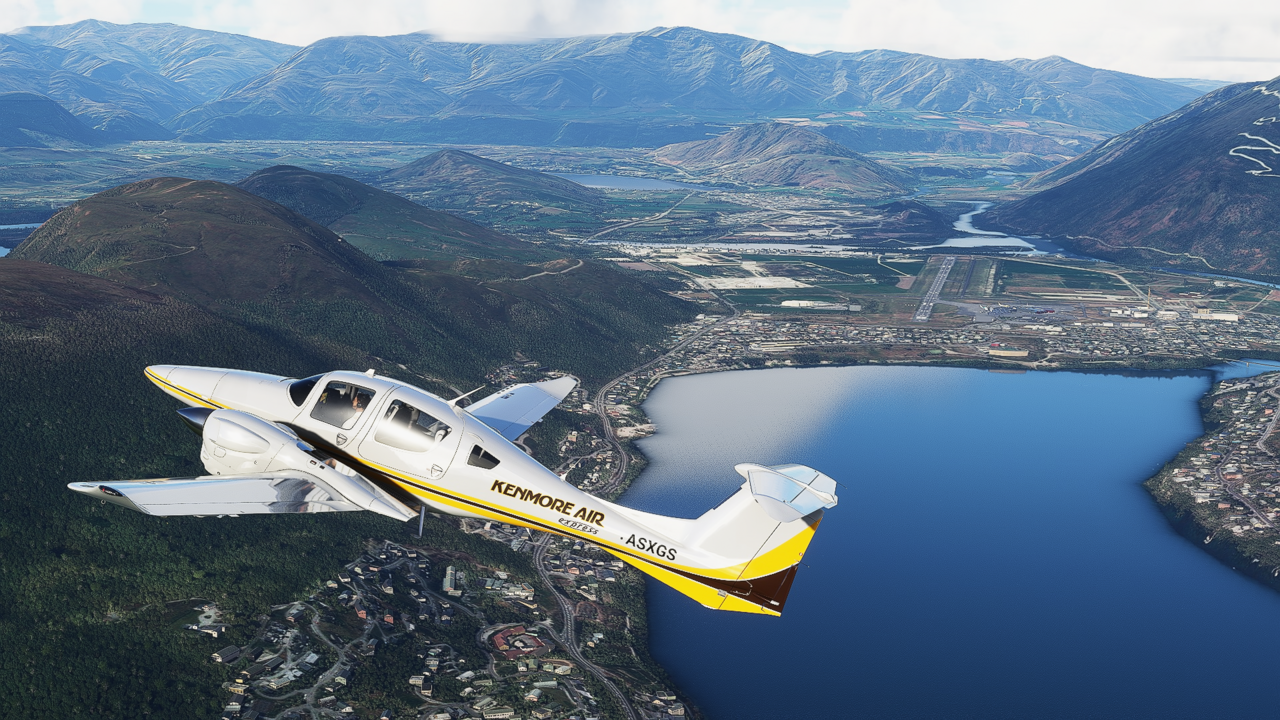
I am grinding through the command set and have arrived at the drone camera.
Hooray, (unlike e.g. AFS2) you can actually set up a decent camera shot in this sim.

As a VFR simmer, screenshots make up a lot of simtime for me.
What to shot, then?
Probably appropriate to wind the clock back, and find something from Godzone.
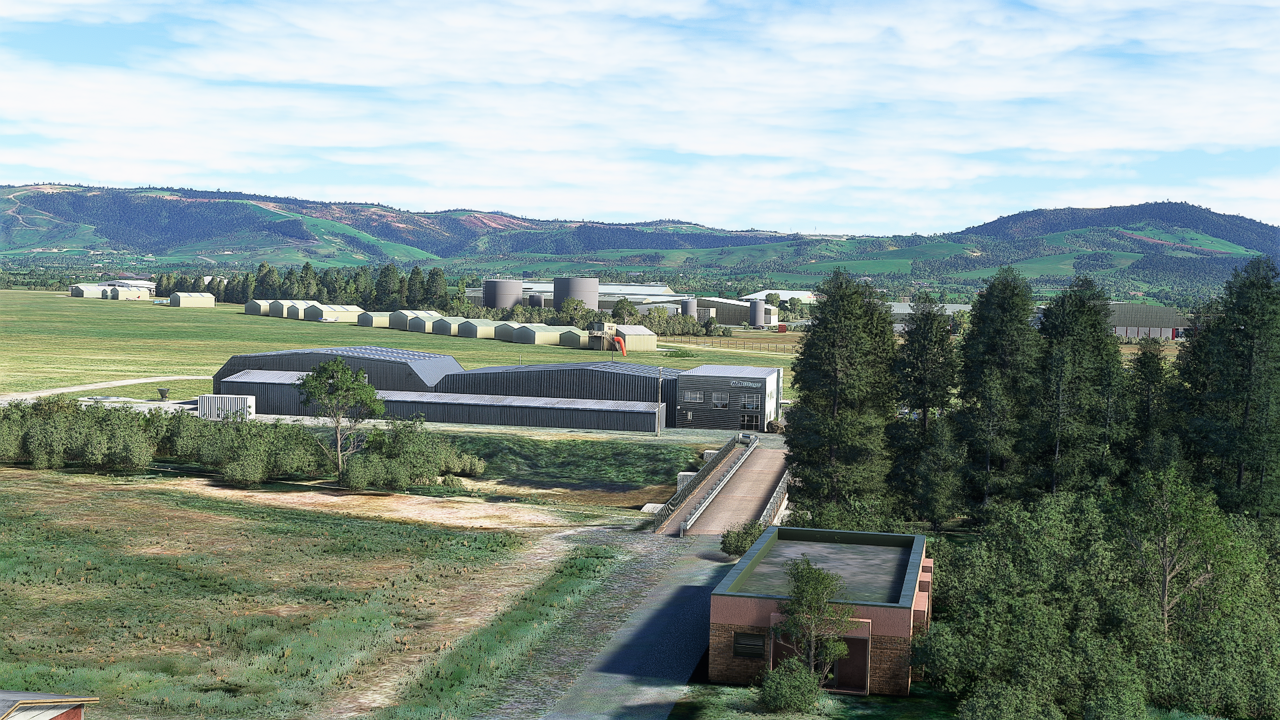
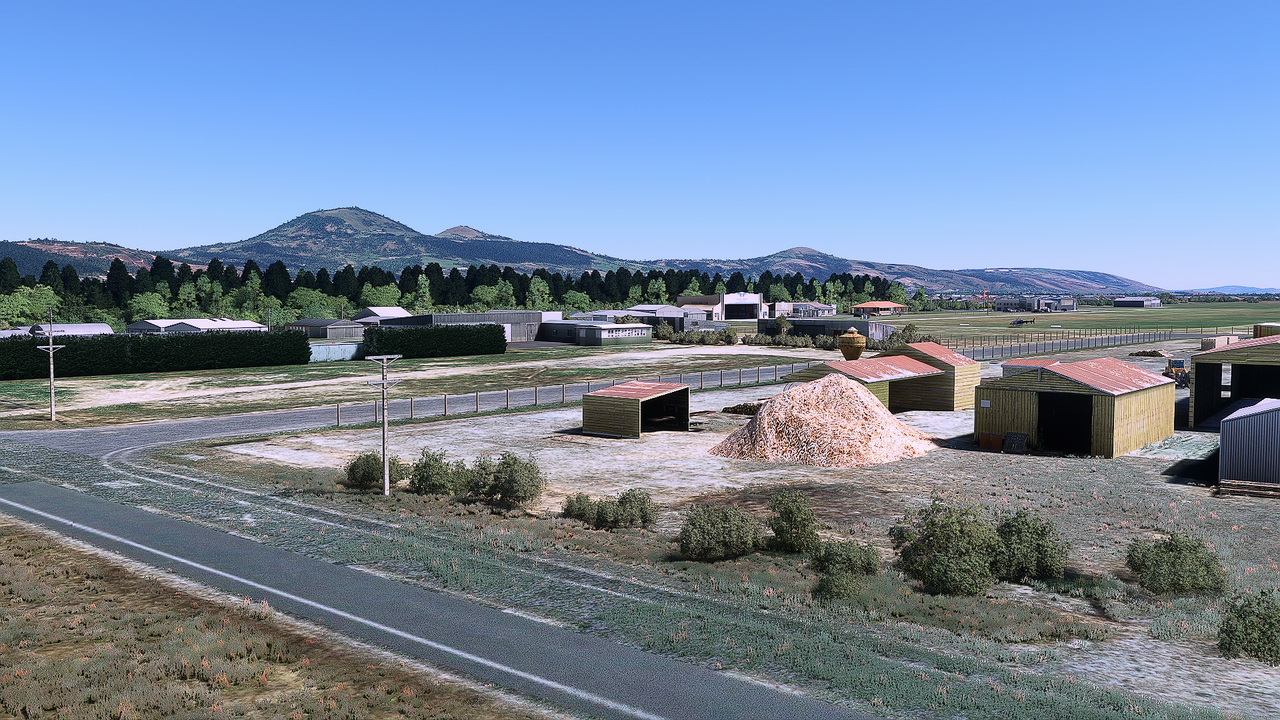
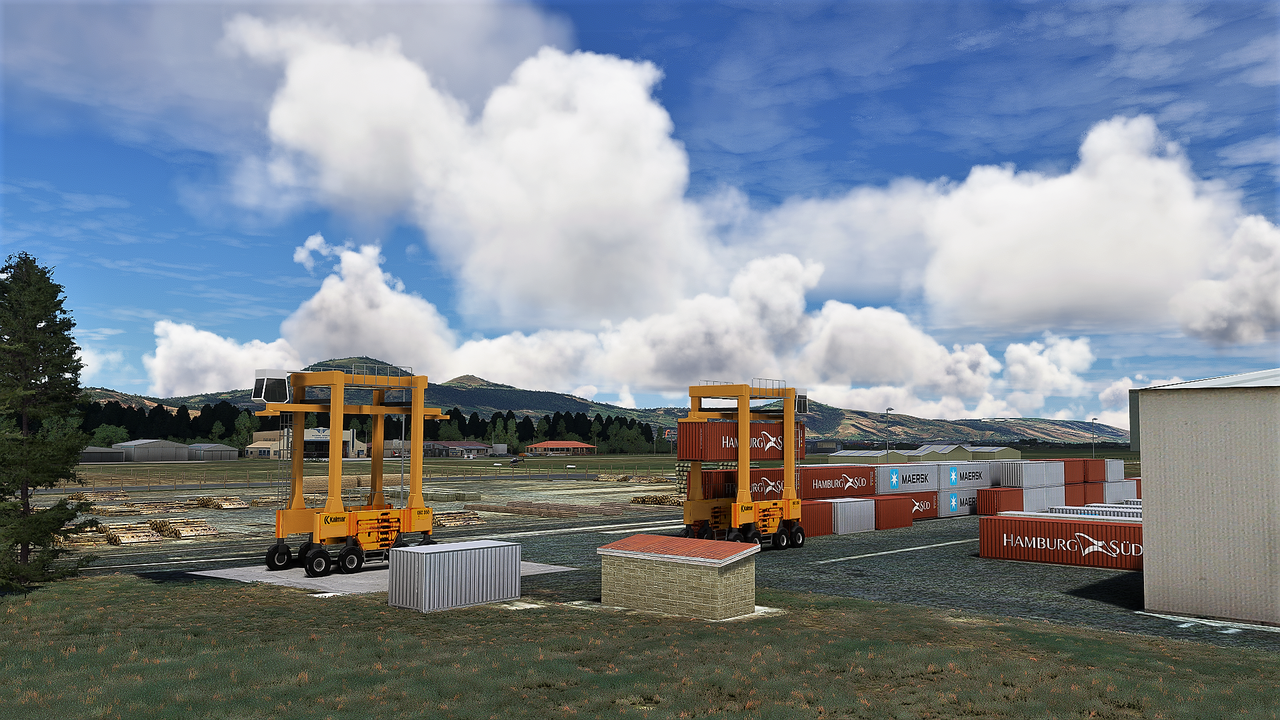
Robin does spend time on the detail and Taieri is a good introduction to the sim walkaround.

Image

Image

Image
User avatar
Charl
NZFF Pro
 
Topic author
Joined: Mon May 01, 2006 8:28 am
Posts: 9691
Location: Auckland

Re: MSFS 2020 First Steps

Postby Charl » Wed Feb 08, 2023 2:13 pm

Image
User avatar
Charl
NZFF Pro
 
Topic author
Joined: Mon May 01, 2006 8:28 am
Posts: 9691
Location: Auckland

Re: MSFS 2020 First Steps

Postby Splitpin » Wed Feb 08, 2023 4:33 pm

Charl .... :bow:
User avatar
Splitpin
NZFF Pro
 
Joined: Mon Aug 03, 2009 12:15 pm
Posts: 21330
Location: Christchurch NZ

Re: MSFS 2020 First Steps

Postby deeknow » Wed Feb 08, 2023 5:32 pm

very nice !!! yeah she's a VFR-er's dream sim for sure :wub:
Deans repaints: http://www.deeknow.com/
X570 Mini-ITX m/b - Ryzen7 5700X3D (8c/16t) - RTX 2060-super - 32GB 3600MHz DDR4 - Win10 - P3Dv5.3
User avatar
deeknow
NZFF Pro
 
Joined: Tue Sep 18, 2007 10:15 pm
Posts: 4448
Location: NZHN

Re: MSFS 2020 First Steps

Postby Charl » Wed Feb 08, 2023 7:10 pm

Thanks guys, I've waited a long time for this.

Marty you will love playing with this sim, can't wait for the first of the PinPics.

I am hoping the NZ update doesn't break the existing sceneries!
Next steps will be to get some local flying machines into the sim.

Image
User avatar
Charl
NZFF Pro
 
Topic author
Joined: Mon May 01, 2006 8:28 am
Posts: 9691
Location: Auckland

Re: MSFS 2020 First Steps

Postby hasegawa » Wed Feb 08, 2023 8:18 pm

We forget quickly. Thanks Carl for the reminder. The MSFS is more of a VFR sim and made as such. To this day, we cannot be satisfied with air traffic control and other things. Airliners only make limited sense. But one shouldn't disregard a product for what it wasn't really made for. The regular howling of the Airbus freaks gets on my nerves. They should conform to the sim rather than the sim conforming to their wishes. All the military sims in the early 2000's also thought the forums were crucial, and as the sims became more complex from WW2 to the current sims like DCS, it showed how limited the clientele for hardcore sims actually is. Then companies like Microprose and many others died. The clientele switched to real carnage and it became quieter "in the scene". Many forums in Germany raised their hooves and now these freaks are whining around on Facebook, but the echo is sparse. It is not extremely important to me whether the number of rivets on an airplane is identical to the original. I want to relax and visit countries in the simulator that I will never set foot in my lifetime. Of course, I also accept other opinions, but whenever a minority puffs itself up as the majority and terrorizes the majority, things go wrong. We are experiencing this in politics in Germany, where the Khmer Greens are just annoying and our cost of living is exploding so much that we have to limit ourselves.
I like MSFS the way it is. Flight style has changed, airliners are no longer an issue and bush flying has replaced pompous cross-country flying with the autopilot for hours.
Carl again, thanks for the reminder.
User avatar
hasegawa
Senior Member
 
Joined: Sun Oct 14, 2007 11:00 pm
Posts: 1836
Location: Potsdam, Germany and Riga, Latvia

Re: MSFS 2020 First Steps

Postby Aharon » Thu Feb 09, 2023 6:13 am

Wow great shots on FIRST try on MS2020!!

Did you install MS2020 via DVD or via internet??

Care to share with all of us your computer's configurations, please?

That is amazing

Regards,

Aharon
Aharon
Senior Member
 
Joined: Sun Jul 23, 2017 11:39 am
Posts: 1996

Re: MSFS 2020 First Steps

Postby Bugdani » Thu Feb 09, 2023 7:10 am

Just a question: Do you sharp your pics with a post effect ?
User avatar
Bugdani
Senior Member
 
Joined: Mon Aug 31, 2009 10:55 pm
Posts: 1700
Location: Belgium, EBLG

Re: MSFS 2020 First Steps

Postby cowpatz » Thu Feb 09, 2023 8:36 am

Very nice pics indeed.
May I ask why you decided on installing from steam? Not there is any issue with that at all. It's just I know that there is also the Microsoft store.
Also if you don't mind me asking, what are your system specs and are you happy with the the performance?
I am not far off upgrading my system, and when that's done I will take a look at MSFS.....if my rural broadband internet can hack it that is.
User avatar
cowpatz
NZFF Pro
 
Joined: Wed Mar 07, 2007 3:28 pm
Posts: 3739

Re: MSFS 2020 First Steps

Postby chopper_nut » Thu Feb 09, 2023 8:52 am

Nice screens. MSFS can look amazing alright. I suspect that the upcoming world update won't break much thats there but third party airports will probably require a patch to to tidy up the blending with the mesh and the like.

I also run it through Steam and the only reason was because they had it cheap one time and I already have a bunch of games on steam. I don't find it to be intrusive or anything. Sometimes a steam dialog box will pop up at the start with a small update prior to the main update, thats the only thing I've noticed.
User avatar
chopper_nut
NZFF Pro
 
Joined: Wed Oct 25, 2006 9:58 pm
Posts: 2977
Location: Wherever the work is

Re: MSFS 2020 First Steps

Postby jpreou » Thu Feb 09, 2023 8:55 am

hasegawa wrote:... whenever a minority puffs itself up as the majority and terrorizes the majority...Carl again, thanks for the reminder.


Never a truer word spoken, and doesn't apply only to sims!

Yeah MSFS *is* good for VFR which is my staple, but I do struggle to stay engaged with flight sim these days. I think because I don't fly much IRL -- I typically used my sim for local practice of flights I wanted to do for real.
Even my 'on again / off again' round-the-world is stalled in West Africa and has been for months (aircraft broke and needs rare parts shipped in, I say!). My spreadsheet totals tell me I have visited 82 countries, in over 389 hours of flying and a bit over 62,000nm. Still a long way to go to get back to NZ though!

Cheers
--
Jeff, ChCh, NZ
jpreou
Sim-holic
 
Joined: Sun Dec 09, 2012 1:21 pm
Posts: 734
Location: Redwood, Christchurch, NZ

Re: MSFS 2020 First Steps

Postby Charl » Thu Feb 09, 2023 11:44 am

hasegawa wrote:Flight style has changed, airliners are no longer an issue and bush flying has replaced pompous cross-country flying with the autopilot for hours.

I am hoping in the NZ context, for a bit of both. The pending World Update triggered my interest so the VFR is covered off.
But there are sceneries for the bigger airports and the opportunity for a range of airliner flights too.
That mix is what makes NZ such a good subject for flightsim.
Aharon wrote:Wow great shots on FIRST try on MS2020!!
Did you install MS2020 via DVD or via internet??
Care to share with all of us your computer's configurations, please?

Thanks Aharon, as mentioned it's a Steam install - I think there is no DVD option as it would take many dozens of disks!
I have 100Mb/s fibre but it did take several hours to download.
Bugdani wrote:Just a question: Do you sharp your pics with a post effect ?

Dani I just used Windows Photos with a small adjust on the Auto Enhance slider.
My ancient photo editor unfortunately does not work in WIN 11
cowpatz wrote:Very nice pics indeed.
May I ask why you decided on installing from steam? ... what are your system specs and are you happy?
I am not far off upgrading my system

Thanks Steve, I used Steam because I am past fiddling under the hood with software!
(And specifically as Nick mentions, there was a special on MSFS at the time)
Updates and upgrades are pushed painlessly without bothering me.
If you think about it, Steam is an end user to MS, so you get the benefit of that.
And importantly, as I experienced with e.g. Taieri, Steam doesn't get in the way of manual addons, because of the way MSFS handles them in the community folder.

I tend to buy a FS box which is one off bleeding edge.
This one was a custom build from Playtech in Albany:
  • Premium Case
    12th Gen Intel CPU: Intel i7 12700KF (Supposedly better for FS than i9)
    LGA 1700 Motherboard: Z690 DDR4 Motherboard (w/ wifi)
    Graphics Card: RTX 3080
    RAM: 32GB DDR4 RGB
    Primary Storage: 2TB NVMe Gen 3 M.2 SSD
    Secondary Storage 4TB 3.5" HDD
    CPU Coolers: 360mm All-In-One Liquid Cooler
    Power Supply: 1000W 80+ Gold
    Windows 11
User avatar
Charl
NZFF Pro
 
Topic author
Joined: Mon May 01, 2006 8:28 am
Posts: 9691
Location: Auckland

Re: MSFS 2020 First Steps

Postby MichaelBasler » Sat Feb 11, 2023 3:26 am

Charl wrote:Thanks Aharon, as mentioned it's a Steam install - I think there is no DVD option as it would take many dozens of disks!
I have 100Mb/s fibre but it did take several hours to download.

There is a DVD version from Aerosoft (https://www.aerosoft.com/us/shop/microsoft-flight-simulator/msfs-simulator/). I bought it, mainly because it includes a nice little booklet. Basically, it's a MS Store installation with the contents on DVDs. I guess most of the contents is obsolete those days and had to be re-downloaded anyway. Moreover, I was burnt with a MS Store installation once which was enough thus always would suggest using Steam, but I know others might disagree.

Kind regards, Michael
User avatar
MichaelBasler
Forum Addict
 
Joined: Sat Feb 20, 2010 9:52 pm
Posts: 192
Location: Jena, Germany

Re: MSFS 2020 First Steps

Postby Charl » Sat Feb 11, 2023 7:48 am

My word Michael, how many disks?
Or, do you insert the disk, register, and THEN download the whole show?
The last few computers I specced didn't even list optical drives as an option, any more than floppies for that matter.
User avatar
Charl
NZFF Pro
 
Topic author
Joined: Mon May 01, 2006 8:28 am
Posts: 9691
Location: Auckland

Re: MSFS 2020 First Steps

Postby MichaelBasler » Sat Feb 11, 2023 8:07 am

Charl wrote:My word Michael, how many disks?
Or, do you insert the disk, register, and THEN download the whole show?
The last few computers I specced didn't even list optical drives as an option, any more than floppies for that matter.

10 DVDs. You start with installing those (they contain the actual contents) and are led to the MS Store for completing installation (should be another 1 or 2 GB going into a protected directory) afterwards. You probably will have to download another >50 GB or so of updates afterwards.

I only wanted to mention it but wouldn't really suggest it.

Kind regards, Michael
User avatar
MichaelBasler
Forum Addict
 
Joined: Sat Feb 20, 2010 9:52 pm
Posts: 192
Location: Jena, Germany

Re: MSFS 2020 First Steps

Postby Charl » Sun Mar 05, 2023 8:52 pm

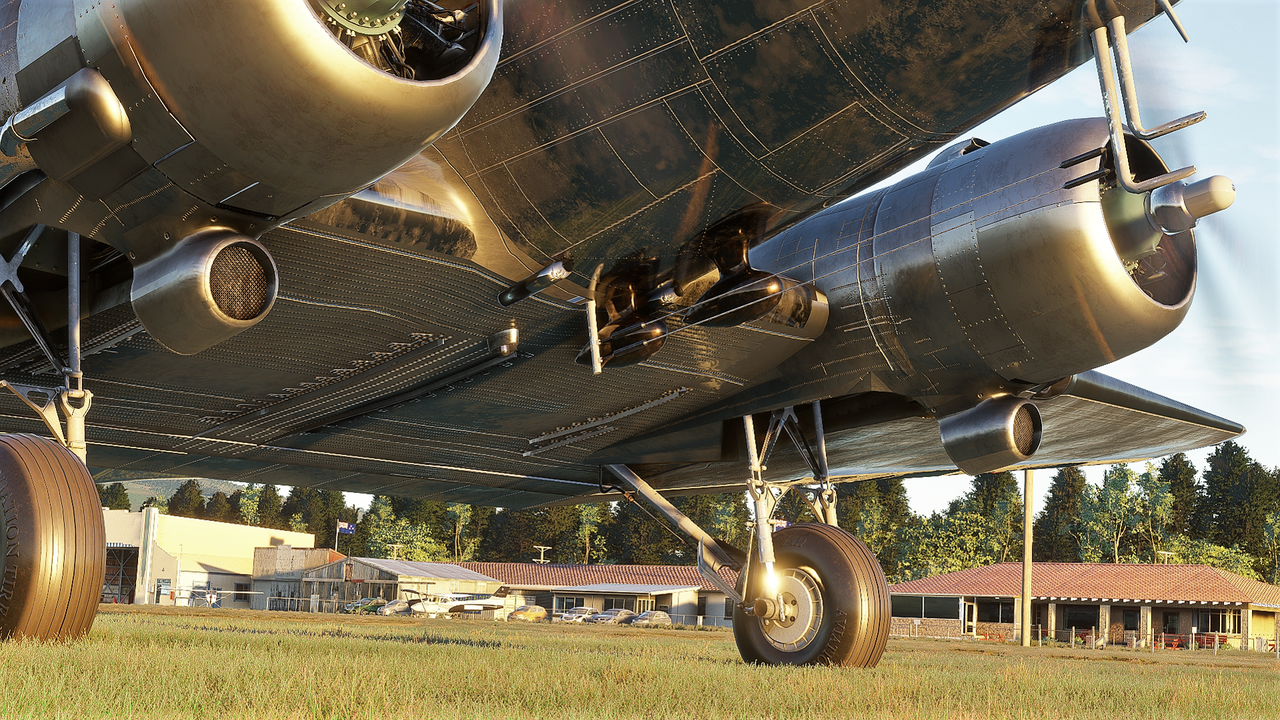
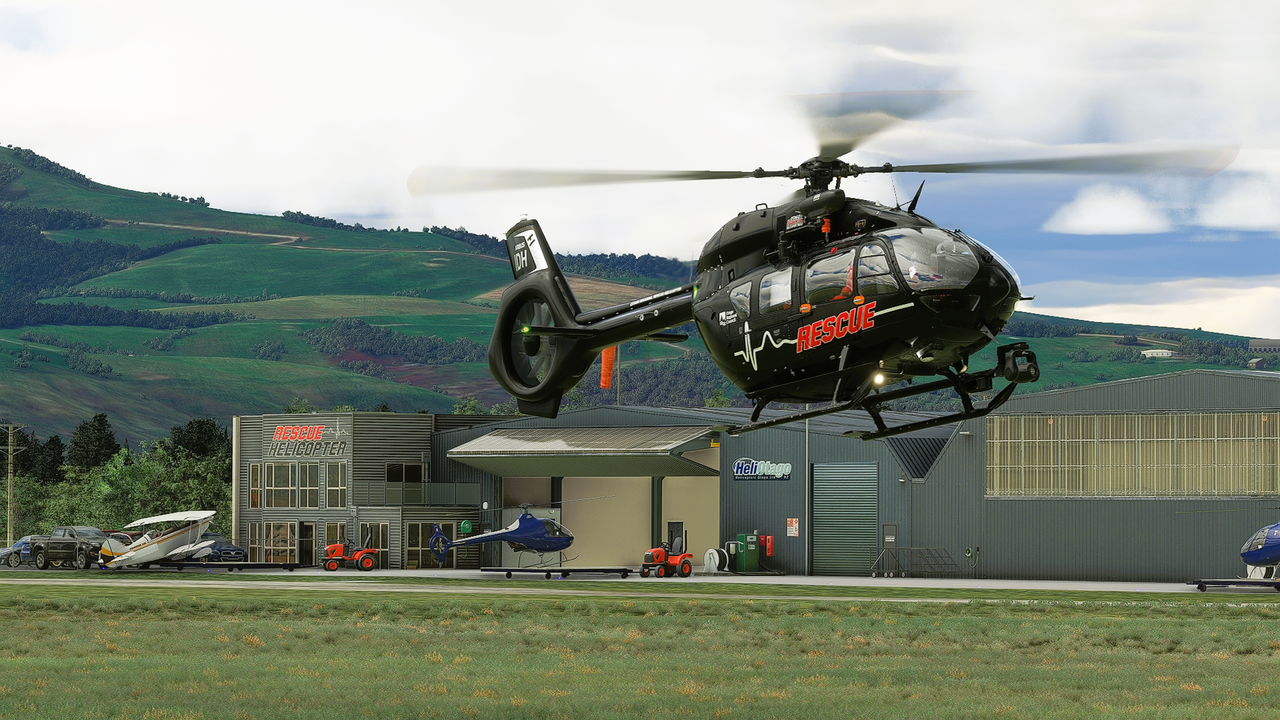
Due to a World Update involving NZ, back to Taieri which has been tweaked to suit.
The below screen took most of my Sunday to make.
Grappling with the foibles of WIN 11, manually entering TWO lots of 30-digit activation codes which put dashes where you want numbers... and many more than anticipated $$$. The things we do for the love of the hobby...

It is all Robin's fault, we have corresponded on this matter :lol:

Image
User avatar
Charl
NZFF Pro
 
Topic author
Joined: Mon May 01, 2006 8:28 am
Posts: 9691
Location: Auckland

Re: MSFS 2020 First Steps

Postby Charl » Sun Mar 05, 2023 9:26 pm

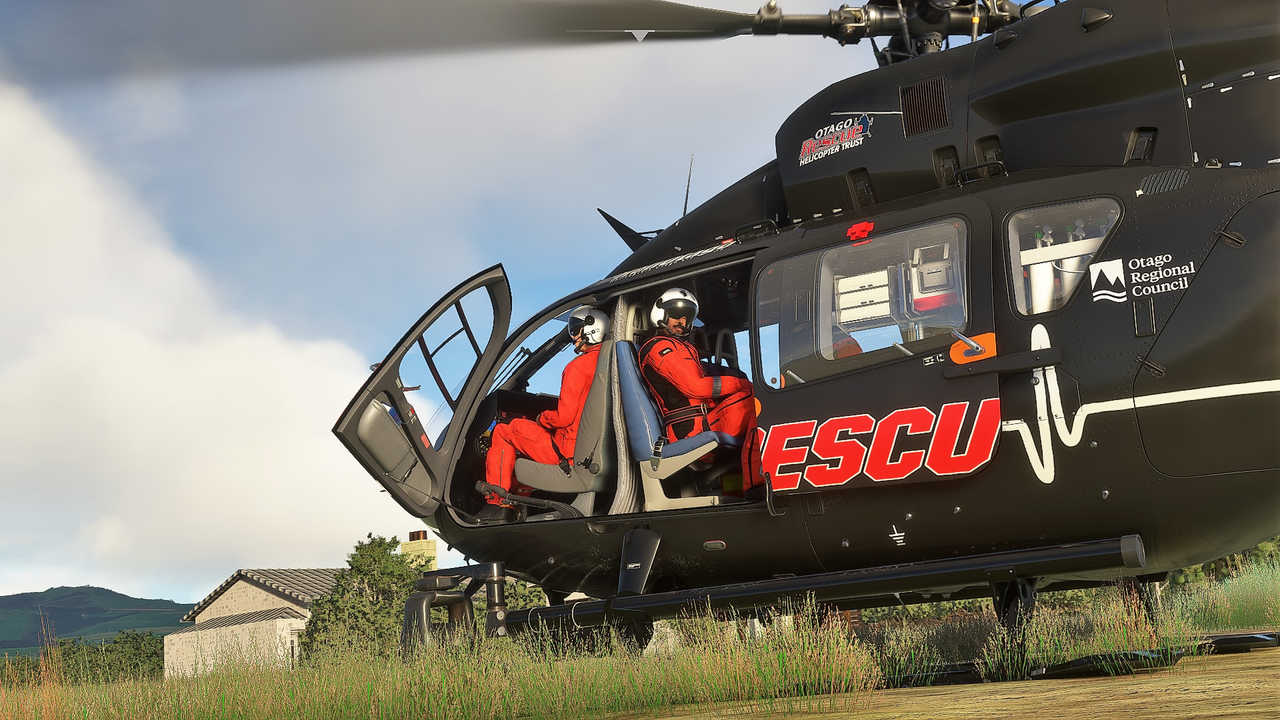
Bonus:

Image
User avatar
Charl
NZFF Pro
 
Topic author
Joined: Mon May 01, 2006 8:28 am
Posts: 9691
Location: Auckland

Re: MSFS 2020 First Steps

Postby deeknow » Mon Mar 06, 2023 8:33 am

Nice !!! PS whats the verdict on the BK117/H145? that's from HypePerformance yeah?
Deans repaints: http://www.deeknow.com/
X570 Mini-ITX m/b - Ryzen7 5700X3D (8c/16t) - RTX 2060-super - 32GB 3600MHz DDR4 - Win10 - P3Dv5.3
User avatar
deeknow
NZFF Pro
 
Joined: Tue Sep 18, 2007 10:15 pm
Posts: 4448
Location: NZHN

Re: MSFS 2020 First Steps

Postby Charl » Mon Mar 06, 2023 9:21 am

H145 is a favourite going back several flightsim generations, so I was keen to get it.
Robin's promo shot of Taieri shows one**, so I thought Why Not?
It is very good indeed, and if not Study Level then at least, Most Things Work.
And at nigh on NZD80 after the addon packs, you'd expect no less.
It will take time to discover all it has to offer.

**he was quick to mention it was a freebie gotten during the scenery development... Devs have all the perks.

Edit:
Hype Performance Group, yes
User avatar
Charl
NZFF Pro
 
Topic author
Joined: Mon May 01, 2006 8:28 am
Posts: 9691
Location: Auckland


Return to Screenshots

Who is online

Users browsing this forum: Fozzer and 26 guests