It's been a very long time since I started a thread on here, it actually took me a quite a while to figure out how to log in and navigate myself to this page, but here we go. Good to see some names from back in the day still posting here regularly, and a nice to surprise to catch Craig/Towerguy on the phone the other day too!
I have recently invested in purpose-built PC for FS2020, my first new gaming machine since 2011, and am seriously enjoying the fact that for the first time I can now run a flight simulator with all the graphics sliders to the far right. I thought I'd take the time to start a new topic to contain my stream of consciousness as I go about rediscovering the hobby, and also place a few questions to those of you who are a lot more up to date with the various aspects of simming.
Overall I am blown away by the experience straight out the box with FS20- In particular the amount of photoreal scenery coverage and AI placed autogen. Almost the entire planet seems to have a high end payware addon feel to it from what I can remember from my FSX mods. I am looking forward to seeing what pops up in the marketplace in the future, the renders from Flightbeam NZAA and Che’s NZNP both look incredibly realistic. Robin’s previews of Taieri look brilliant too, it’s going to be great to see some up to date renditions of other NZ airports crafted by the collective design skill that is out there. Fingers crossed for a decent terrain mesh release too, I think the years worth of flying around in Orbx’s FSX NZNI & NZSI spoiled my expectations somewhat!
I think my favorite aspect of the sim so far is the immersiveness of the virtual environment. I’ve mainly been flying low level GA, and the way the weather interacts with the terrain, and in particular the lighting model, with the sunlight bursts and shadows varying around cloud cover almost looks better than real life.
Being able to change the weather variables and time of day in real time is pretty neat too, that sort of stuff required a reload and several minute wait for me in all previous sims. Shame you can’t swap aircraft type or drag and drop yourself on a map like FSX allowed but I’m sure we’ll see plenty of UI modifications as time progresses judging by the amount of updates and patches we’ve already seen since the release date.
Another custom weather variable that I miss is the visibility slider, being able to set different variables for different altitude layers. The particle density slider works well enough instead but seems set a uniform haziness factor from ground level right up to the flight levels, with visibility generally increasing in altitude in the real world above the lowest cloud layer.
I’ve noticed that REX were quick to release a ‘WeatherForce’ addon for FS20, with the in sim weather built off METAR data rather than the Microsoft meteoblue data. Has anyone tried this for NZ? It seems the only extractable METAR data from NZ that can be found online comes from NZAA, NZWN and NZCH, so if that data is interpolated for the rest of the country, I’d guess that would be a waste of time with the significant influences of geographical features responsible for localised conditions.
In terms of performance, I’ve watched various youtube tutorials on how to maximize settings both in the GeForce Experience, along with in game and trial and error tweaking as I go. Much of the results seem like a placebo effect though as everything runs fairly smoothly to my eye, and counting frame rates on the corner screen counter seems irrelevant to the results I’m experiencing. One thing I had noticed is that when I run the extended desktop feature on Windows 10 to use my laptop screen as a second screen for the moving map, my FPS jumped from in the 60’s to in the 90’s! Does Windows 10 have the ability to combine both CPU’s to drive the software on the primary machine, or am I seeing a misleading combined value of two computers worth of frames displayed on one screen?
I’d also be interested to know if anyone else is experiencing overly sensitive control surfaces? In particular, elevator and rudder at slow speeds seem to be far more effective than they should be based of basic principles of flight. I’m running a Logitech Extreme 3D Pro joystick with the following sensitivity (significantly decreased from default):

A bit of googling lead me to download FSUPIC7 (free till the end of October) which allows further response curve modification for joystick inputs. I’ve set my elevator to +2 and rudder to +5 and it seems to have damped down the response a little, but still feels rather arcady. I realise there will always be limitations without being able to feel the feedback of the aircraft weight on the joystick, but any pointers as to something I might be missing would be appreciated!
Aside from FSUPIC, I’ve also stumped across Little Nav Map which is a game changer for both flight planning and in flight navigation. I’d certainly pay for this functionality if it was payware. Most flights I use the Little Nav Connect app to run the Little Nav Map on my laptop as a second screen, with aircraft position data broadcast from my main PC wirelessly. I particularly like how it shows your flight progress through a breadcrumb trail- another feature I miss from FSX, reviewing your flight track on the map at the end of a session.
I was talked into purchasing a Stream Deck too, after trailing the smart phone version of the software and customizing a bunch of key commands, I bought the 15 key unit from the local PC store. Having this device on my desk next to the joystick is a game changer for quickly being able to access lots of different sim features without needing to memorise key combos, but I mainly use it as an autopilot control panel for when I’m flying around in the external camera view.

On that note, my final gripe is the lack of depth that comes with the autopilot and avionic systems in general. I am aware that historically default aircraft were never previously overly complex when it came to their systems but I would really like to see some useable VNAV functionality to the VNAV capable aircraft, and a few less INOP switches on the Garmin 1000/3000 series cockpits. A track up moving map would also be great, along with a calculatable TOD point. I’m sure they’ll be some big efforts behind the scenes from the 3rd party aircraft developers to release products with the next level of immersion here, which is probably what I’m most looking forward to more than anything else.
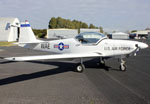
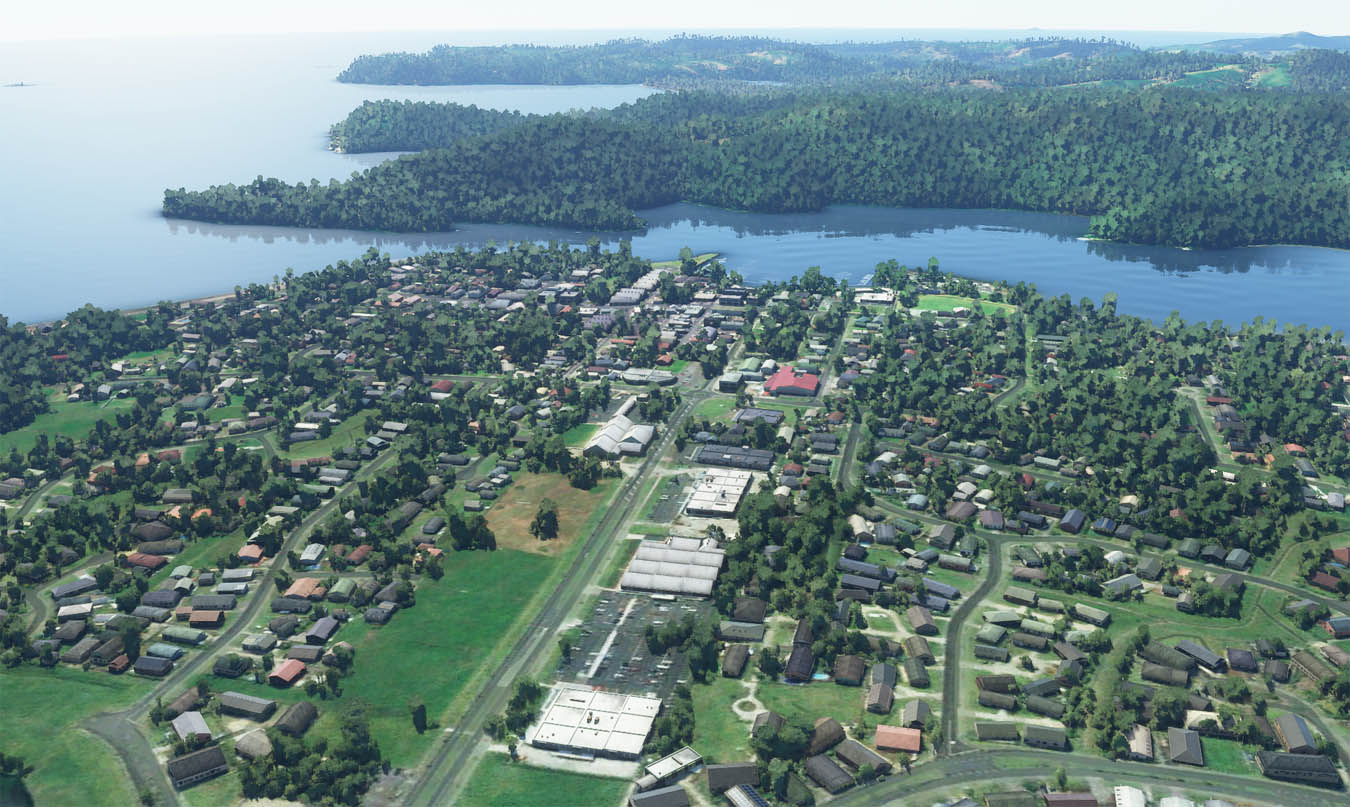
That’s all I can think of for now. Today is a rare day free of work so might fire up the sim and go and explore the new Japan update. Here's a few screen grabs to finish. Cheers!