Hi Steve.
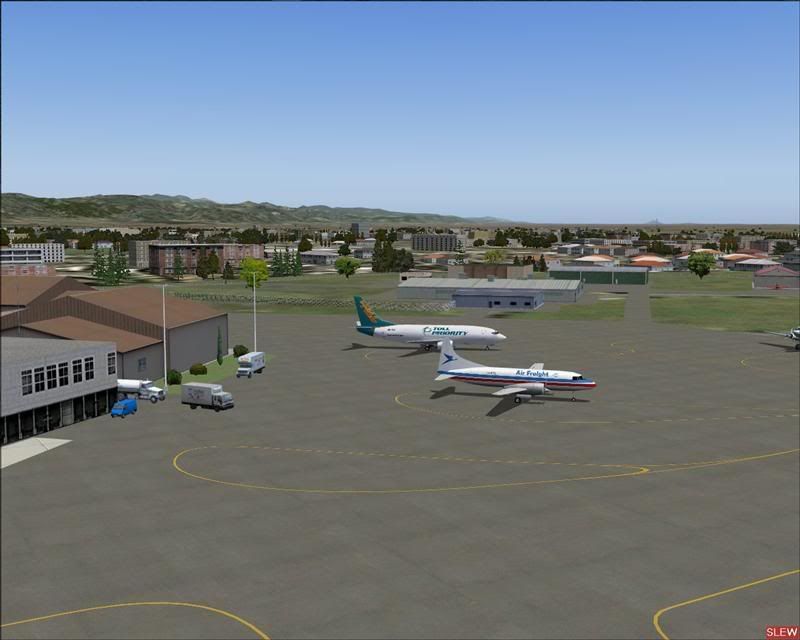
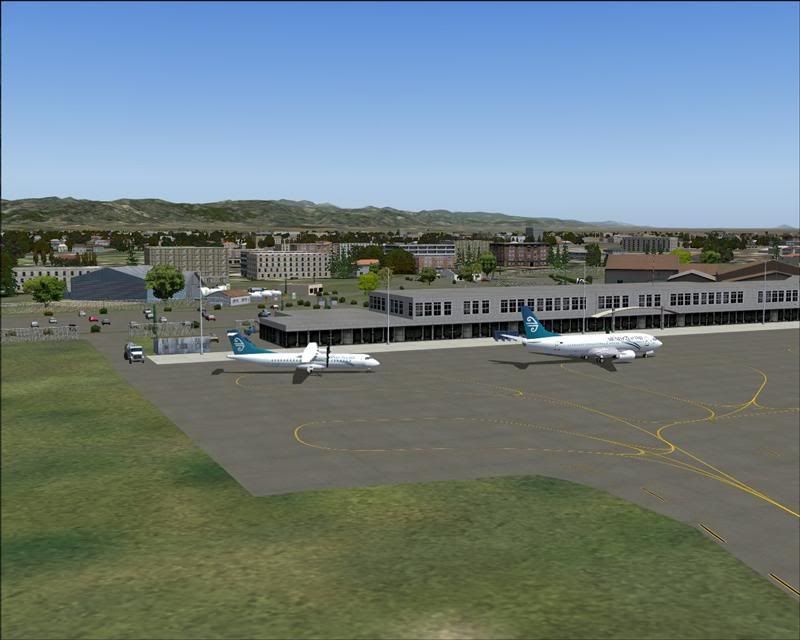
Going only from the looks of the one pic you posted, it looks like you DO NOT have the EZ Defauult Terminals SS by Sidney Schwartz installed properly. Also, the 2 untextured buildings you see in the pic are actually underneath the main terminal building with only the terraced roof edges showing out of the main terminal building. Being untextured, i would say you also dont have the following installed properly..................
ez large hangers ss, by Sidney Schwartz.
ez terminals ss, by Sidney Schwartz.
The unhtextured hanger in the background of the pic youve shown is also from ez large hangers ss, by Sidney Schwartz.
There should also be a building beside the Fuel Tanks in the background, its from..............................
You will also need the EZ Scenery Library installed in your "Static Objects Library", which is freely available
from Abacus Publishing at the following link.............
http://www.abacuspub.com/pub/AbacusEZLibraries.exe (8mb).
Its the BASIC EZ Scenery library.
Also, the light browny coloured building at the right hand side of the pic, is the original FS9 default terminal, with the AEU-7 textures applied,. It should NOT show at all, so i am wondering if you have done the following..........................
NOTE !! Once activated, close FS again, and copy and paste the exclude line (Exclude=S40 19.30,E175 36.74,S40 19.70,E175 37.34,objects) from
the file named NZPM EXCLUDE Line.txt into Palmerston North's entry
in the main scenery.cfg file in the main FS9 folder. Open the scenery.cfg with notepad, and scroll down untill you fine the Palmerston North entry there,
( it will be that last one right at the bottom). Paste it to the bottom of the Palmerston North entry, click on "save", wait a few seconds, then close the cfg file.
[Area.068]
Title=Palmerston_North_NZPM
Local=Addon Scenery\Palmerston_North_NZPM
Remote=
Active=TRUE
Required=FALSE
Layer=315
Exclude=S40 19.30,E175 36.74,S40 19.70,E175 37.34,objects
The ONLY thing that should look any different in your entry will be the [Area.XXX] field at the top of the entry.
Yours may have a different number, depending on how many other scenery addons you have installed.
The ONLY way that the origianl terminal will show is if you have not added the exclude line to the scenery.cfg and "SAVED" it !
These are my best "guesses" at what is wrong, based on only the one pic you have posted................
Lawrie.


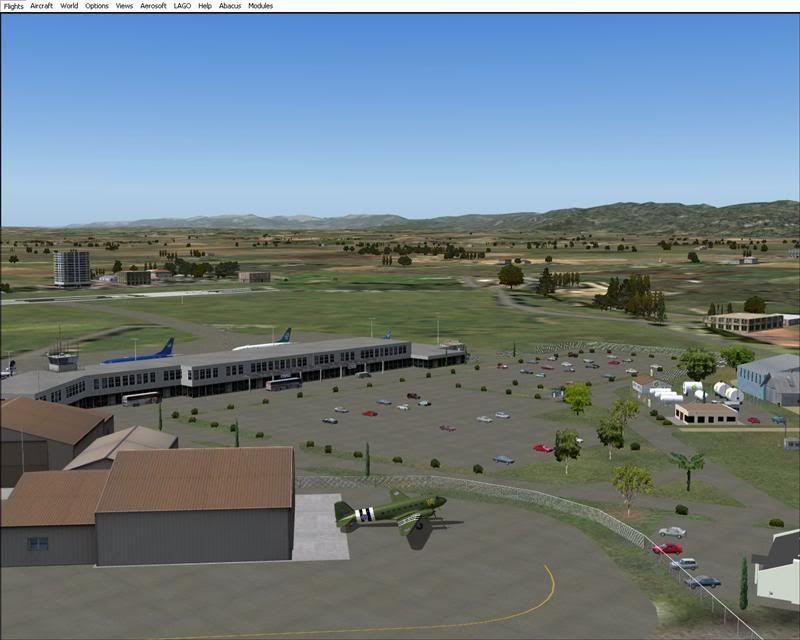
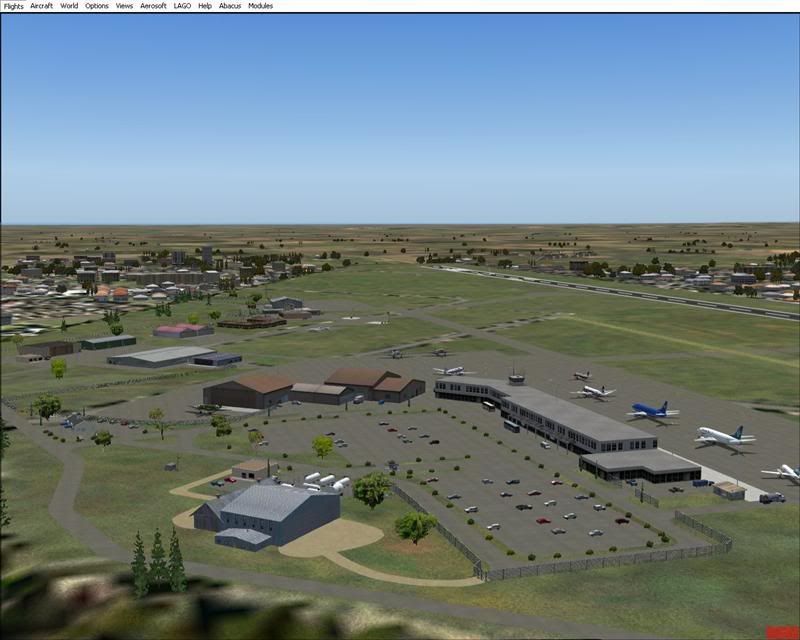




 ,,you know same old story just different day








