For those out there that fly and/or actually have 'real' aviation headsets... I have figured out how to use mine with the PC... I have a Pilot Avionics PA 11-60...
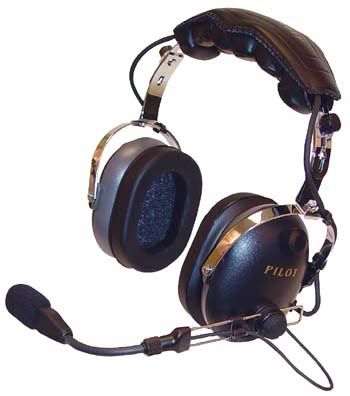
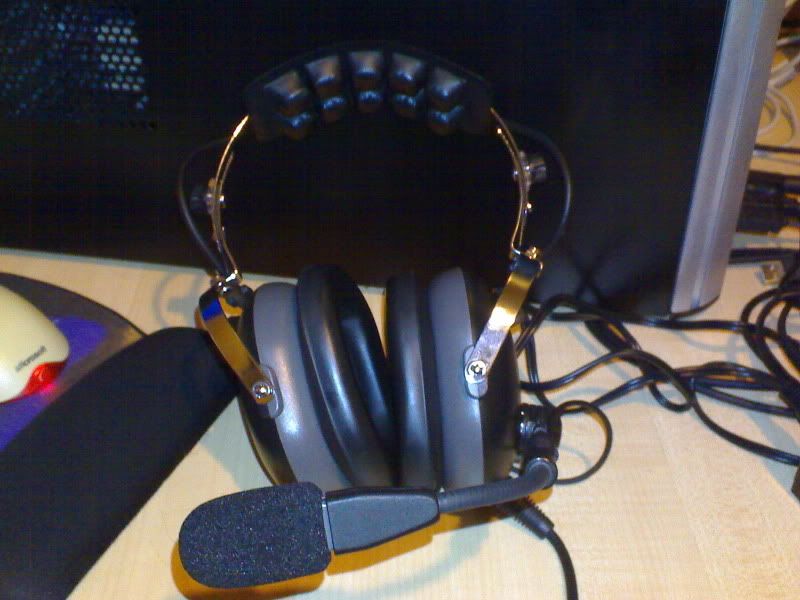
Not the worlds greatest aviation headset... but I'm going to treat myself to a nice noise cancelling one when I get my license

Anyway... I figured I could either buy an adapter (something like
this), but they seem to average around US$50!!
or I could make one!!

So I had a hunt around online.. and came up with
this page and
this page which showed me what i needed to know...
- Headphone can probably be connected directly to PC (assuming stereo headset)
- Microphone will need special sized jack
- Microphone probably needs amp power
So, first up I tried the headphone connection. As the headphone plug is just a standard 6.5mm (1/4" inch) plug and mine is a stereo headset, I got a simple 6.5mm stereo to 3.5mm stereo converter for just a couple of $$ from from Dick Smith. Worked like a charm, and the added noise reduction of the headset means I can actually run at a lower volume and still hear things perfectly... BONUS!
Next was the microphone. Unfortunately, as mentioned on those websites, the microphone plug was an 'odd' size... in this case 5.3mm or .210" inch. Working off the part numbers from the websites, I found some online mail order places in the US that had them for like US$2... not too bad I thought, but they wanted like US$30 to ship them! WTH?!!

So i tried some of the avionics companies in NZ (a couple out at Ardmore etc.) and they wanted some ridiculous prices like NZ$20+GST.... pfft
Luckily I then found this New Zealand based site,
RS Components... they have the
Switchcraft S12B for like NZ$8+GST... and if you are in AKL, you can go pick it up at the trade counter in Penrose and dont have to worry about shipping costs!

It took them about a week to ship it in but was definitely better than paying US$30!
So then it was down to Dick Smith to collect the other bits and pieces I would need:
For the wiring, I figured i would not need anything too hefty, as the currents/voltages would be relatively small... I had some old ethernet cables lying around, so I hacked one up and used some short lengths of the wires inside.
Bit of soldering here... bit of soldering there... some drilling/hacking on the project box and voila... one Aviation Headset to PC Adapter for less than NZ$25!

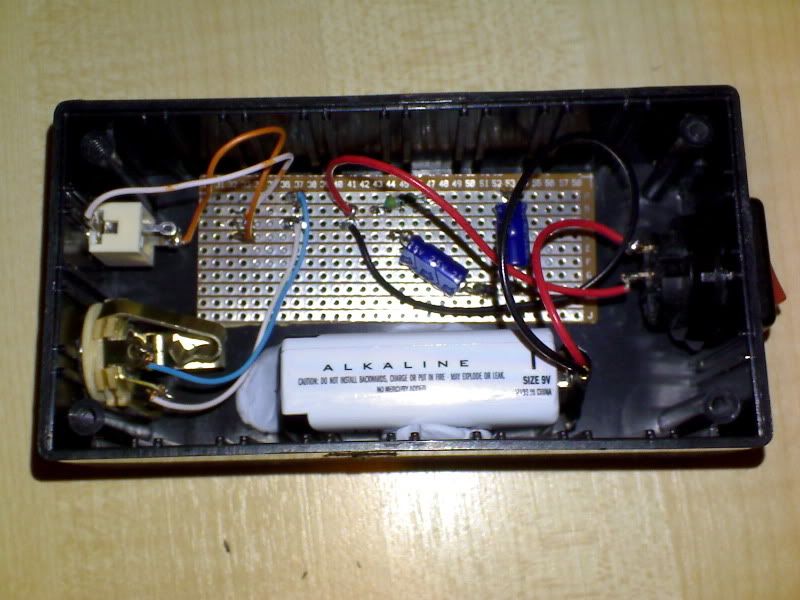
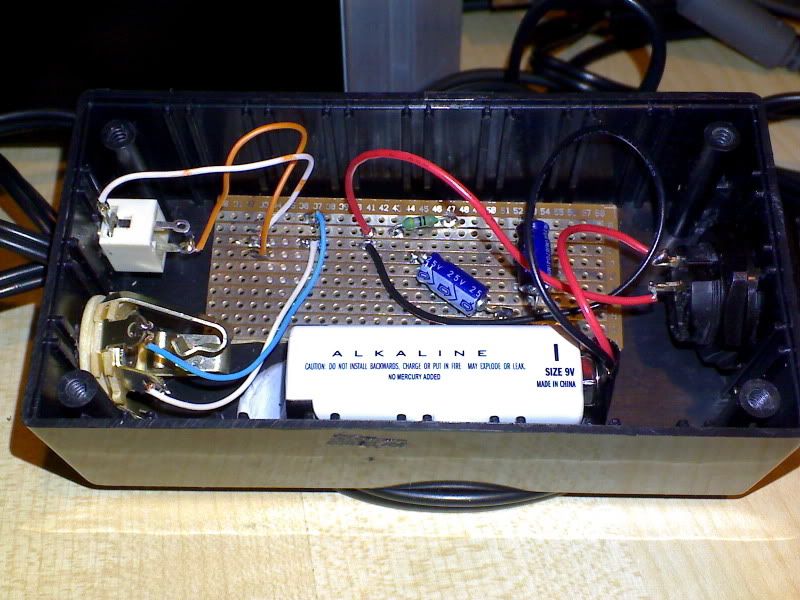
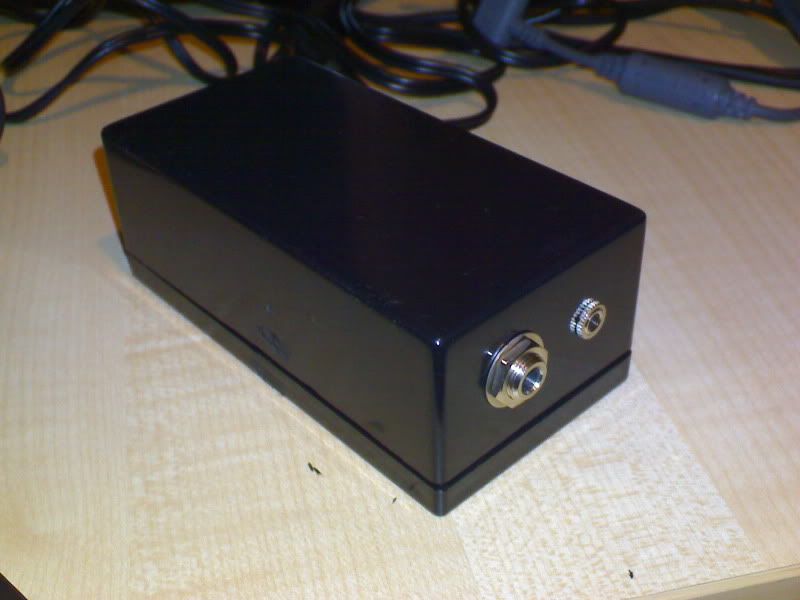
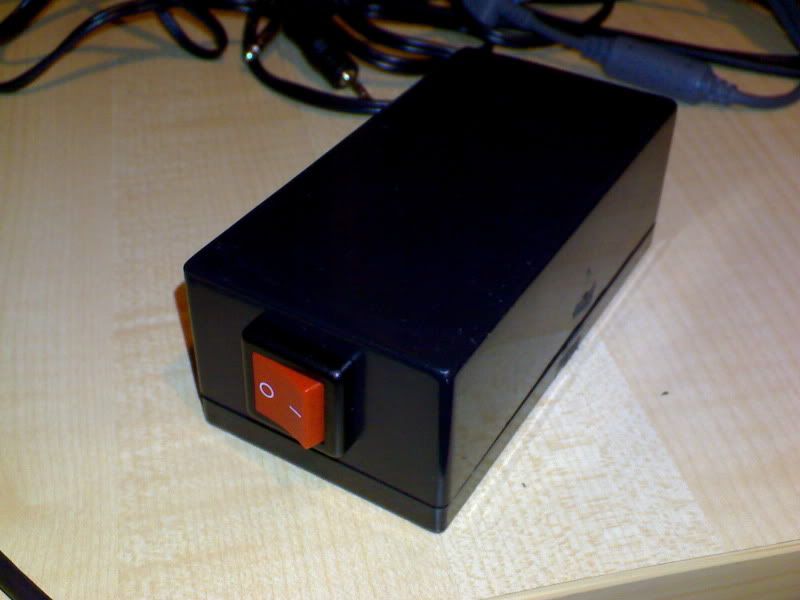
Now, to use my headset with the PC, I plug the headphone plug directly into the PC (using the 6.5mm to 3.5mm adapter) and I then put the microphone plug from the headset into the box, and use a 3.5mm to 3.5mm cable to connect the box to the PC.
Testing show far, indicates that other uses on Teamspeak can hear me OK (Mike reckons I sound like a pilot making announcements over the intercom on an airliner

) and when I connected to the Friday Night Flight server, Christchurch Tower was reading Massey-120 at 5.
Notes:
If I had to do it again, I would probably used a different switch. The one I chose had to be mounted before you could solder it, due to its mounting design. Not a big thing, but made it a little more challenging.
Electrolytic Capacitors are required, as other types are not polarised. This is apparently, quite important, although I am not entirely sure why. I believe it has something to do with isolating the power from the PC sound card, so it does not interfere with the power supplied by the 9V battery.
I had to trim the circuit board down to fit it in the box, as I only required a small section of it for this really simple circuit and it didnt come in smaller sizes. Using a Stanley knife, I simply scored the board several times, between 2 of the circuit strips, and then snapped it. In hindsight, I probably should have done this BEFORE i actually soldered it all together, in case the board snapped badly, breaking the circuit.
Project boxes are a real P.I.T.A. to cut holes in... however, a drill with good bits, a sharp pair of scissors, a Stanley knife and a lot of patience will work. Take your time and measure often, as if you make the hole too big for your socket/switch, you're screwed!
Pros:
- The 24db NRR of the headset means I cannot hear the wife yelling at me that I need to get off the computer and cook dinner/mow the lawns/wash the car/come to bed
- Don't get sore ears from the 'on ear'-type headsets pushing against my ears on long flights
- Good quality headphones and microphone
- Added realism
- Fun! Yay, I get to use my multi-meter and soldering iron

Cons:
- The 24db NRR of the headset means I cannot hear the wife yelling at me that I need to get off the computer and cook dinner/mow the lawns/wash the car/come to bed = T.R.O.U.B.L.E.

- Requires some electronics know how (and the ability to solder)
- Availability of parts. Unfortunately, the mic jack is quite difficult to get.
- Cost, you can probably get a USB headset for the cost of the parts (NZ$25). Not to mention the headset itself which was well over $150 when I got it about 3-4 years ago


 ). Looking at pictures of it im begining to think it looks a bit heavy, I may stil get it but would be happier with something a bit more compact, soft and smooth and modern looking.
  something light but with sensational quility.
 . One problem is that your ears need a small break after about an hour or so, as they (headphones) seem to press against them harder than they need to...





 The only headset I'd consider slightly better is wireless headset which is very clear and can be worn anywhere in the house eg lounge, kitchen, toilet



 3.5mm Mono

