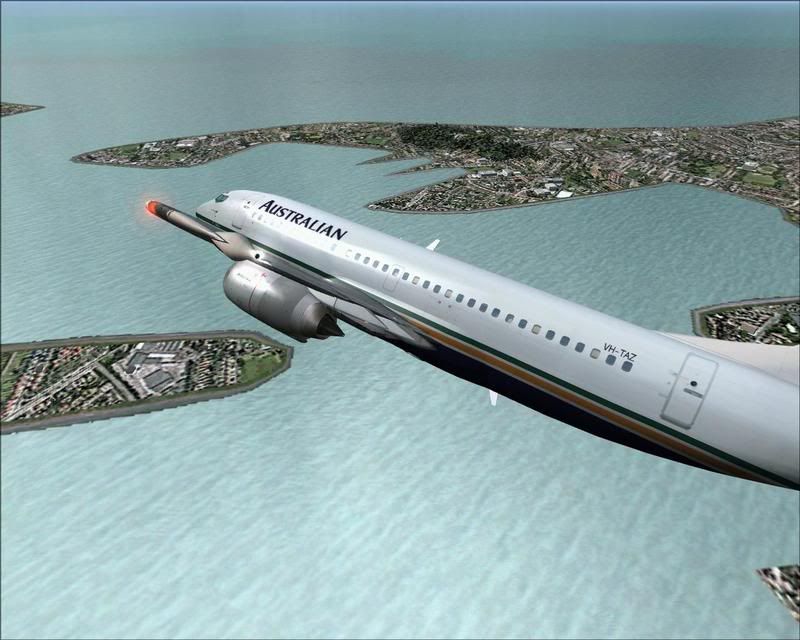
Dash and 733

Post and comment on screen captures from the beautiful game here. Home of the monthly screenshot competition

Postby victor_alpha_charlie » Wed Apr 25, 2007 12:29 am

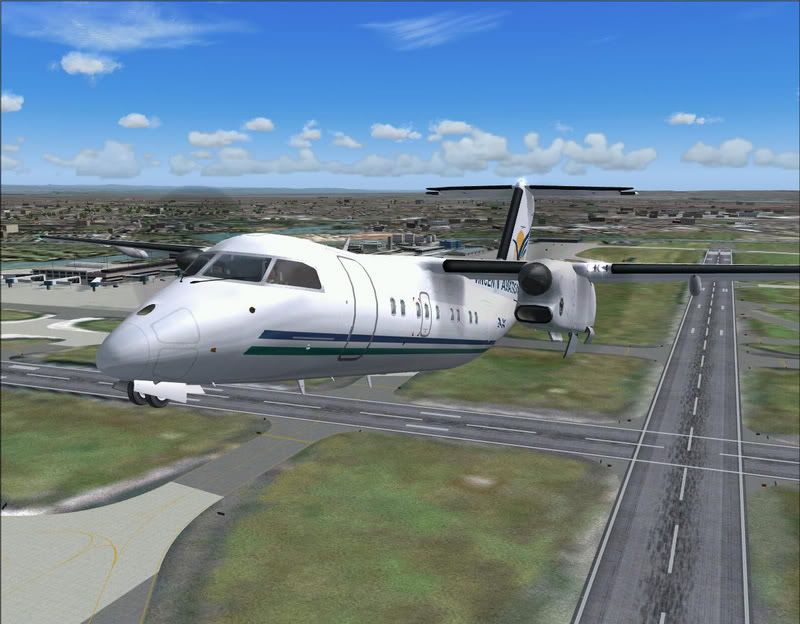
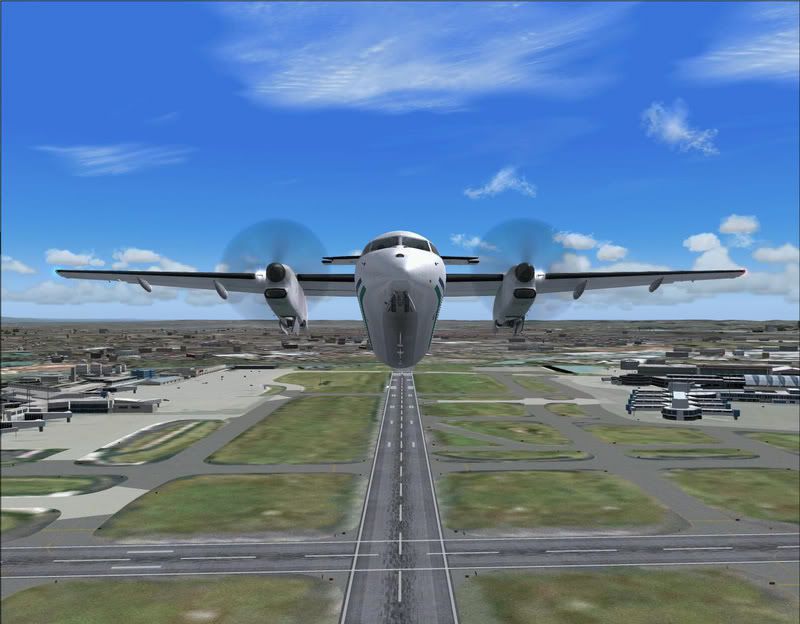
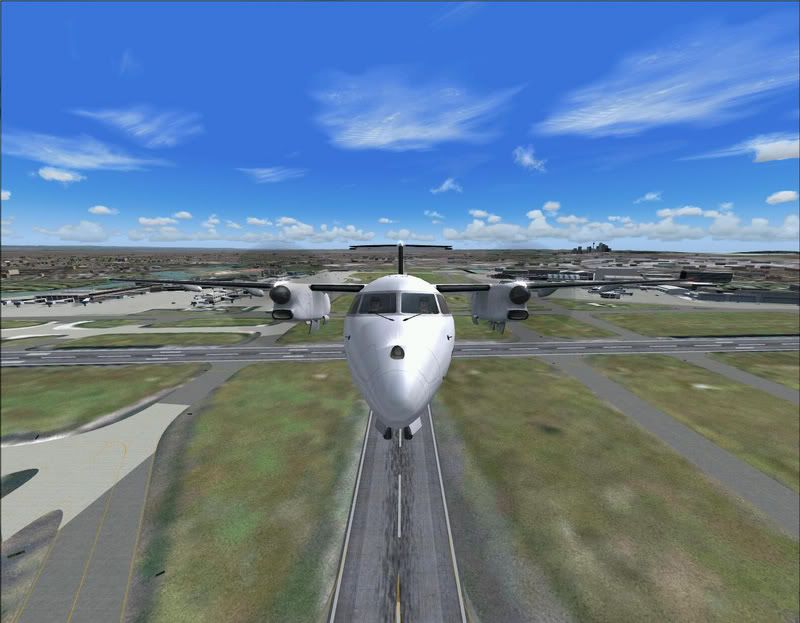
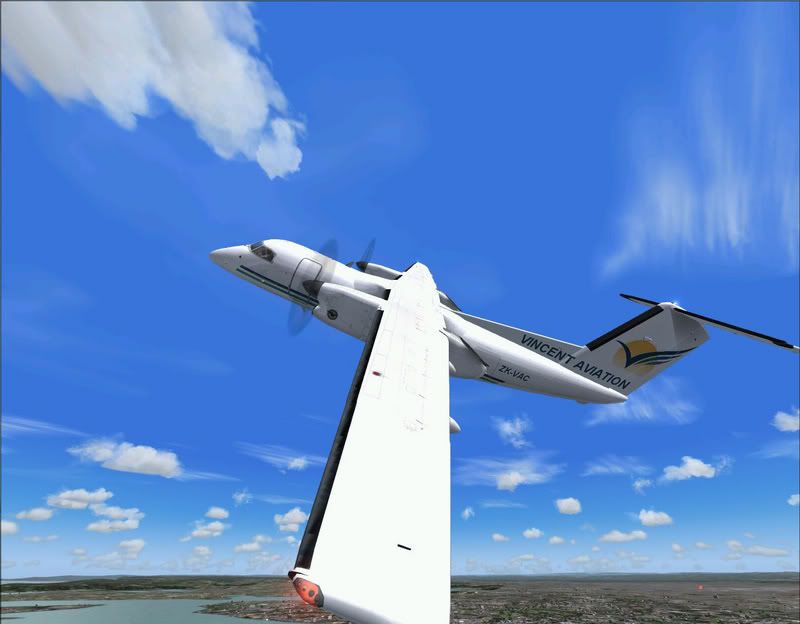
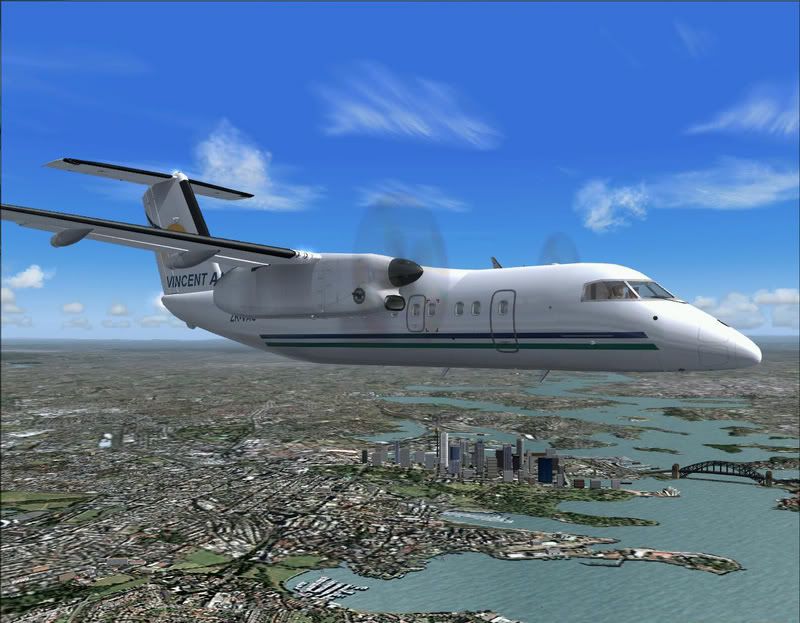
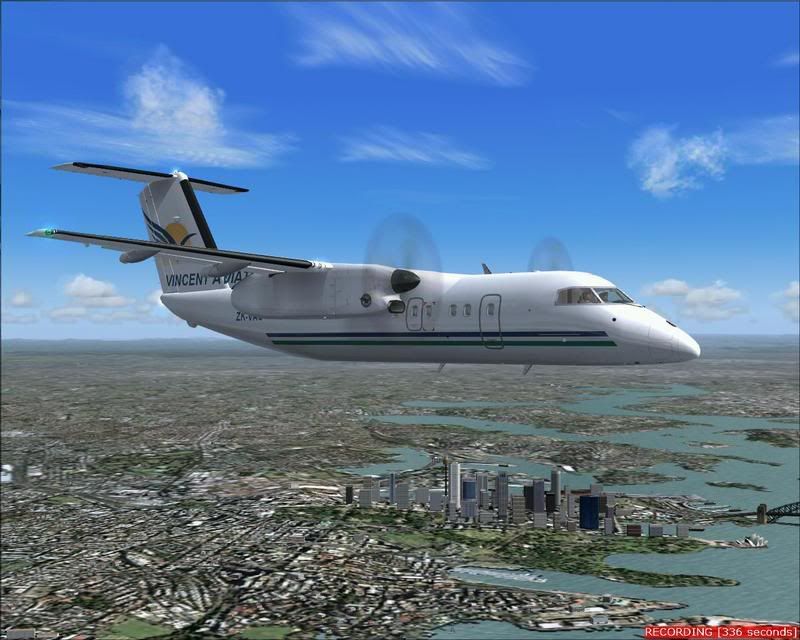
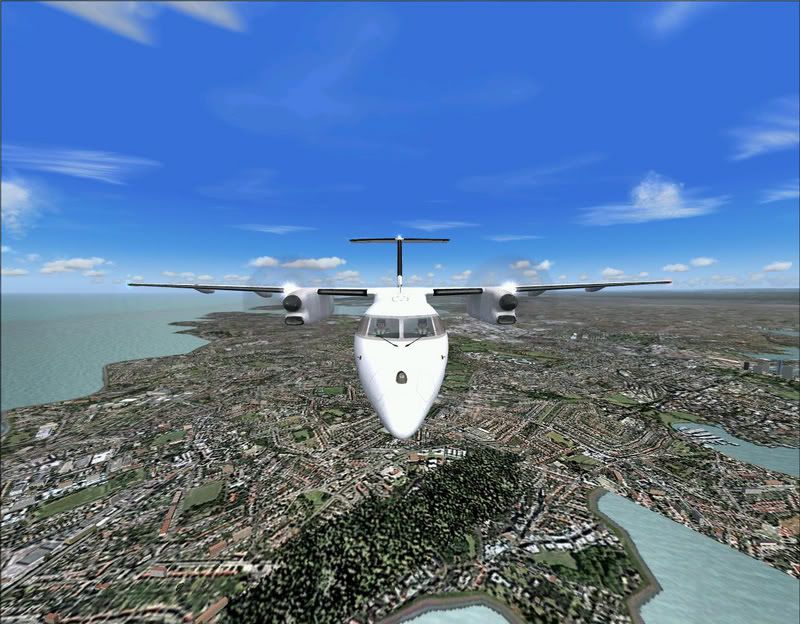
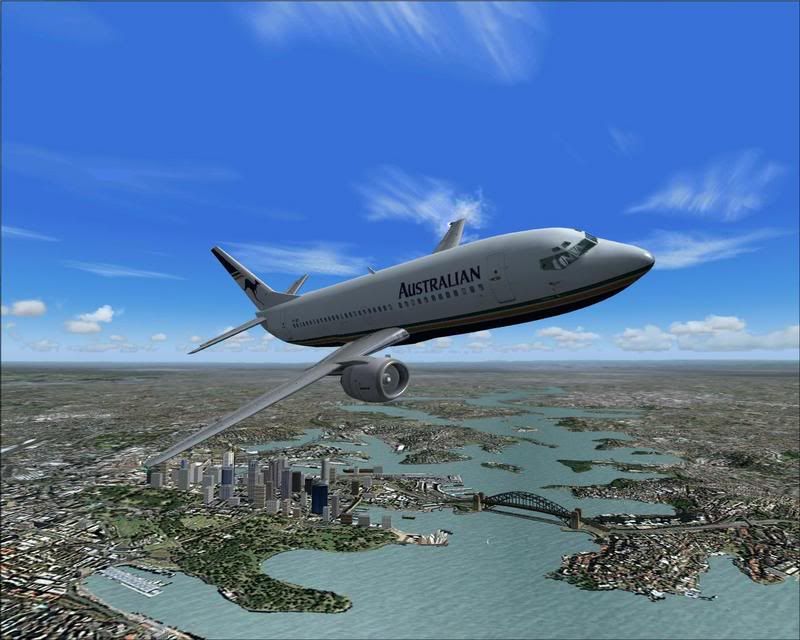
Well trolly gave me a link to a free Flight1 screenshot module thingy that allows you to get different angles of aircraft so i gave it a try today... (on a quiet multiplayer server, hence no ai) And yes, I did go a wee bit over the top with the zooming..
user posted image

user posted image

user posted image

user posted image

user posted image

user posted image

user posted image

user posted image

user posted image

Well thats it, leave a comment! :plane:
User avatar
victor_alpha_charlie
NZFF Pro
 
Topic author
Joined: Wed Jan 10, 2007 11:09 am
Posts: 2372

Postby ardypilot » Wed Apr 25, 2007 1:05 am

Those first pics are dashing :P That paint scheme on that model looks supurb up close!
User avatar
ardypilot
NZFF Pro
 
Joined: Wed Apr 26, 2006 10:01 am
Posts: 6802
Location: Auckland

Postby scon » Wed Apr 25, 2007 9:13 am

Ohhhh how I miss my Wilco 737
scon
Sim-holic
 
Joined: Mon Oct 16, 2006 7:16 pm
Posts: 963
Location: NZ

Postby Zöltuger » Wed Apr 25, 2007 9:43 am

ah, Australian Airlines, how I miss thee
Zöltuger
 

Postby victor_alpha_charlie » Wed Apr 25, 2007 11:13 am

Trolly wrote: That paint scheme on that model looks superb up close!

The only problem being there's a few errors that only I'd notice :D Does anybody know who did the paint?
User avatar
victor_alpha_charlie
NZFF Pro
 
Topic author
Joined: Wed Jan 10, 2007 11:09 am
Posts: 2372

Postby JonARNZ » Wed Apr 25, 2007 2:45 pm

Ahh, Seedney! Great shots VAC :thumbup:
ARNZX flightsim.co.nz
Asus Sabretooth X79 MB | i73930K CPU | 8GB DDR3 1600 C7 Ram | GTX 560Ti DCII OC | Corsair H80 Water Cooling
User avatar
JonARNZ
Senior Member
 
Joined: Sat Oct 21, 2006 12:49 pm
Posts: 1523
Location: Auckland

Postby Jimmy » Wed Apr 25, 2007 3:25 pm

lovely :thumbup:

Ill just mention any one can do this with out any extra modules, just click "view" "view op[tions" and change the distance, same effect but requires going threw the menu to change it ;) still easy for a one of shot.

Nice work mate :D

James
Jimmy
 

Postby Mattnz » Wed Apr 25, 2007 4:30 pm

Nice shots :thumbup: , particularly the angle in the fourth one.
Last edited by Mattnz on Wed Apr 25, 2007 4:34 pm, edited 1 time in total.
Image
Mattnz
Sim-holic
 
Joined: Sun Feb 25, 2007 6:13 pm
Posts: 810
Location: Dunedin

Postby JonARNZ » Wed Apr 25, 2007 5:24 pm

Jimmy wrote: lovely :thumbup:

Ill just mention any one can do this with out any extra modules, just click "view" "view op[tions" and change the distance, same effect but requires going threw the menu to change it ;) still easy for a one of shot.

Nice work mate :D

James

I actually find these view options in FS9 Jimmy is refering to to be superior to FSX in terms of your ability to zoom and determine distance from aircraft. Then FSX has multiple cameras which is superior to FS9 (this is default not add-on stuff).
ARNZX flightsim.co.nz
Asus Sabretooth X79 MB | i73930K CPU | 8GB DDR3 1600 C7 Ram | GTX 560Ti DCII OC | Corsair H80 Water Cooling
User avatar
JonARNZ
Senior Member
 
Joined: Sat Oct 21, 2006 12:49 pm
Posts: 1523
Location: Auckland

Postby ardypilot » Wed Apr 25, 2007 9:40 pm

and change the distance, same effect but requires going threw the menu to change it

You don't need to go through any menus to use the Flight1 View Module, you just scroll in and out with your central mouse button/scroller.
User avatar
ardypilot
NZFF Pro
 
Joined: Wed Apr 26, 2006 10:01 am
Posts: 6802
Location: Auckland


Return to Screenshots

Who is online

Users browsing this forum: No registered users and 18 guests
