Refresh:
(I am afraid I use a German language version so I am not sure of the English names for things) go to the FS9 optins menu where you set the joystick commands and so on. Search through the list and look for the refresh aircraft command - there's one for refresh scenery too by the way.
Allocate a new keyboard command for this (it's empty by default)
I guess you know that from what you say though.
It doesn't work all the time for me - there seem to be limitations as to when and where or what you are doing. Perhaps you have to be unpaused while refreshing. So if that doesn't work, I simply select a new aircraft, unpause for a microsecond and return to the one I am painting. Saves killing and restarting.
Another bugbear is that some makers make different parts of the plane to different scales - the pax door on the Cheyenne is one such.
Yet another bugbear is antialiasing in a photoeditor - bend a shape and it blurs. I try to create stripes and shapes in Corel Draw - that way they are scaleable graphics. Then I copy them to paint.
The whole painting issue is really fraught with pitfalls - it would be better if the makers gave us their 3D models and we painted directly on these. But no maker is going to release his code for free...
On some paintkits you have "identical" images for left and right - that way you can copy and paste from one to the other and place the copied bits pixel perfect using the position tool. Or they are "flipped" in whichcase you do some mental maths and subtract from 1024...
Yep - GIMP is confusing to a first timer - and yep - two monitors helps. Two PCs is better with four monitors - I fly on one and paint on the other, sending repainted bits from paint to FS9 and back. OK, I only have two PCs because I built a new one for Visty / FSX and didn't want to throw the old one (still pretty capable) away.
Another trick to keep in the back of your mind for the more complex paintkits: Sometimes I take the "white" model and place a one pixel black lined (10 pixel separation) grid over the whole plane. Every tenth line is red, every fifth blue. That gives you a "gridded" plane to make screenshots from. Erm... let me see, I think I have one on photobucket.... Ah! here's one:
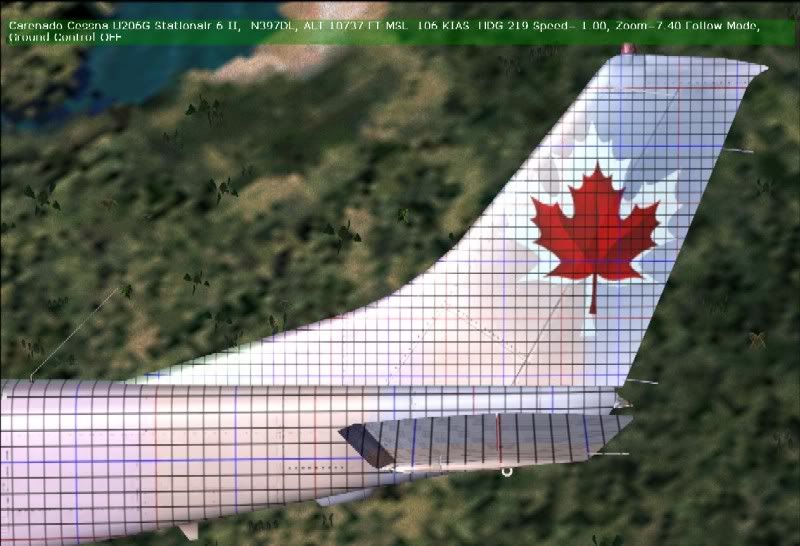
As you can see, I also added faint colour swatches here too. Gives extra reference points. As you can see, there's a lot more than even I know, but what I know already would fill a boring book.
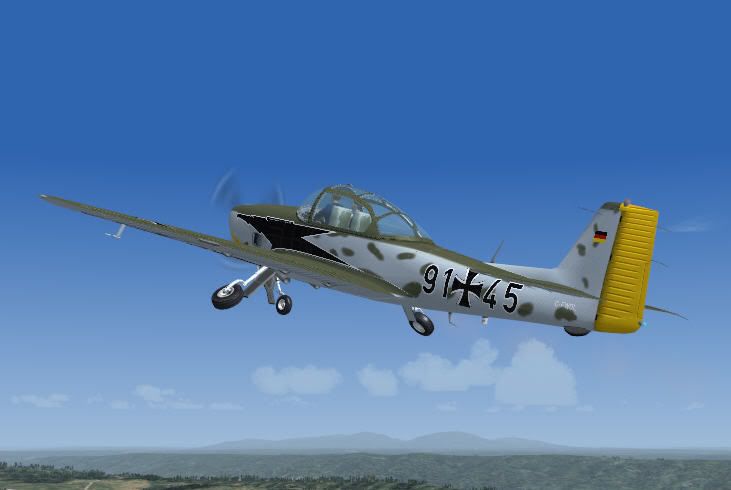
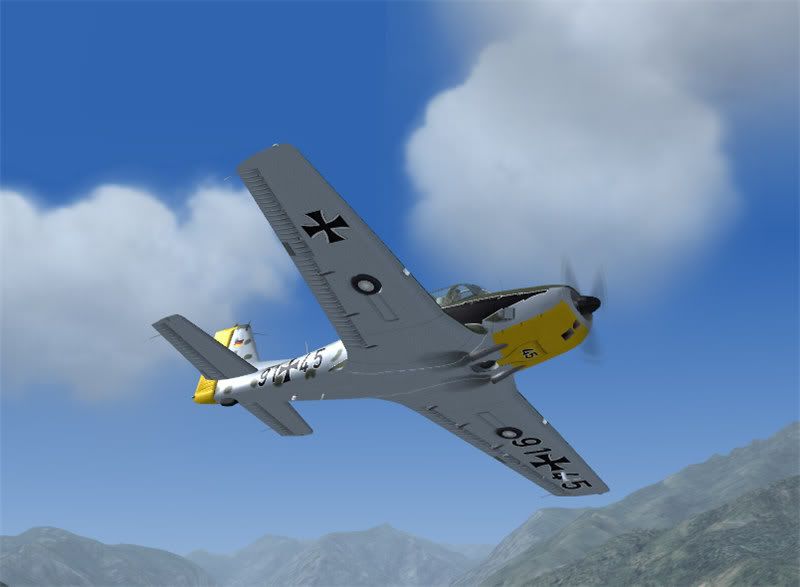
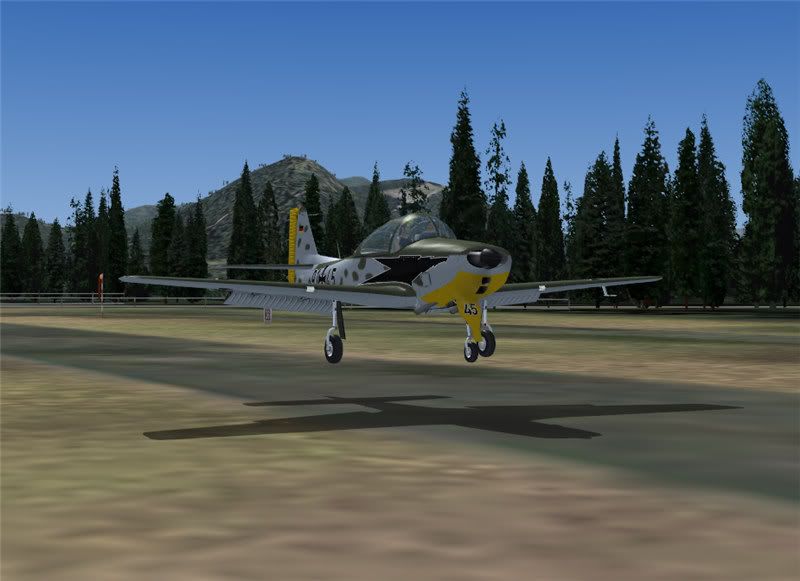
 by Cbris » Mon Sep 18, 2006 7:05 am

 some paints take me longer (look for the Piper Cheyenne "Hawke's Bay" and the "HB-LNL" both shown here - they took together seven weeks for lack of ideas)


