NZNR Hawkes Bay (Napier) Regional Airport

Find everything related to the NZ Retro AI Project and Snowman's airport sceneries here, including downloads, previews and announcements

Postby Snowman » Fri Aug 09, 2013 2:24 am

Just uploaded to FlightSim.com, and should be available for download within the next 24 hrs,................

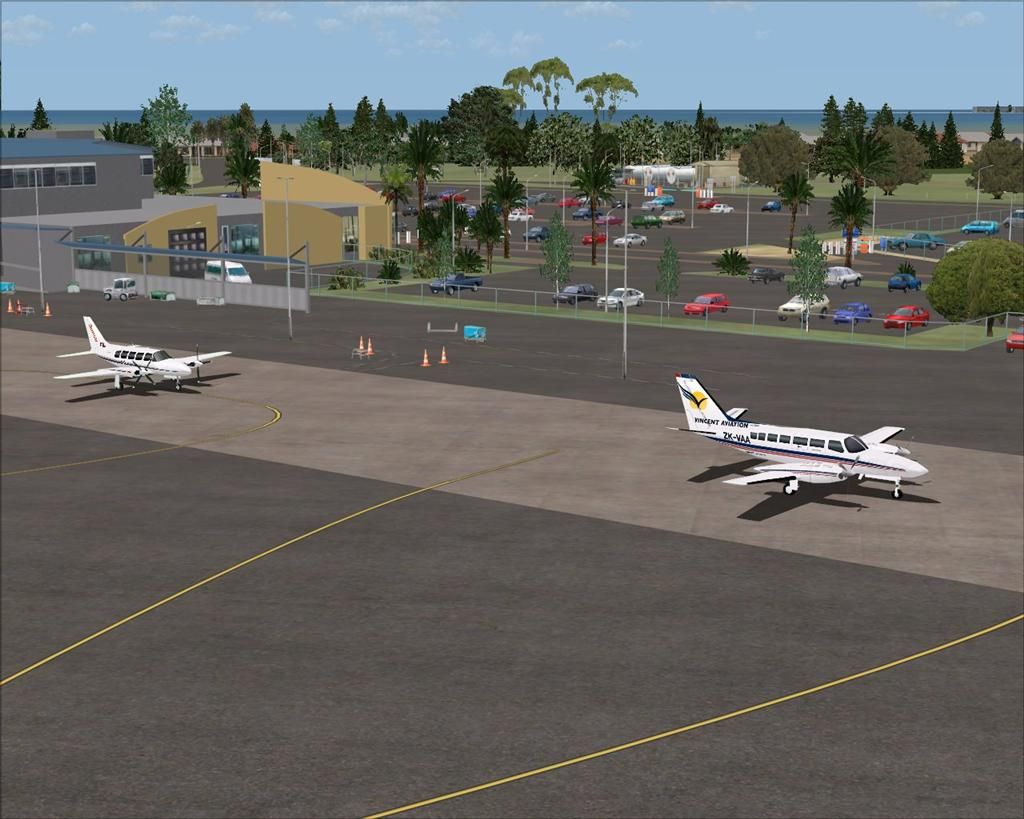
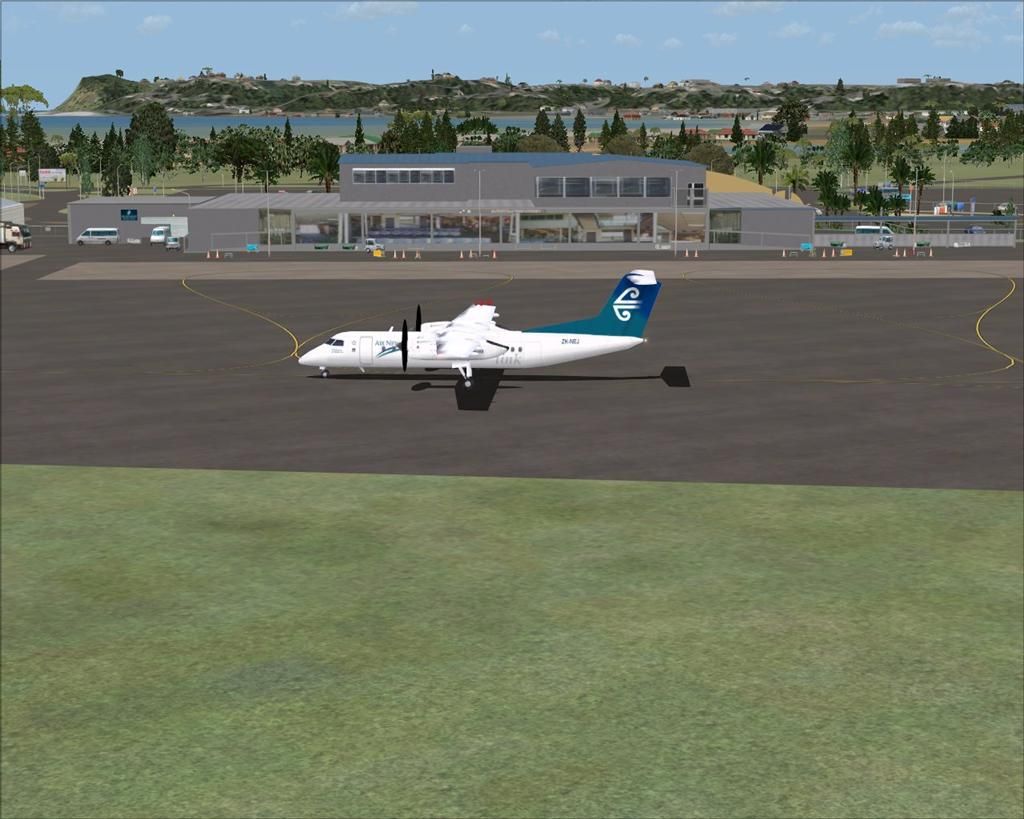
NZNR Hawkes Bay (Napier) Regional Airport, New Zealand. VERSION-2

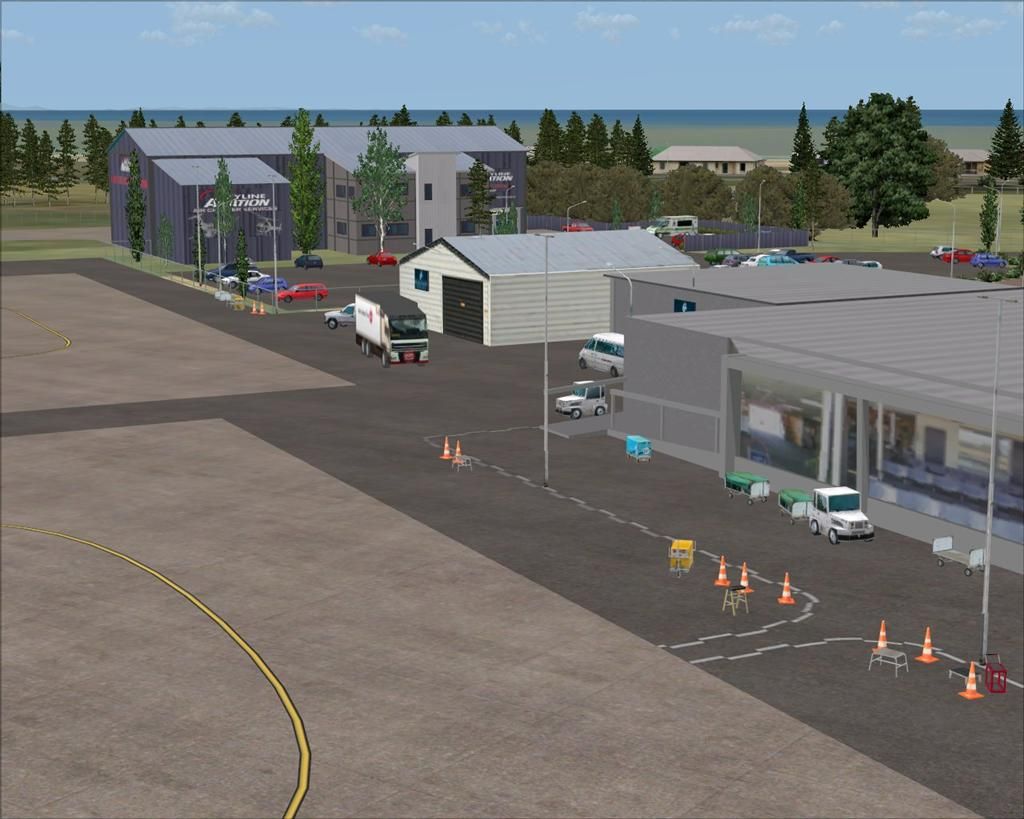
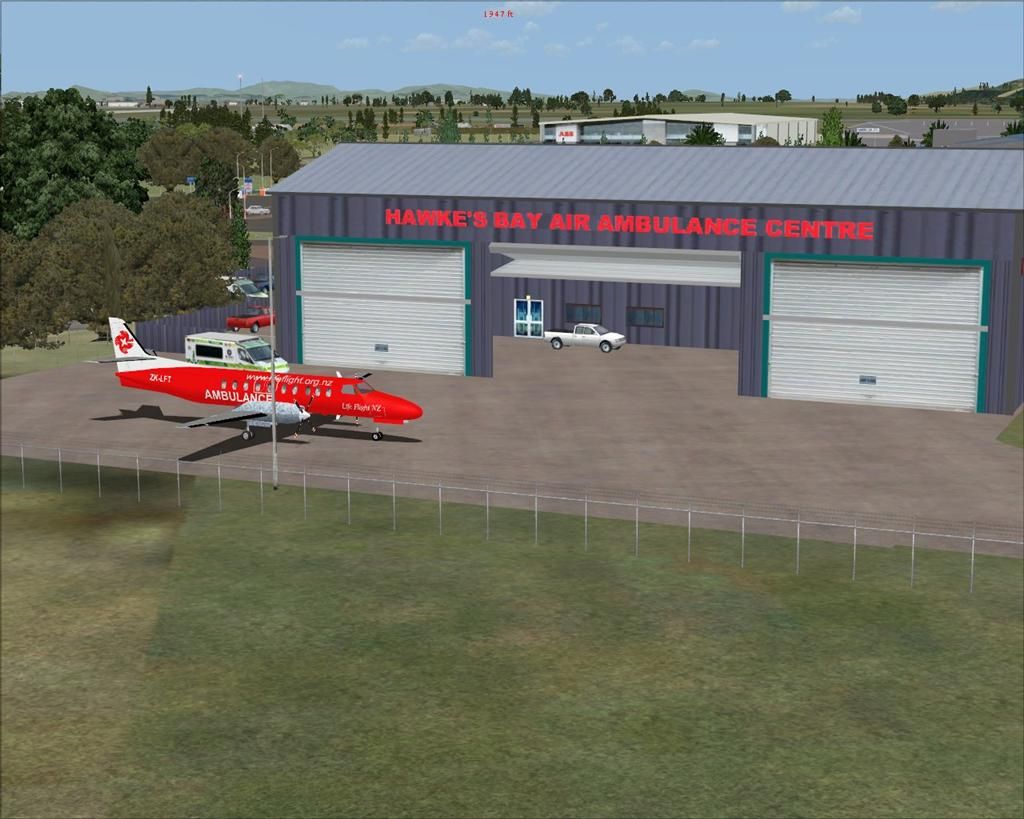
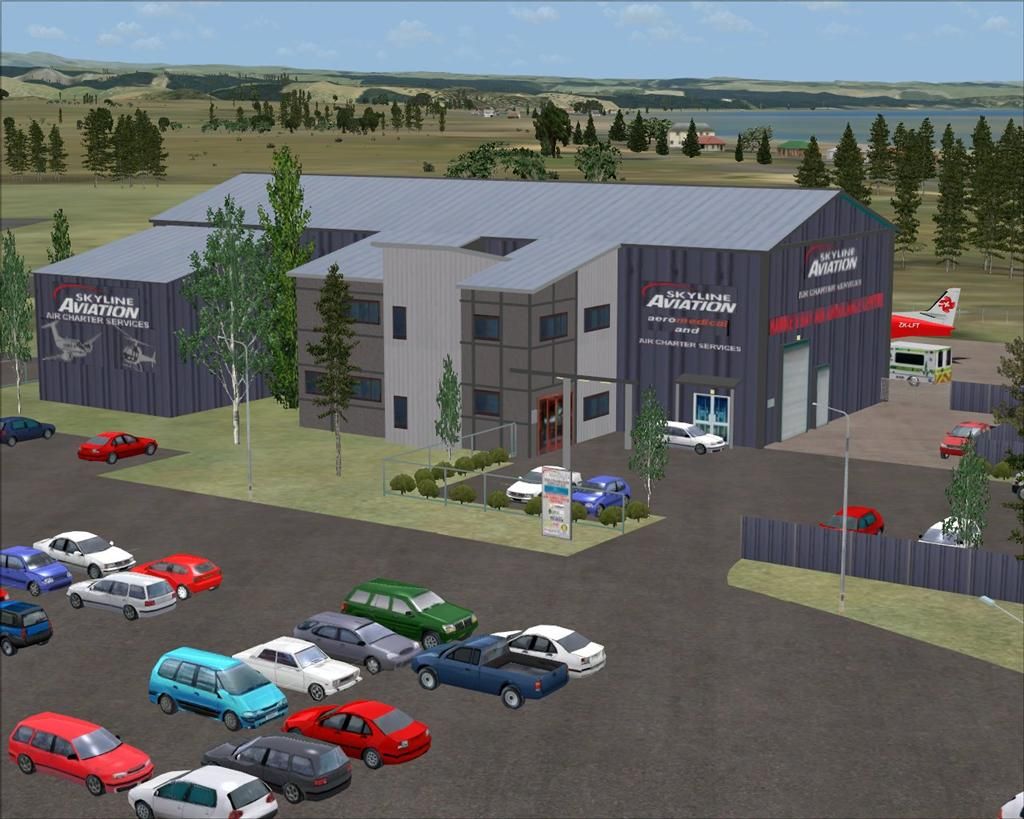
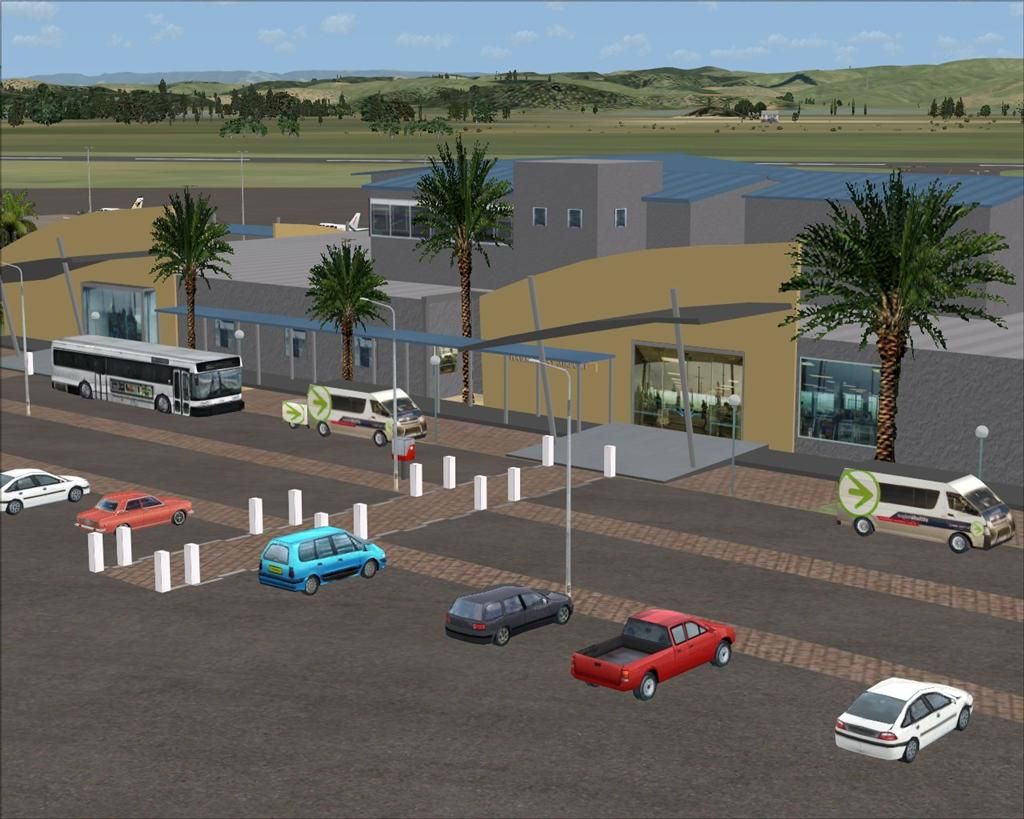
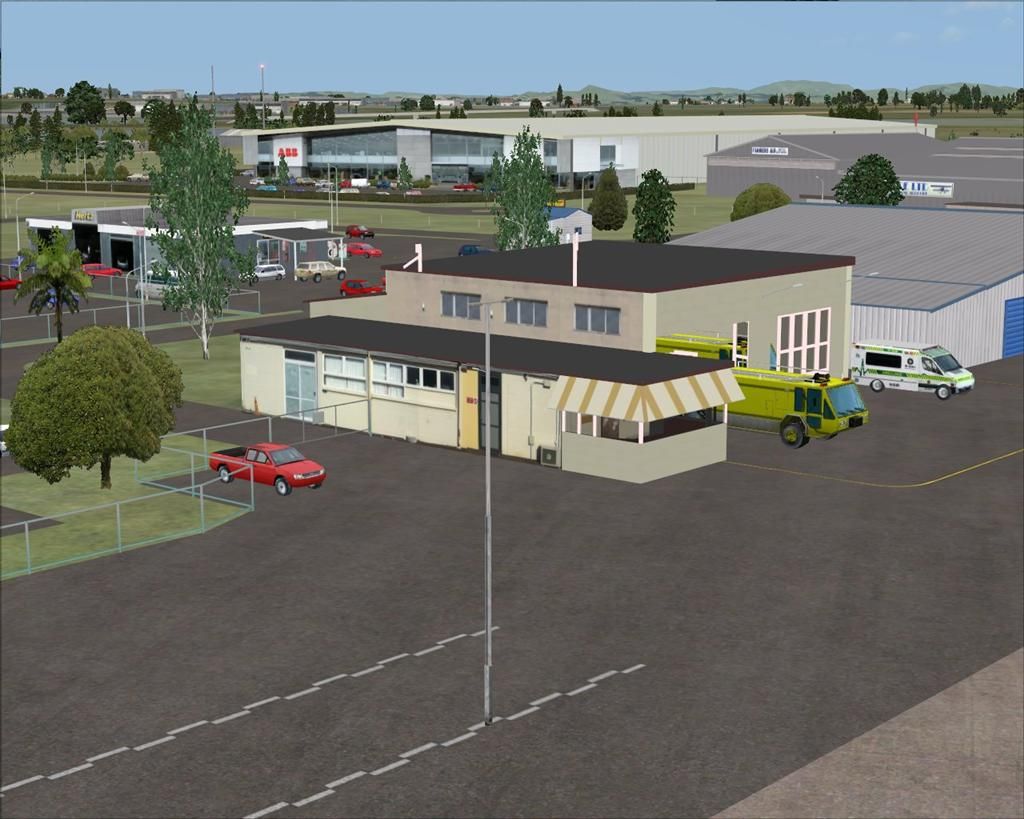
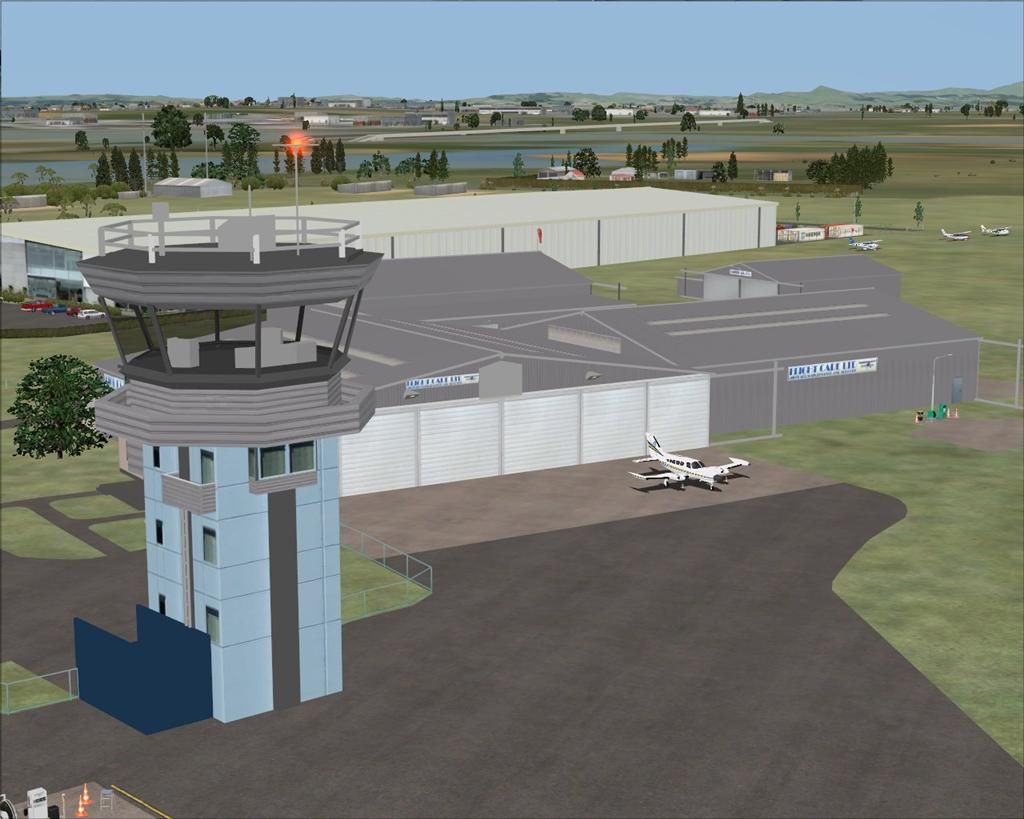
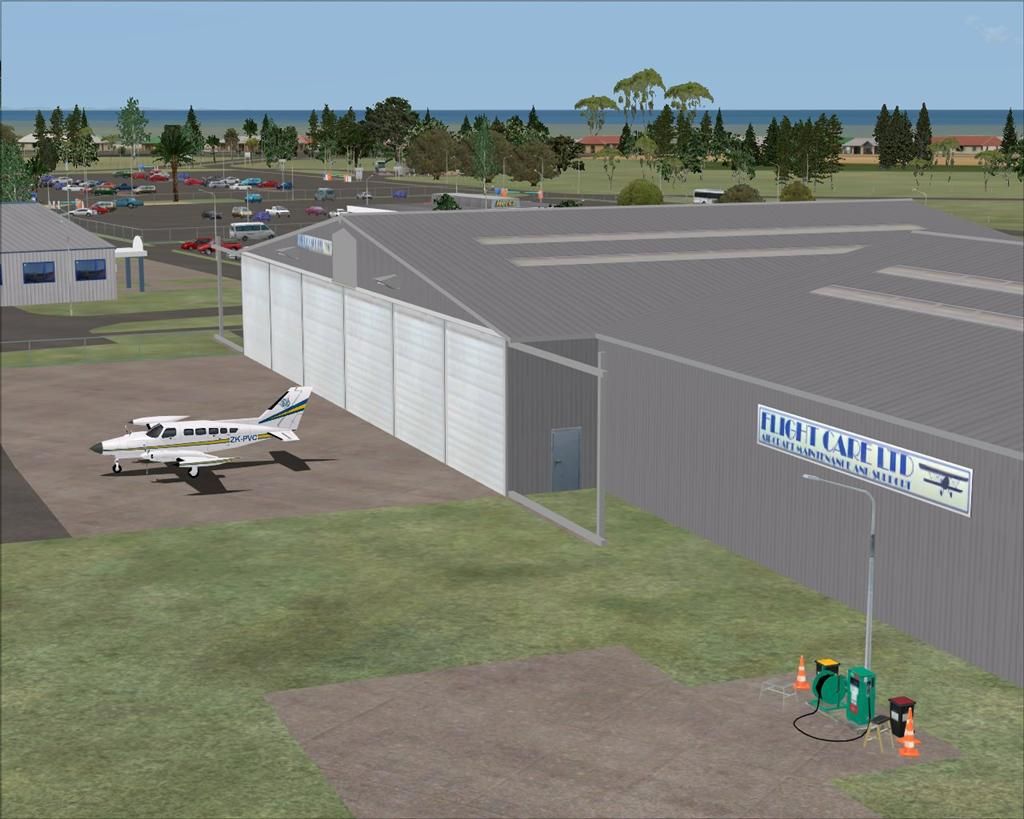
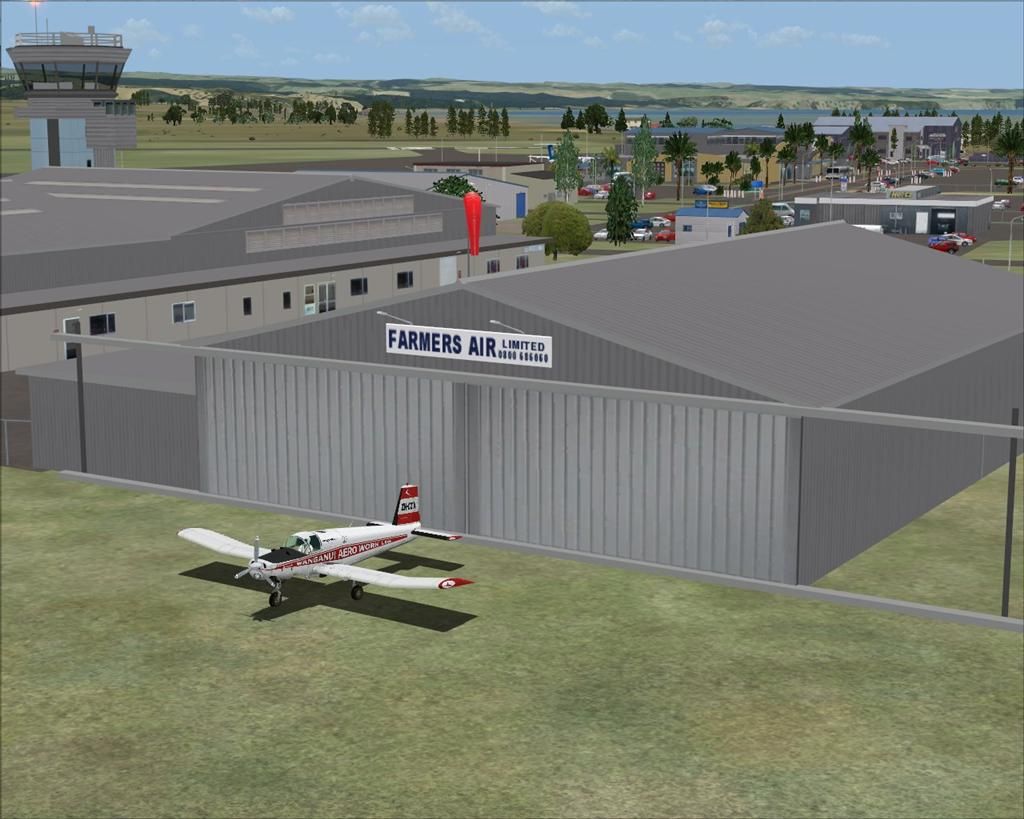
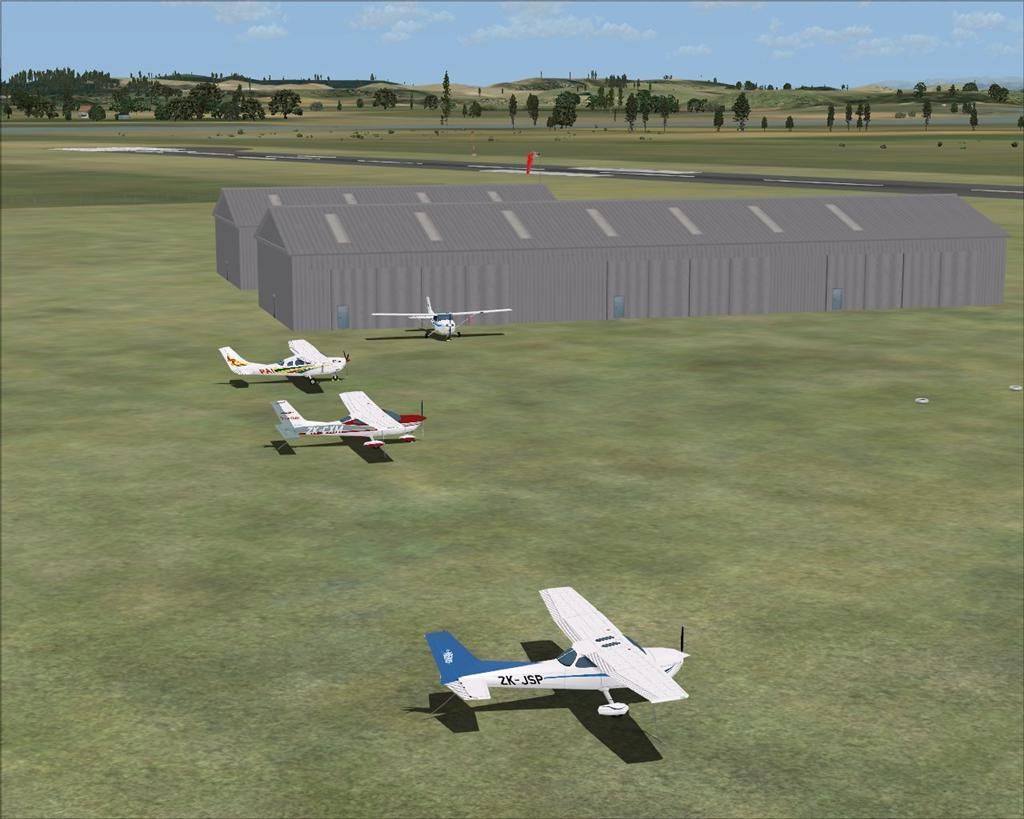
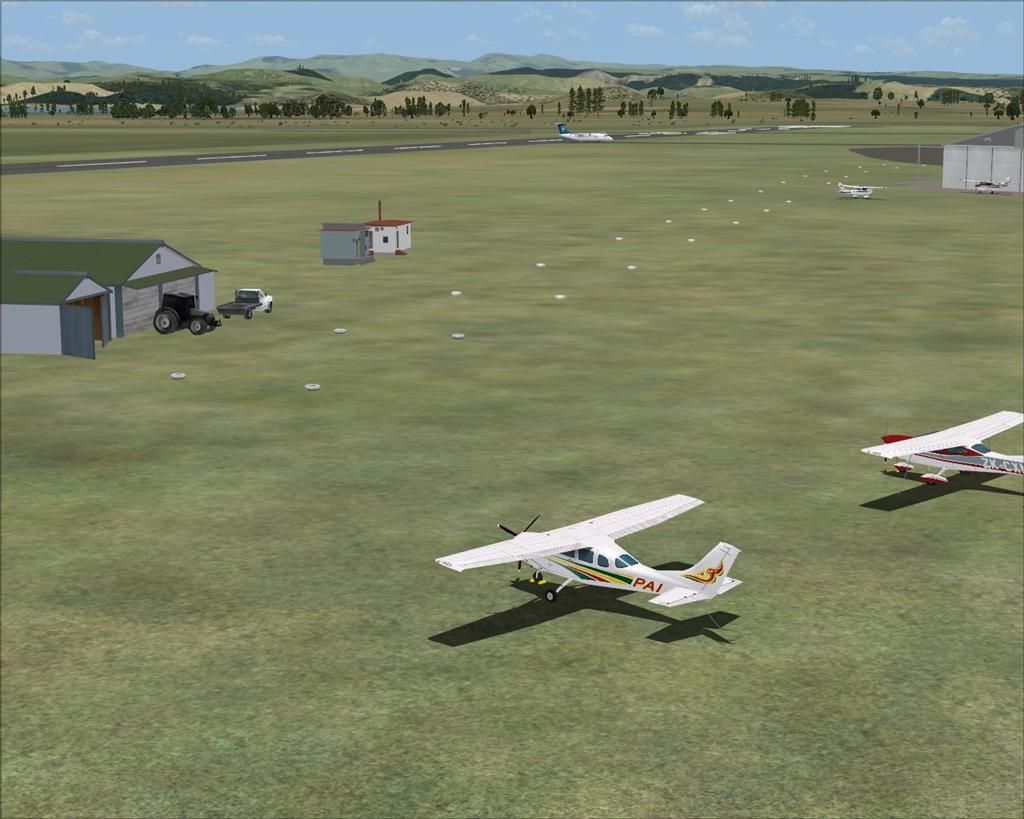
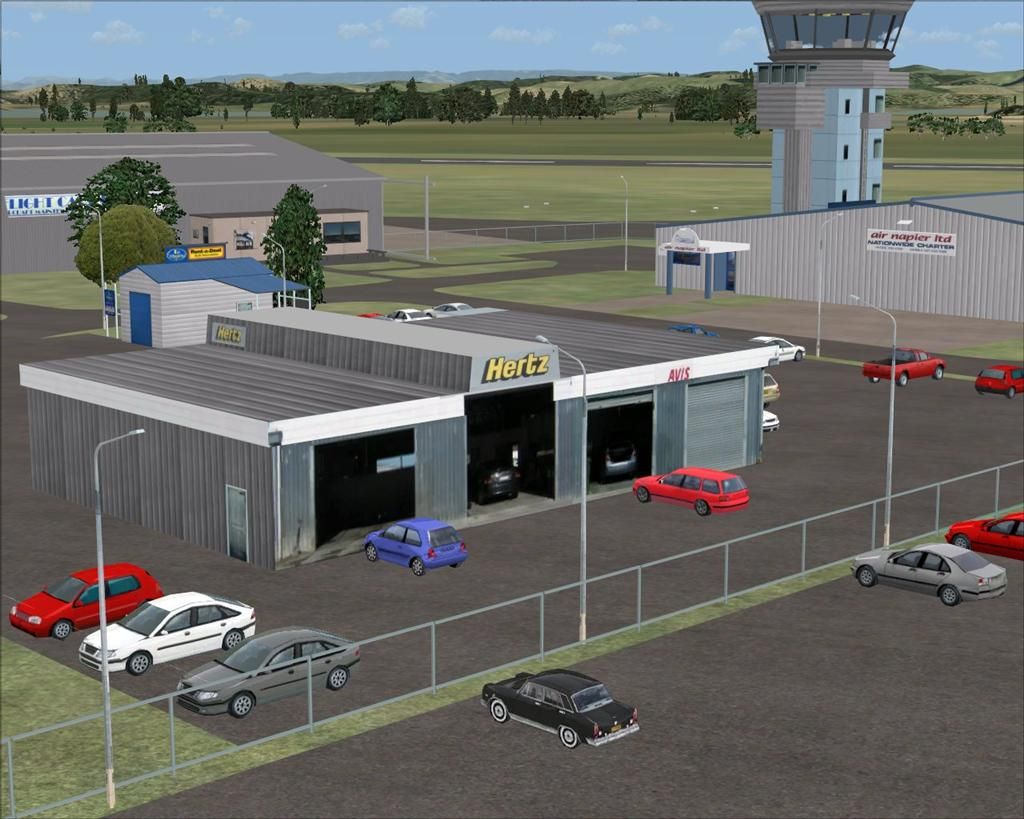
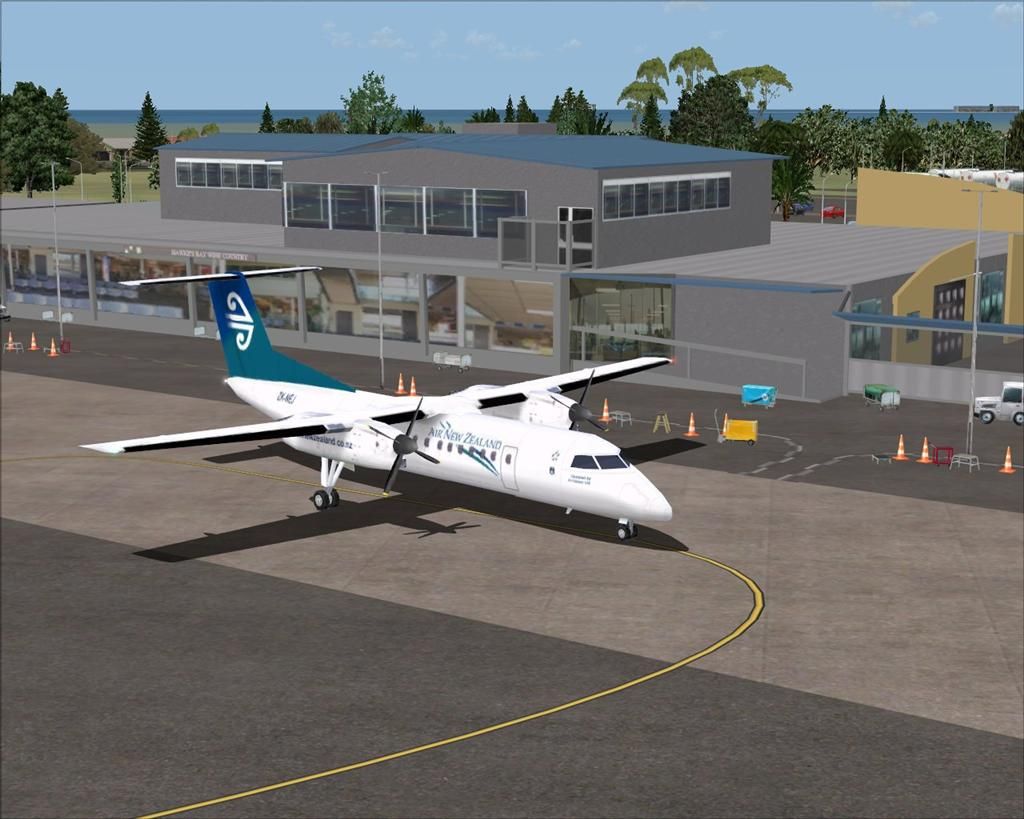
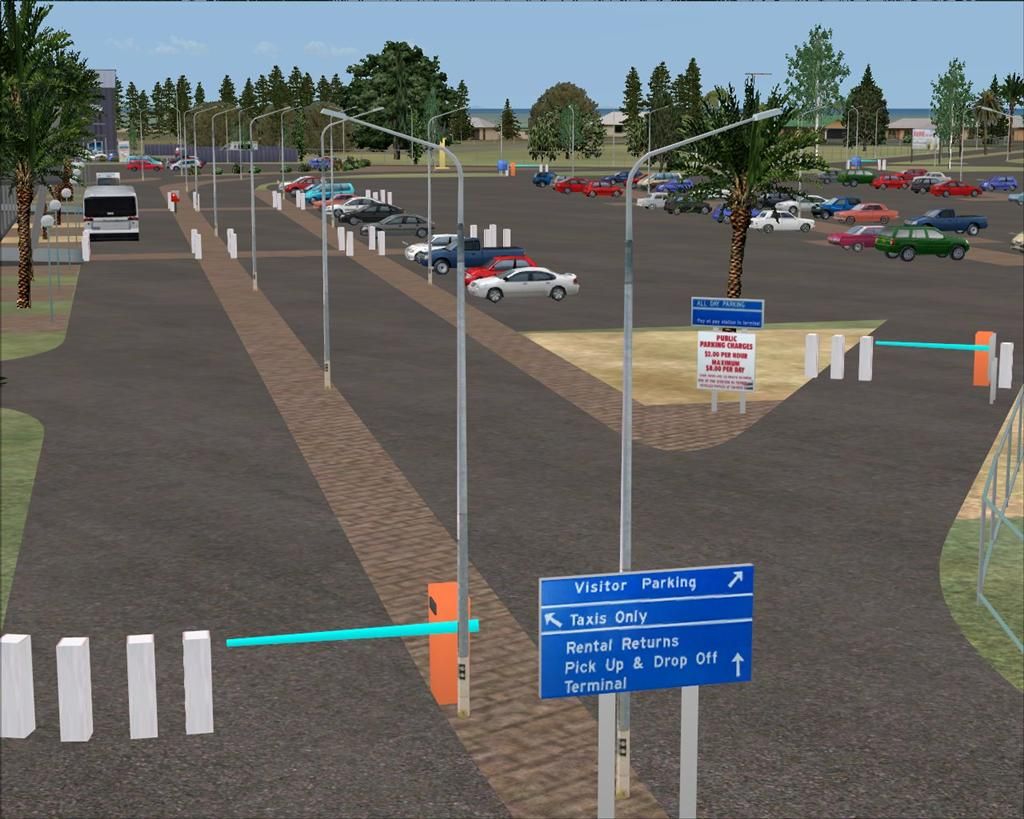
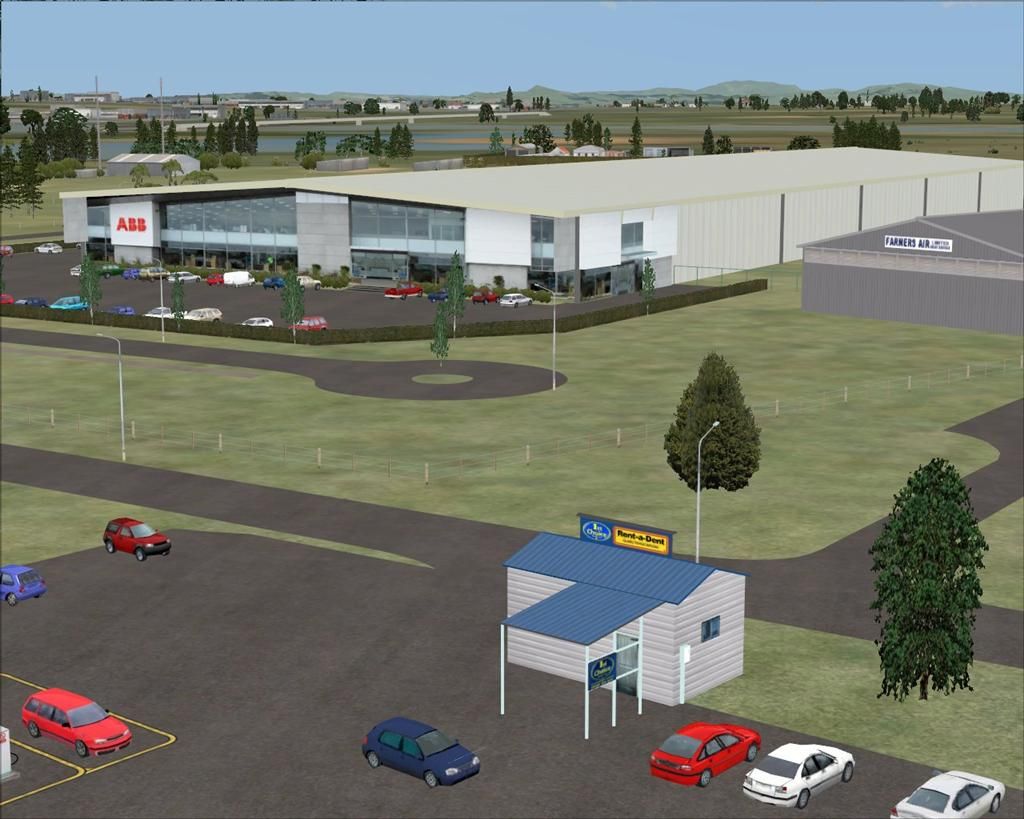
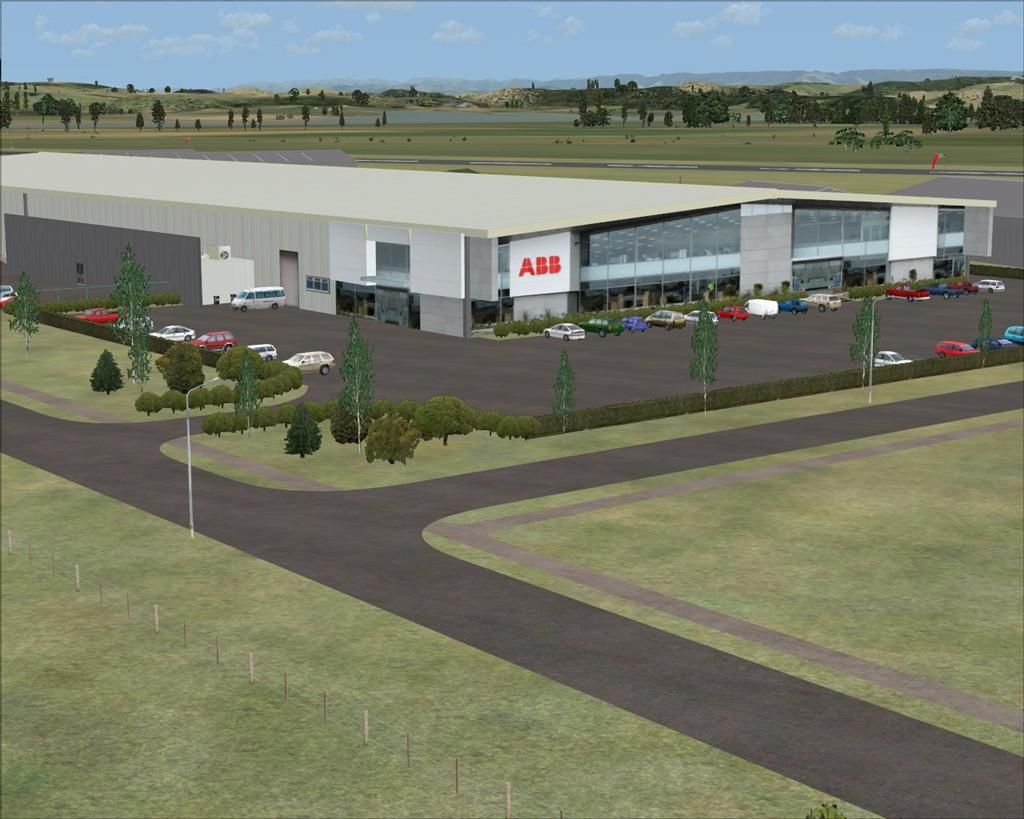
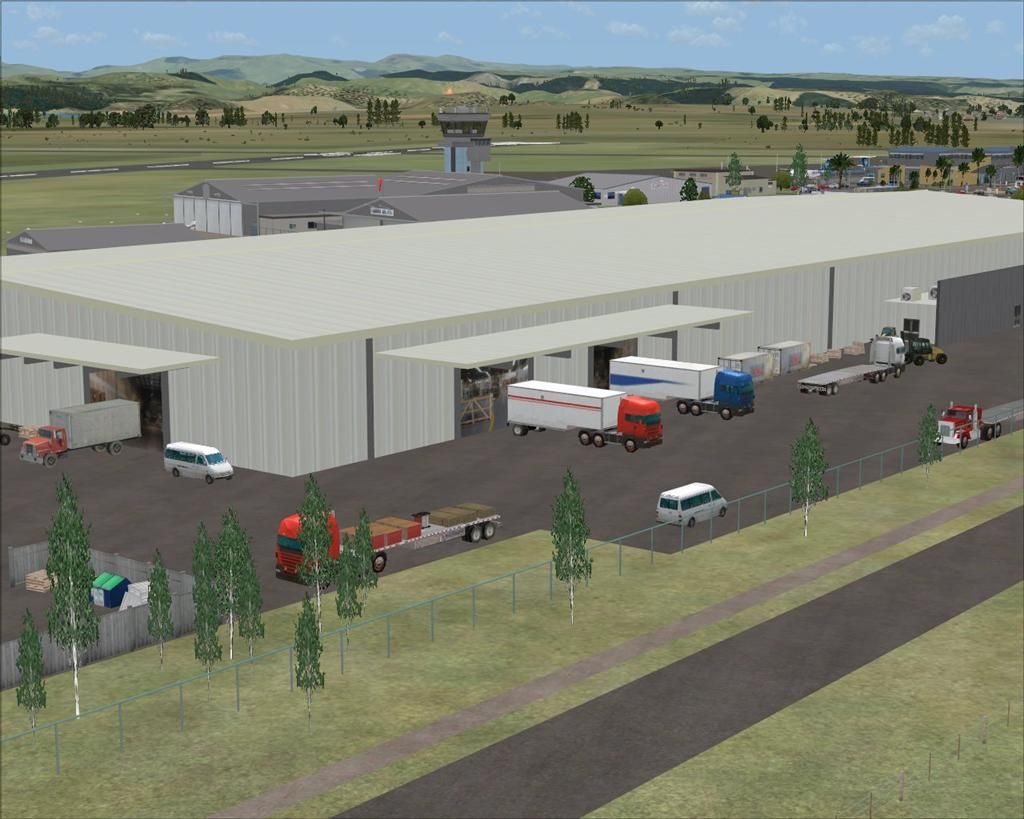
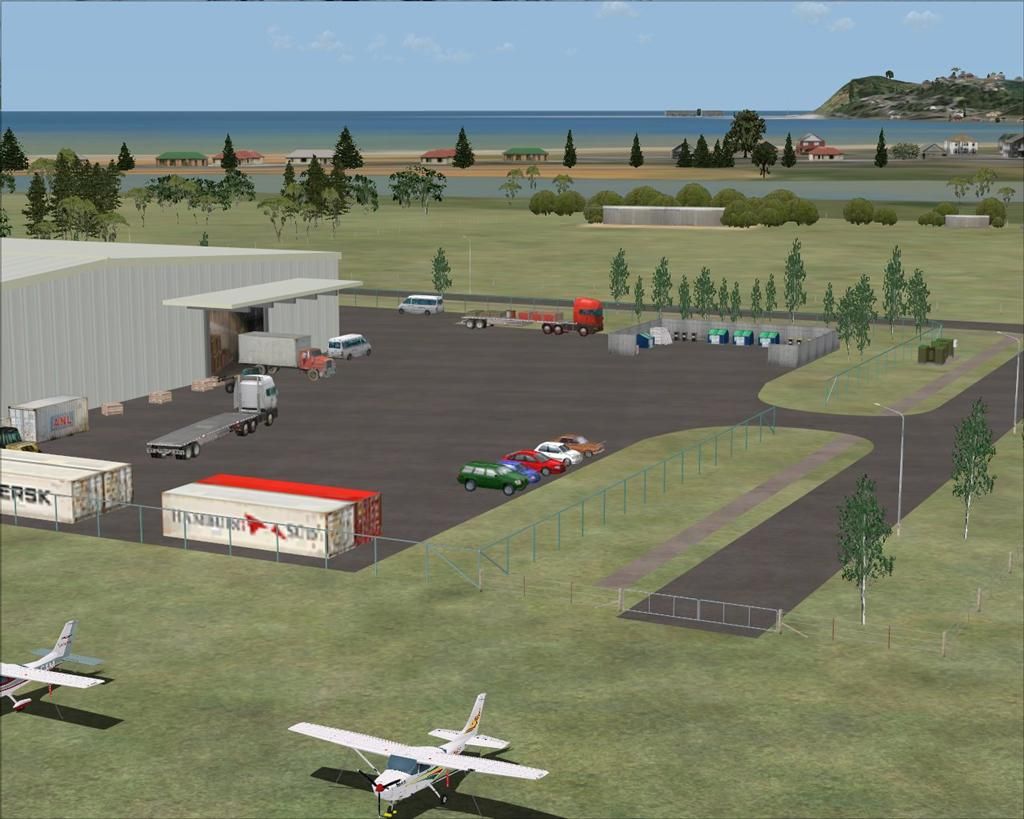
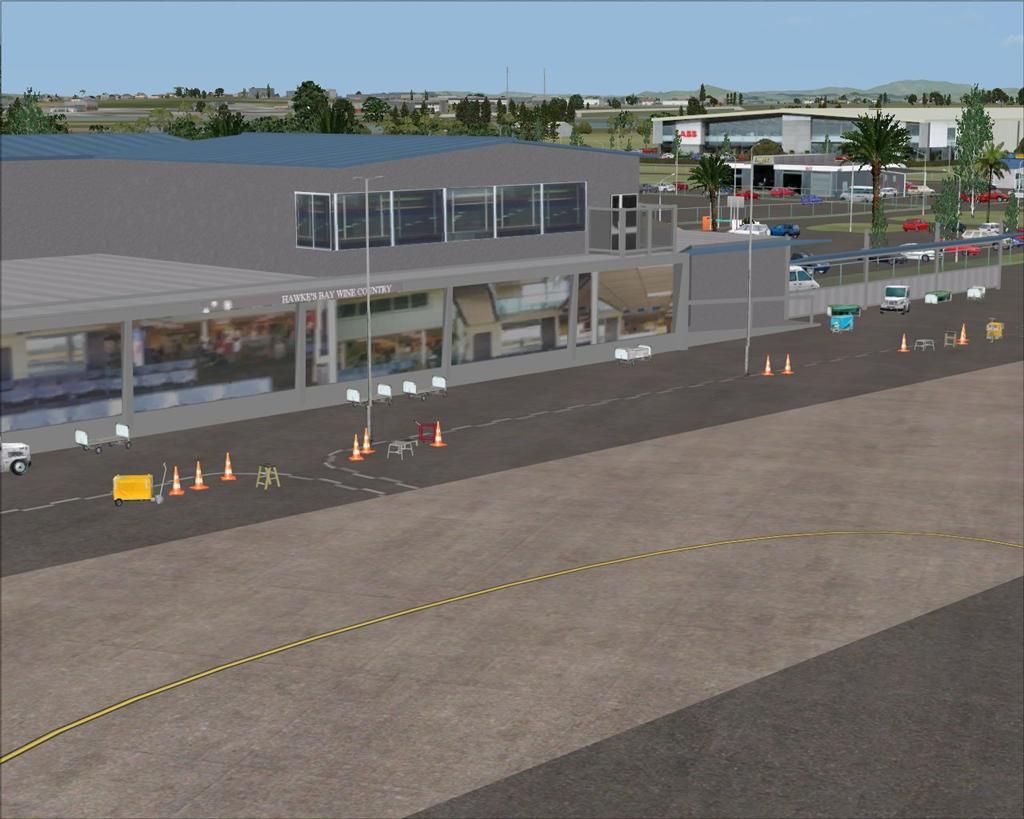
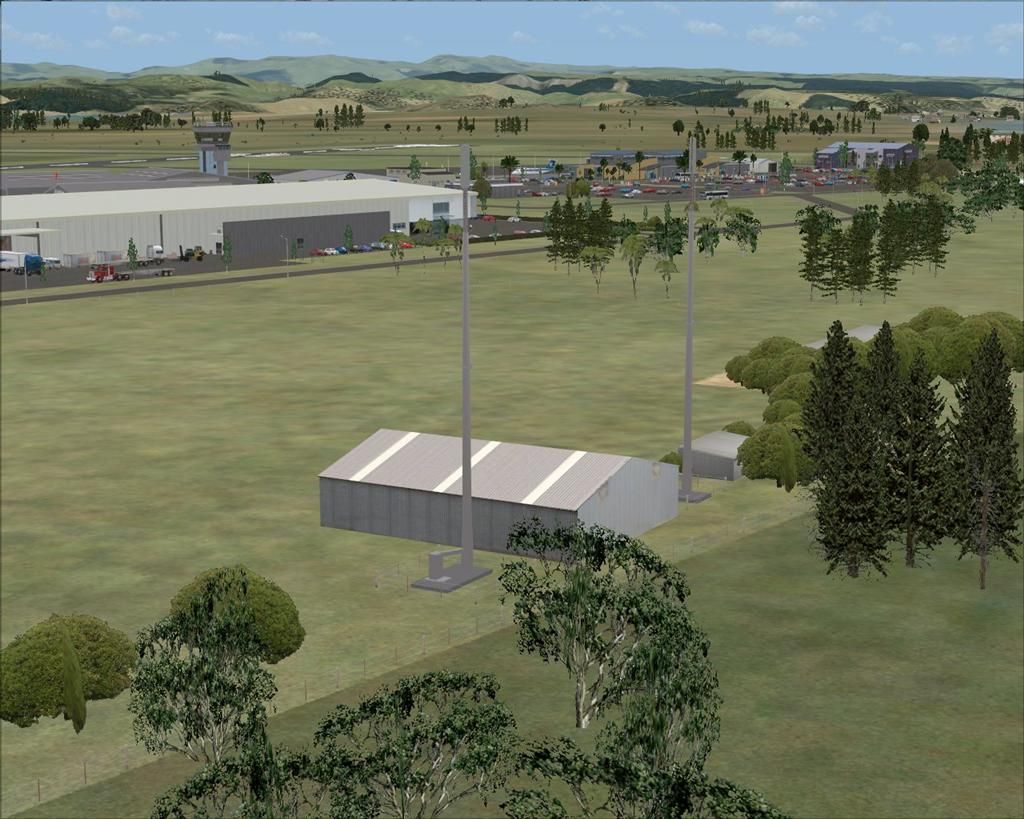
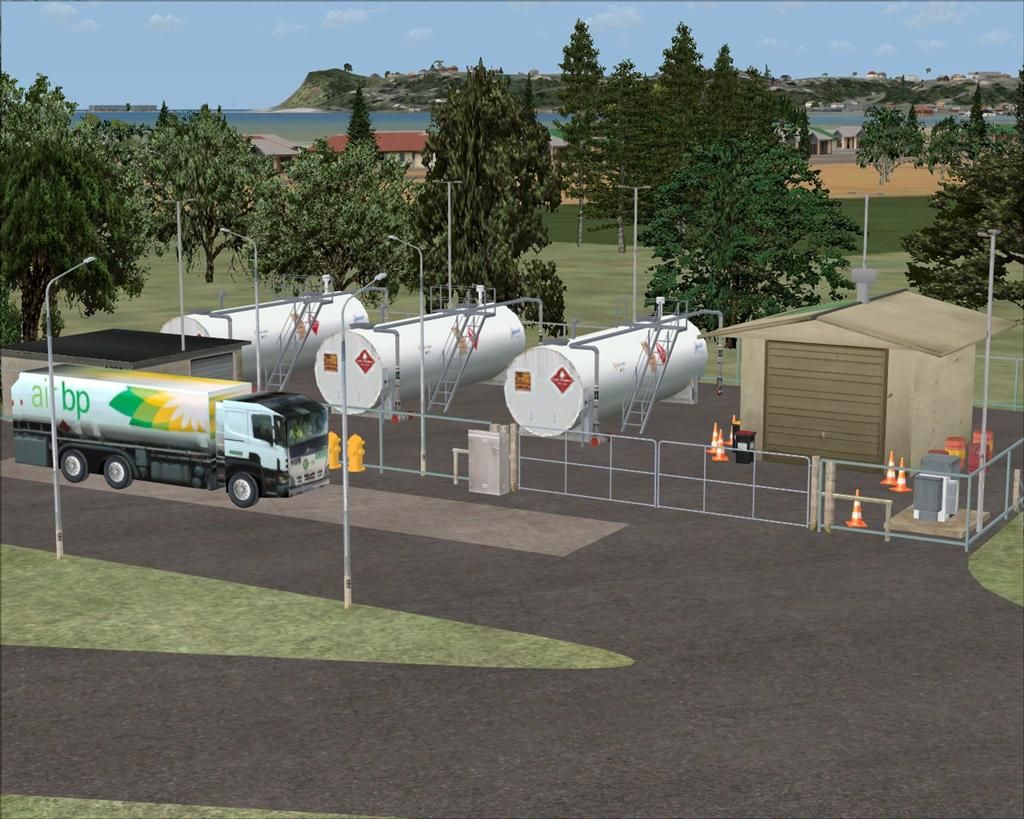
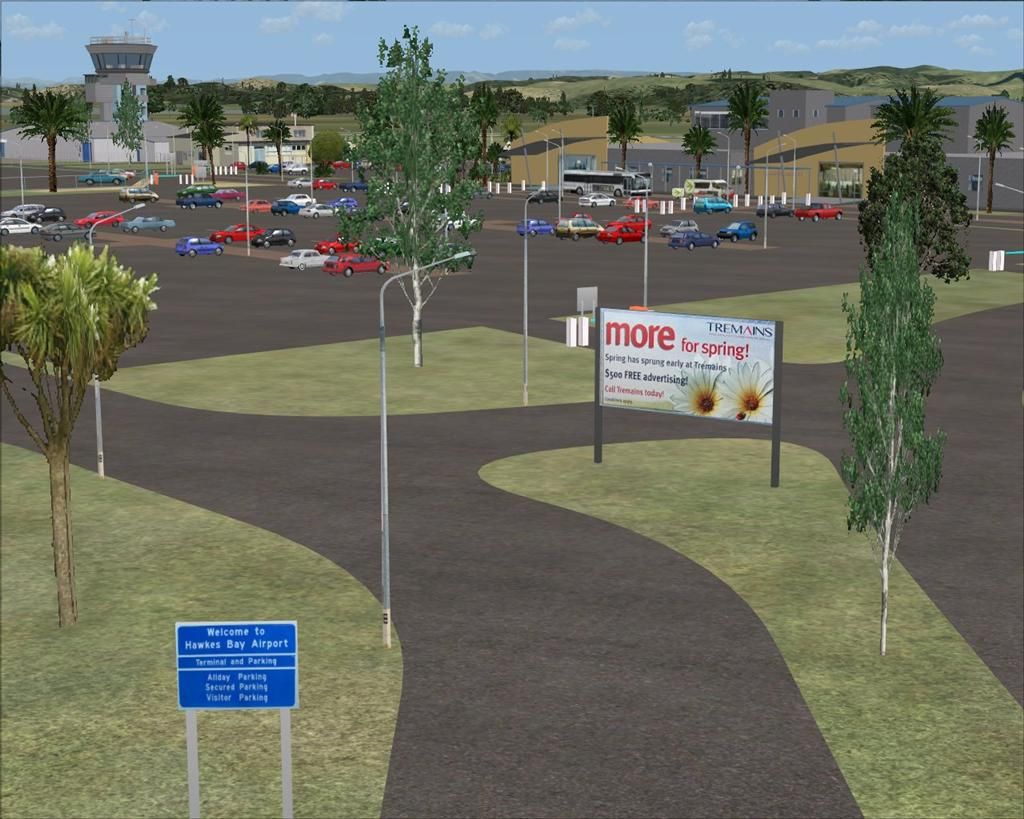
This is a completely new scenery, with all new custom buildings featuring night lighting, the new lengthened runway, the new industrial park and ABB factory behind the airport,
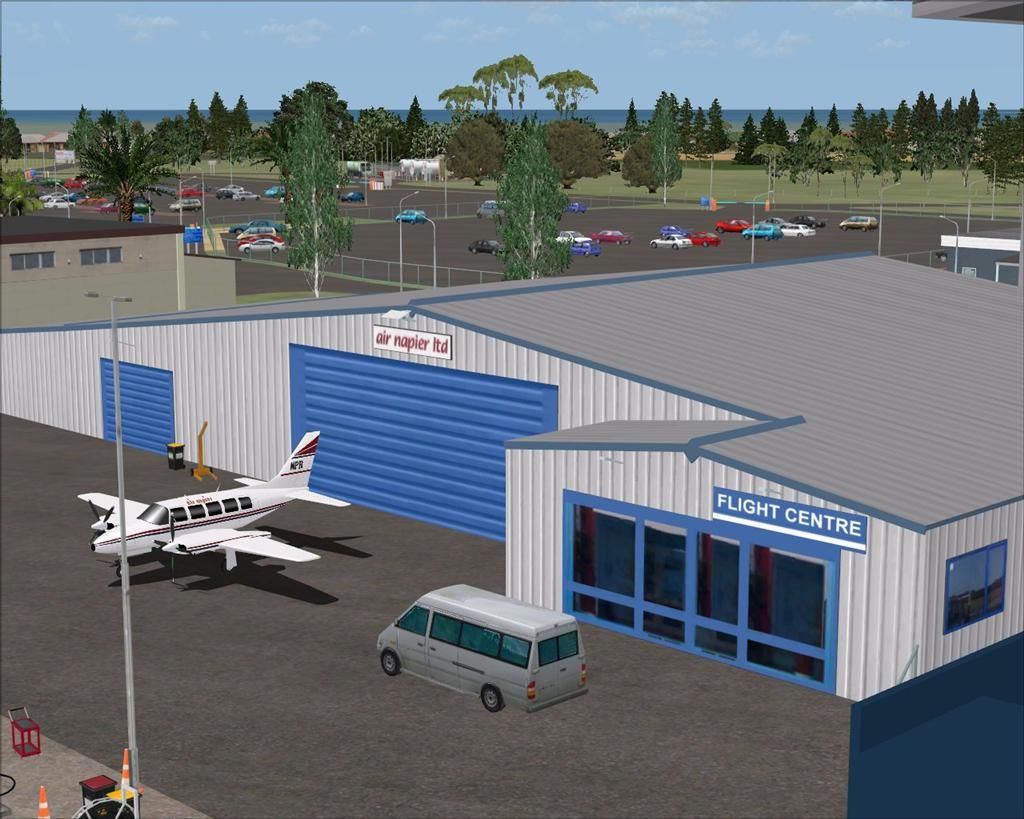
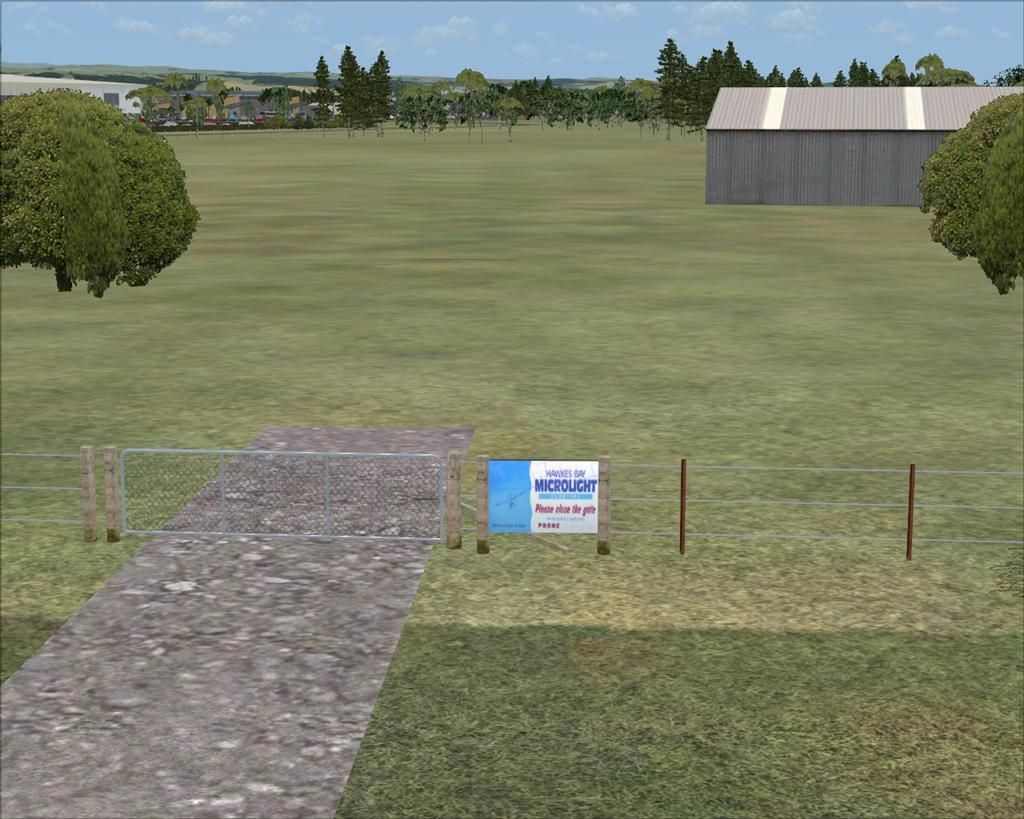
the new hangers on the airfield, and removal of the old aero club buildings, to make way for the new industrial park expansion.
The scenery has had all objects from the old Static Object Library completely removed, and uses only custom objects, and objects from the free VLC NZ Object libraries.
This scenery will be updated from time to time, as the expansion of the industrial park grows, and any new airport buildings.
My older FSX version of Napier will need to be completely removed before installation of this new version.

A few random pics taken during the building of the scenery,..................




Lawrie. New_Zealand_etc.gif
Image

Image
User avatar
Snowman
NZFF Pro
 
Topic author
Joined: Wed Jul 26, 2006 3:52 pm
Posts: 2427
Location: Tauranga, NZ.

Postby Ian Warren » Fri Aug 09, 2013 5:46 am

Now that is starting to show signs of photo real in there ... looking good Lawrie smile.gif .... not you the scenery
Image
User avatar
Ian Warren
NZFF Pro
 
Joined: Fri May 05, 2006 5:23 pm
Posts: 41187
Location: AREA 51

Postby Snowman » Fri Aug 09, 2013 9:59 am

Ian Warren wrote:
QUOTE (Ian Warren @ Aug 9 2013,5:46 AM) <{POST_SNAPBACK}>
Now that is starting to show signs of photo real in there ... looking good Lawrie smile.gif .... not you the scenery


Hah hah,......... im well past the looking good good stage......... laugh.gif

Lawrie. New_Zealand_etc.gif
Image

Image
User avatar
Snowman
NZFF Pro
 
Topic author
Joined: Wed Jul 26, 2006 3:52 pm
Posts: 2427
Location: Tauranga, NZ.

Postby deeknow » Fri Aug 09, 2013 1:08 pm

Looks wicked Lawrie, great work mate. clapping.gif
Deans repaints: http://www.deeknow.com/
X570 Mini-ITX m/b - Ryzen7 5700X3D (8c/16t) - RTX 2060-super - 32GB 3600MHz DDR4 - Win10 - P3Dv5.3
User avatar
deeknow
NZFF Pro
 
Joined: Tue Sep 18, 2007 10:15 pm
Posts: 4448
Location: NZHN

Postby zk2704 » Fri Aug 09, 2013 10:52 pm

Nice work Lawrie, going to replace the original version with this version!
- Zain
Formerly FSX now gone P3D and gone VATSIM. VATSIM TMA Controller (S3) with VATSIM New Zealand and a Twitch Streamer.

Instagram: www.instagram.com/zkaviator
Twitch: www.twitch.tv/zkaviator


Image
User avatar
zk2704
Sim-holic
 
Joined: Sun Apr 28, 2013 2:37 pm
Posts: 577
Location: Auckland

Postby captainherc » Tue Aug 13, 2013 10:30 pm

I have just put his in and I get the ground textures but no buildings. Get some ground vehicles and that's about it. Any help appreciated.
User avatar
captainherc
Forum Addict
 
Joined: Sat Aug 18, 2007 9:50 pm
Posts: 352
Location: Whakatane

Postby Snowman » Wed Aug 14, 2013 3:50 pm

captainherc wrote:
QUOTE (captainherc @ Aug 13 2013,10:30 PM) <{POST_SNAPBACK}>
I have just put his in and I get the ground textures but no buildings. Get some ground vehicles and that's about it. Any help appreciated.


Sounds rather bizzare,...........
Just had a play around, and the only way i can get any of the buildings to not show up, is to have FSX's Scenery Complexity slider at less than NORMAL ( below half way).

Lawrie. New_Zealand_etc.gif
Image

Image
User avatar
Snowman
NZFF Pro
 
Topic author
Joined: Wed Jul 26, 2006 3:52 pm
Posts: 2427
Location: Tauranga, NZ.

Postby captainherc » Wed Aug 14, 2013 9:20 pm

Thanks. Sorted.
User avatar
captainherc
Forum Addict
 
Joined: Sat Aug 18, 2007 9:50 pm
Posts: 352
Location: Whakatane

Postby frostynz » Thu Aug 22, 2013 12:19 am

wonderful scenery Lawrie,

would this work with ORBX NZNI by any chance as I would love to install it

thanks Dave
frostynz
Member
 
Joined: Sun Aug 26, 2007 11:51 pm
Posts: 104
Location: Auckland

Postby Snowman » Thu Aug 22, 2013 3:07 pm

frostynz wrote:
QUOTE (frostynz @ Aug 22 2013,12:19 AM) <{POST_SNAPBACK}>
wonderful scenery Lawrie,

would this work with ORBX NZNI by any chance as I would love to install it

thanks Dave


To be honest Dave, i have absolutely no idea whether it will fit into OrbX or not.
I dont have OrbX. All my work is specifically done to fit VLC, although, i have had reports from others in the past, that various other sceneries ive done
have fitted into OrbX ok.
Only one way to find out,......... try it out , and see how it looks.
If there are any NZNR related BGL files for Napier Airport objects in OrbX, you may have to disable or remove them first.
Another way, would be to ask in the main "Scenery" forum, and see if anyone else here has tried my Napier in OrbX.

Lawrie. New_Zealand_etc.gif
Image

Image
User avatar
Snowman
NZFF Pro
 
Topic author
Joined: Wed Jul 26, 2006 3:52 pm
Posts: 2427
Location: Tauranga, NZ.

Postby frostynz » Fri Aug 23, 2013 12:36 am

it works really well in ORBX Lawrie, thank you!

The only wee glitch I found was that there is one lone tree encroaching on the grass RWY parallel to the main RWY


thanks again Dave
frostynz
Member
 
Joined: Sun Aug 26, 2007 11:51 pm
Posts: 104
Location: Auckland

Postby Snowman » Fri Aug 23, 2013 10:32 am

frostynz wrote:
QUOTE (frostynz @ Aug 23 2013,12:36 AM) <{POST_SNAPBACK}>
it works really well in ORBX Lawrie, thank you!

The only wee glitch I found was that there is one lone tree encroaching on the grass RWY parallel to the main RWY


thanks again Dave


Thanks for the information Dave.
Thats handy to know it fits into OrbX well.

Lawrie. New_Zealand_etc.gif
Image

Image
User avatar
Snowman
NZFF Pro
 
Topic author
Joined: Wed Jul 26, 2006 3:52 pm
Posts: 2427
Location: Tauranga, NZ.

Postby captsl4 » Fri Aug 23, 2013 12:27 pm

frostynz wrote:
QUOTE (frostynz @ Aug 22 2013,10:36 PM) <{POST_SNAPBACK}>
it works really well in ORBX Lawrie, thank you!

The only wee glitch I found was that there is one lone tree encroaching on the grass RWY parallel to the main RWY


thanks again Dave


u sure?

i had roads running outside the airport with trees on it. cars going through an airport building as road exiting airport was going through it. land elevation on area opposite the airport
captsl4
Member
 
Joined: Sun Jan 20, 2013 12:26 pm
Posts: 54

Postby frostynz » Fri Aug 23, 2013 5:17 pm

there are about 5 ORBX NZNR.BGL files you need to rename to .bak (including fences.bak), I'm at work but from memory they are all in the ORBX directory in your main FSX install under the sub directory of FTX_NZ


cheers Dave
frostynz
Member
 
Joined: Sun Aug 26, 2007 11:51 pm
Posts: 104
Location: Auckland

Postby captsl4 » Fri Aug 23, 2013 10:18 pm

if/when u get a chance dave could u pls point out how you have done yours

and also where to place this scenery in the library order

cause ive tried it again and still trees on the road that runs past the airport and cars going through carpark and into a building
Last edited by captsl4 on Fri Aug 23, 2013 10:45 pm, edited 1 time in total.
captsl4
Member
 
Joined: Sun Jan 20, 2013 12:26 pm
Posts: 54

Postby frostynz » Fri Aug 23, 2013 11:48 pm

will do mate, unfortunately I am away on holiday as of first thing in the morning so wont be able to assist until next week.

cheers Dave
frostynz
Member
 
Joined: Sun Aug 26, 2007 11:51 pm
Posts: 104
Location: Auckland

Postby captsl4 » Fri Aug 23, 2013 11:53 pm

frostynz wrote:
QUOTE (frostynz @ Aug 23 2013,9:48 PM) <{POST_SNAPBACK}>
will do mate, unfortunately I am away on holiday as of first thing in the morning so wont be able to assist until next week.

cheers Dave


no problems at all . u have a good one
captsl4
Member
 
Joined: Sun Jan 20, 2013 12:26 pm
Posts: 54

Postby AdrianPetford » Sat Aug 24, 2013 7:00 am

Haven't checked in for a while with you Lawrie, but that's really superb work, well done thumbup1.gif clapping.gif

I'm happy to advise you on any compatibility issues, as I have FTX Gobal, VLC and FTX NZ. I tend to fly mostly with VLC using FTX Global's textures but could easily check the airports out in FTX NZ as well.

Cheers,


Ade
Adrian Petford
West Midlands, UK

I spend eleven months of the year in the UK and one in NZ. I'm hoping to improve that... ;-)
User avatar
AdrianPetford
Sim-holic
 
Joined: Wed Apr 02, 2008 1:28 pm
Posts: 510
Location: West Midlands, UK

Postby rayclyde » Sat Aug 24, 2013 12:56 pm

Lawrie

As you know I am running FTX Global. Only problems I have are the "cars" running through buildings (the large hanger adjacent to the ambulance station) and the tree(s) adjacent to the grass runway. The latter problem can be fixed by reducing the autogen setting to normal.

Clyde Williams
LEVIN
rayclyde
Forum Addict
 
Joined: Sat Sep 09, 2006 10:25 am
Posts: 150
Location: Levin

Postby Snowman » Sat Aug 24, 2013 2:14 pm

Unfortunately, not having the OrbX/FTX NZ product, and only having VLC, i only build to fit VLC, and cant predict what will happen if used in conjunction
with the OrbX product.
I can only suggest, that if cars running through things are really annoying, try turning off Road Vehicles in the scenery settings tab in display options in FSX, or of
course, remove my Napier scenery, and go with whatever the OrbX product places there.
Nice to have info on what happens when used in the OrbX product though, thanks for the feedback.

Lawrie. New_Zealand_etc.gif
Image

Image
User avatar
Snowman
NZFF Pro
 
Topic author
Joined: Wed Jul 26, 2006 3:52 pm
Posts: 2427
Location: Tauranga, NZ.

Next

Return to South Pacific FlightSim Scenery

Who is online

Users browsing this forum: No registered users and 6 guests