[Renamed] Seriously good textures
29 posts
• Page 2 of 2 • 1, 2
 by AndrewJamez » Sun Dec 04, 2011 12:31 pm
I have a feeling that a 1GB video card isnt goning to cut it anymore.
- AndrewJamez
- Sim-holic
- Joined: Sun Feb 14, 2010 5:04 pm
- Posts: 766
- Location: Hamilton
by Rotordude » Sun Dec 04, 2011 1:40 pm
AndrewJamez wrote:QUOTE (AndrewJamez @ Dec 4 2011,12:56 PM) <{POST_SNAPBACK}>For install I did not place them in the world scenery yet but made a full duplicate of the VLC folder and copied the files into the texture folder but not overwriting any custom textures. then selected the new vlc in the scenery config also un selecting the original....
I like them... well love em to tell the truth.....
How do you know what the custom vlc textures are to avoid overwrite?
Check out theis seriously cool vid of this guys 30cm rock textuers in Prepar3D. It like looking at hi res photoreal scenery.
http://www.youtube.com/watch?v=t33I7qcmn8E
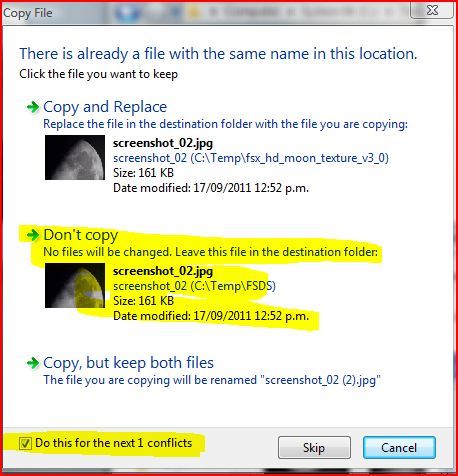
Andrew select them all from the unpacked archive, right click 'n' hold drag them into the duplicated vlc texture folder and let go a window will open as per image.Regards always
Pete

- Rotordude
- Sim-holic
- Topic author
- Joined: Wed Mar 25, 2009 3:50 pm
- Posts: 508
- Location: Huntly, NZ



by Ian Warren » Sun Dec 04, 2011 4:12 pm
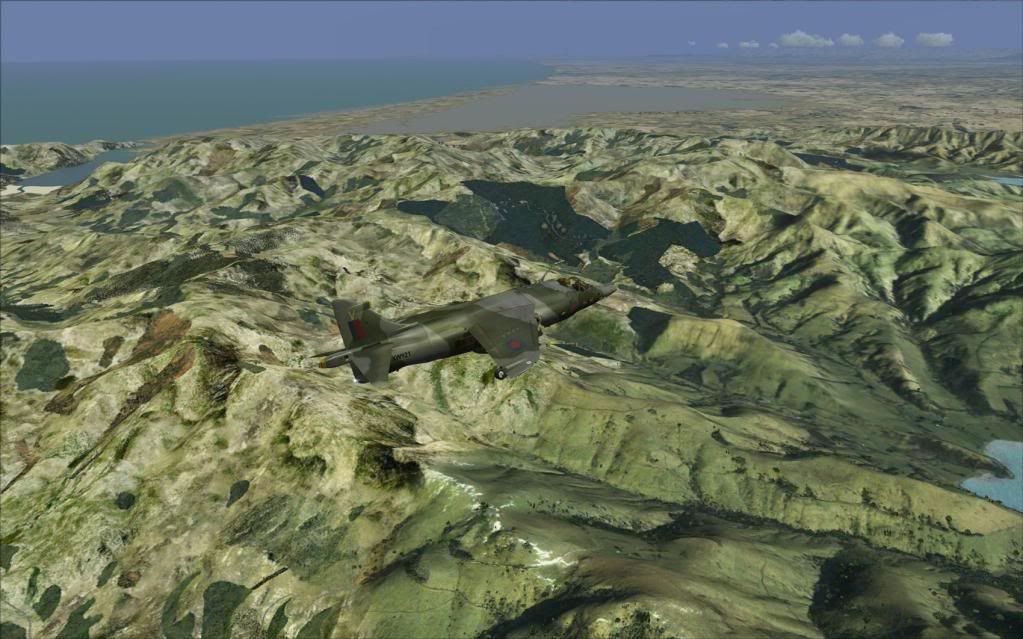
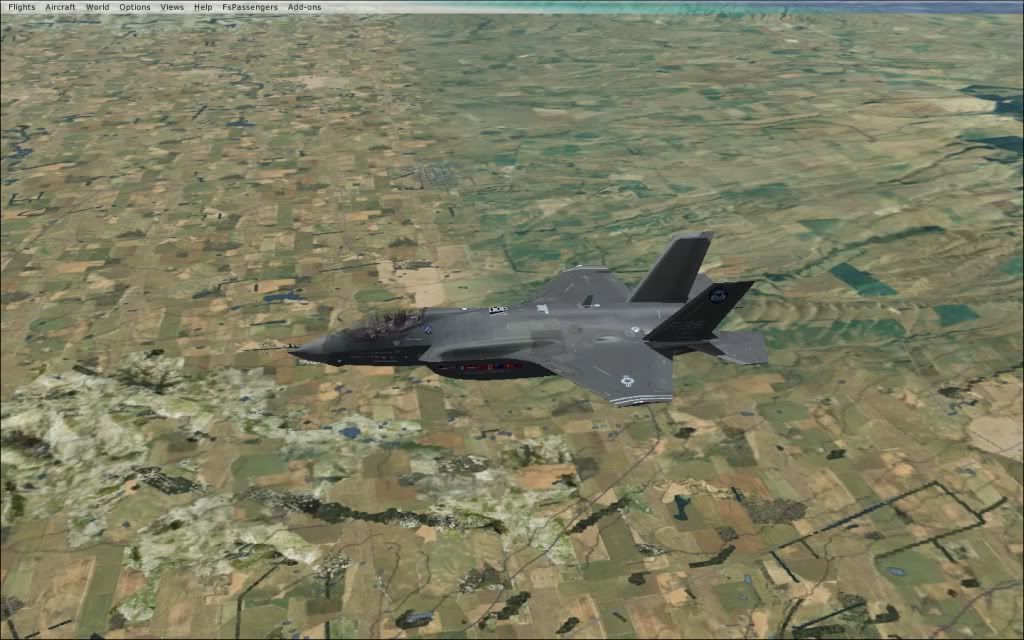
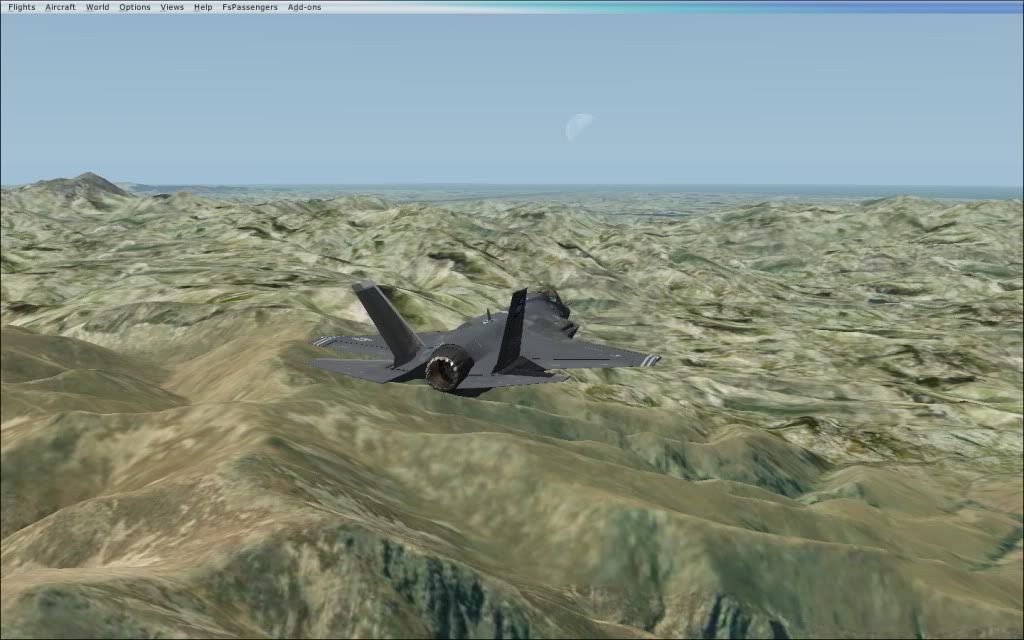
In the Summer on the Banks Peninsular looks a little aggressive , compare to the photoreal but sure be able to find a solution .
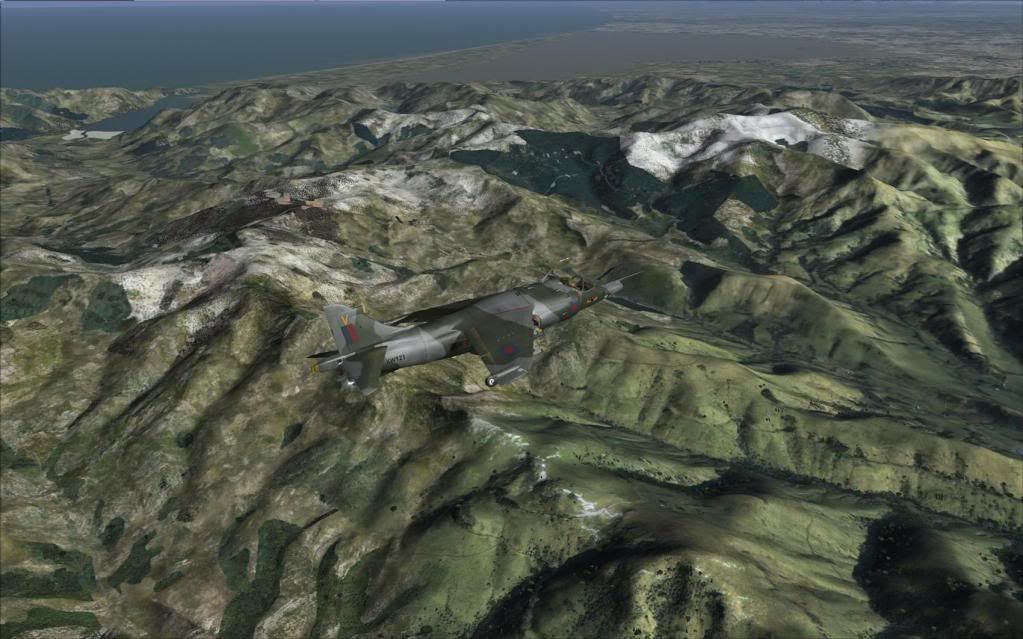
Winter , looks the Part but is a little to green but its a start .
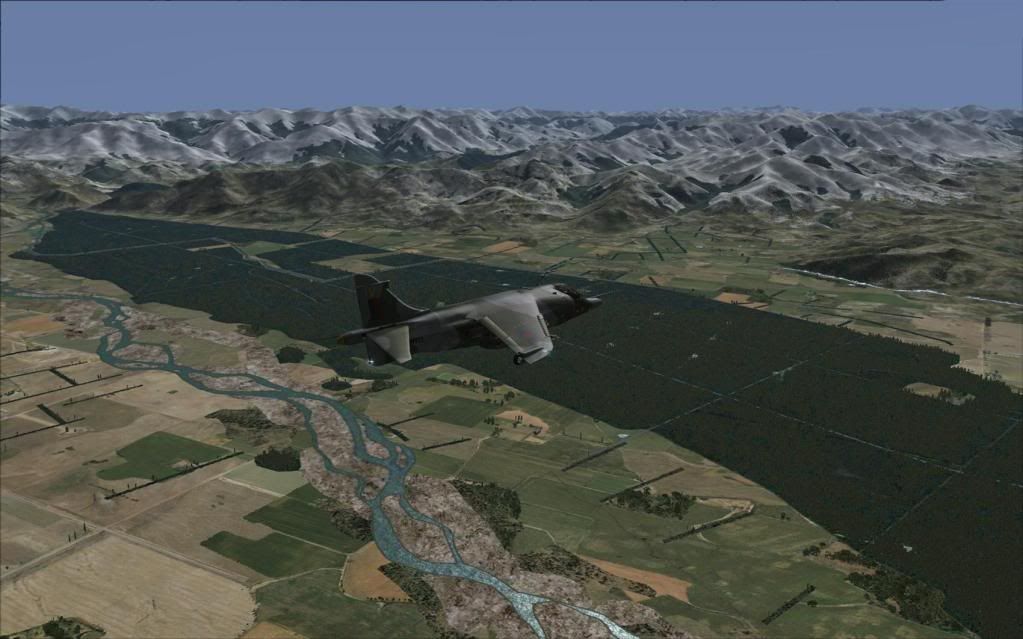
A flight into Northern Canterbury with the mix of these textures and VLC , the rivers braid and appear so much better.
A little scenery both Doug and myself are working on were all three come together so well texture and Vectors with a superb blend
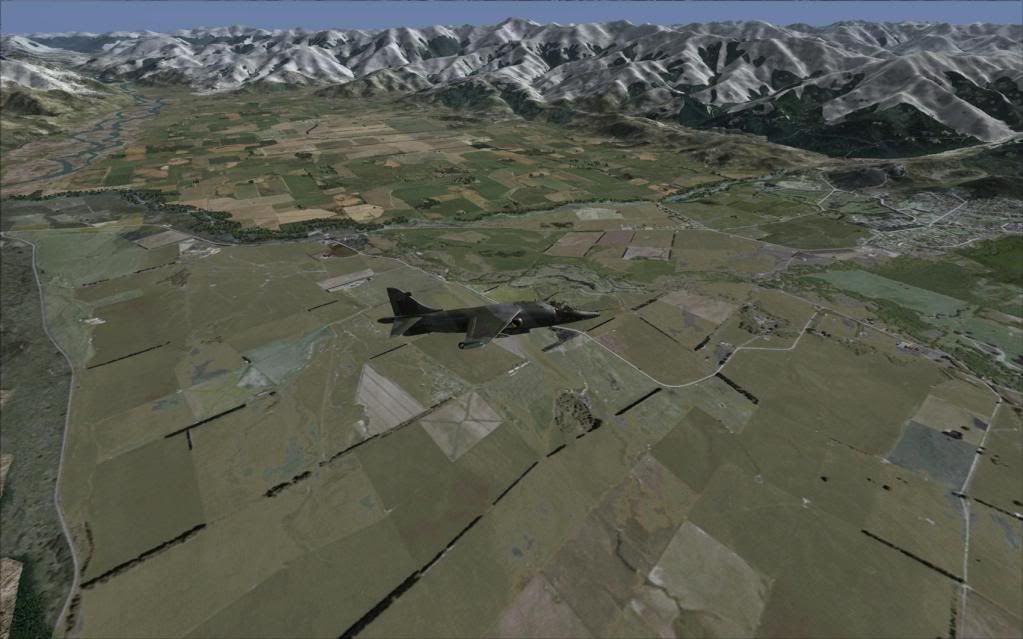
The Winter ........ course the photo need to be slightly recoloured
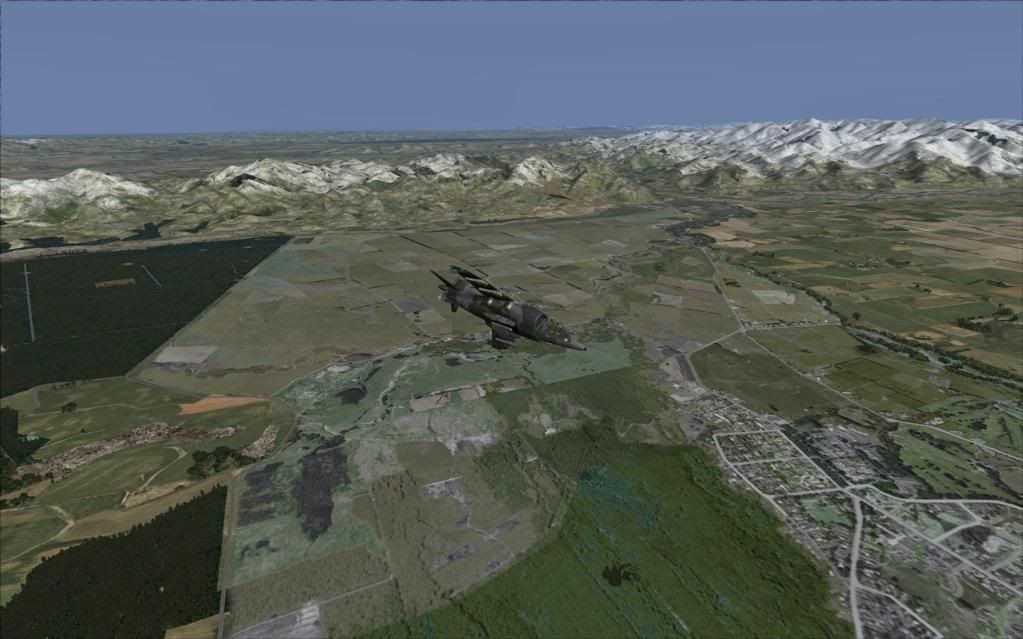
Then Summer ..... course still needs the autogen
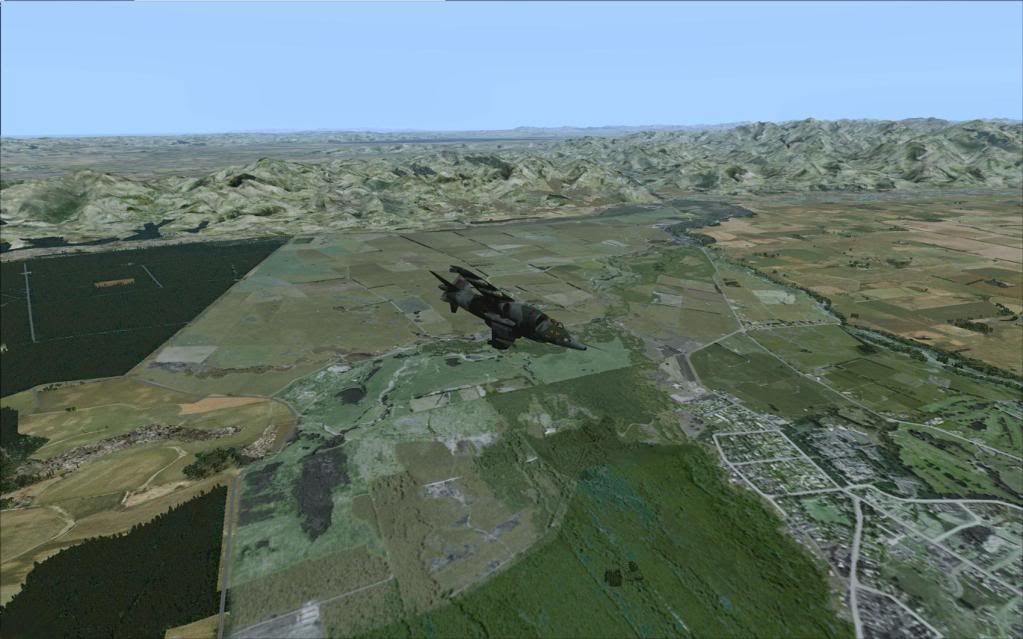
As this area has its on little airport , you can get a DC-3 in there or a Cat , any GA type .
Winter , looks the Part but is a little to green but its a start .
A flight into Northern Canterbury with the mix of these textures and VLC , the rivers braid and appear so much better.
A little scenery both Doug and myself are working on were all three come together so well texture and Vectors with a superb blend
The Winter ........ course the photo need to be slightly recoloured
Then Summer ..... course still needs the autogen
As this area has its on little airport , you can get a DC-3 in there or a Cat , any GA type .

-

Ian Warren - NZFF Pro
- Joined: Fri May 05, 2006 5:23 pm
- Posts: 41187
- Location: AREA 51


by cooldad » Thu Dec 08, 2011 5:21 pm
Hi Ian and team.
I must be the only dumb one around here. I've downloaded the textures and unpacked them into a new folder. I then went to the VLC Landclass folder and saved the texture folder. I then installed the new textures into the VLC Landclass texture folder (thinking this was easier). But I saw no change at all!
I then went into the scenery library and unchecked both VLC entries (the two straight after the default entries) and still I see no difference! How is this possible? Shouldn't I be seeing dreary default textures? Has VLC copied it's textures into the world/scenery folder and thats why I see no change? I would have thought the mesh would not work as well.
Strange, I hope someone can enlighten me. Maybe I'm getting too old for this stuff
Cheers
Paul
I must be the only dumb one around here. I've downloaded the textures and unpacked them into a new folder. I then went to the VLC Landclass folder and saved the texture folder. I then installed the new textures into the VLC Landclass texture folder (thinking this was easier). But I saw no change at all!
I then went into the scenery library and unchecked both VLC entries (the two straight after the default entries) and still I see no difference! How is this possible? Shouldn't I be seeing dreary default textures? Has VLC copied it's textures into the world/scenery folder and thats why I see no change? I would have thought the mesh would not work as well.
Strange, I hope someone can enlighten me. Maybe I'm getting too old for this stuff
Cheers
Paul
-

cooldad - Forum Addict
- Joined: Wed May 31, 2006 10:26 am
- Posts: 226
- Location: Hutt Valley, Wellington
by Ian Warren » Thu Dec 08, 2011 8:34 pm
Paul , the collection of 'textures' are to replace the default in the main Scenery/World /Texture folder , recommend you make a copy off that folder and put in a safe place in the case you dont like then place those files into the texture folder .
-
Ian Warren - NZFF Pro
- Joined: Fri May 05, 2006 5:23 pm
- Posts: 41187
- Location: AREA 51

29 posts
• Page 2 of 2 • 1, 2
Who is online
Users browsing this forum: No registered users and 26 guests