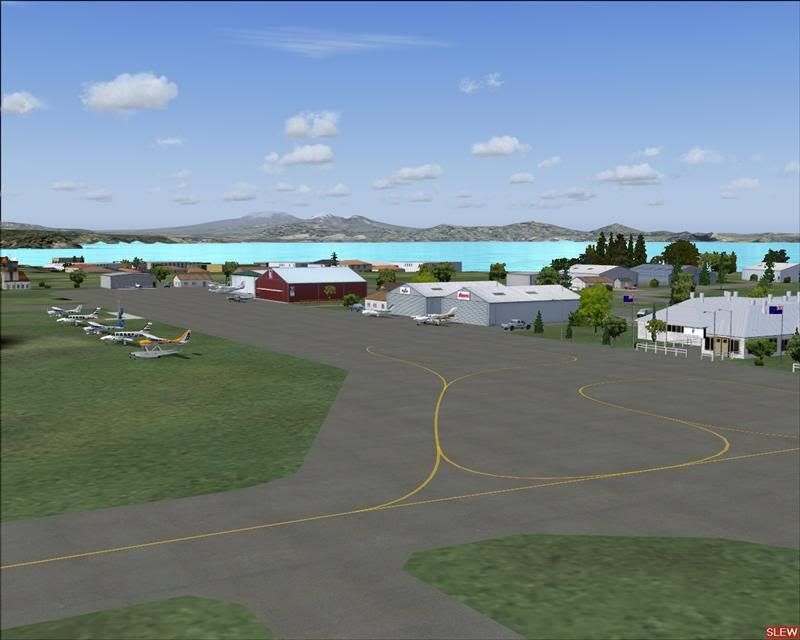
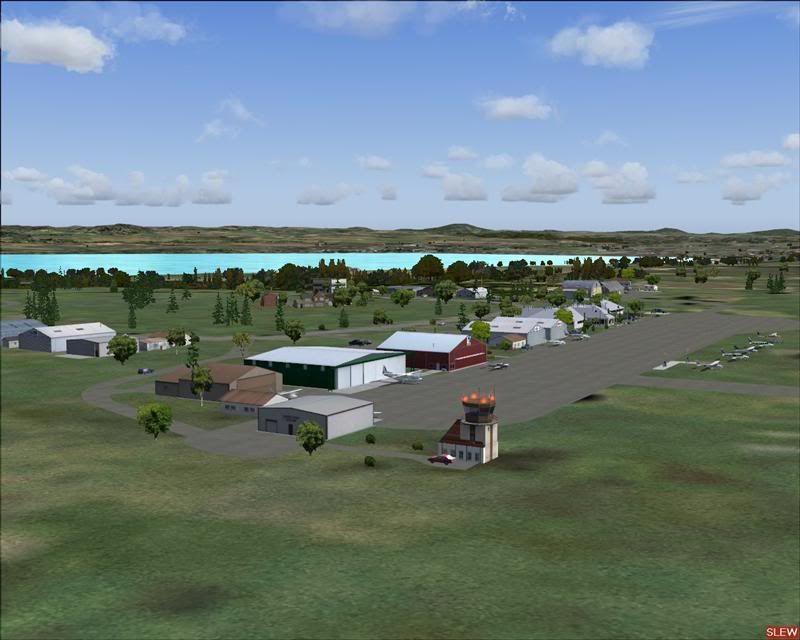
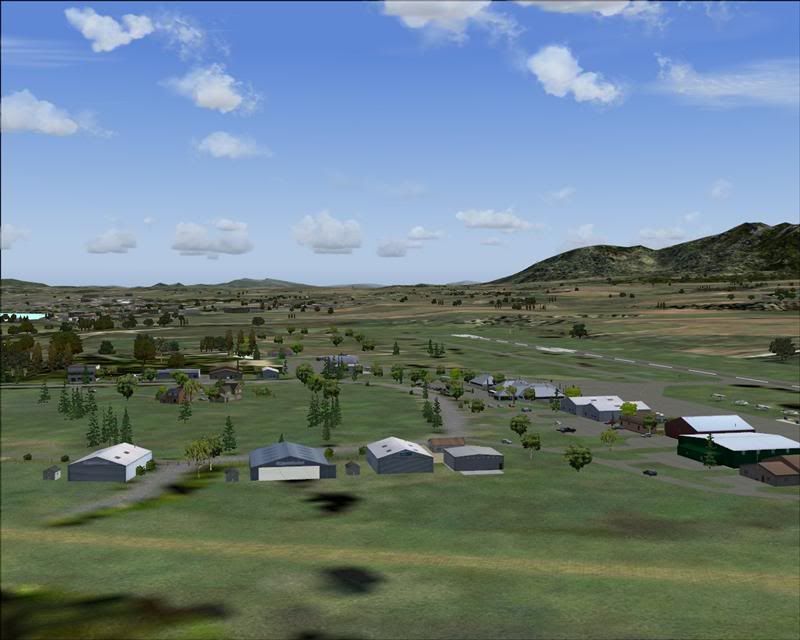
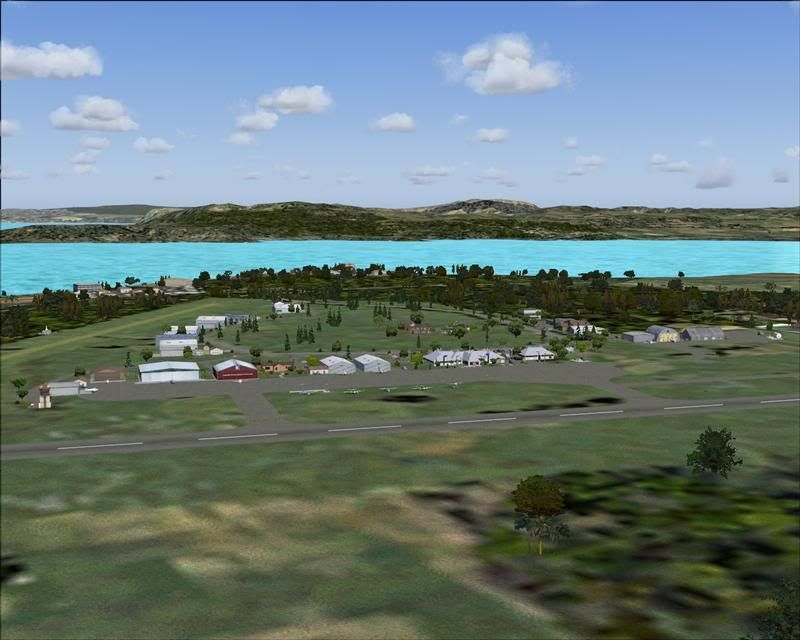
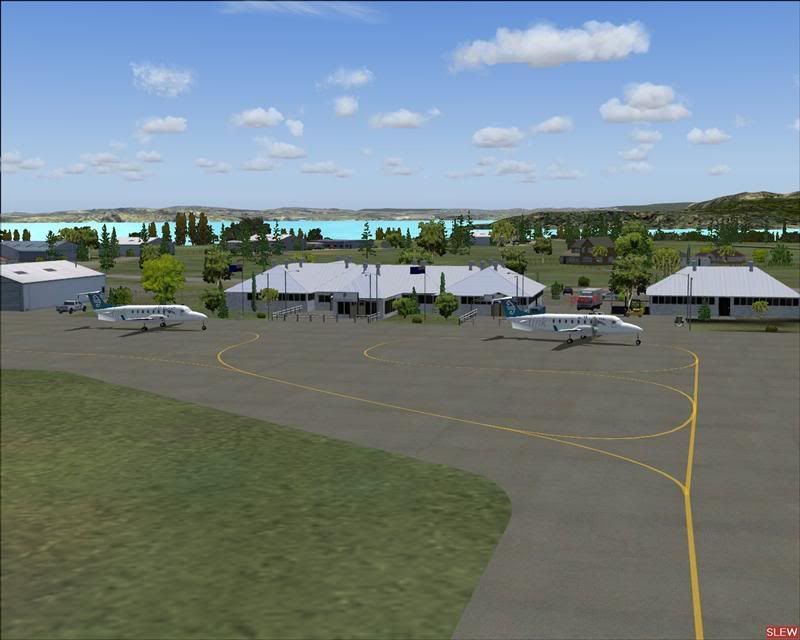
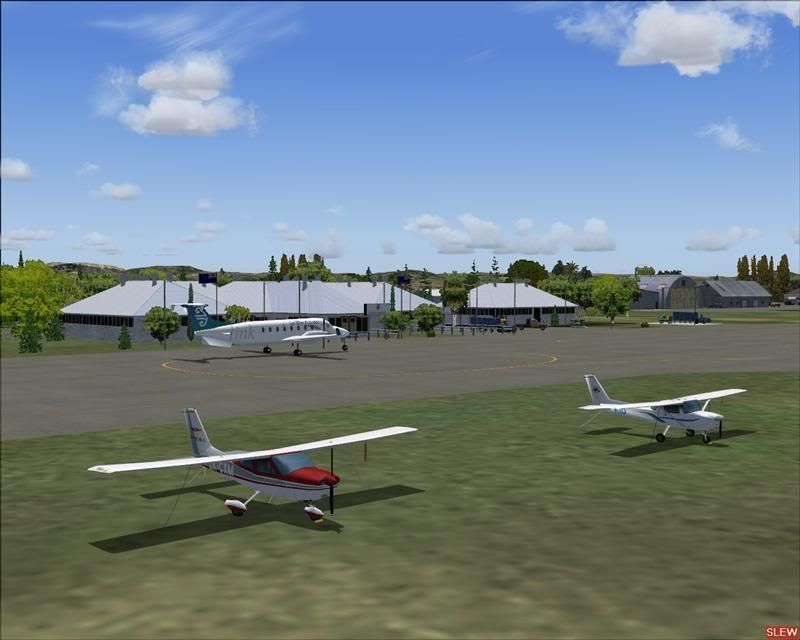
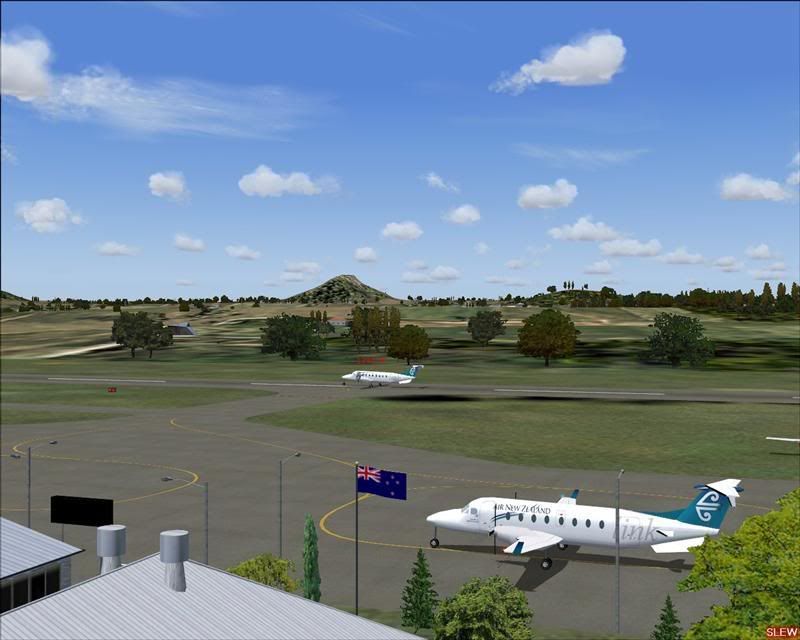
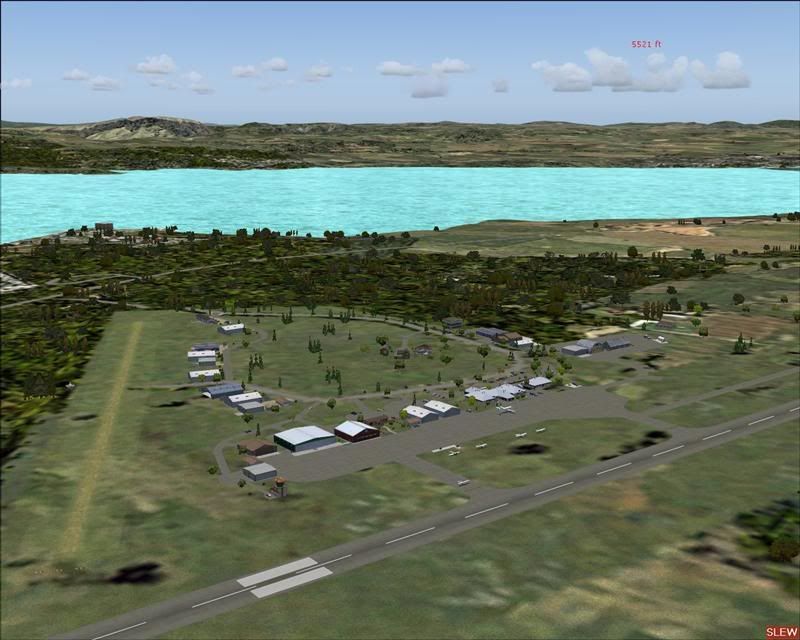
Lawrie.

100% ad-free
 by creator2003 » Sat Feb 16, 2008 2:35 pm

by Snowman » Sat Feb 16, 2008 3:14 pm
NZ255 wrote:QUOTE (NZ255 @ Feb 16 2008, 03:08 PM) <{POST_SNAPBACK}>Great, love it....but only getting 3 fps, what are the filenames for the fences and vehicles ( will that bring the frame rates up?)
Thanks
Nick
Thats a REAL worry !! 3 fps !! ????????????????????????
Fence files are as follows.............
NZAP_TrmSecFce.bgl
NZAP_TrmFce.bgl
NZAP_NthHngFce.bgl
NZAP_SthHngFce.bgl
NZAP_SthWstHngFce.bgl
AP_CtrHseFce.bgl
Vehicle files as follows.................
NZAP_NthHngVeh.bgl
NZAP_SkDvClbVeh.bgl
NZAP_SthHngVeh.bgl
NZAP_TrmCpkVeh.bgl
NZAP_TrmVeh.bgl
AP_CtrHseVeh.bgl
Theoretically, removing these will improve frame rates, but i cant understand only 3 fps !!
My machine is 4 years old now. I built it myself. Im getting between 28 and 36 fps at Taupo, with all sliders maxed !
AMD Athlon XP-3400+, 2gb DDR-400 RAM, 256mb ATI-Radeon X-800 Video card.......................
Lawrie.

by Snowman » Sat Feb 16, 2008 3:23 pm
creator2003 wrote:QUOTE (creator2003 @ Feb 16 2008, 03:35 PM) <{POST_SNAPBACK}>not many addons like this can bring your system to a crawl unless you are running a low system with everything slider wise maxed out
Youre right Mike,................ this stuff is not complicated enough, and there is not enough of a huge quantity of separate objects in this scenery to bring a machine to its knees............ 3 fps !! ???????????
My youngest son has an old P-3 866mhz, with only 384mb of SD-100 Ram, and a 64mb gForce 4 MX-440 video card, and hes getting between 14 and 18 fps at my Taupo scenery......................
Lawrie.
by NZ255 » Sat Feb 16, 2008 3:35 pm



by creator2003 » Sat Feb 16, 2008 3:50 pm
by NZ255 » Sat Feb 16, 2008 4:49 pm
creator2003 wrote:QUOTE (creator2003 @ Feb 16 2008, 04:50 PM) <{POST_SNAPBACK}>Ah ok so it is something at the airport that is conflicting then with your install there i would think ,,as no one has mentioned yet anything like this happening ,
did you have any other taupo scenery installed before snowmans one ?? there could be a file or texture double up somewhere that is still making this a conflict with snowmans new scenery
other than that it should run ok with the settings you have explained ,
always do the testing in the same aircraft of course as your pmdg would be heavy on flps than the default cessna and results would be different everytime etc ..
trial and error is all the advise i can give you really
No other Taupo sceneries before that, noNick
by NZ255 » Sat Feb 16, 2008 11:21 pm
by NZ255 » Sun Feb 17, 2008 9:07 am
Snowman wrote:QUOTE (Snowman @ Feb 16 2008, 04:23 PM) <{POST_SNAPBACK}>My youngest son has an old P-3 866mhz, with only 384mb of SD-100 Ram, and a 64mb gForce 4 MX-440 video card, and hes getting between 14 and 18 fps at my Taupo scenery......................
WHAT!!!???!! Thats insane!!!! Does my comp not like one of the files there or something?Nick
by creator2003 » Sun Feb 17, 2008 10:48 am
by NZ255 » Sun Feb 17, 2008 11:39 am
creator2003 wrote:QUOTE (creator2003 @ Feb 17 2008, 11:48 AM) <{POST_SNAPBACK}>Check at the airports you say that are having the issues to see if you can spot any buildings that are the same at taupo airport ,some of these older objects can have some issues due to textures and modelling things ,
i can only think it could have something to do with a double up of textures or a model that mite have be used
have you only one afcad for that area installed ,sometimes it can have bad side effects or it could be something in the afcad ."this mite not happen the same in each ppls computer result very ,,ie different setups "
try removing one file at a time first remove the afcad ,load up and see if that changes anything ,then put it back in if that didnt change anything for you and remove another file from the scenery folder of that file ..
i know its painful but it would be the only way i know that you are going to find out what the deadly file is for you ..
plz back up your folder that you are working on first before you start playing around ..
mike
OK, will get around to doing it , probably in the evening. I've got loads of hiomework, so will post results later to night or even tomorrow.
Thanks
NickNick
by Snowman » Sun Feb 17, 2008 12:22 pm
NZ255 wrote:QUOTE (NZ255 @ Feb 17 2008, 12:21 AM) <{POST_SNAPBACK}>I have also looked for those "3 spawns of blury" files the scenery library (zinc.bmp planter rims.bmp and gauges.bmp from memory) but can't find them!??!
Anyone?
Thanks alot
Nick
Nick,...................... Experiment,..........................
MILFORD SOUND,...................Remove the bgl file named NZMF_FueTnk.bgl and see what happens................
TAUPO,............................. Remove the bgl file named NZAP_NthFueTnk.bgl and see what happens.....
also at TAUPO, remove........... NZAP_TrmSecFce.bgl , and NZAP_TrmFce.bgl.
These bgl files are the ones that use the suspect textures mentioned above (zinc, guages etc).
Also ,...........the Coromandel,.........
THAMES.............. Remove the bgl file named NZTH_NthFul.bgl
WHITIANGA........... remove NZWT_Msh.Fce.bgl
If you have KAIKOHE, try removing............. NZKO_ClbHseFce.bgl..............
If the problem still occurs after removing these bgl files, then it means that at least 2 of the suspect texture files (Zinc and guages) are still present elswhere in your sim, in an active texture folder from some other addon scenery, not necessarily in New Zealand.
There was a post on updated replacement textures from the authors of these suspect ones............ See following link........
http://nzff.org/forum/viewtopic.php?t=5559
Lawrie.
by NZ255 » Sun Feb 17, 2008 12:51 pm
by Snowman » Sun Feb 17, 2008 3:12 pm
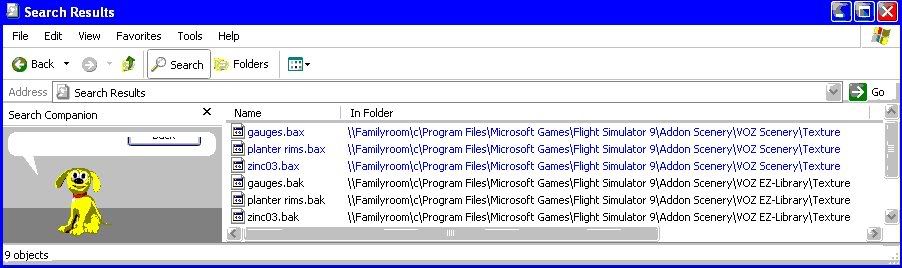
NZ255 wrote:QUOTE (NZ255 @ Feb 17 2008, 01:51 PM) <{POST_SNAPBACK}>OK haha I found the 3 files (well actually 6)
Colours appear funny because I was triing to reduce filesize
Have now renamed them to .bak and .bax so they wont be used
Brothers on gaming computer at the mo so can't check what the difference will be but hopefully the problem will be gone, at least the blurries will be (i hope)
Nick
Hmmm,.............. i should have thought to suggest looking in VOZ,.................. most people that have VOZ installed come up against this problem, and never think to look in the VOZ folders for the textures.
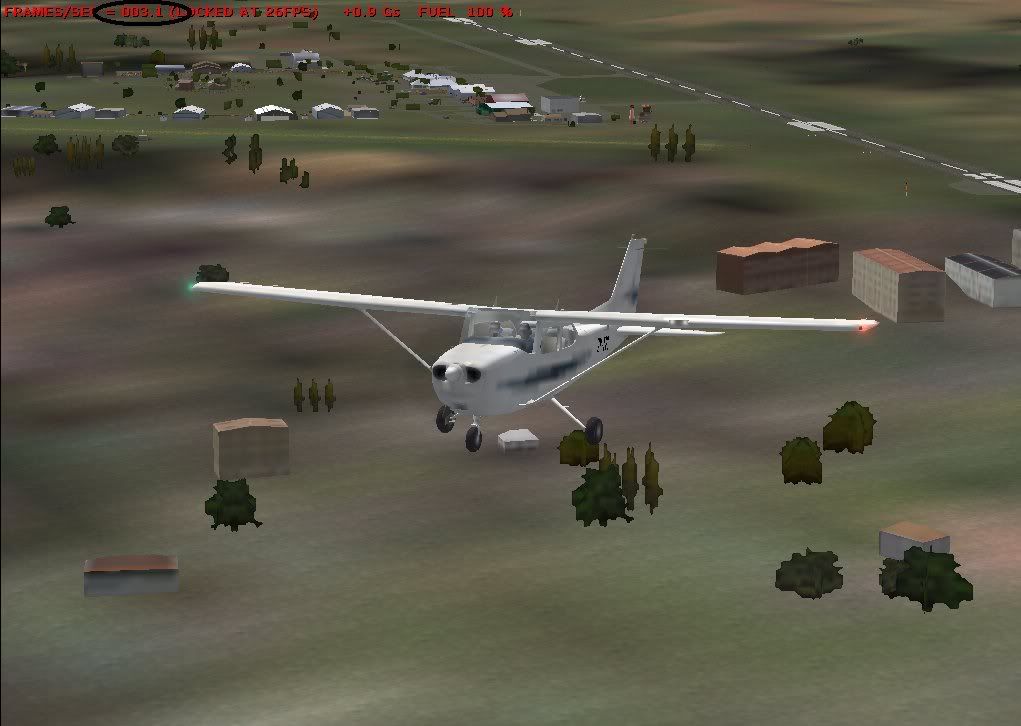
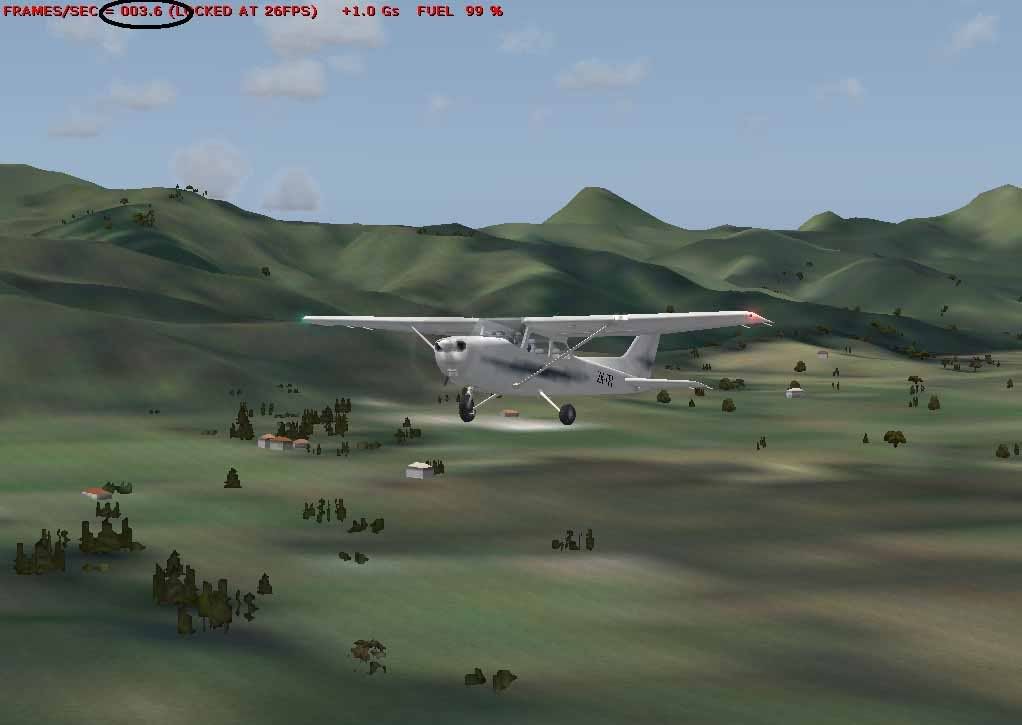
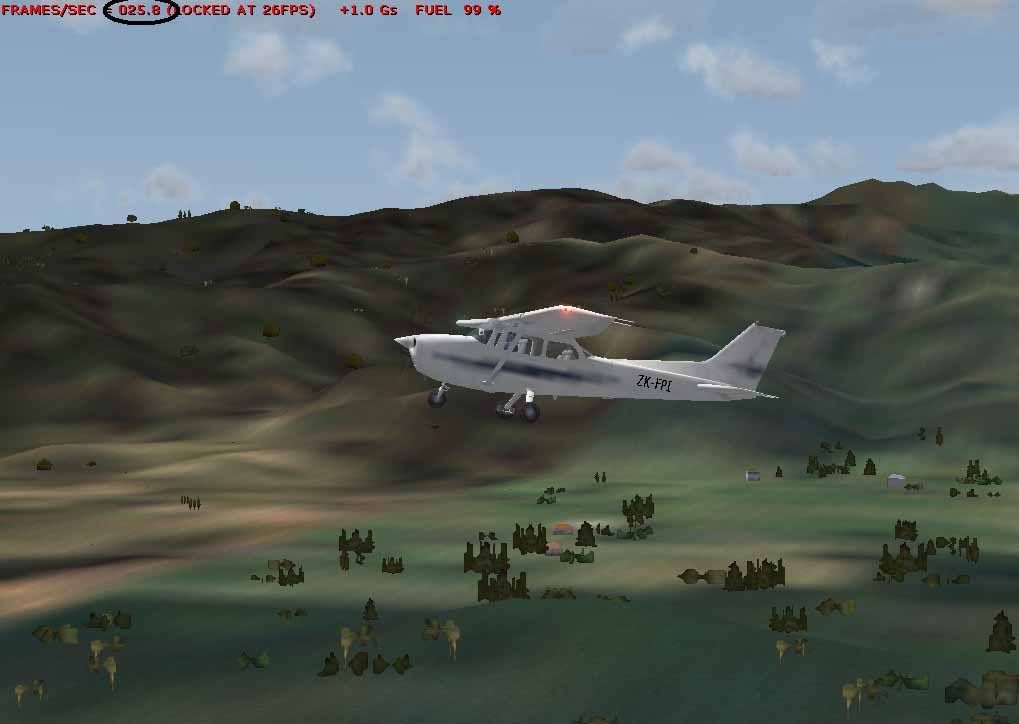
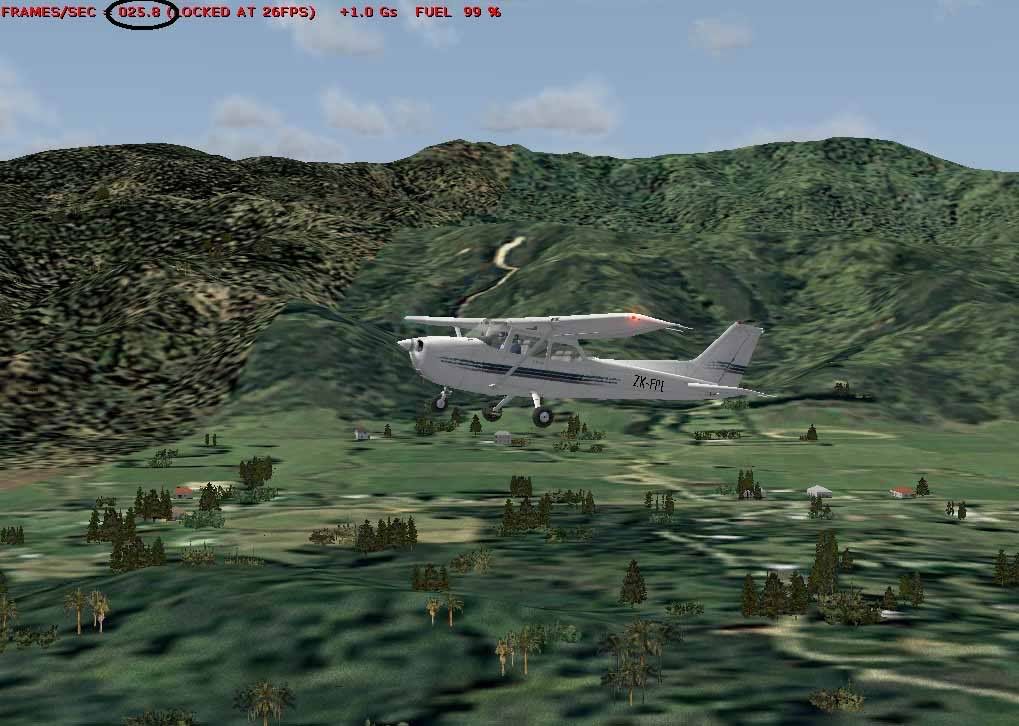
Also, in the last "clear" pic above, you are flying right at the join between default and photoreal ground textures,......... depending on your setup and settings etc etc, you can get stutters, blurries , microstutters, slow texture loading etc etc at these places where the photoreal joins the default ground textures..............................
Lawrie.
by NZ255 » Sun Feb 17, 2008 3:47 pm
Snowman wrote:QUOTE (Snowman @ Feb 17 2008, 04:12 PM) <{POST_SNAPBACK}>Hmmm,.............. i should have thought to suggest looking in VOZ,.................. most people that have VOZ installed come up against this problem, and never think to look in the VOZ folders for the textures.
Also, in the last "clear" pic above, you are flying right at the join between default and photoreal ground textures,......... depending on your setup and settings etc etc, you can get stutters, blurries , microstutters, slow texture loading etc etc at these places where the photoreal joins the default ground textures..............................
Lawrie.
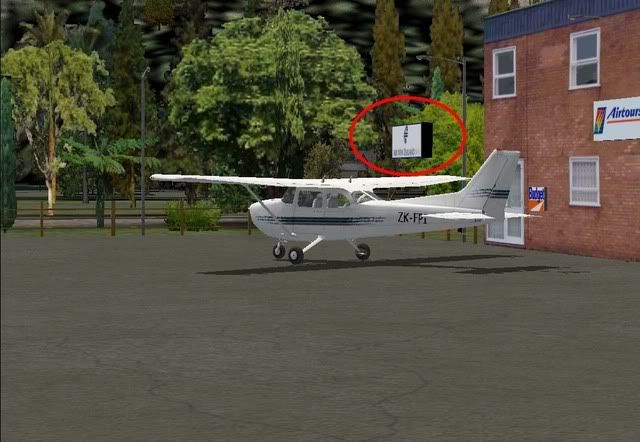
Righto, I have D/L and placed the new zinc texture fix's and so far so good as far as blurries go!
Haven't done your "experiment" yet (doing bits of fs in between homework) so FPS when looking at airport are still around 3 but look anywhere else and its back up to 26 locked
Will get back to ya about your experiment results when I do them
NickNick
by NZ255 » Sun Feb 17, 2008 5:23 pm
by NZ255 » Sun Feb 17, 2008 5:38 pm

Return to South Pacific FlightSim Scenery
Users browsing this forum: No registered users and 8 guests


 [/url]