Post Your Desktop

A forum for everything else that does not fit into the other categories

Postby NormNZ » Wed Oct 24, 2007 3:17 pm

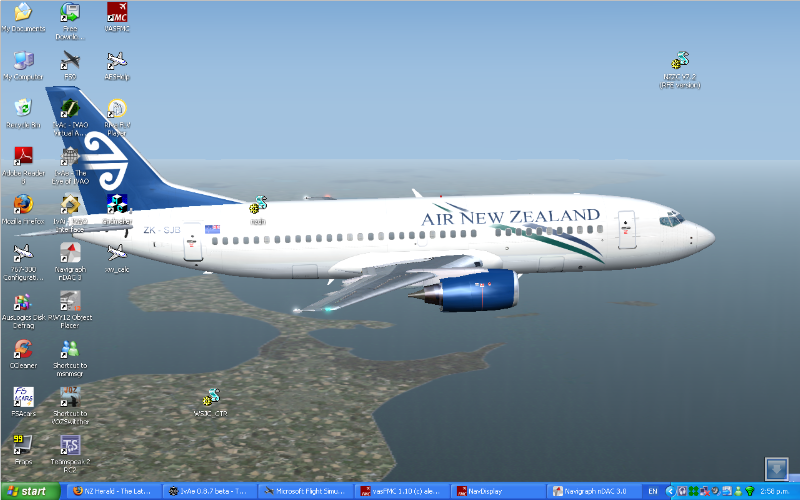
Hope this works - a bit technical!!!!

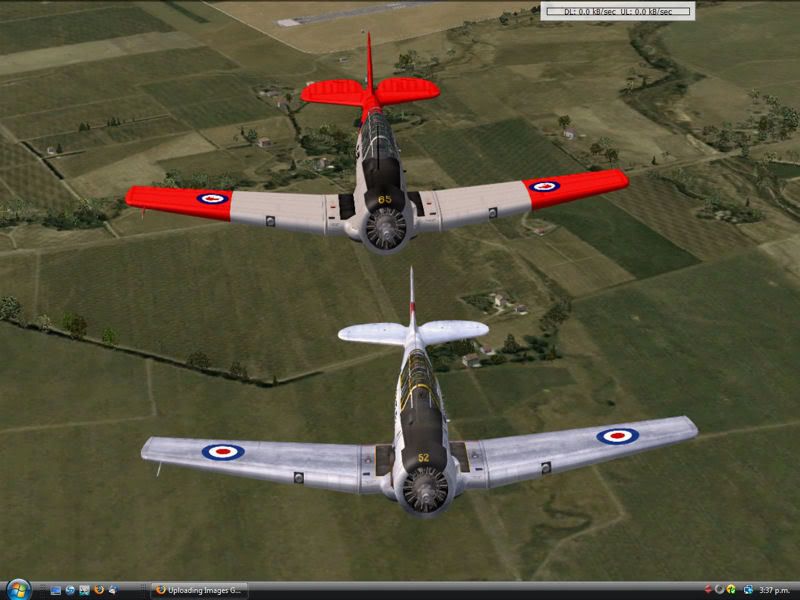
Usually have one of my dogs (German Shepherds of course) but since I got talked in to my second multi-player attempt last weekend I have been using this.
Brings back memories of being at Wigram and also spending some time in 3TAF Sqdn - yes an oldie!!!!

Over Woodbourne - thanks Robin.
NormNZ
Member
 
Joined: Fri Nov 17, 2006 11:11 pm
Posts: 47
Location: Upper Hutt

Postby Charl » Wed Oct 24, 2007 4:40 pm

ronindanbo wrote:
QUOTE (ronindanbo @ Oct 24 2007, 09:47 AM) <{POST_SNAPBACK}>
charl did you know auto hide actually uses quite a noticable amount of graphics memory?

Nope but I would've thought it the other way around - to display all those cutesy little buttons would take some resources.
Whatever, in these days of giant SLI-enabled graphics cards I don't imagine a button or 6 is going to cripple the system.
However, I paid $$ for every pixel and I want to see it all in FS!!
HardCorePawn wrote:
QUOTE (HardCorePawn @ Oct 24 2007, 11:48 AM) <{POST_SNAPBACK}>
I was under the impression that I could not put VC on one monitor and 2d instruments on the other in fullscreen mode and that I needed to be in windowed mode
Also, window mode works better for me as I often have the webbrowser open as well and I like to be able to switch to it without FS9 minimising...

Remember windowed mode uses the video card's Windows drivers!
FS needs the fullscreen drivers to look good.
2-monitor fullscreen is a pain true, but do this:
Open the GPS or whatever, then nudge it half off the main display.
Close it, and next time you will find it for dragging/resizing on the 2ndary display.
You can do this with all the available windows.
And yes, put the browser in the kneepad.
Plus movies for those really long hauls.
User avatar
Charl
NZFF Pro
 
Joined: Mon May 01, 2006 8:28 am
Posts: 9691
Location: Auckland

Postby ronindanbo » Thu Oct 25, 2007 6:09 am

Mattnz wrote:
QUOTE (Mattnz @ Oct 22 2007, 04:06 PM) <{POST_SNAPBACK}>
XP Partition aka FS partition:


Yay I made someones desktop New_Zealand_etc.gif
BSMP ltd Chairman of the board

Image
Visit www.bsmp.co.nz
User avatar
ronindanbo
Sim-holic
 
Joined: Fri Jul 14, 2006 5:59 am
Posts: 700
Location: Wellington

Postby Charl » Wed Oct 31, 2007 9:30 pm

Microsoft NZ has produced some free Kiwi wallpaper when you tire of aircraft (!)
User avatar
Charl
NZFF Pro
 
Joined: Mon May 01, 2006 8:28 am
Posts: 9691
Location: Auckland

Postby ardypilot » Wed Oct 31, 2007 11:25 pm

Thanks for the HU Charl, I know that exact spot well in the Long Bay shot.

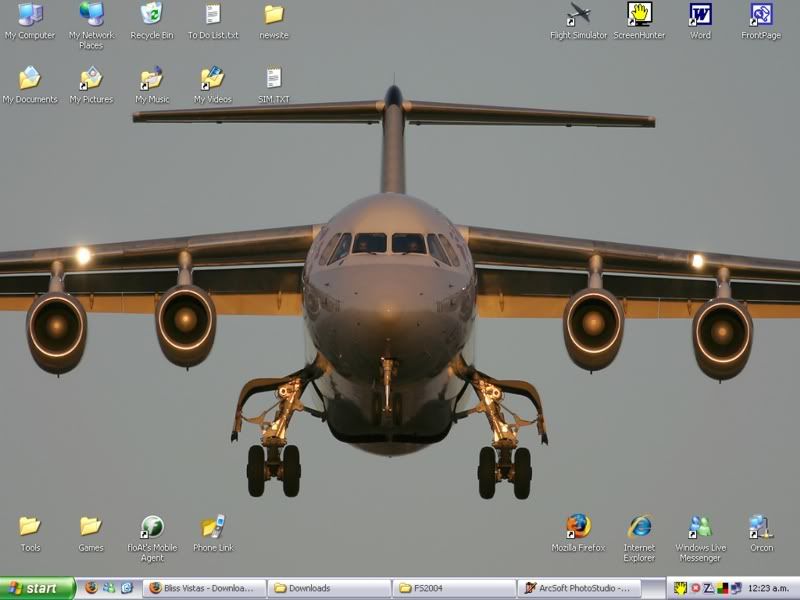
This is mine at the moment:
User avatar
ardypilot
NZFF Pro
 
Topic author
Joined: Wed Apr 26, 2006 10:01 am
Posts: 6802
Location: Auckland

Postby HardCorePawn » Thu Nov 01, 2007 9:26 am

Charl wrote:
QUOTE (Charl @ Oct 24 2007, 05:40 PM) <{POST_SNAPBACK}>
Remember windowed mode uses the video card's Windows drivers!
FS needs the fullscreen drivers to look good.
2-monitor fullscreen is a pain true, but do this:
Open the GPS or whatever, then nudge it half off the main display.
Close it, and next time you will find it for dragging/resizing on the 2ndary display.
You can do this with all the available windows.
And yes, put the browser in the kneepad.
Plus movies for those really long hauls.


I tried 2 monitor fullscreen and something really wierd is going on... I can 'nudge' something over onto the other screen (do the close/re-open thing)... but occassionally things (GPS, radio stack) wont show until I then go into the display settings, change something like filtering from/to bilinear/trilinear on the 2nd display and then let the display refresh...

plus every now and then, the 2nd display corrupts (woooooah acid trip!! dry.gif) and is just really annoying...

I am assuming this is most likely a driver issue... but its very frustrating, as I have to dick around for at least 5 to 10 minutes to get everything setup... whereas windowed mode takes around 20secs!!

I might try getting the latest nvidia drivers and seeing if that helps...
"Son, we are about the break the surly bonds of gravity, and punch the face of God." -- Homer Simpson

Image
User avatar
HardCorePawn
Senior Member
 
Joined: Fri Sep 01, 2006 4:18 pm
Posts: 1277
Location: 2500' above Godzone

Postby Charl » Thu Nov 01, 2007 12:03 pm

More commitment, HCP!!

If you're running LCD's I imagine you neeed to use monitor native resolution in the sim.
It is clunky, and if you're committed to dials on the 2nd monitor maybe windowed mode is easier.
I have a large primary display and don't often use the other one.
I've actually taken to flying choppers with a second window open in spot view, and at last I can land on a dime!
Mmm wonder if you can't nudge a view window over?
User avatar
Charl
NZFF Pro
 
Joined: Mon May 01, 2006 8:28 am
Posts: 9691
Location: Auckland

Postby Blabzillaweasel » Thu Nov 01, 2007 4:07 pm

Some Nice Desktops, Heres Mine With A Pic Of An A-4 Skyhawk I Took In Wigram. smile.gif


Image
Blabzillaweasel
Member
 
Joined: Wed Oct 31, 2007 4:18 pm
Posts: 124
Location: Hamilton, Waikato

Postby HardCorePawn » Fri Nov 02, 2007 9:41 am

Charl wrote:
QUOTE (Charl @ Nov 1 2007, 01:03 PM) <{POST_SNAPBACK}>
More commitment, HCP!!

If you're running LCD's I imagine you neeed to use monitor native resolution in the sim.
It is clunky, and if you're committed to dials on the 2nd monitor maybe windowed mode is easier.
I have a large primary display and don't often use the other one.
I've actually taken to flying choppers with a second window open in spot view, and at last I can land on a dime!
Mmm wonder if you can't nudge a view window over?


Well I have the desktop set to 1280x1024 on each monitor... and do the same in the sim... as a test, I might try dropping the desktop and sim down to 1024x768 and see if that helps... but I dont think I could handle a res that low on a permanent basis sad.gif

I really have to have dials on the 2nd, as I tend to fly mostly with VC and TrackIR, and its damn near impossible to click on anything in VC mode with everything moving about... dry.gif
Last edited by HardCorePawn on Fri Nov 02, 2007 9:41 am, edited 1 time in total.
"Son, we are about the break the surly bonds of gravity, and punch the face of God." -- Homer Simpson

Image
User avatar
HardCorePawn
Senior Member
 
Joined: Fri Sep 01, 2006 4:18 pm
Posts: 1277
Location: 2500' above Godzone

Postby Charl » Wed Nov 07, 2007 7:45 pm

HardCorePawn wrote:
QUOTE (HardCorePawn @ Nov 2 2007, 10:41 AM) <{POST_SNAPBACK}>
I really have to have dials on the 2nd, as I tend to fly mostly with VC and TrackIR, and its damn near impossible to click on anything in VC mode with everything moving about... dry.gif

OK turns out you can have your cake + eat it.
Starting in windowed mode you create as many additional view windows as you need.
Drag them off onto the 2nd monitor.
Then go fullscreen and do the open/nudge thng with GPS etc.

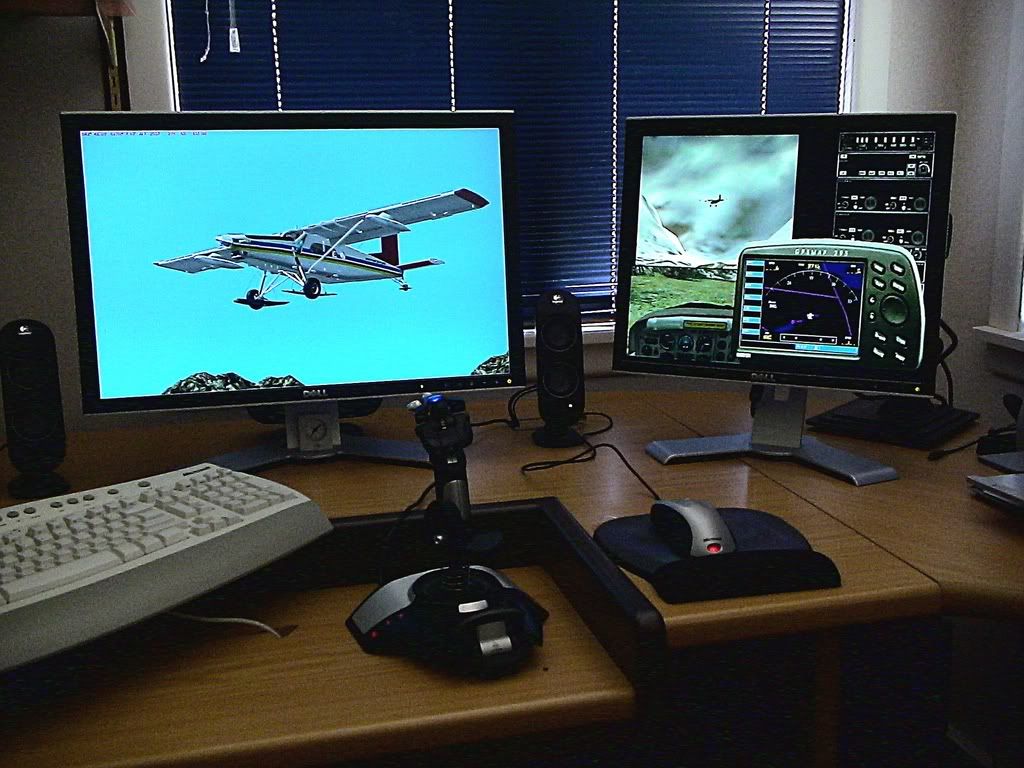
Here 3 view windows are open, you can cycle through views on any of them, useful for hovering choppers.
Dials are available too
User avatar
Charl
NZFF Pro
 
Joined: Mon May 01, 2006 8:28 am
Posts: 9691
Location: Auckland

Postby Kelburn » Wed Nov 07, 2007 8:37 pm

That is one fantastic joystick you've got there. I've got the same one.
Image

Isn't it evident?? Boeing are my favourite aircraft.

P.S. that's is my real birthday but I wish to keep my real age secret to keep you all pondering.
Kelburn
NZFF Pro
 
Joined: Sat Oct 14, 2006 10:59 am
Posts: 2193
Location: On a reverse 'hole'

Postby HardCorePawn » Thu Nov 08, 2007 9:05 am

Charl wrote:
QUOTE (Charl @ Nov 7 2007, 08:45 PM) <{POST_SNAPBACK}>
OK turns out you can have your cake + eat it.
Starting in windowed mode you create as many additional view windows as you need.
Drag them off onto the 2nd monitor.
Then go fullscreen and do the open/nudge thng with GPS etc.


Yay.... that works much better than trying to do the open/nudge thing... I dont have disappearing windows or anything... I just have to remember to put FS back into window mode before exiting...

  1. Start in Windowed Mode
  2. Undock views and move as required
  3. Switch to Fullscreen


The only issue I see is that you then need to resize some of the views, as they dont change their layer order, whereas in window mode the window will pop to the front when you click on it... so you can "hide" the lesser used windows in the background until you require them... nevermind... guess I'll just have to buy a TripleHead2Go or something winkyy.gif
Last edited by HardCorePawn on Thu Nov 08, 2007 9:07 am, edited 1 time in total.
"Son, we are about the break the surly bonds of gravity, and punch the face of God." -- Homer Simpson

Image
User avatar
HardCorePawn
Senior Member
 
Joined: Fri Sep 01, 2006 4:18 pm
Posts: 1277
Location: 2500' above Godzone

Postby VH-CC1 » Mon Dec 03, 2007 3:07 pm

My Desktop.
I in noway take credit for the pic, as its taken by a Westpac Rescue Member

The Chookies Computer has the default XP wallpaper.

The Upstairs Box has a cloud Pic taken ages ago.

The New laptop will have another Pasha Rescue Pic


phhh, i think thats all of em :P
Last edited by VH-CC1 on Mon Dec 03, 2007 3:22 pm, edited 1 time in total.
VH-CC1
 

Postby Snowman » Sat Dec 15, 2007 4:11 pm

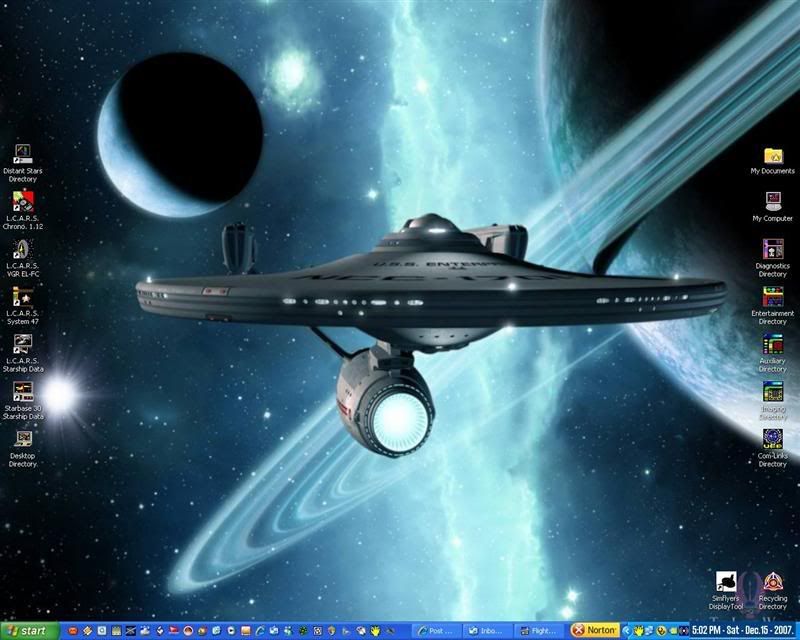
My Current desktop...............

YES,.................... i'm a "trekkie" from way back .....................
And ,.....yes, i have a number of them in my Sim !!


Lawrie. >nzflag<
Image

Image
User avatar
Snowman
NZFF Pro
 
Joined: Wed Jul 26, 2006 3:52 pm
Posts: 2427
Location: Tauranga, NZ.

Postby Mattnz » Sat Dec 15, 2007 4:29 pm

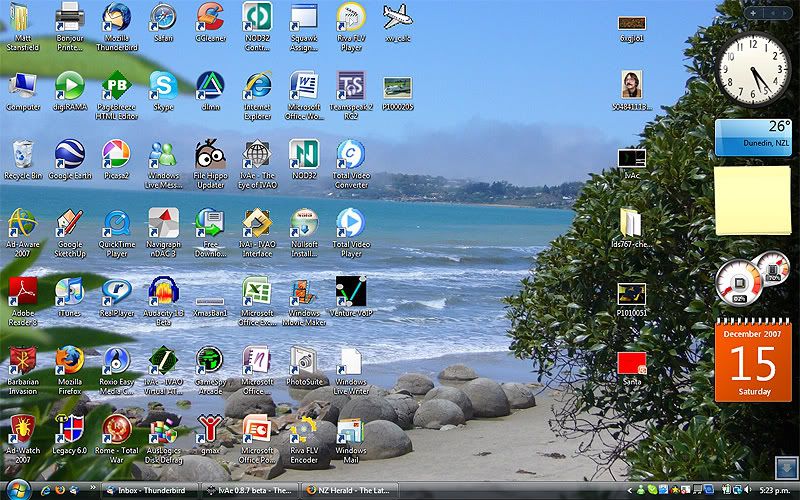
My current...

Image
Mattnz
Sim-holic
 
Joined: Sun Feb 25, 2007 6:13 pm
Posts: 810
Location: Dunedin

Postby Alex » Sat Dec 15, 2007 5:22 pm

Errm ... Matt ... why do you have a picture of that German staff guy (EC?) on your desktop (its very memorable :lol: )?

Anyway, here's the one on my laptop. :)


Alex
Alex
NZFF Pro
 
Joined: Fri Jul 14, 2006 3:39 pm
Posts: 3620

Postby Mattnz » Sat Dec 15, 2007 5:49 pm

QUOTE
Errm ... Matt ... why do you have a picture of that German staff guy (EC?) on your desktop (its very memorable :lol: )?[/quote]

Hahahahaha!! First of all....well spotted:
I think (and hope) that's only his avatar on the forum...here's the full sized image from my desktop (emailed to me by someone):

Avatar:

So...if it is really him, then there are pictures of him all over the web :lol:
Image
Mattnz
Sim-holic
 
Joined: Sun Feb 25, 2007 6:13 pm
Posts: 810
Location: Dunedin

Postby A185F » Mon Dec 17, 2007 8:15 pm

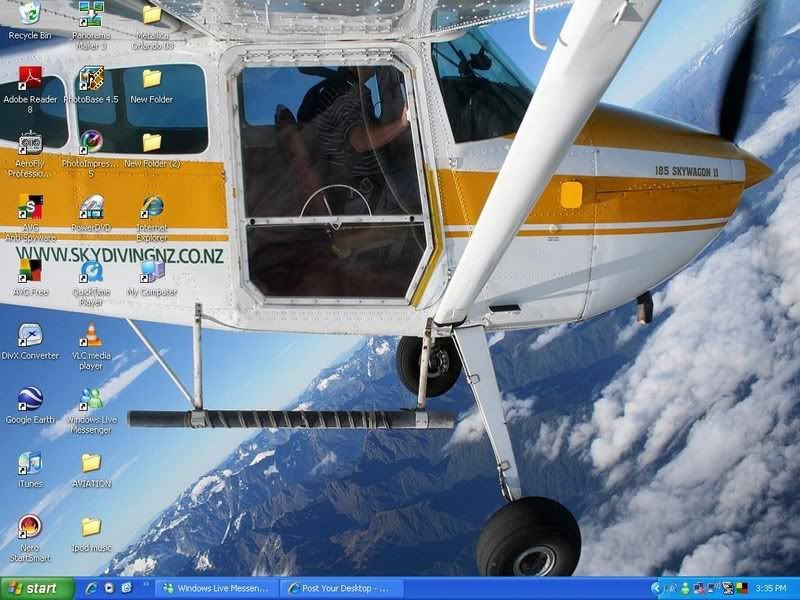
This be mine on this computer, all cluttered with cr@p unfortunately

User avatar
A185F
Sim-holic
 
Joined: Sun Mar 04, 2007 9:25 pm
Posts: 613
Location: right behind my laptop

Postby HardCorePawn » Tue Dec 18, 2007 11:08 am

How long did the guy manage to hold onto the wing for? :ph43r:

bloody freeloaders!
"Son, we are about the break the surly bonds of gravity, and punch the face of God." -- Homer Simpson

Image
User avatar
HardCorePawn
Senior Member
 
Joined: Fri Sep 01, 2006 4:18 pm
Posts: 1277
Location: 2500' above Godzone

Postby AlisterC » Tue Dec 18, 2007 11:36 am

A185F wrote:
QUOTE (A185F @ Dec 17 2007, 09:15 PM) <{POST_SNAPBACK}>
This be mine on this computer, all cluttered with cr@p unfortunately


Better hope then that no one in here is from the movie industry... :rolleyes: Clone Dvd, Anydvd, DVDFab, Metallica, Eagles DVD, DVDs :lol:

Last edited by AlisterC on Tue Dec 18, 2007 11:37 am, edited 1 time in total.
Image
User avatar
AlisterC
NZFF Pro
 
Joined: Thu Jul 20, 2006 11:13 am
Posts: 2543
Location: Nelson, NZ

PreviousNext

Return to Off Topic

Who is online

Users browsing this forum: No registered users and 7 guests