
well worth a watch

100% ad-free
 by creator2003 » Wed Sep 19, 2007 8:06 pm

by creator2003 » Wed Sep 19, 2007 11:36 pm
 i generally make them for myself ,i must watch them 20 odd times to see what i could of done to make them better ,
 3hours of recorder flight ,30min to a hour capturing the shots ..


by ardypilot » Thu Sep 20, 2007 1:03 pm
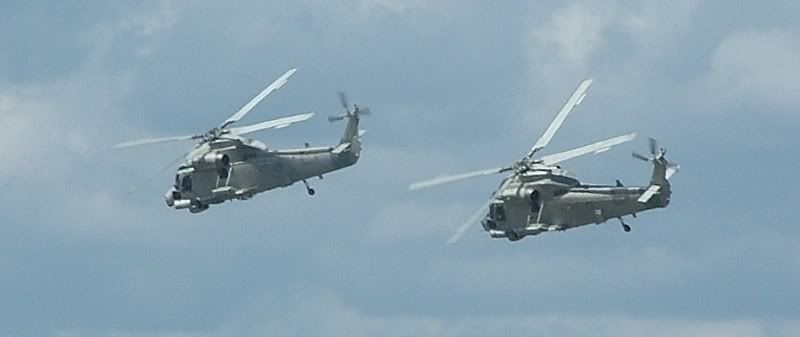
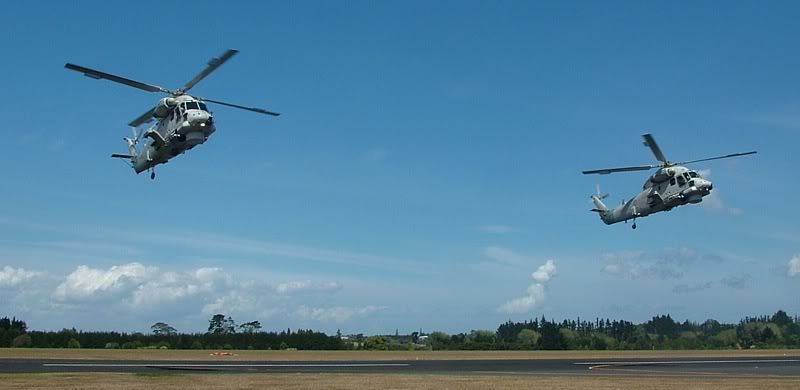
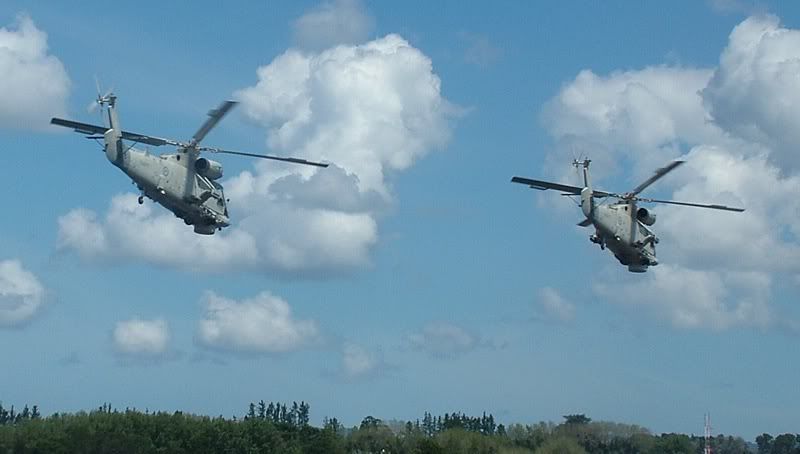
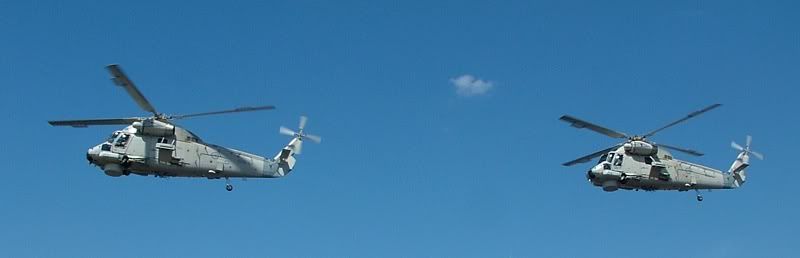


by creator2003 » Fri Sep 21, 2007 10:18 am
by Charl » Fri Sep 21, 2007 10:53 am

by creator2003 » Fri Sep 21, 2007 11:04 am

You can make your own ai helicopters to work with recorder module, and it's much easier than making them to work as 'normal' ai.
1) Make a new aircraft container (folder). Give it the same name as the original helicopter, but with '_AI' stuck on the end of it (or anything to make it a unique name).
2) Copy everything but the air and cfg files from the original aircraft into it, and the air and cfg from the King Air.
3) Rename the new air file to whatever the original aircraft's is called
4) Copy the following sections from the original aircraft's cfg and replace those in the new (ex King Air) cfg:
All fltsim sections
contact_points
lights
smokesystem
5) In each fltsim section add '_AI' (or again, anything to make it unique) to the end of the title line and ui-variation line.
6) If you have aired.exe, you can stop them cluttering up your aircraft selection menu by changing 'aircraft type' (line 105) to '2'. If not, you can change the ui_manufacturer line in each fltsim section to something like RMAI to keep them seperate.
7) After recording your flight use renameit (from the RM site) to change the name of the aircraft used to playback (add _AI, or whatever, to the current one shown) and save the flight with a new name.
8) Formate on your custom AI helicopter and shoot some footage for us rotorheads.
These modifications won't work as normal AI, because the weights and power need fine tuning for them to 'fly', but RM aircraft only follow pre-recorded positional data.
by Tigster on Sep. 13 2007,18:41
by Charl » Fri Sep 21, 2007 1:16 pm
Charl wrote:QUOTE(Charl @ Sep 21 2007, 10:53 AM) <{POST_SNAPBACK}>Late comment: very nice Mike, dunno why I've never tried chopper formations, but you've inspired me with this offering.
Well now I certainly know why I've never tried chopper formations!
And more credit to you for going for it!Last edited by Charl on Fri Sep 21, 2007 1:17 pm, edited 1 time in total.
by creator2003 » Fri Sep 21, 2007 1:34 pm
 when it comes to formation who better to do it than the other side of me
  i mean 8 of me what a scary thought
Users browsing this forum: No registered users and 18 guests
