Yes, I did get a heads-up about this, I have always had a big following in Germany, dunno why. Maybe I should shift there...
Good idea - one of your fans is here and another cause: in germany is summer now ...
100% ad-free
 by sandman » Thu Aug 09, 2007 9:17 pm
Yes, I did get a heads-up about this, I have always had a big following in Germany, dunno why. Maybe I should shift there...
by toprob » Fri Aug 10, 2007 5:41 pm
Grumble wrote:QUOTE(Grumble @ Aug 9 2007, 06:54 PM) <{POST_SNAPBACK}>Will do. Now you stop posting and get to work on Tauranga!! "Fingers to the bone" please!!!
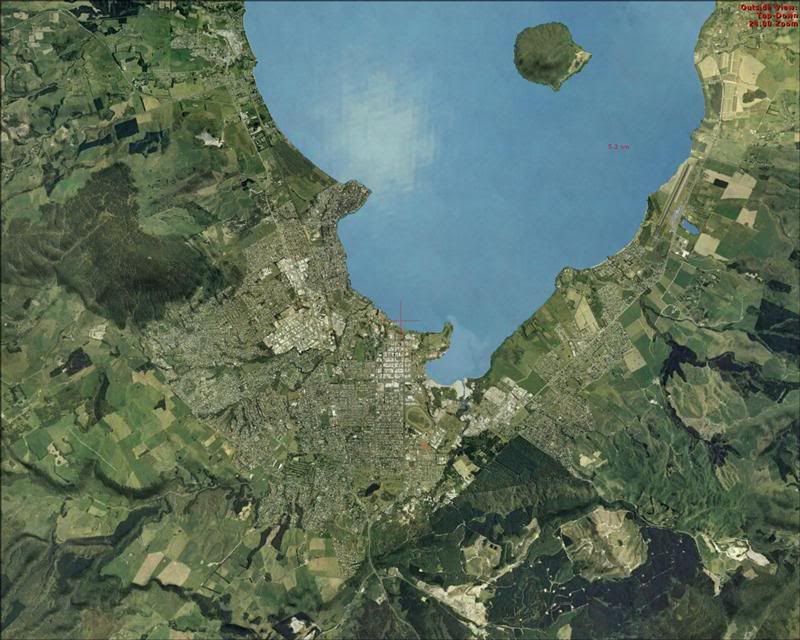
Tauranga is actually starting to look good in FSX...
[attachment=41:taurFSXbeta.jpg]Grumble wrote:QUOTE(Grumble @ Aug 10 2007, 04:33 PM) <{POST_SNAPBACK}>*Hangs head in shame*
That worked... but the scenery was *VERY* bland...
Can you try different autogen settings? With addon photoreal for FSX (not just mine) there are reports of different systems reacting very differently to different autogen settings.
toprob- NZFF Pro
- Topic author
- Joined: Sat Apr 29, 2006 4:56 pm
- Posts: 6741
- Location: Upper Hutt
by Grumble » Wed Aug 15, 2007 4:44 am
toprob wrote:QUOTE(toprob @ Aug 13 2007, 11:41 PM) <{POST_SNAPBACK}>Grumble wrote:QUOTE(Grumble @ Aug 9 2007, 06:54 PM) <{POST_SNAPBACK}>Will do. Now you stop posting and get to work on Tauranga!! "Fingers to the bone" please!!!
Tauranga is actually starting to look good in FSX...
[attachment=41:taurFSXbeta.jpg]Grumble wrote:QUOTE(Grumble @ Aug 10 2007, 04:33 PM) <{POST_SNAPBACK}>*Hangs head in shame*
That worked... but the scenery was *VERY* bland...
Can you try different autogen settings? With addon photoreal for FSX (not just mine) there are reports of different systems reacting very differently to different autogen settings.
Yep. It works up to "very dense." But don't let that distract you from Tauranga... (not that I'm biased, mind)
- Grumble
- Forum Addict
- Joined: Tue Jan 23, 2007 3:15 pm
- Posts: 163
by toprob » Thu Aug 16, 2007 4:34 pm

by toprob » Thu Aug 16, 2007 6:06 pm
scon wrote:QUOTE(scon @ Aug 16 2007, 05:06 PM) <{POST_SNAPBACK}>Should I get that even if I didn't have problems
I wouldn't worry -- the final release won't be too long. There are some minor changes which will all be updated in the final release.
by Charl » Sat Aug 18, 2007 5:42 pm

by toprob » Sat Aug 18, 2007 8:47 pm
Charl wrote:QUOTE(Charl @ Aug 18 2007, 05:42 PM) <{POST_SNAPBACK}>Works as advertised - couple of issues I came across:
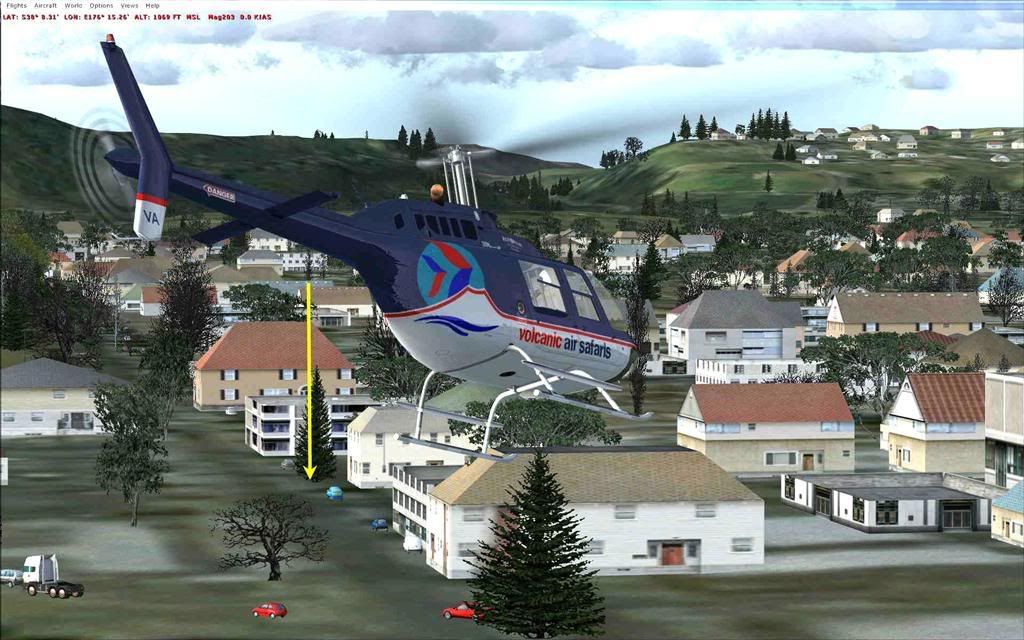
- helipad at VA doesn't seem to be hardened, couldn't get down onto it
- ctd when autogen clicked onto highest possible.
Hmm, can anyone get down onto the pads? Only the two light coloured platforms are hardened.
Charl, did you install the new autogen?
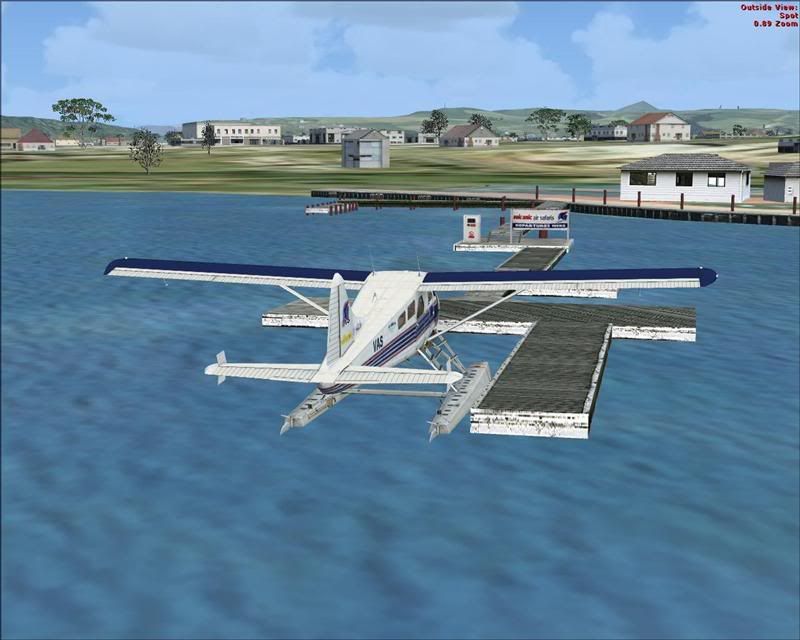
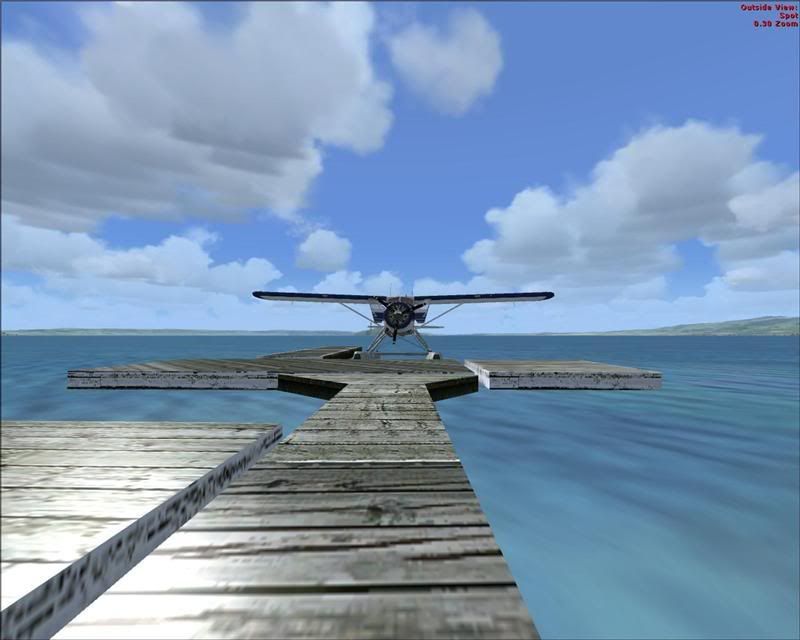
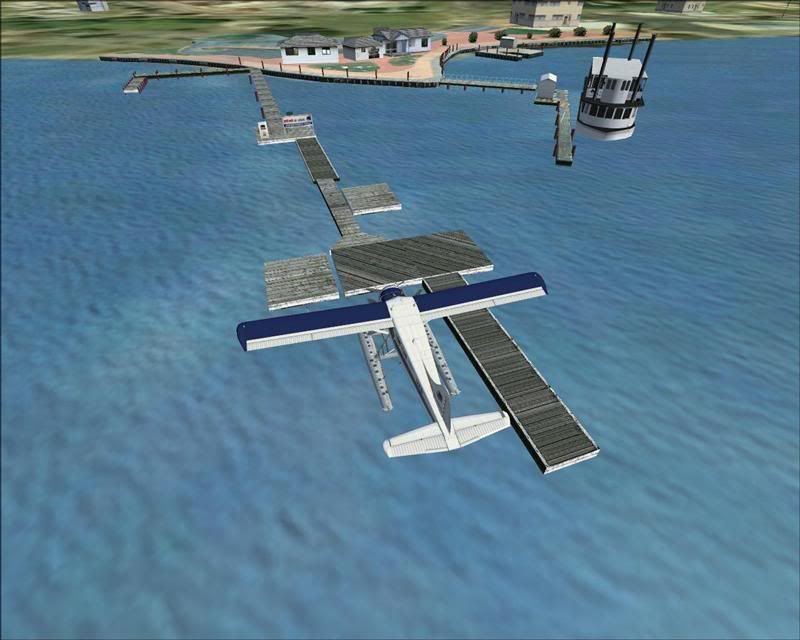
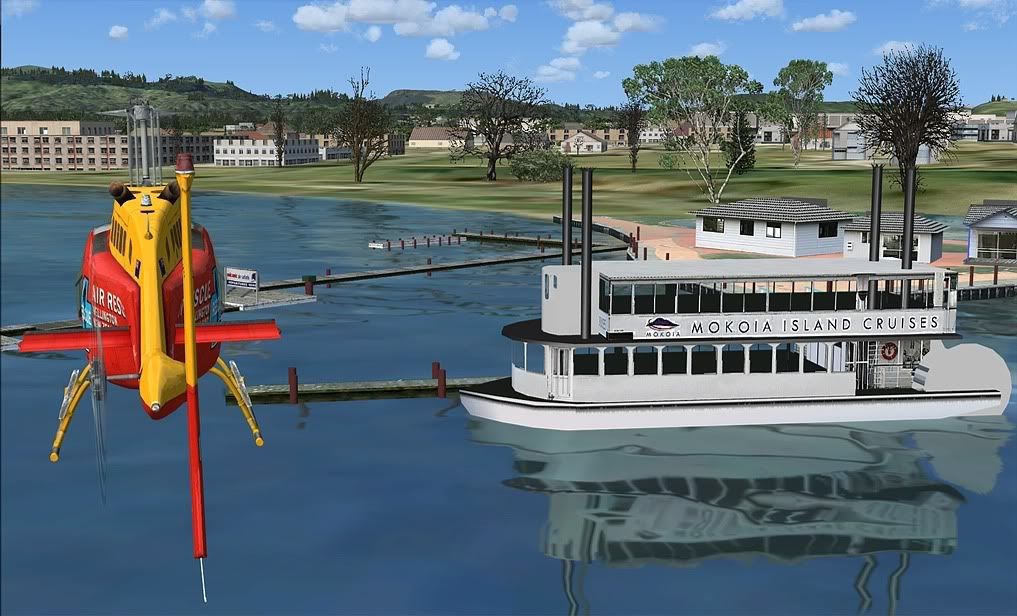
EDIT: you captured the airport well, the FSX glass adds another dimension. Your VA shot though highlights a problem which annoys me -- the jetties were designed for FS2004, and have been optimised by having the bottom faces removed. Now FSX gives great water reflections, but there's nothing underneath to reflect on the raised bits. This looks a little strange, but not strange enough to warrant a redesign.Last edited by toprob on Sat Aug 18, 2007 11:52 pm, edited 1 time in total.
by Timmo » Sat Aug 18, 2007 10:55 pm
by toprob » Sat Aug 18, 2007 11:46 pm
Timmo wrote:QUOTE(Timmo @ Aug 18 2007, 10:55 PM) <{POST_SNAPBACK}>Another couple of little problems:
The Blue Lake/Tikitapu isnt defined as water
There appears to be a large boundary at the edge of your photo- Possibly with a really high transparency and possibly along the area caused by the image change from NZMG to WGS84? No autogen shows on this boundary even though no imagery appears to be over it (if that makes sense?)
It might be similar to the line going accross the lakes?
I'm probably going to leave the lake as is. Just don't try to land on it:)
The image is designed to blend with the default -- is that what you are seeing? This probably blends out autogen as well. From memory, though, it wasn't more than 50 pixels, which would cover about a 50x2.5 = 125 metre band. I wonder if this interferes with your boundary in some way?Last edited by toprob on Sat Aug 18, 2007 11:46 pm, edited 1 time in total.
by Timmo » Sun Aug 19, 2007 12:52 am

by Charl » Sun Aug 19, 2007 12:23 pm
toprob wrote:QUOTE(toprob @ Aug 18 2007, 08:47 PM) <{POST_SNAPBACK}>Hmm, can anyone get down onto the pads? Only the two light coloured platforms are hardened.
Let me rephrase that - it seems to be too hard.
I crash no matter what, which may well be my FSX flying skill level.
But having slewed onto the platform, and raised up a tad so you see the skid clearly, the helo still crashes as you come out of slew mode.Your VA shot though highlights a problem which annoys me -- the jetties were designed for FS2004, and have been optimised by having the bottom faces removed. Now FSX gives great water reflections, but there's nothing underneath to reflect on the raised bits. This looks a little strange, but not strange enough to warrant a redesign.
Now you've drawn attention to it...didn't bother me muchCharl, did you install the new autogen?
Yes, it resolutely ctd when you advance A/G that last click to max.
One last small issue I found, road traffic occasionally meanders through the autogen:
It may disturb some, maybe those who aren't disturbed by urban traffic merrily cruising along at 65kts!
Edit following Alex's comment below: No they drive on the left, but in this instance have moved way over to the right of the apparent road.
Passing comment: frame rates are extremely good with this scenery, I lock 20fps and very rarely saw a drop.Last edited by Charl on Sun Aug 19, 2007 6:07 pm, edited 1 time in total.
by toprob » Sun Aug 19, 2007 6:27 pm
by toprob » Sun Aug 19, 2007 11:57 pm
Timmo wrote:QUOTE(Timmo @ Aug 19 2007, 12:52 AM) <{POST_SNAPBACK}>hmm 125m seems about right.....its down near the bottom left of your image? It looks like it is designed to blend, but possibly there is either a) no actual image data there but is still a semi transparent area of 'no image' (which would cause a faint colour overlay...kinda hard to explain or b) no Autogen in your scenery which covers that area....im guessing its the former though.Ill post some screenies on Monday
It would be a shame to leave Blue lake as is?.....If so i may extend my coverage up to get it....I think that should work if mine is defined as water and yours isnt...as long as mine sits on top.
I've been playing with the water masks tonight, and adding the extra water masking actually worked ok -- it's normally a painstaking process, which overtaxes my computer, but with a bit of lateral thinking I was able to add the masks without having to load all the original imagery.
I've had a wee look at the south west corner, and the only strange thing I can see is the beige band cutting past Tokoroa airport. Here's a shot of Tokoroa airport-- the orange line shows the photo border.
[attachment=42:tokoroa.jpg]Last edited by toprob on Sun Aug 19, 2007 11:58 pm, edited 1 time in total.
by toprob » Fri Aug 24, 2007 1:38 pm
by Charl » Fri Aug 24, 2007 6:26 pm
toprob wrote:QUOTE(toprob @ Aug 24 2007, 01:38 PM) <{POST_SNAPBACK}>Ok, almost ready to go with this. Just one more test for those who are getting CTDs.
This is not the ideal solution -- it simply removes all the large vegetation areas -- but if it works then I may just have to go this way.
OK ctd is gone.
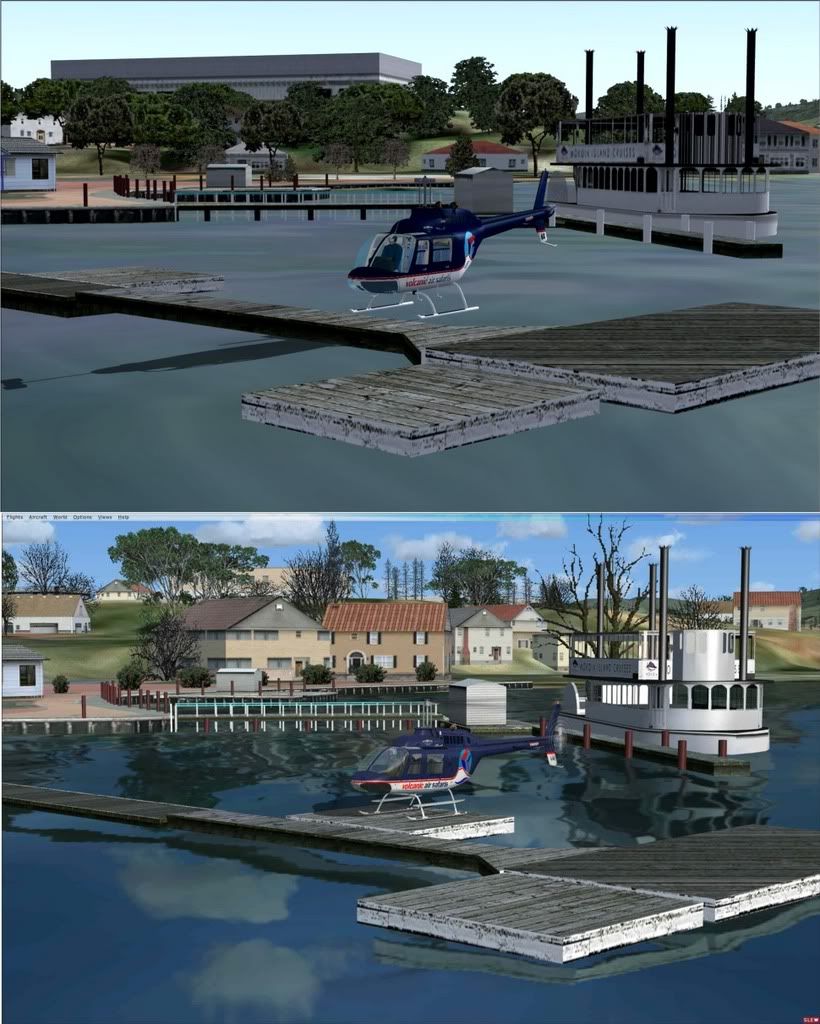
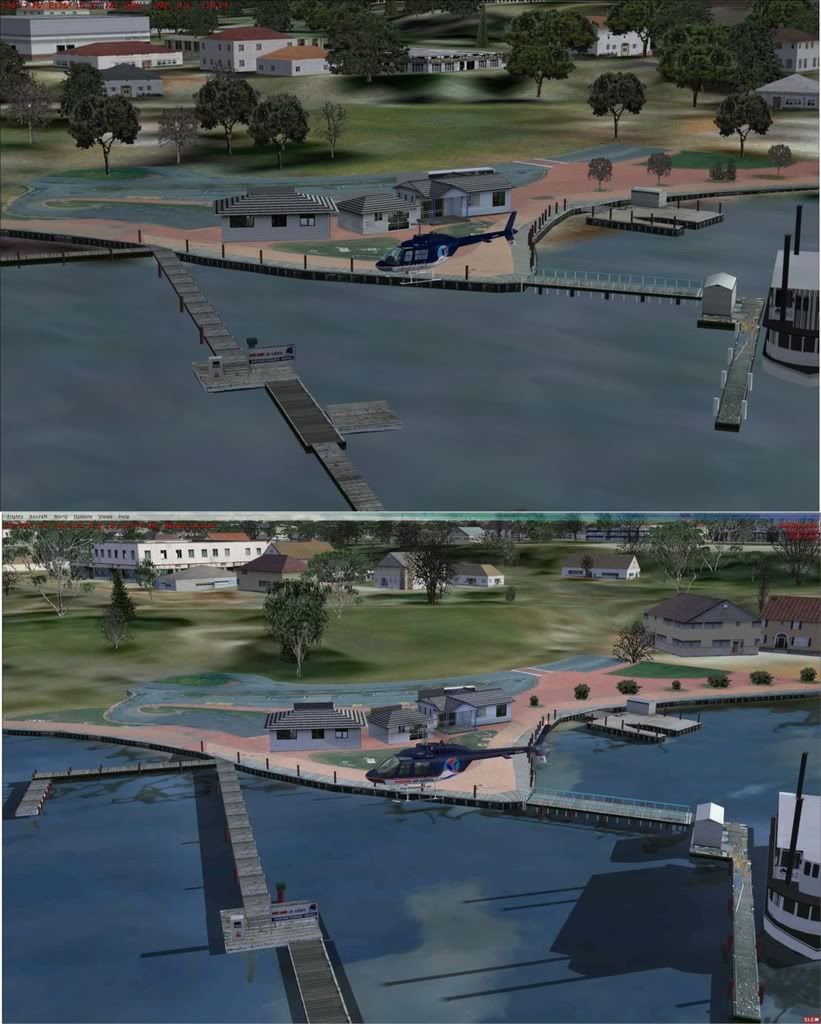
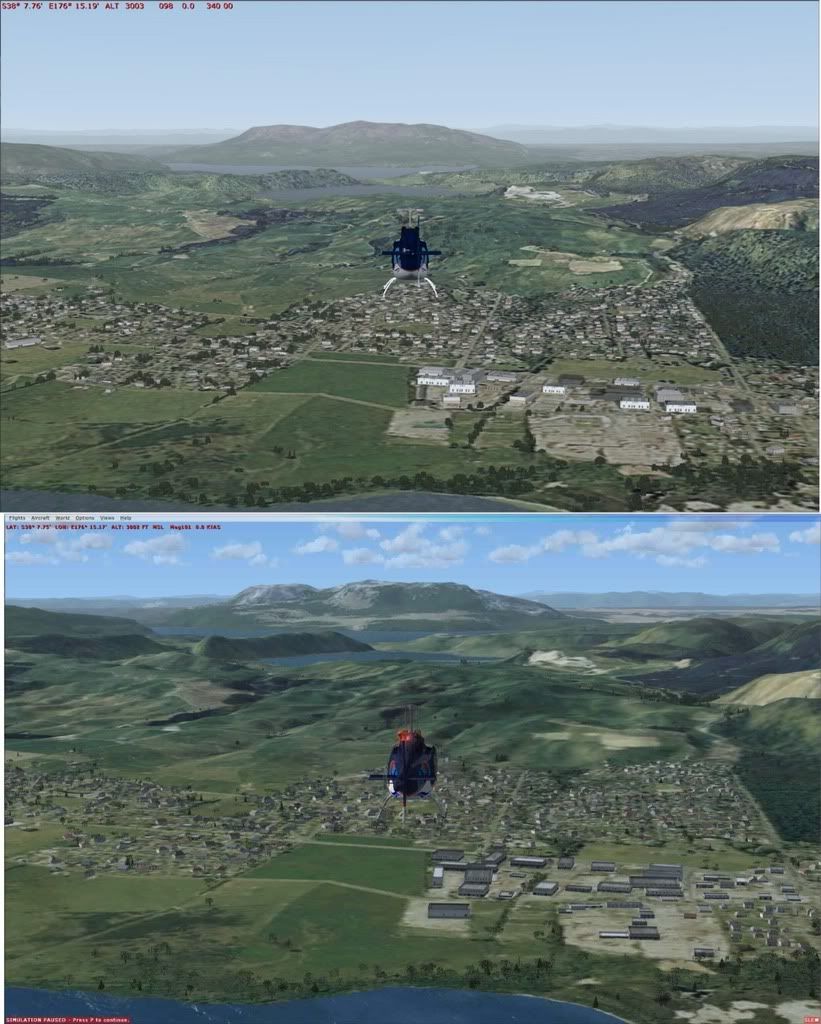
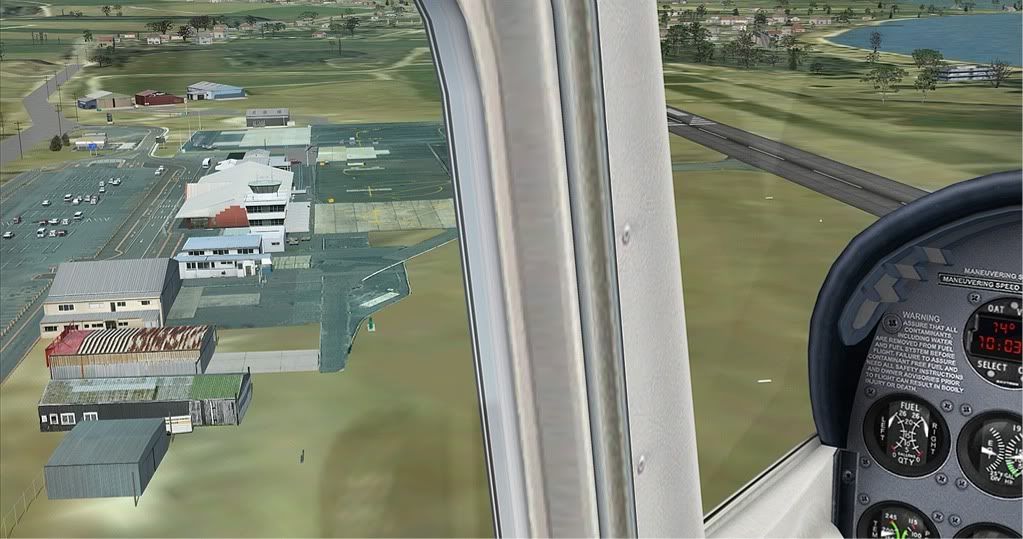
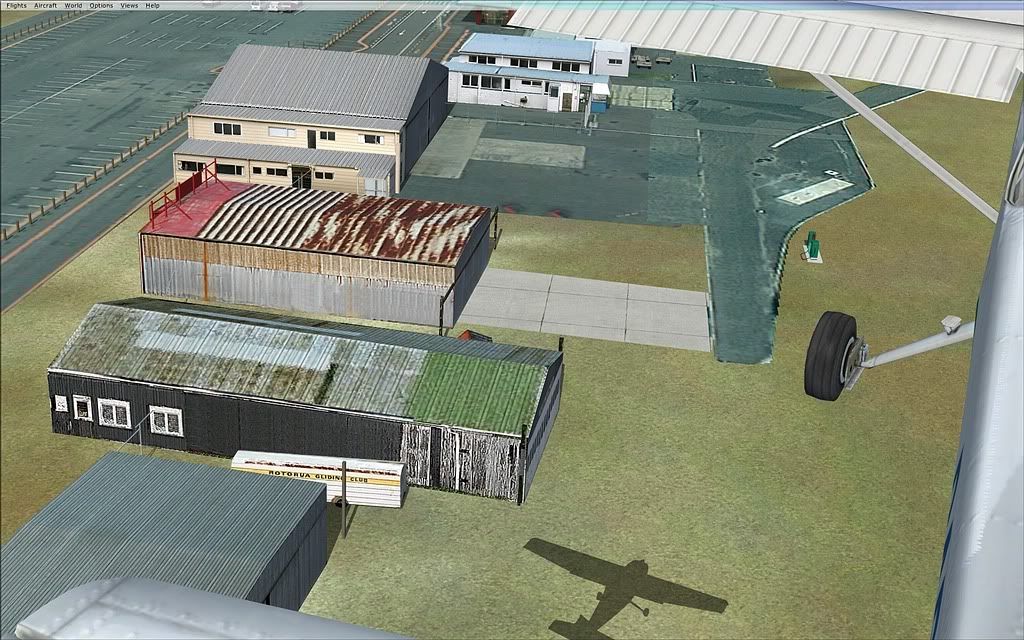
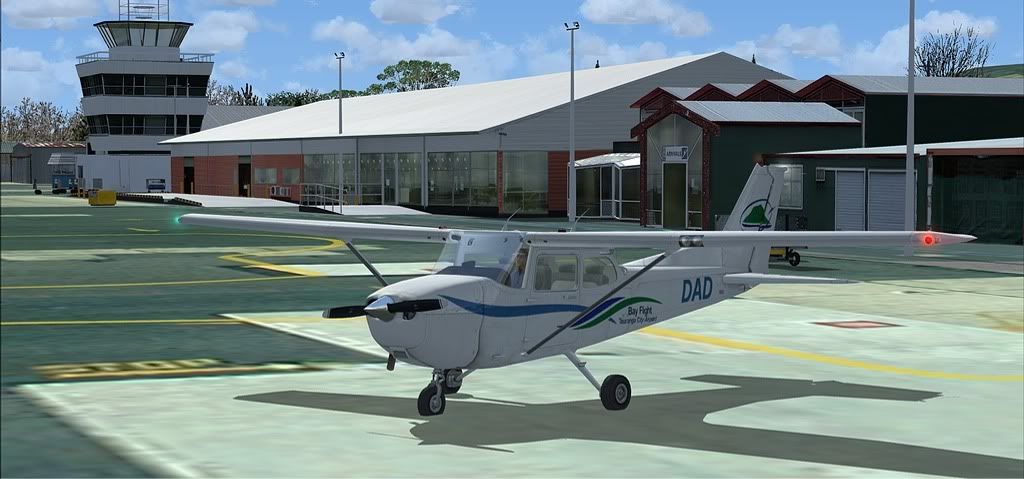
SO I thought I'd have a mosey around, these are FS9/FSX pairs:
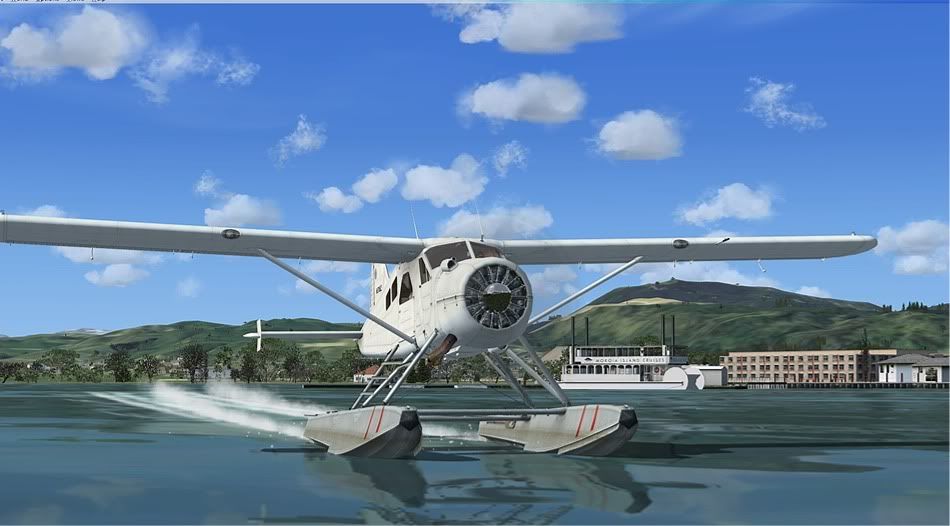
FSX certainly can look beautiful
Good of you to move the heloplatform so you don't need to fly through the steamer stack.
But something was odd...
No Shadows on the ground!
None in FS9 either, for that matter, is this a mesh issue??
...and we do need a better landclass for FSX don't we?
That background does nothing for this scenery.
Return to Godzone 'Real New Zealand' Scenery Support
Users browsing this forum: No registered users and 19 guests