My Lockheed C130 Hercules POH

Discuss aircraft addons and repaints for Flight Simulator here

Postby ZK-Brock » Thu Dec 14, 2006 6:53 pm

Hi Guys
Since I received by Captain Sim C130 Hercules yesterday, I realised that it couldnt be flown to its full potential without a printed manual. Switching between FS2004 and the 3 PDF's that came with it simply wasn't good enough, especially for multiplayer flying. So I set about getting myself a fully printed Pilots Operating Handbook (POH).

This morning I went down to Speedyprint in town, to get my 200-odd pages printed out. Colour Copying would've been very expensive (over $100!!! :o ) so I went for black and white, costing me just under $20. I went away for a while, went and visited the Grandparents for a while etc, and came back.

Now with my printouts in hand, I cruised over to Warehouse Stationery to get me a Ringbinder. I chose an Impact model, featuring 200-leaf capacity, 38mm Rings and a 2-ring design. Cost me $10. With my equipment now acquired, I came home to start the construction process.

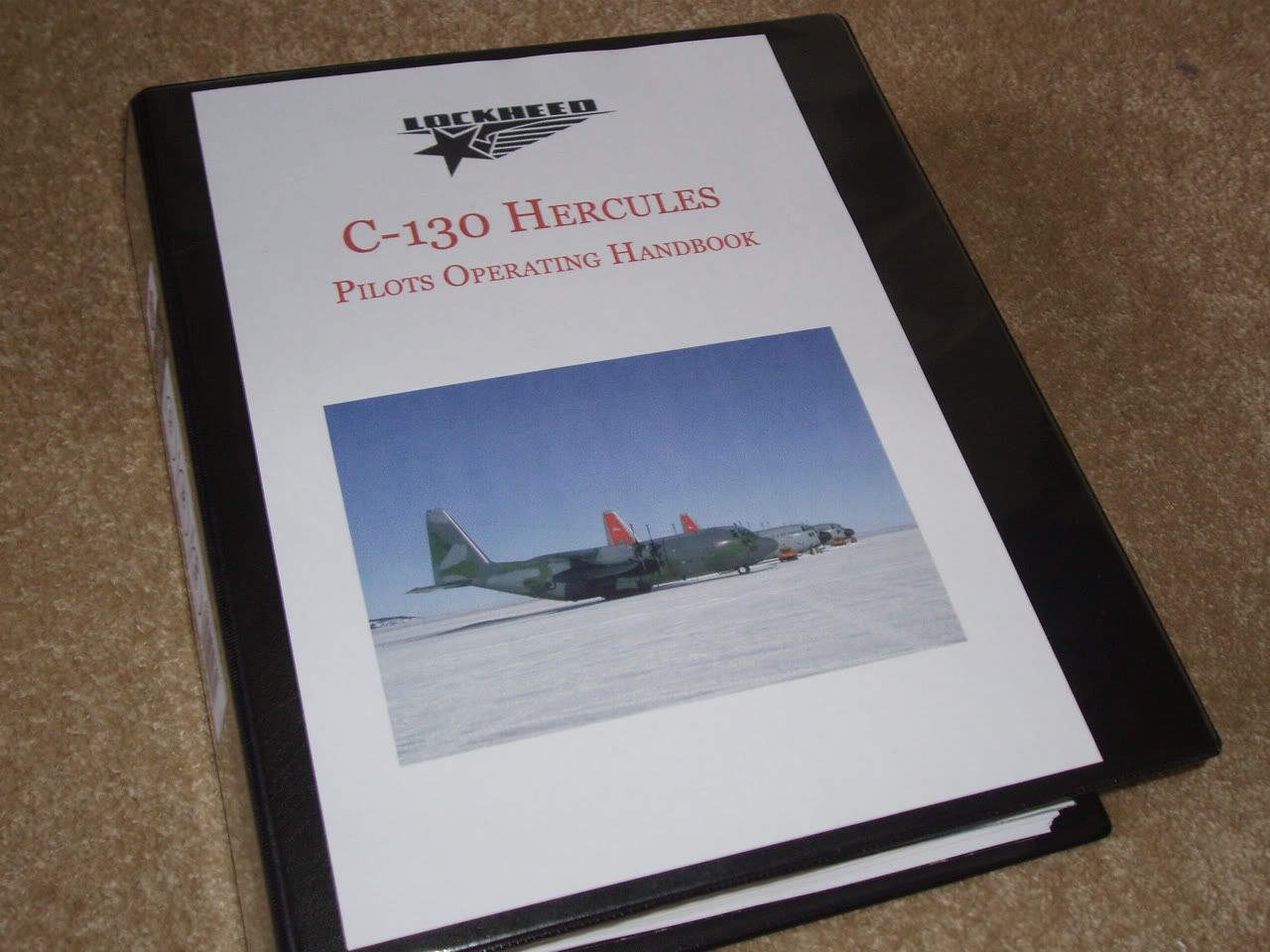
I punched holes in all 200 pages, then had lunch. After lunch I jumped on Photoshop and designed the covers for my handbook, featuring pictures from Airliners.net. The covers were made to separate the different sections of the manual (Systems, Normal Procedures and Flight Data(containing some VERY complicated graphs :huh: ).

Once printed to my satisfaction, I cut up some old scrapbook covers to use as backing for 3 of my 4 covers (The main cover went in a pocket on the front of the ringbinder, the rest went inside and were strengthened by said scrapbook covers).

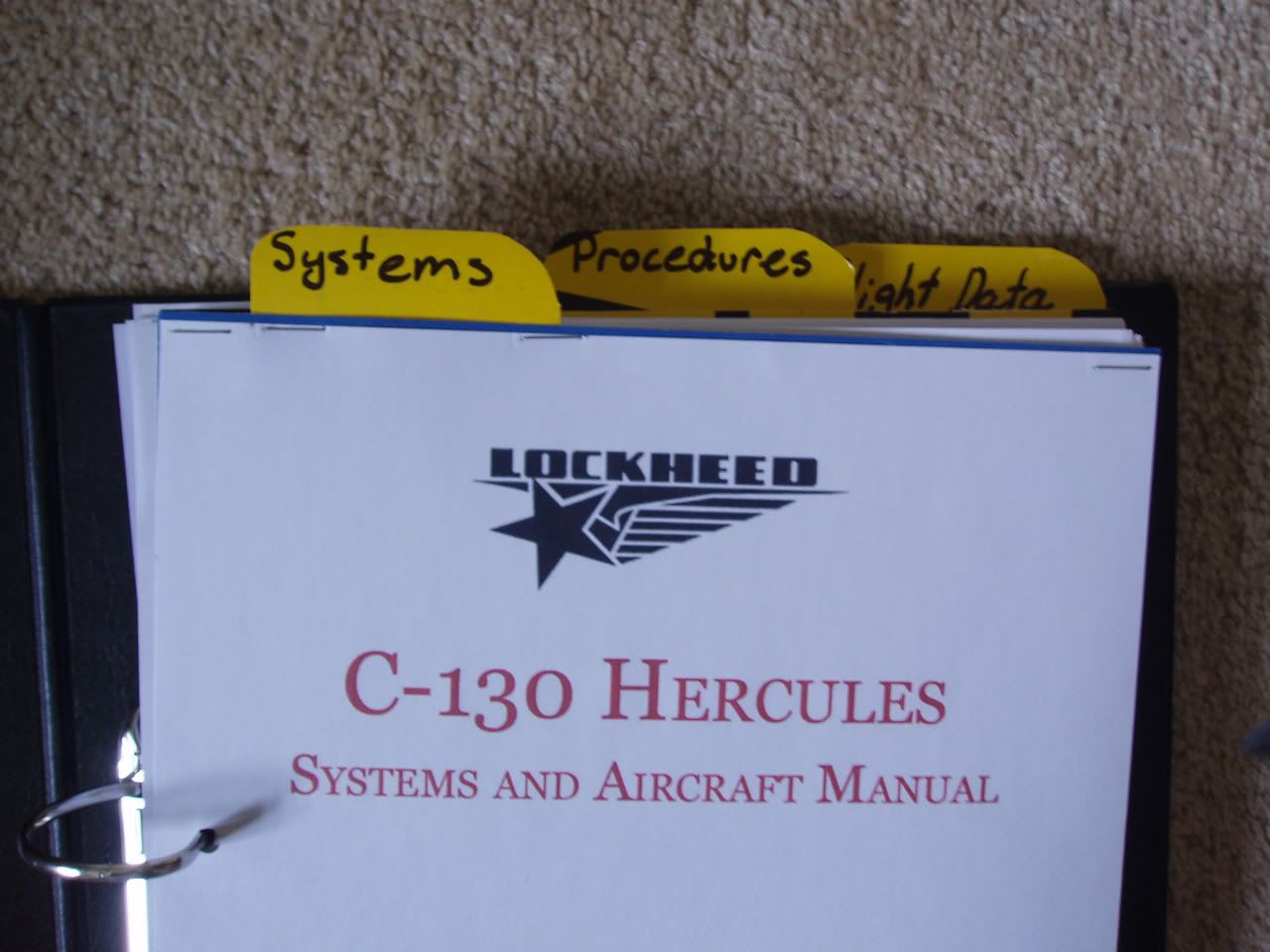
After this, I slowly mounted all the pages onto the ringbinder, and made the yellow easy-find tabs.

And look at the result! I'm very proud of myself, I think it was certainly worth the $30 spent to make this beauty! :thumbup: :thumbup:

Sorry about some of the image quality, I had to use no flash for some of these shots.

5 Pictures, 1.67 mb:
user posted image
The Front Cover, featuring 3 Hercs (1 RNZAF and 2 USAF).
user posted image
The yellow easy-find reference tabs, made from surplus scrapbook cover
user posted image
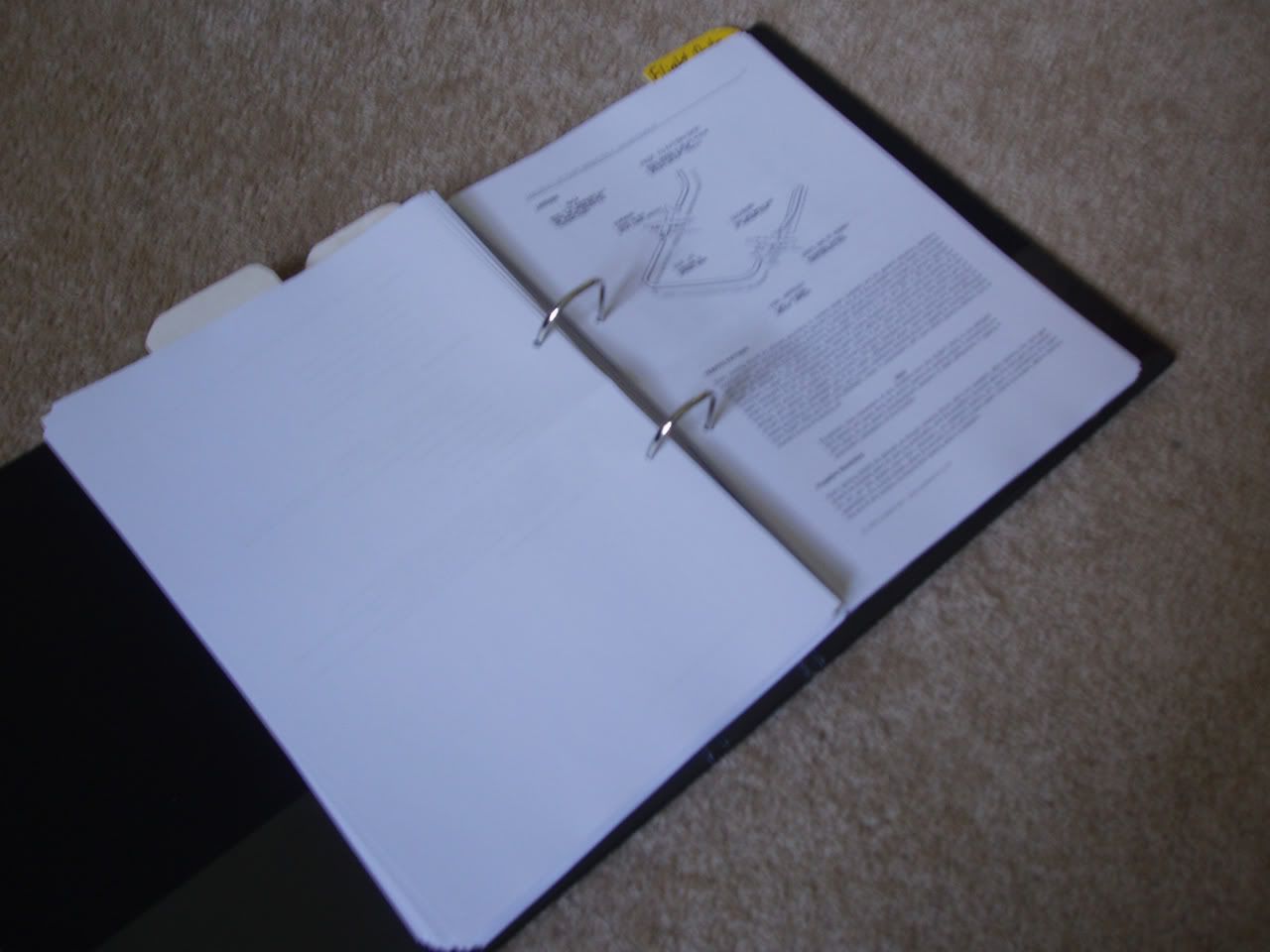
The book opened up, showing a page of Landing procedures (one of many)
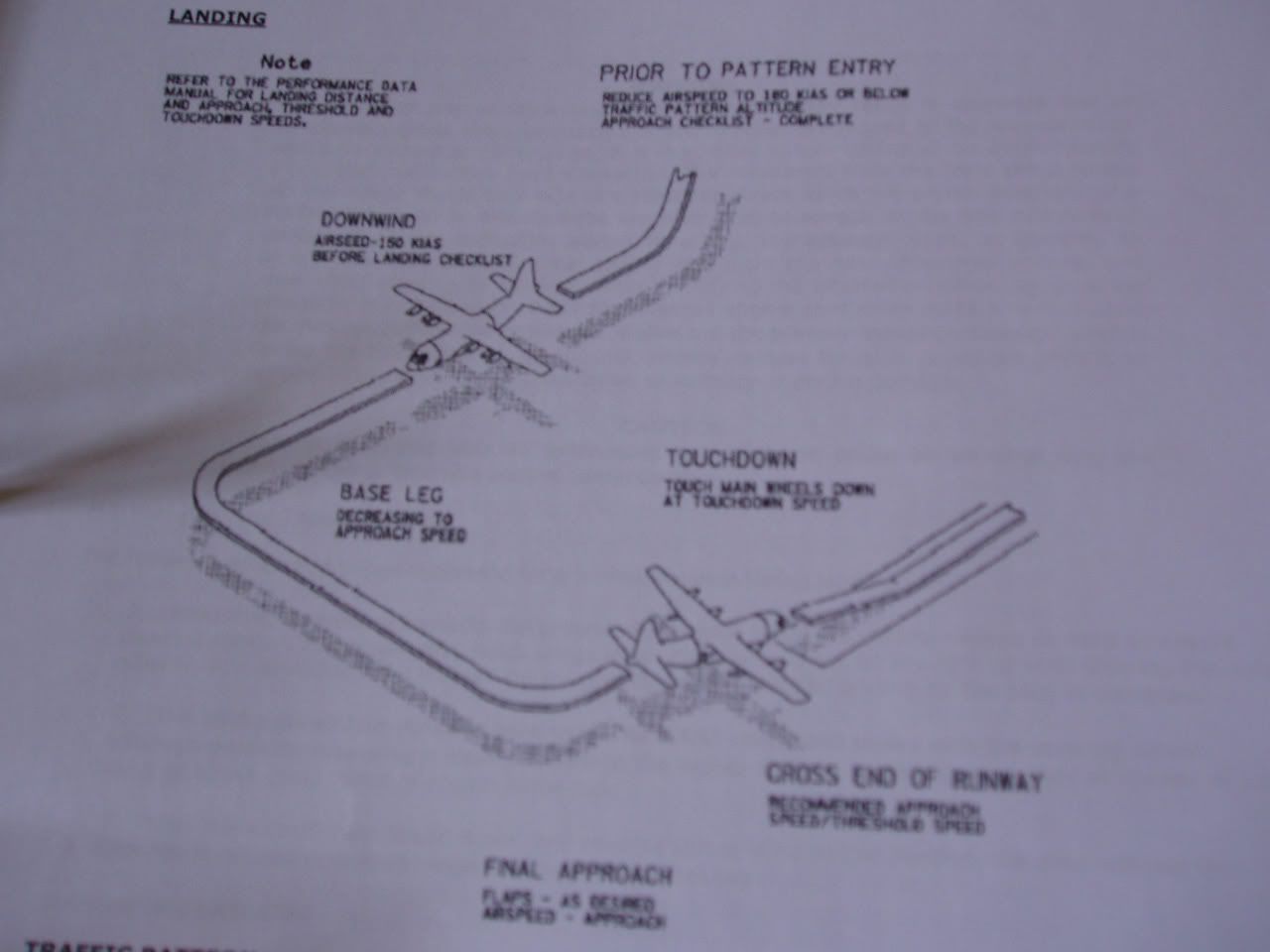
user posted image
The traffic pattern landing procedures
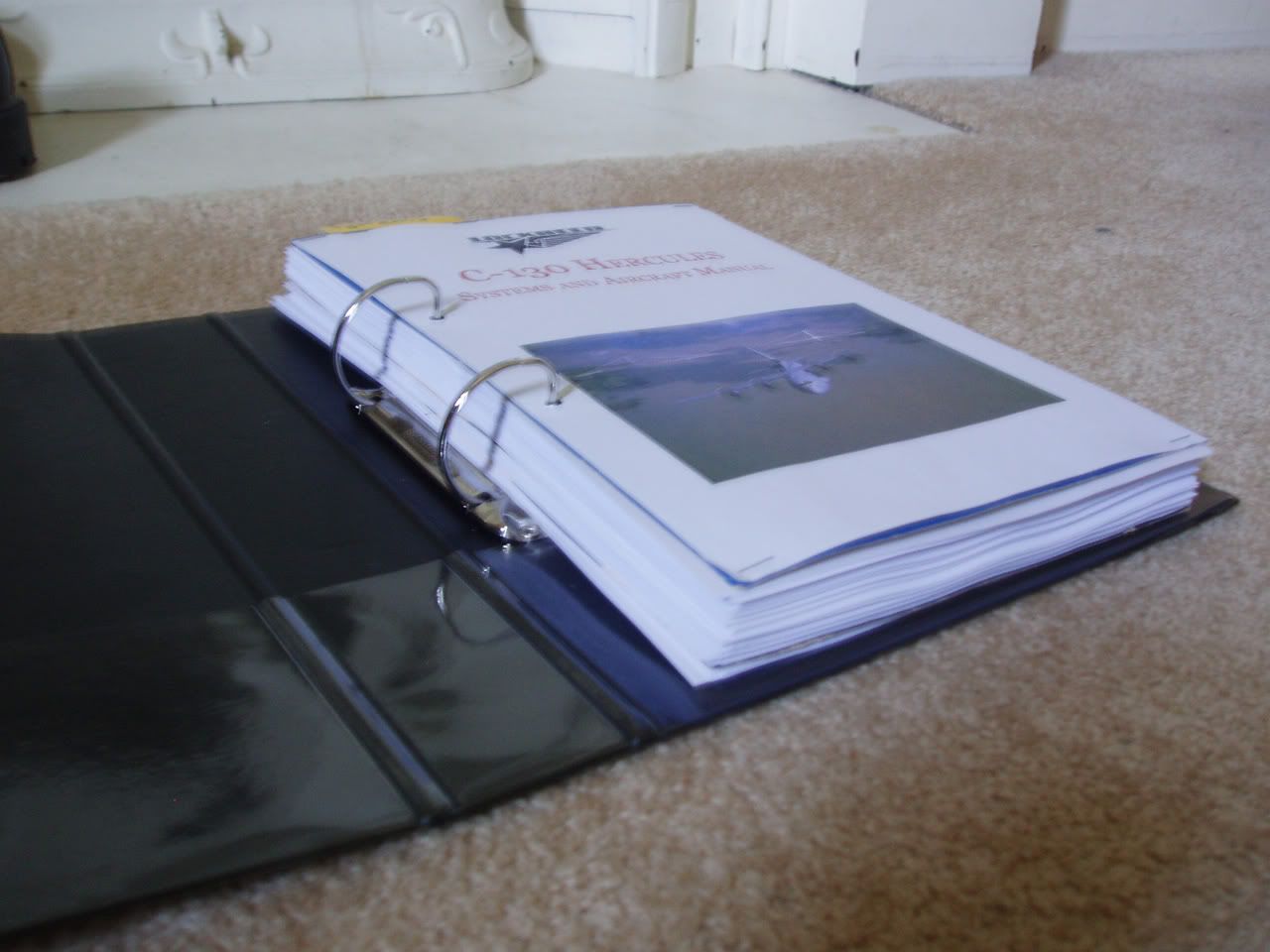
user posted image
Look how thick this thing is!

Now I'm off to fly! :plane: :plane: :plane:
ZK-Brock
NZFF Pro
 
Topic author
Joined: Sun Jul 23, 2006 3:35 pm
Posts: 2035

Postby Alex » Thu Dec 14, 2006 7:07 pm

Wow, impressive work Brock. :D

Alex
Alex
NZFF Pro
 
Joined: Fri Jul 14, 2006 3:39 pm
Posts: 3620

Postby Jimmy » Thu Dec 14, 2006 7:16 pm

Now thats better than the fs9 kneeboard! :D

Great job putting that together, $30 is prety good, imagine how much it would cost to have it included with the add-on :P

James
Jimmy
 

Postby Mike M » Thu Dec 14, 2006 8:39 pm

You should be very proud of yourself, it looks great.
VANZ NZ190
FTG QF654
Check out my photos at Jetphotos.net
user posted image
User avatar
Mike M
Member
 
Joined: Thu Aug 03, 2006 6:18 pm
Posts: 91
Location: Hamilton

Postby ardypilot » Thu Dec 14, 2006 9:30 pm

:clap: Great work Brock!
User avatar
ardypilot
NZFF Pro
 
Joined: Wed Apr 26, 2006 10:01 am
Posts: 6802
Location: Auckland

Postby Charl » Thu Dec 14, 2006 11:14 pm

Great work Brock!
When you've learnt to fly it, perhaps you'd give the rest of us a short summary, and tips? ;)
User avatar
Charl
NZFF Pro
 
Joined: Mon May 01, 2006 8:28 am
Posts: 9691
Location: Auckland

Postby ZK-Brock » Fri Dec 15, 2006 7:40 am

Yeah that'd be possible in the future Charl... but first I've gotta learn to fly this thing properly, I haven't even had the Nav equipment working yet!
ZK-Brock
NZFF Pro
 
Topic author
Joined: Sun Jul 23, 2006 3:35 pm
Posts: 2035

Postby FlyingKiwi » Fri Dec 15, 2006 10:17 am

That looks awesome; I have a few for some of the airliners I fly on FS, but none of them are as well presented as that!
User avatar
FlyingKiwi
Senior Member
 
Joined: Mon May 29, 2006 4:17 pm
Posts: 1688
Location: Auckland

Postby ZK-Brock » Fri Dec 15, 2006 11:40 am

Thanks Kiwi.

The only thing I'm not really happy with is the Quick-find tabs up the top. I like the yellowness of them, but the writing looks quite untidy. It'll be fixed.
ZK-Brock
NZFF Pro
 
Topic author
Joined: Sun Jul 23, 2006 3:35 pm
Posts: 2035

Postby ZK-Brock » Sat Dec 16, 2006 5:19 pm

I updated my Handbook today, adding the Takeoff and Landing data to the inside-front cover, a checklist to the inside-back cover, and rules of thumb (e.g. working out top of descent) on the back cover. :D

Still haven't fixed the Quick-find tabs yet though :o
ZK-Brock
NZFF Pro
 
Topic author
Joined: Sun Jul 23, 2006 3:35 pm
Posts: 2035


Return to Aircraft

Who is online

Users browsing this forum: No registered users and 14 guests