Wellington Pics

Post and comment on screen captures from the beautiful game here. Home of the monthly screenshot competition

Postby ZK-MAT » Fri Sep 08, 2006 7:58 pm

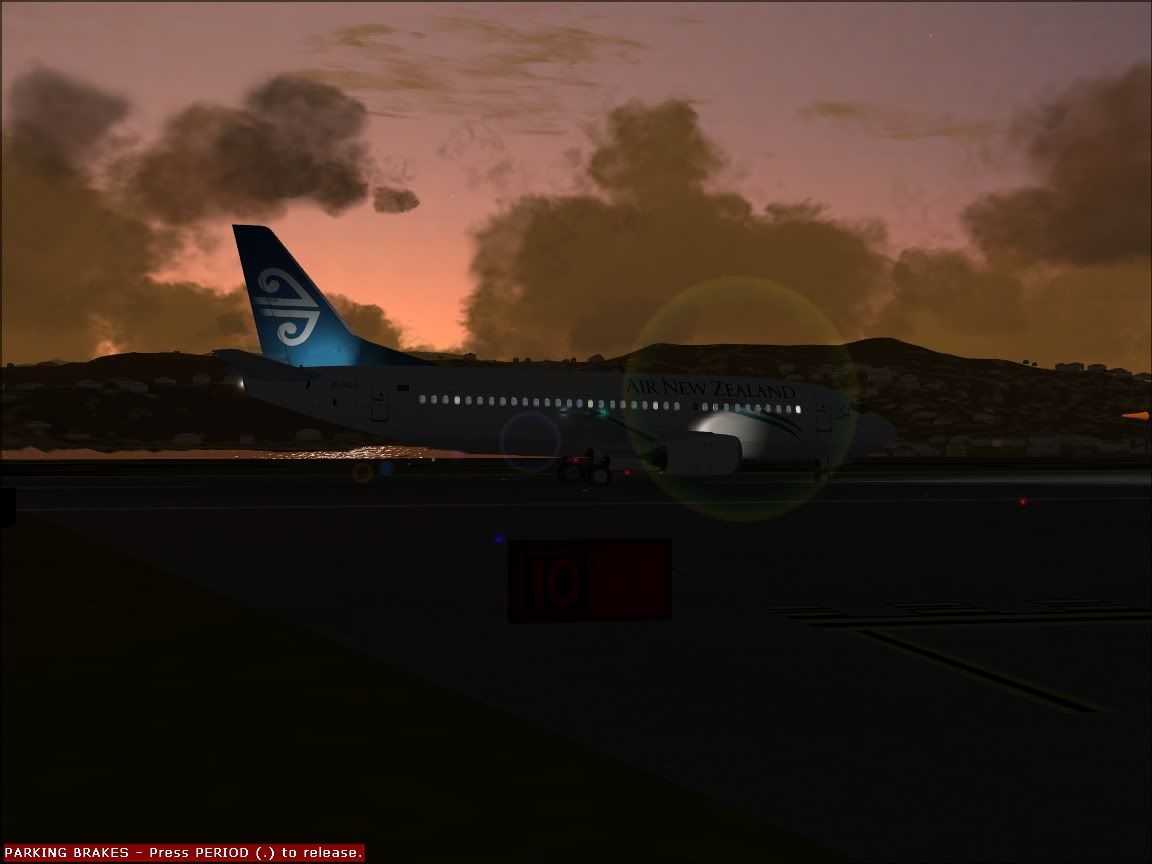
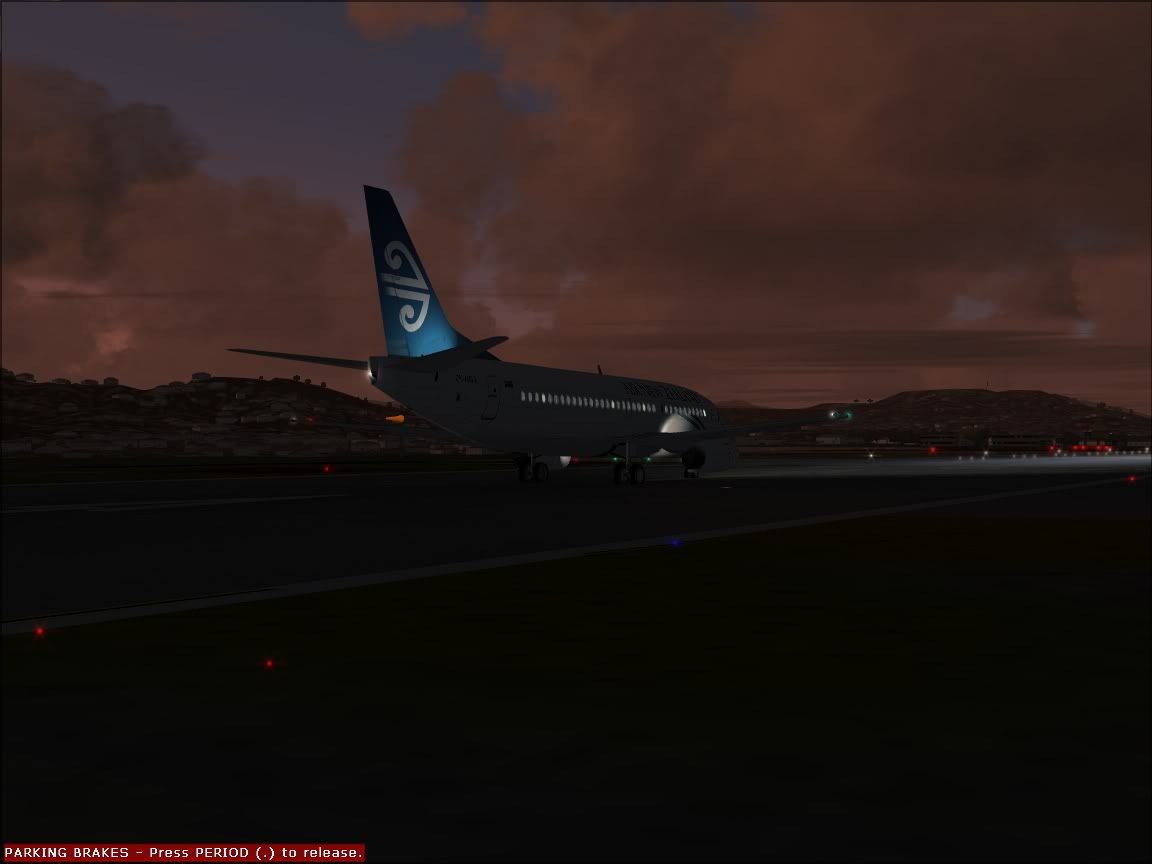
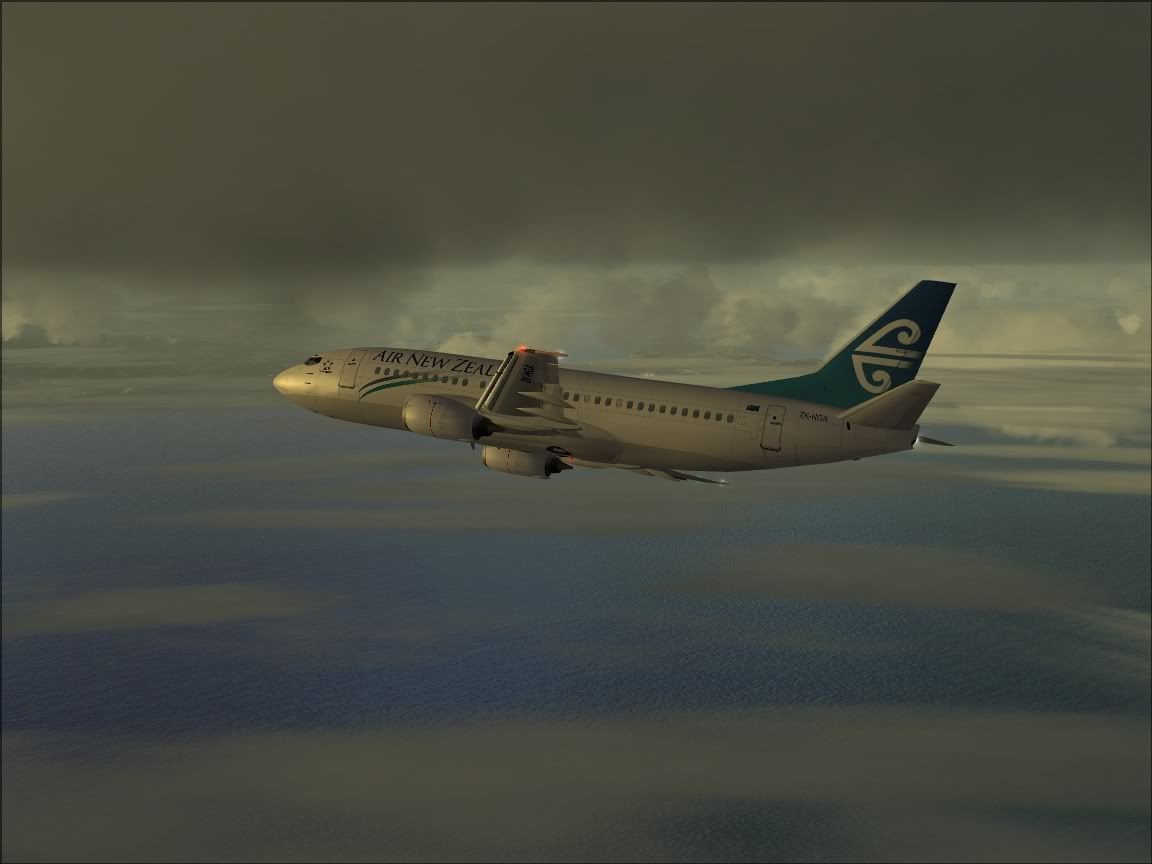
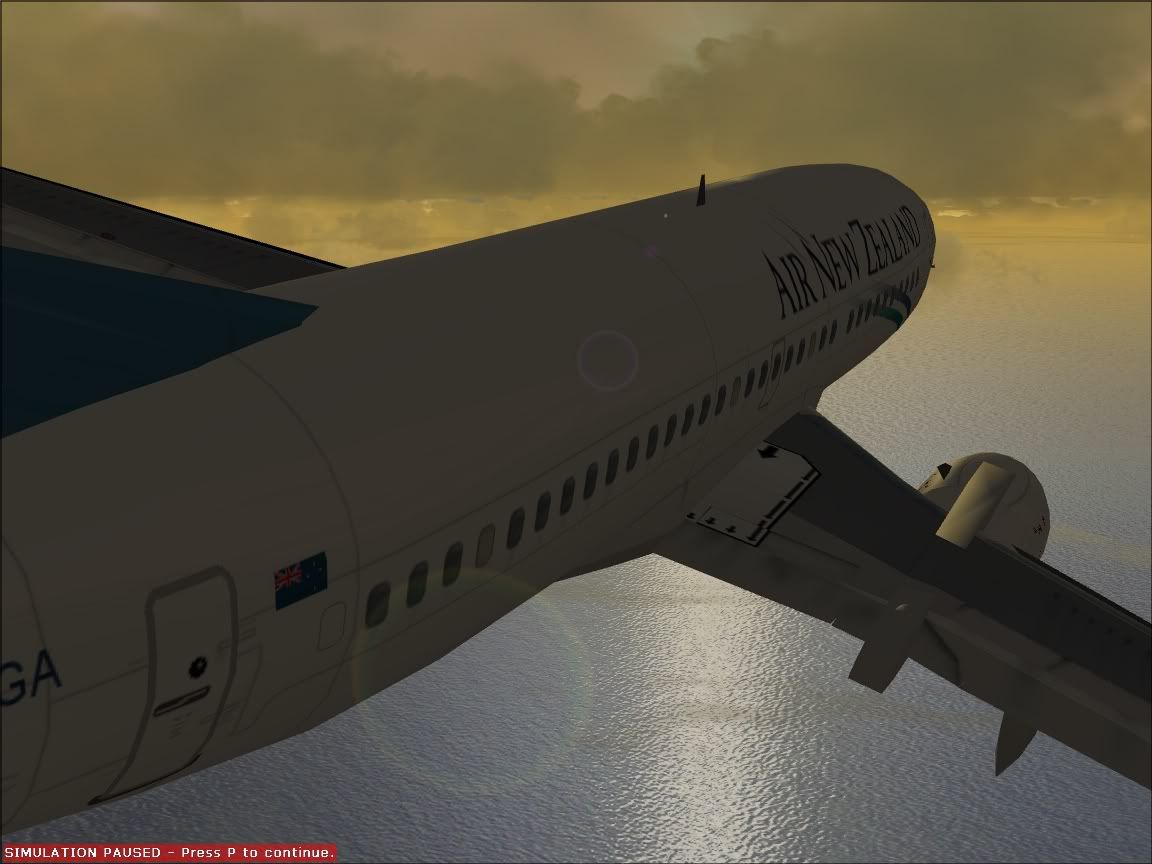
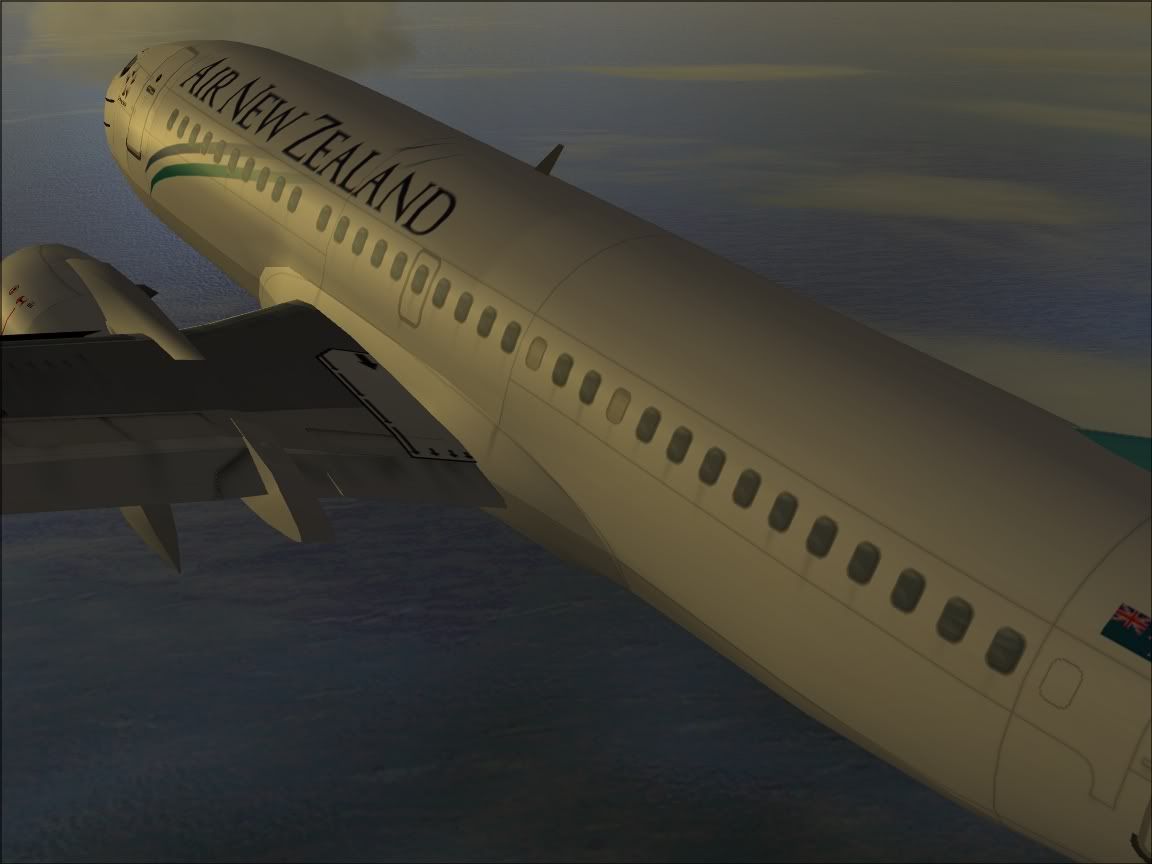
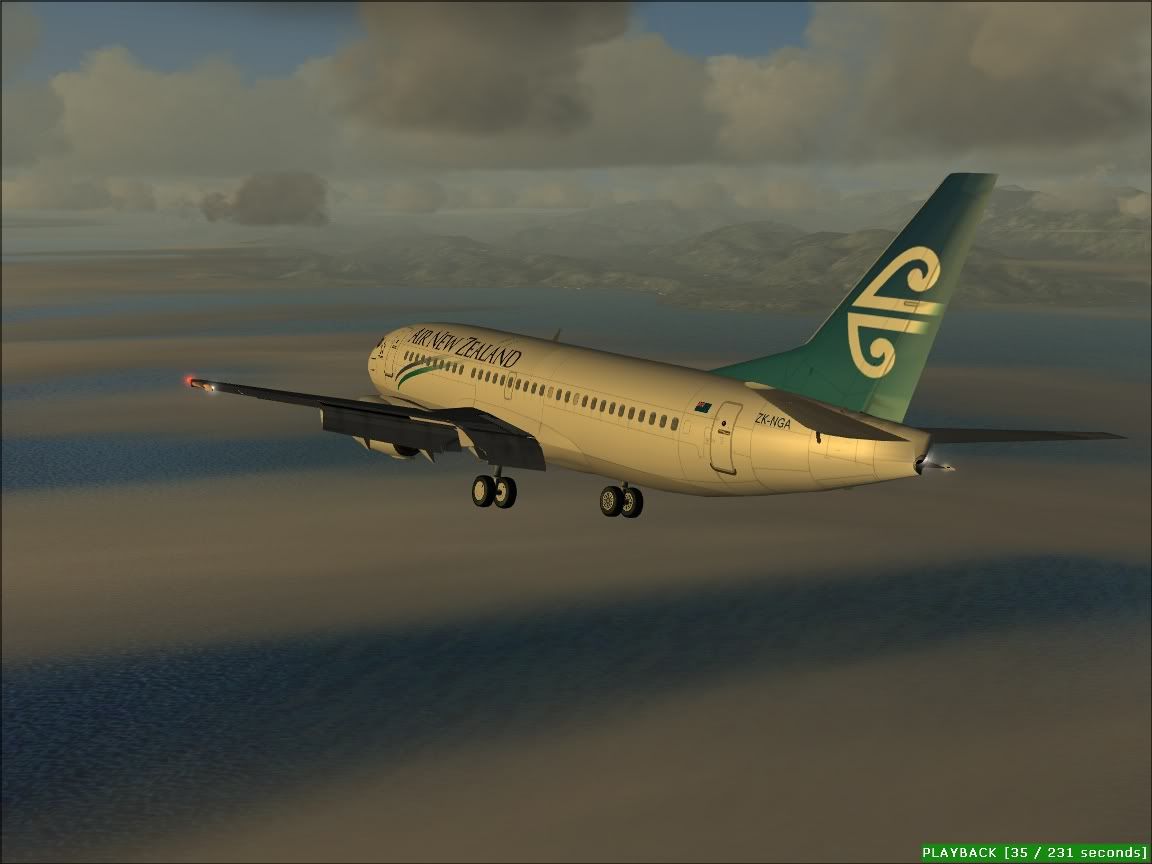
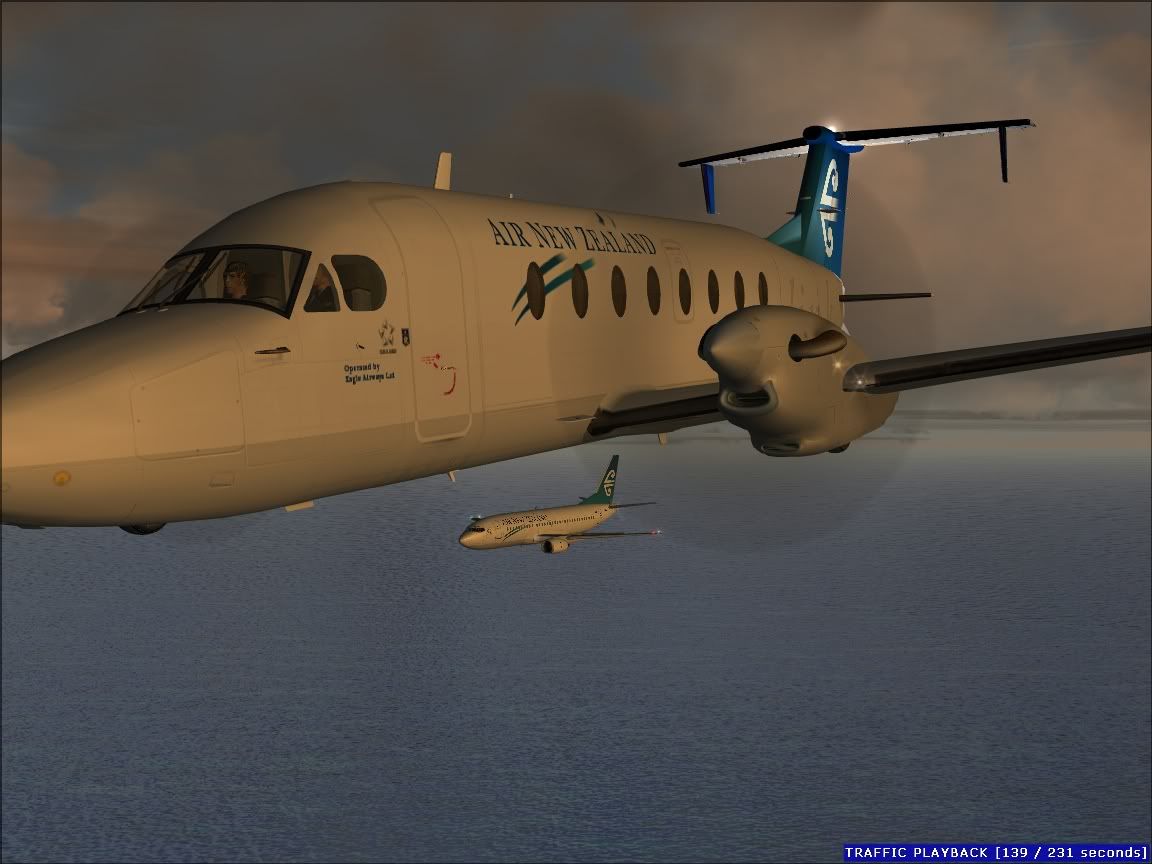
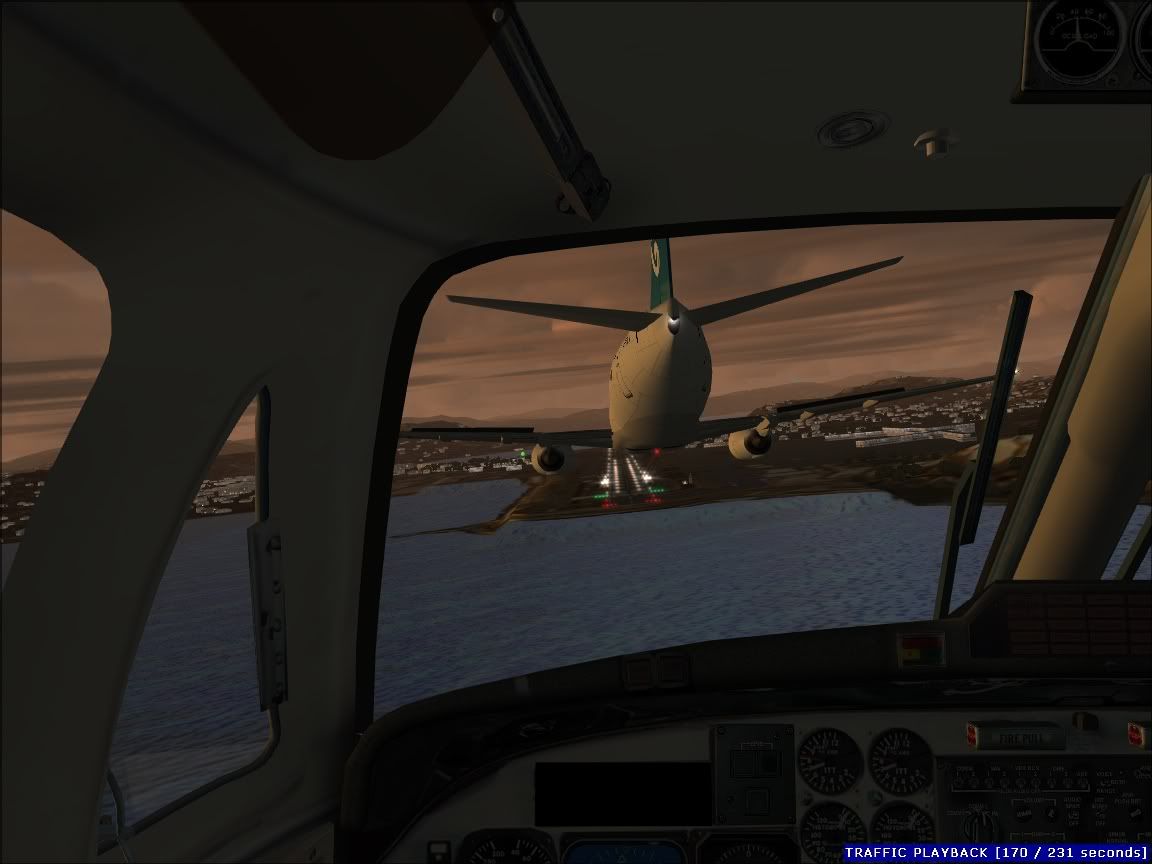
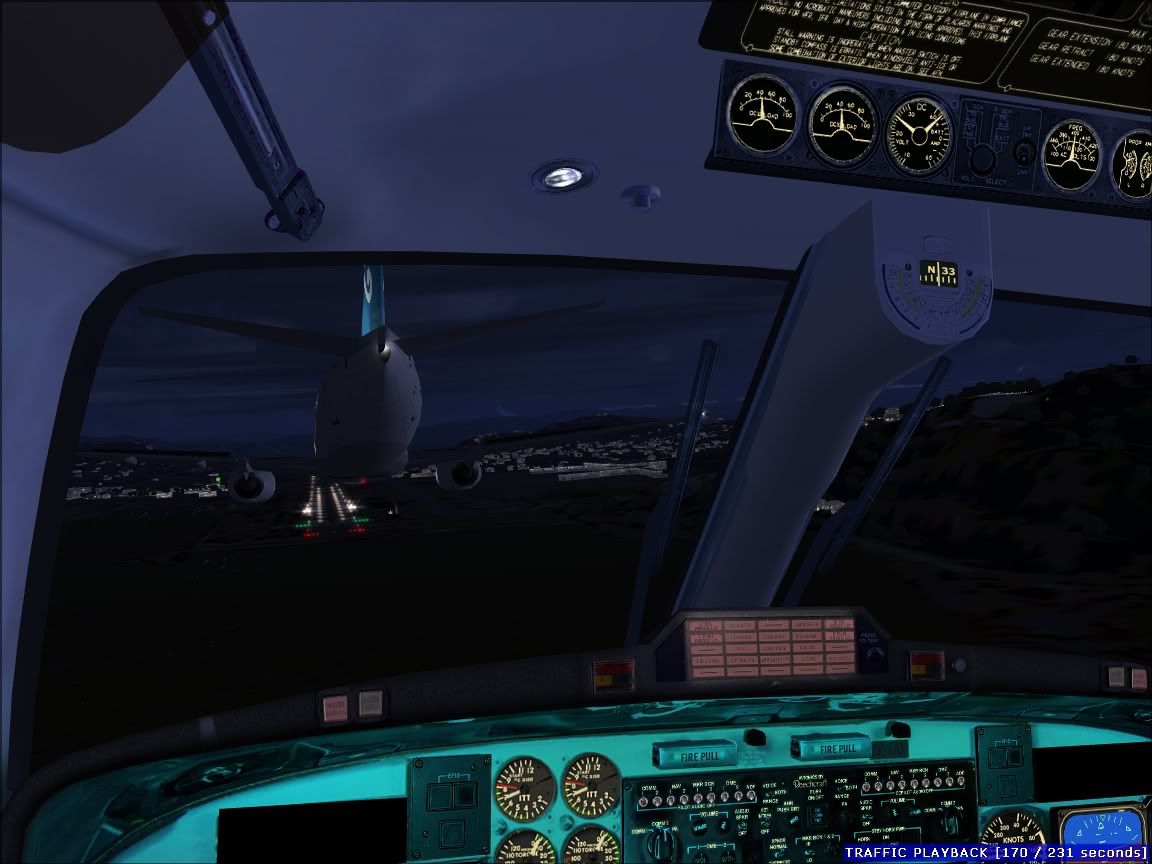
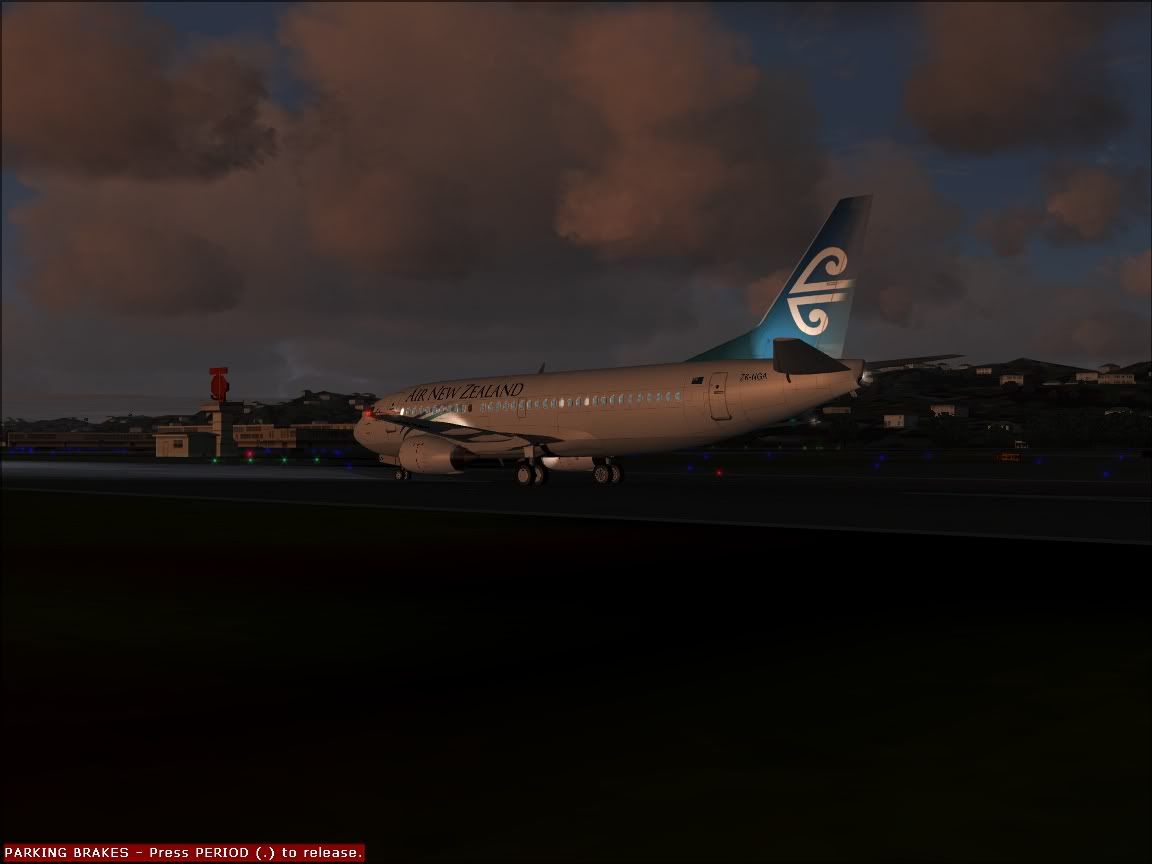
I did a bit of flying around changing the time of day and views for this month's screenshot competition. This included flying a SID departure and STAR approach to 34 in the 773 to play back as AI. Here are some of the pics I took during the process, looking back, some I like more than the one I submitted but nevermind.

These thumbs link to the full size pic.

user posted image

user posted image

user posted image

user posted image

user posted image

user posted image

user posted image

user posted image

user posted image

user posted image

user posted image
User avatar
ZK-MAT
Senior Member
 
Topic author
Joined: Sun Apr 30, 2006 11:41 pm
Posts: 1690
Location: Papamoa

Postby Charl » Fri Sep 08, 2006 8:17 pm

Looks like a heap of fun.
Dang recorder module update email has been sitting in my inbox for a week, no time yet...
So you can record any aircraft, play it back as AI and fly along in another plane?
These are all betas, the final product is going to be a flightsim all on its own!
User avatar
Charl
NZFF Pro
 
Joined: Mon May 01, 2006 8:28 am
Posts: 9691
Location: Auckland

Postby ardypilot » Fri Sep 08, 2006 8:58 pm

Matt, you truly have a talent for screenshots mate. I particularly like the 5th one down :)

By the way, it is very cool how you manage to replay your flight with own craft as AI. I remember I used to try and intercept jets landing at LAX with my Cessna, then went to watch the replay only to find out all the AI had disappeared!
User avatar
ardypilot
NZFF Pro
 
Joined: Wed Apr 26, 2006 10:01 am
Posts: 6802
Location: Auckland

Postby ZK-MAT » Fri Sep 08, 2006 9:25 pm

I like the module, it takes a bit of messing about with but it's effective.

Start a flight, start recording, finish recording whenever you like, then save that flight as a recorded flight in the module.

You can then elect to replay the flight as normal (that is sit in the cockpit, change to exterior view etc and fly 'hands free') or play it back as AI.

When you play back a recorded flight it plays it using whatever currently selected aircraft you are in when you start playback... so far I have mucked about recording some acrobatics in an Extra and played them back in a 747 and a chopper..

For these shots I started in a 737, slewed to where I knew I would meet the AI, paused, started the playback (which would show as a 737 model), paused, changed my plane to a Beech 1900D, unpaused and hand flew to fly alongside the 733 on approach. I turned AI labels off to take the shots but they help in finding it initially.

It also offers several different tower and spot plane views that I haven't really got the hang of yet.

Recorder Module for FS2004. I use Vers 1.21 from here

Check the forum there, I have just downloaded the 1.3 beta which allows multiple recorded AI played at once.... here's a shot from their forum. Looks interesting.

user posted image
Last edited by ZK-MAT on Sat Sep 09, 2006 12:41 am, edited 1 time in total.
User avatar
ZK-MAT
Senior Member
 
Topic author
Joined: Sun Apr 30, 2006 11:41 pm
Posts: 1690
Location: Papamoa

Postby AlisterC » Mon Sep 11, 2006 6:50 pm

Awesome shots Matt :D
Image
User avatar
AlisterC
NZFF Pro
 
Joined: Thu Jul 20, 2006 11:13 am
Posts: 2543
Location: Nelson, NZ

Postby Alex » Tue Sep 12, 2006 7:50 pm

Umm... yea.... that last shot is 'interesting' :P

Alex
Alex
NZFF Pro
 
Joined: Fri Jul 14, 2006 3:39 pm
Posts: 3620

Postby JonARNZ » Mon Oct 23, 2006 1:29 pm

This idea I really like, it has huge potential for some amazing screenies.
ARNZX flightsim.co.nz
Asus Sabretooth X79 MB | i73930K CPU | 8GB DDR3 1600 C7 Ram | GTX 560Ti DCII OC | Corsair H80 Water Cooling
User avatar
JonARNZ
Senior Member
 
Joined: Sat Oct 21, 2006 12:49 pm
Posts: 1523
Location: Auckland


Return to Screenshots

Who is online

Users browsing this forum: No registered users and 22 guests