My first FSX Cross-country

Post and comment on screen captures from the beautiful game here. Home of the monthly screenshot competition

Postby ZK-Brock » Sat Nov 04, 2006 9:02 pm

Hi all Gday Gday Howdy doody happy birthday etc
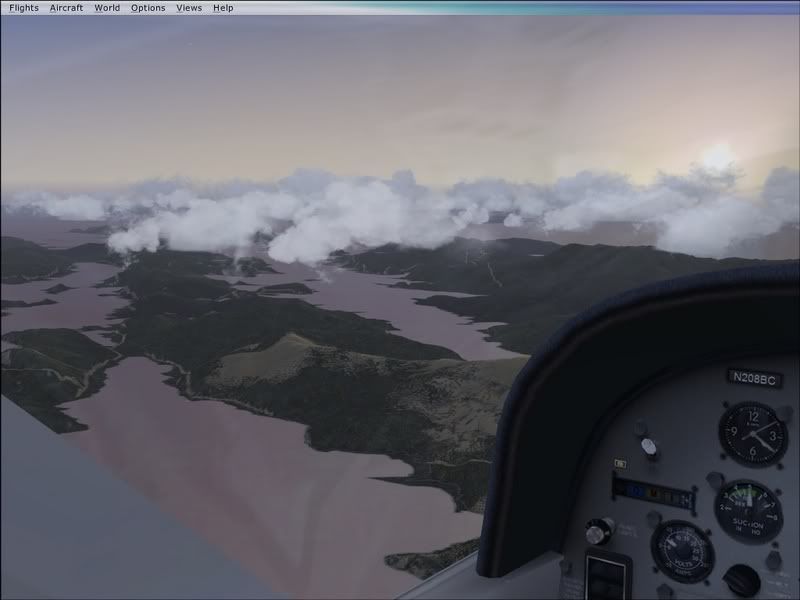
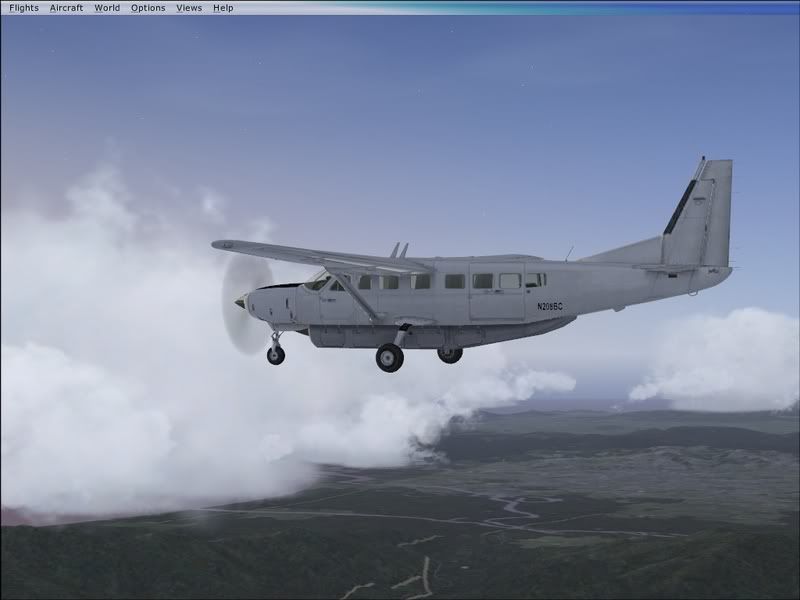
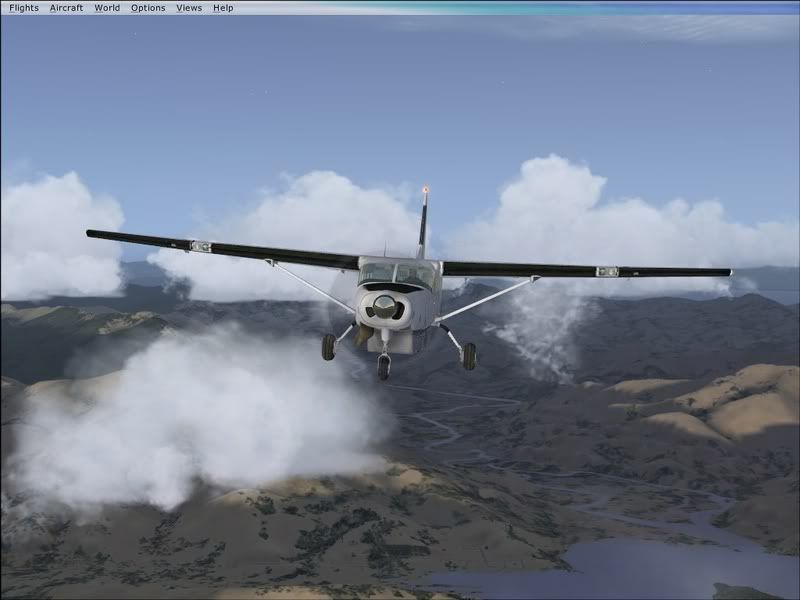
Just finished my non-mission flight in FSX, from Nelson to Wellington early in the morning. I was very impressed with the Cessna Grand Caravan Aircraft, many features and a good VC. I found myself using the VC for 90% of the flight, which is unusually high for me.

user posted image

Lined up in Nelson early morning.

user posted image

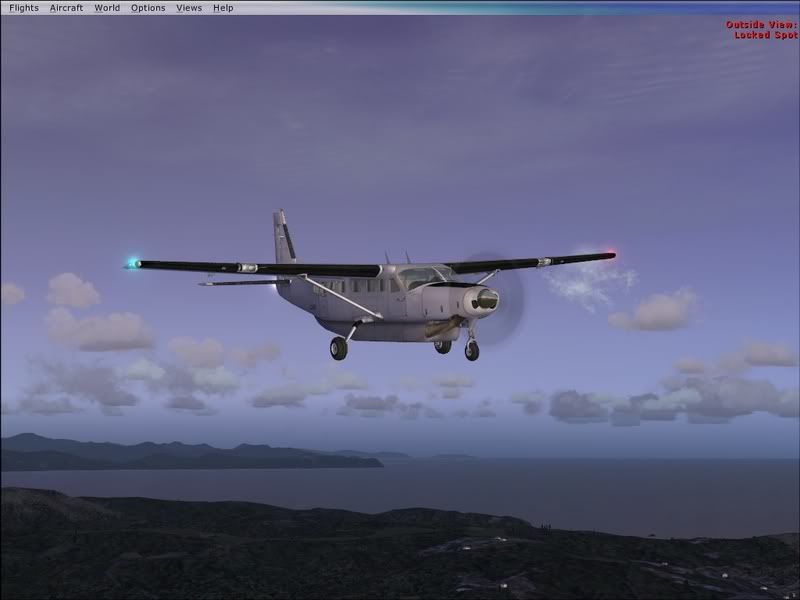
The initial climbout

user posted image

Climbing away of Nelson, eastbound.

user posted image

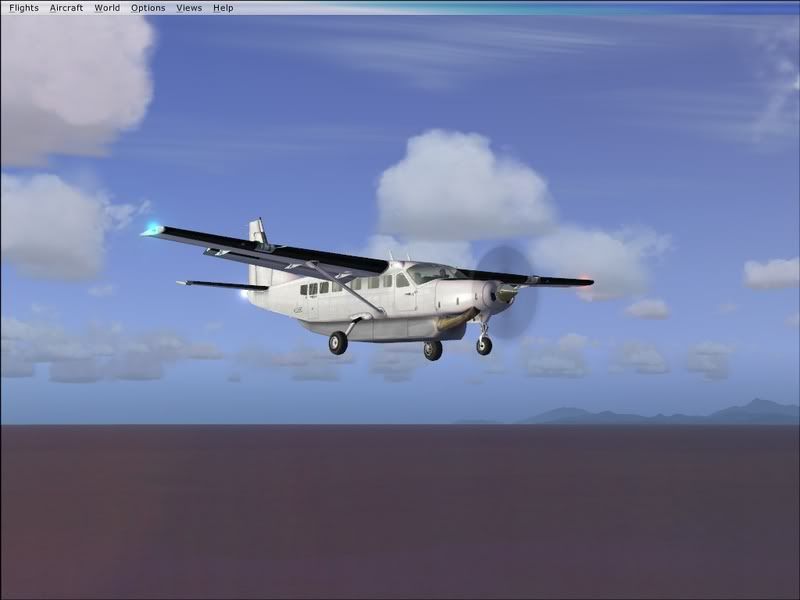
Reached cruise quickly, 7500ft.

user posted image

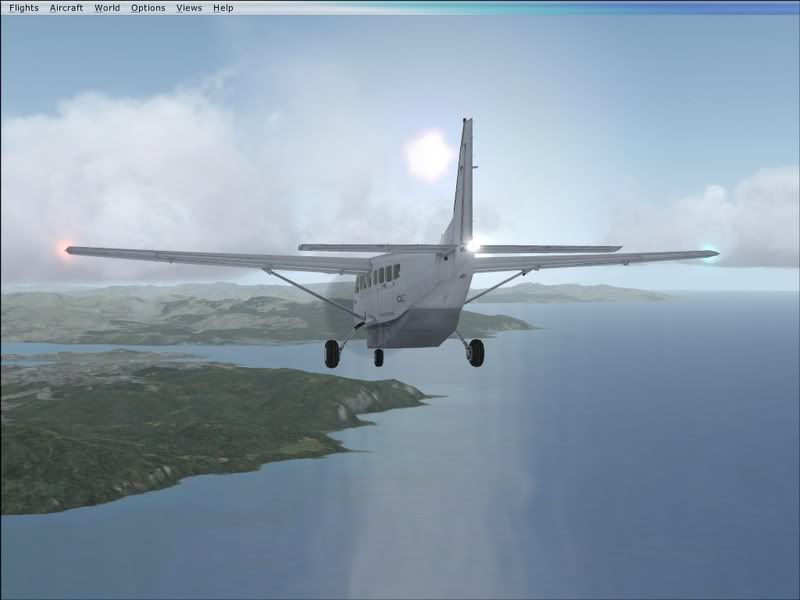
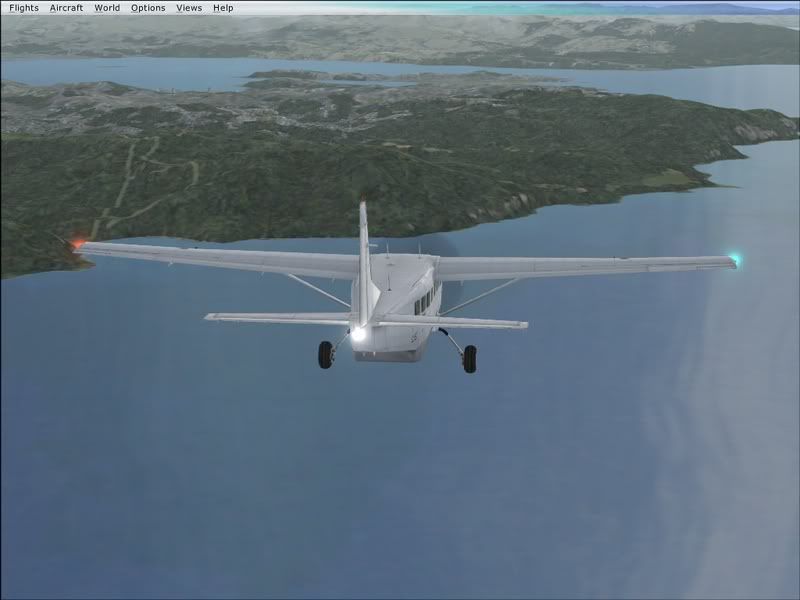
Experimenting with the tail view.

user posted image

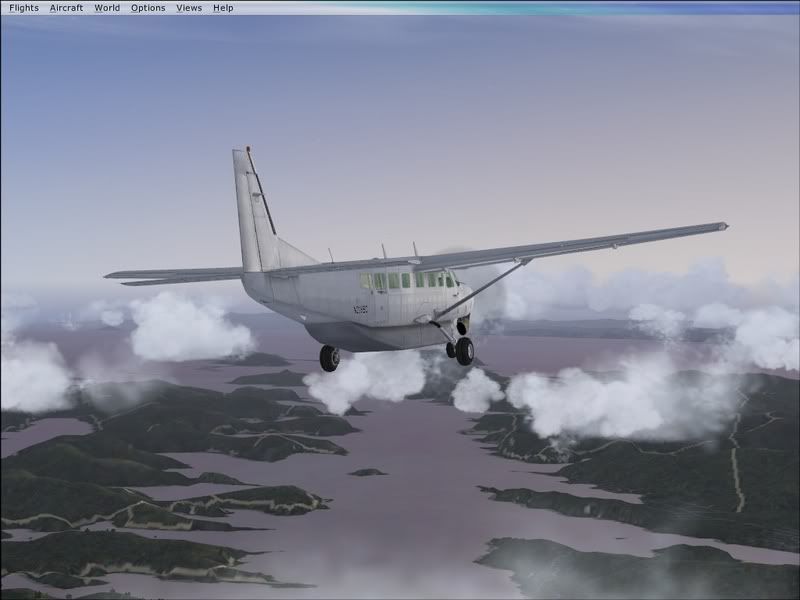
Over the sounds

user posted image

A quick look over the side. The only grip with the VC for me was that the labeling of the switches was unclear. I had to use the 2d panel to operate the lights for this reason.
user posted image

Still heading east

user posted image

Blenheim & the rest on the right

user posted image

Starting across Cook Strait

user posted image

Starting my descent to 3500ft

user posted image

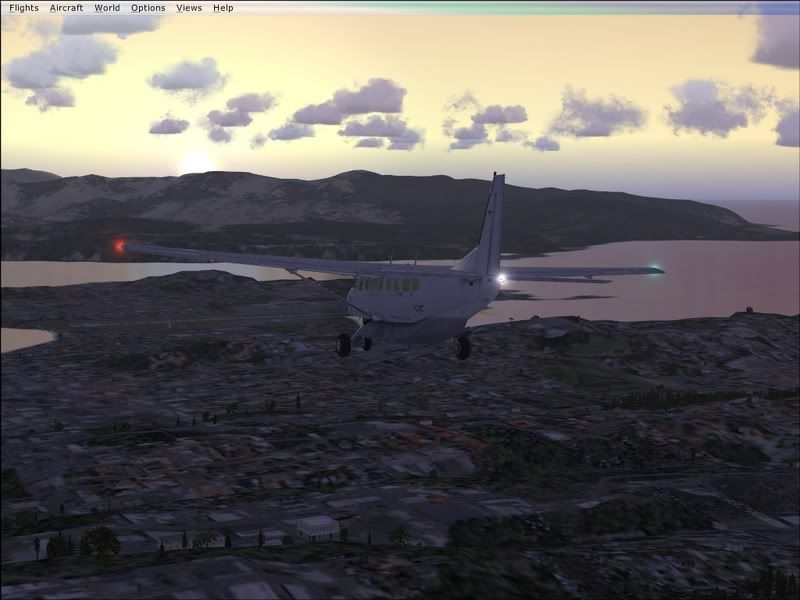
Descending towards Wellington

user posted image

Heading towards downwind for 34

user posted image

Same position, different angle

user posted image

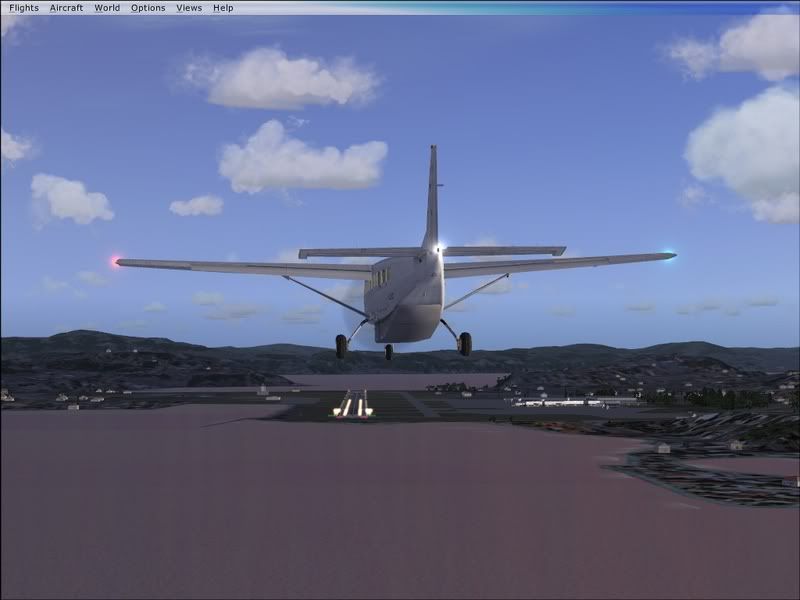
Finals

user posted image

Late finals

user posted image

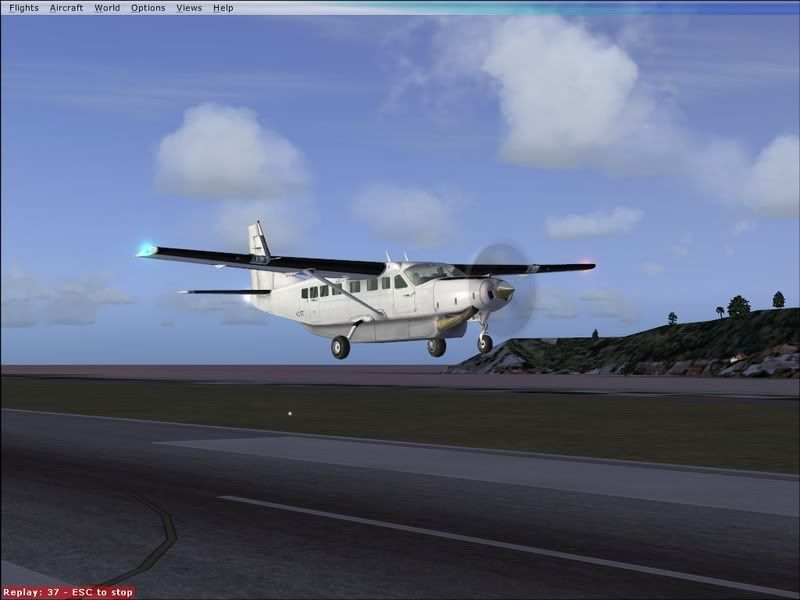
Unfortunately I had trouble getting down to the bitumen because my take screenshot key is F5, which is also "raise flaps fully". Unfortunately I didn'trealise this before now, so I touched down half-way along the runway. Smooth landing though.

user posted image

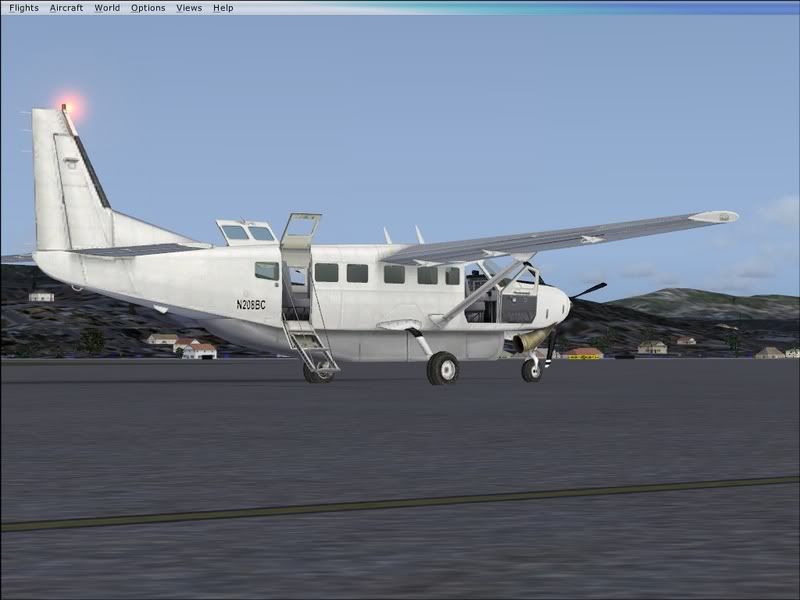
Taxiing to parking.

user posted image

Parked out on my own.

Enjoy and comment!
ZK-Brock
NZFF Pro
 
Topic author
Joined: Sun Jul 23, 2006 3:35 pm
Posts: 2035

Postby ZK-MAT » Sat Nov 04, 2006 9:16 pm

Nice pics there mate. :D

I have a question about FSX and the window modes.

I see the task bar above your shots, and have seen them in many FSX screenshots. Can you go full-screen in FSX or does that top bar always show? (Personally I don't like window mode).

Secondly, can you use two monitors? On the demo the second monitor went black on my system. I would hate to have to give up the use of the second monitor.

Hope you can help out with the answers!
User avatar
ZK-MAT
Senior Member
 
Joined: Sun Apr 30, 2006 11:41 pm
Posts: 1690
Location: Papamoa

Postby Alex » Sat Nov 04, 2006 9:24 pm

Great pics, like the reflection in the second to last pic. :D

Alex
Alex
NZFF Pro
 
Joined: Fri Jul 14, 2006 3:39 pm
Posts: 3620

Postby brownbox » Sat Nov 04, 2006 9:32 pm

its looking good there. :D
Desktop:Core 2 Duo E4300 1.8@ 3.0Ghz@ 1.36v. 4Gb Supertalent DDR2-800 2.1v@ 5-5-5-15. Asus P5N-E SLI Pencil Modded. Corsair TX 650. 512MB Palit Geforce 8800GT. 2x200GB IDE+640GB SATAII. Windows Vista Ultimate X86. Samsung SH-S222A
Phone:Nokia N900 Vodafone
Car: 1993 Mitsubishi Mirage Asti Z. Steel Blue Pearl

1996 Toyota Curren 2.0L 5 Spd Manual Silver. 205/50/R16 on Enkei K-95. Lowered on Jamex Superlows. Remote locking. Remote boot release. Cruise control
1996 Mitsubishi GTO MR

Image
User avatar
brownbox
Senior Member
 
Joined: Thu Apr 27, 2006 10:55 pm
Posts: 1318

Postby ZK-Brock » Sun Nov 05, 2006 7:36 am

ZK-MAT wrote: Nice pics there mate. :D

I have a question about FSX and the window modes.

I see the task bar above your shots, and have seen them in many FSX screenshots. Can you go full-screen in FSX or does that top bar always show? (Personally I don't like window mode).

Secondly, can you use two monitors? On the demo the second monitor went black on my system. I would hate to have to give up the use of the second monitor.

Hope you can help out with the answers!

Hey Matt.

The title bar doesn't put it in Window mode exactly, it's full screen but with the menu bar showing. I pressed Alt to show it so I could modify the controls a little bit, but from then on it wouldn't go away.

Can't help you on your second question.

Monkey
ZK-Brock
NZFF Pro
 
Topic author
Joined: Sun Jul 23, 2006 3:35 pm
Posts: 2035

Postby FlyingKiwi » Sun Nov 05, 2006 10:41 am

The new VCs are a vast improvement, I used to never use them because they looked so bad, but now they are pretty much as good as the 2D panel, plus you get the added bonus of the new head movement, so I've been using VCs mainly in FSX so far.
User avatar
FlyingKiwi
Senior Member
 
Joined: Mon May 29, 2006 4:17 pm
Posts: 1688
Location: Auckland

Postby ardypilot » Sun Nov 05, 2006 11:00 am

Sweet shots Monkey!

That default Caravan looks just as good as my payware one from feelThere. Impressive ;)

I have also noticed that menu bar in lots of screenshots- does it get annoying?

Also, are you using any environment addons in that flight, like the RBE mesh and landclass?
User avatar
ardypilot
NZFF Pro
 
Joined: Wed Apr 26, 2006 10:01 am
Posts: 6802
Location: Auckland

Postby toprob » Sun Nov 05, 2006 3:28 pm

monkeybdg wrote:
The title bar doesn't put it in Window mode exactly, it's full screen but with the menu bar showing. I pressed Alt to show it so I could modify the controls a little bit, but from then on it wouldn't go away.


Try holding down Alt -- the bar disappears after a second.
User avatar
toprob
NZFF Pro
 
Joined: Sat Apr 29, 2006 4:56 pm
Posts: 6711
Location: Upper Hutt

Postby ZK-MAT » Sun Nov 05, 2006 3:44 pm

Cool, thanks Rob.

Now, second monitor... is it do-able? Deos anyone know if FS Nav works with it?
User avatar
ZK-MAT
Senior Member
 
Joined: Sun Apr 30, 2006 11:41 pm
Posts: 1690
Location: Papamoa

Postby ZK-Brock » Sun Nov 05, 2006 5:03 pm

Trolly wrote: Sweet shots Monkey!

That default Caravan looks just as good as my payware one from feelThere. Impressive ;)

I have also noticed that menu bar in lots of screenshots- does it get annoying?

Also, are you using any environment addons in that flight, like the RBE mesh and landclass?

Hey Trolly.

The menu bar is actually quite helpful, it helps me get to the map/kneeboard/watever quicker.

Shamefully I don't own the RBE scenery packages, though I may look at it for christmas.

And thanks Toprob.
ZK-Brock
NZFF Pro
 
Topic author
Joined: Sun Jul 23, 2006 3:35 pm
Posts: 2035


Return to Screenshots

Who is online

Users browsing this forum: No registered users and 15 guests