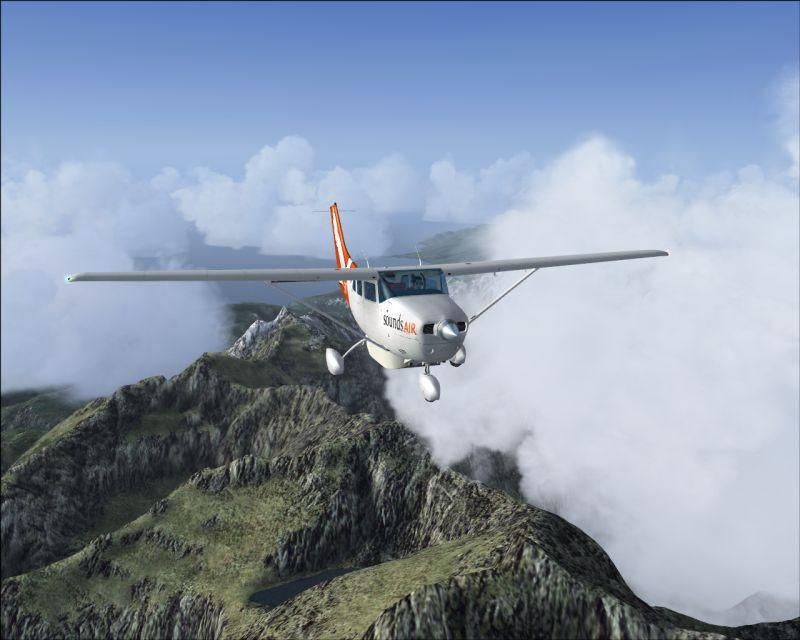
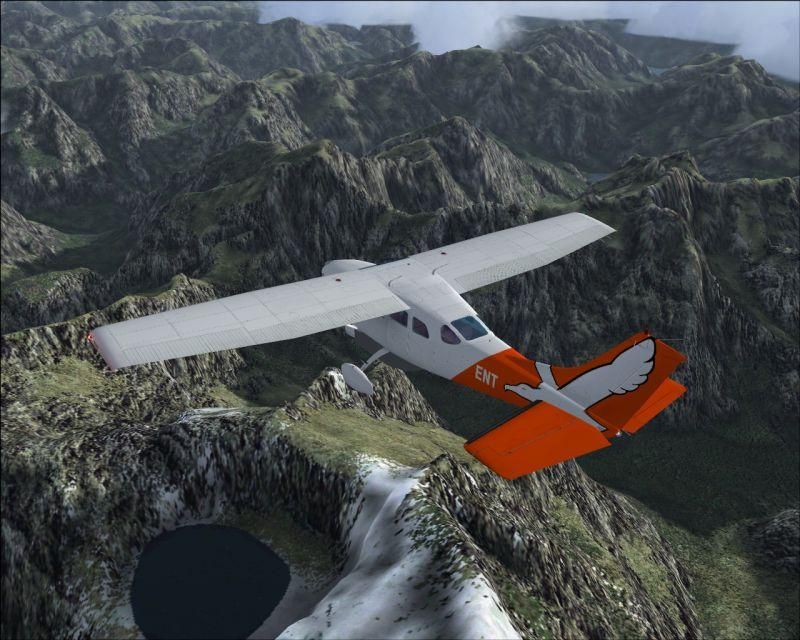
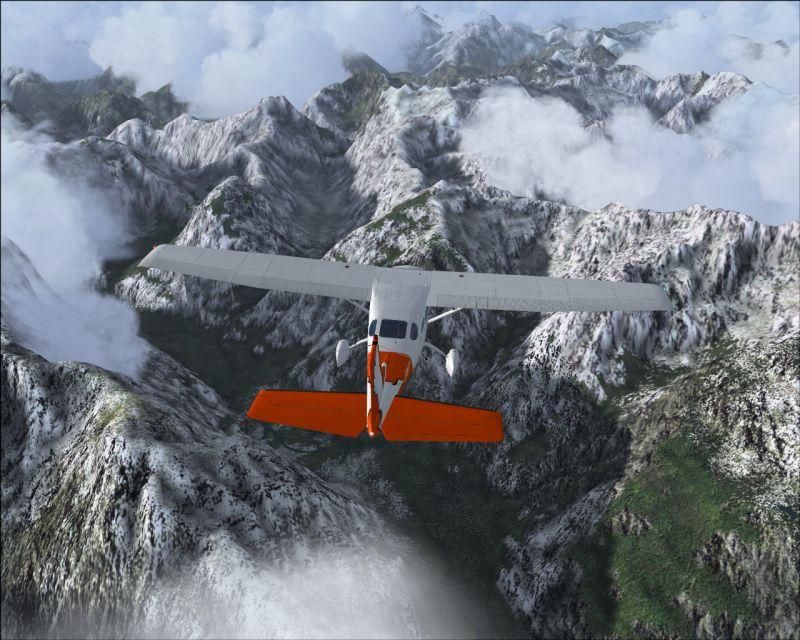
Sound Air over Milford

Post and comment on screen captures from the beautiful game here. Home of the monthly screenshot competition

Postby cirrusnature » Sun Aug 20, 2006 7:05 pm
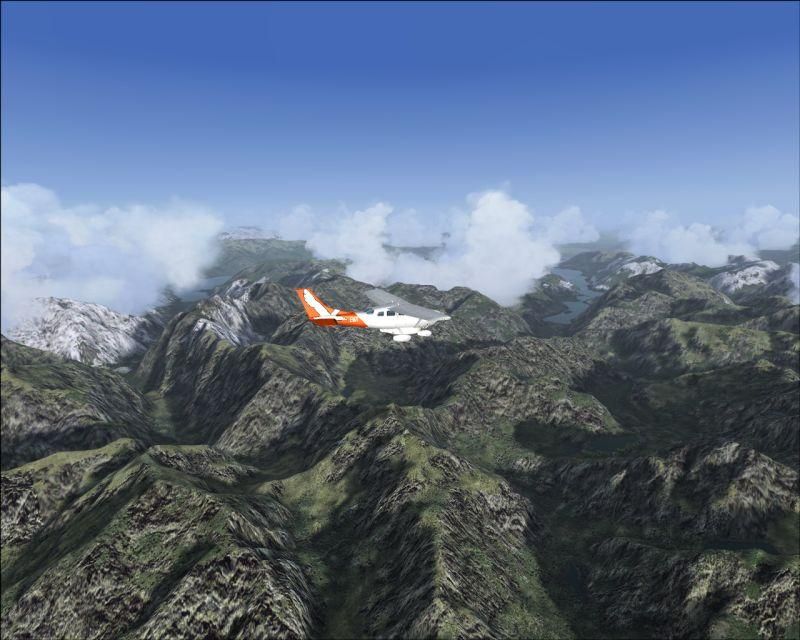
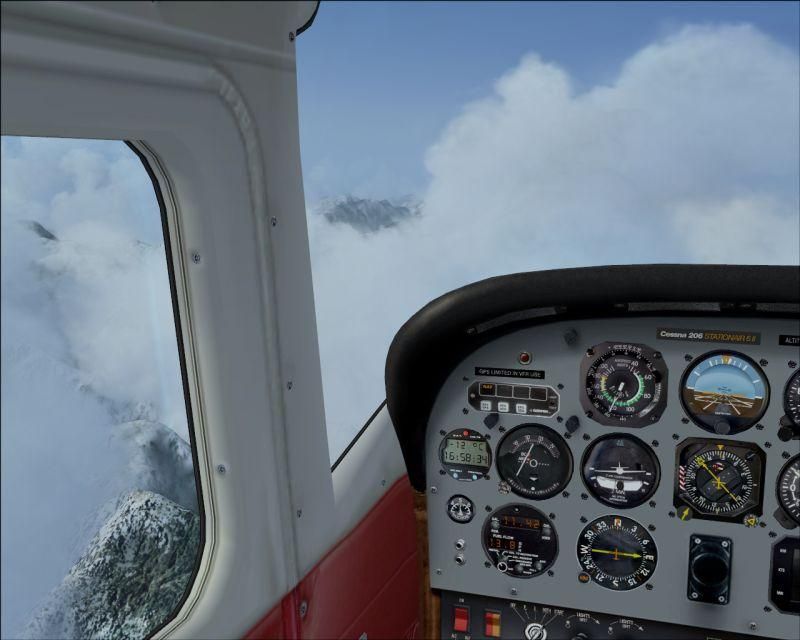
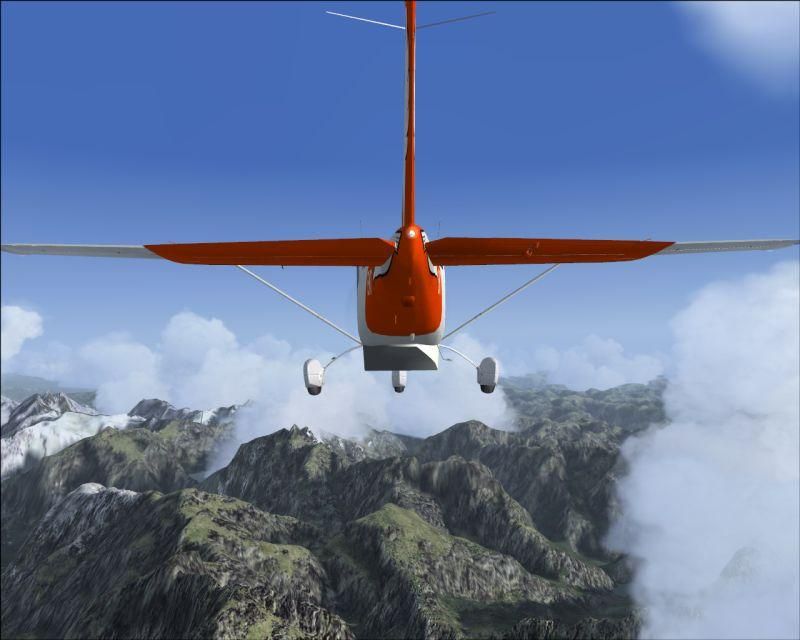
Fantastic paint job on this 206 over some of the most rugged views in the country.

user posted image

user posted image

user posted image

user posted image

user posted image

user posted image
User avatar
cirrusnature
Forum Addict
 
Topic author
Joined: Thu Apr 27, 2006 7:54 pm
Posts: 232

Postby Charl » Sun Aug 20, 2006 7:26 pm

Too right, who's the artist?
The scenery is pretty good too, innit?
Verging on photoreal, FSX better be a whole lot better than this to justify itself ;)
I sometimes amuse myself by unloading the mesh and topo, plus extra textures, to see where FS9 started off.
Well no, actually, sometimes I totally rebuild the sim from scratch, then you see where it started off.
It's come a long way...
User avatar
Charl
NZFF Pro
 
Joined: Mon May 01, 2006 8:28 am
Posts: 9691
Location: Auckland

Postby ZK-Brock » Mon Aug 21, 2006 3:54 pm

Wow, that's AMAZING!

That's the Carenado 206 am I right? Is that repaint free?
ZK-Brock
NZFF Pro
 
Joined: Sun Jul 23, 2006 3:35 pm
Posts: 2035

Postby ardypilot » Mon Aug 21, 2006 4:51 pm

Excellent scenery and super repaint- I would like to download it too if possible :P
User avatar
ardypilot
NZFF Pro
 
Joined: Wed Apr 26, 2006 10:01 am
Posts: 6802
Location: Auckland

Postby Mike M » Mon Aug 21, 2006 7:22 pm

Excellent Repaint :)
VANZ NZ190
FTG QF654
Check out my photos at Jetphotos.net
user posted image
User avatar
Mike M
Member
 
Joined: Thu Aug 03, 2006 6:18 pm
Posts: 91
Location: Hamilton

Postby cirrusnature » Mon Aug 21, 2006 7:35 pm

Glad you liked the pics. It is the Carenado 206 and you can find the paint work on AVSIM. Search for" c206soundsair1.zip". It's from an artist by the name of Jeff Trozzo. That paint job complements the plane very well. Enjoy. :D
User avatar
cirrusnature
Forum Addict
 
Topic author
Joined: Thu Apr 27, 2006 7:54 pm
Posts: 232

Postby FlyingKiwi » Tue Aug 22, 2006 7:41 pm

Awesome shots, love the scenery! ;)
User avatar
FlyingKiwi
Senior Member
 
Joined: Mon May 29, 2006 4:17 pm
Posts: 1688
Location: Auckland

Postby Charl » Wed Aug 23, 2006 12:03 pm

It is the Carenado 206 ... from an artist by the name of Jeff Trozzo. That paint job complements the plane very well. Enjoy. 


The penny has just dropped, Jeff lurks here under the name CODY and has produced some lovely GNZ LAP paints.
User avatar
Charl
NZFF Pro
 
Joined: Mon May 01, 2006 8:28 am
Posts: 9691
Location: Auckland

Postby ardypilot » Sat Sep 16, 2006 2:50 pm

I forgot about this download, and only just nabbed it today.

I noticed from Cirrus's screenies, that this was the cargo version paint but I edited the cfg a bit to read:

[fltsim.10]
title=Cessna 206 SOUNDS AIR
sim=Caren206
model=CC


So now I have the the normal passenger pant-wheel 206 in my sim:
user posted image

But I notice the 'Stationair II' badge is sitting over the top of the SOUNDS AIR logo, unlike CN's shot #4 above.

Anyone know how to remove this badge?
User avatar
ardypilot
NZFF Pro
 
Joined: Wed Apr 26, 2006 10:01 am
Posts: 6802
Location: Auckland

Postby Muppet » Sat Sep 16, 2006 3:37 pm

Can't help with the badge Trolly, although I think the paintkits for both models are slightly different. Why take the pod off anyway? It flies with one IRL ;)
Muppet
Member
 
Joined: Sat Apr 29, 2006 1:38 am
Posts: 124
Location: NZQN

Postby Codge » Sat Sep 16, 2006 5:30 pm

It looks like the RBE 20m & topo to me. And that folks is why my default airfield is Milford.
In the real world 100km/h winds are not uncommon! And that folks is why I always use 'real weather'! ;)
2 wrongs don't make a right but 2 Wrights made an aeroplane!
User avatar
Codge
Forum Addict
 
Joined: Wed Jul 12, 2006 11:04 pm
Posts: 355
Location: Dunedin

Postby Cbris » Sat Sep 16, 2006 7:09 pm

Trolly wrote: I forgot about this download, and only just nabbed it today.

....


But I notice the 'Stationair II' badge is sitting over the top of the SOUNDS AIR logo, unlike CN's shot #4 above.

Anyone know how to remove this badge?

Trolly,

You can find the stationair logo in the texture file: "Carenado prop 206.bmp"

Just paint over the logo with black and do the same for the alpha. I think CN didn't upload this because of the Carenado copyright rules. I really must check these out more often - I had a paint rejected because I sent all the files up to Avsim instead of just the changed ones as detailed by the copyright :huh:

So (@ CN) if I understand right, we are only allowed to upload paints with only the main aircraft textures altered - but check. Maybe the "C" allows a change here too?
Last edited by Cbris on Sat Sep 16, 2006 7:14 pm, edited 1 time in total.
Chris Brisland a.k.a. 'EagleSkinner' or 'Dances with Paintbrushes'

Visit my site below (Click the pic) for all my latest FSX paints and much more

Image

Drop by my blog sometime

[url=http://www.facebook.com/christopher.brisland?ref=name#!/pages/Eagleskinner/119483578109942]Follow me on Facebook too[/url]
User avatar
Cbris
Forum Addict
 
Joined: Sat Aug 12, 2006 9:43 pm
Posts: 399
Location: EGNE - well, 7 1/2 miles from threshhold of 03


Return to Screenshots

Who is online

Users browsing this forum: No registered users and 28 guests