DLSS5 in MSFS 2024

Read and report on flightsim developers progress of upcoming or completed products

DLSS5 in MSFS 2024

Postby Adamski » Tue Oct 06, 2026 1:25 pm

I've been following the progress on [experimental] DLSS5 implementation for MSFS 2024. All sorts of voodoo - and I tried a couple of methods without success. Sometimes, I get bored simply flying around (isn't that what you're *meant* to do?) so I go down the latest tweaking rabbit hole.

So ... I had another go at Optiscaler. Blow me down, if it didn't actually work!

The method described in this YT video worked for me: Optiscaler Setup Guide - This Version Can Run DLSS5 in MSFS 2024 with only 1-5fps Loss at 60fps!.

The setup is done with a batch file and (apparently) the install can be removed with another batch file - though I haven't needed to do that (yet!). The actual download and subsequent install was quick and quite painless.

I've taken dozens of comparison shots and will post the best ones soon (though there are plenty of YT videos out there showing the essential differences). I suffer a 2-3 FPS drop when enabled which I think is OK, considering the enhanced lighting effects DLSS5 gives you. I do like it a lot - even with 99% of the settings left at default. I haven't a clue what any of them actually do (yet) and will have to consult the [very] nerdy Wiki to see what's what. I'm hoping some kind MSFS simmer will put up a friendly video tutorial for what works best.

The hope is that Asobo will eventually build DLSS5 into the sim, but I'm not holding my breath on that one.

I have a RTX4060Ti (8Gb VRAM - not overclocked) running with Reshade.

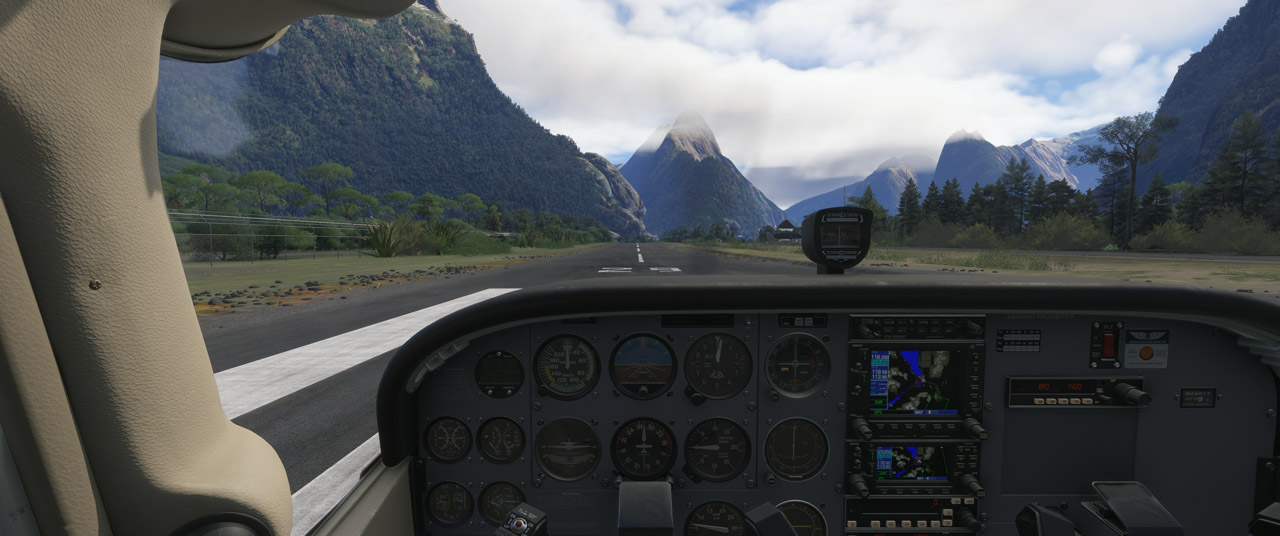
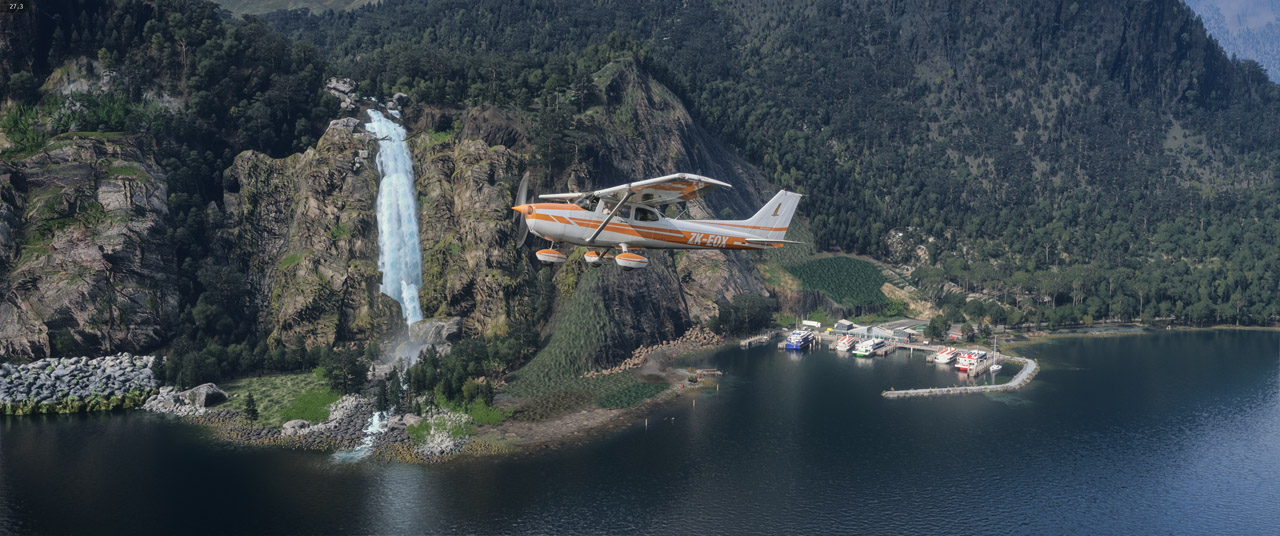
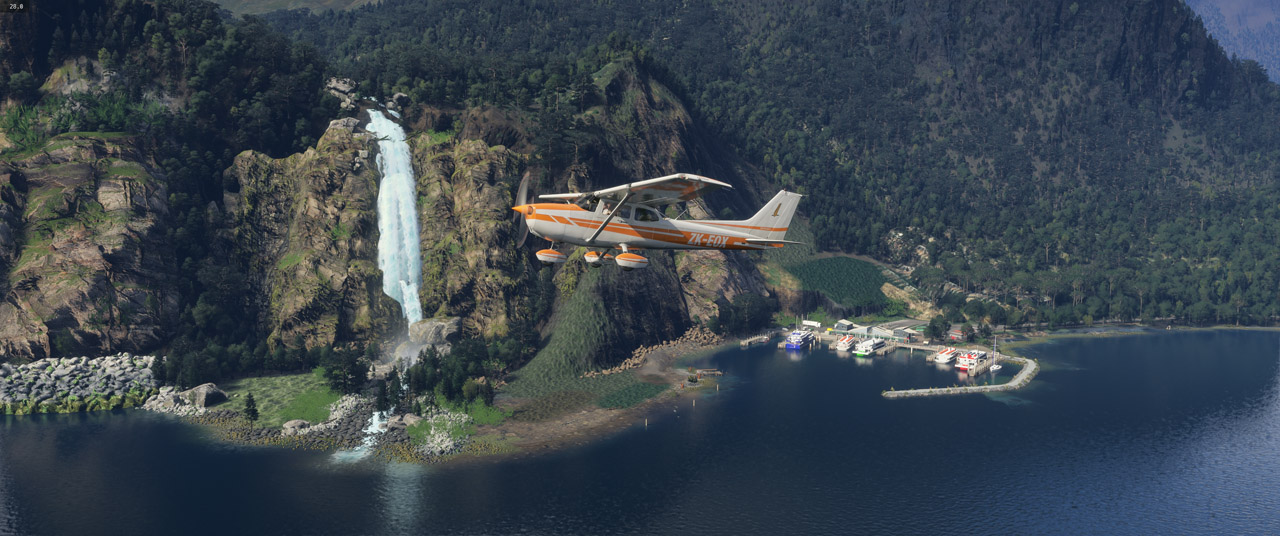
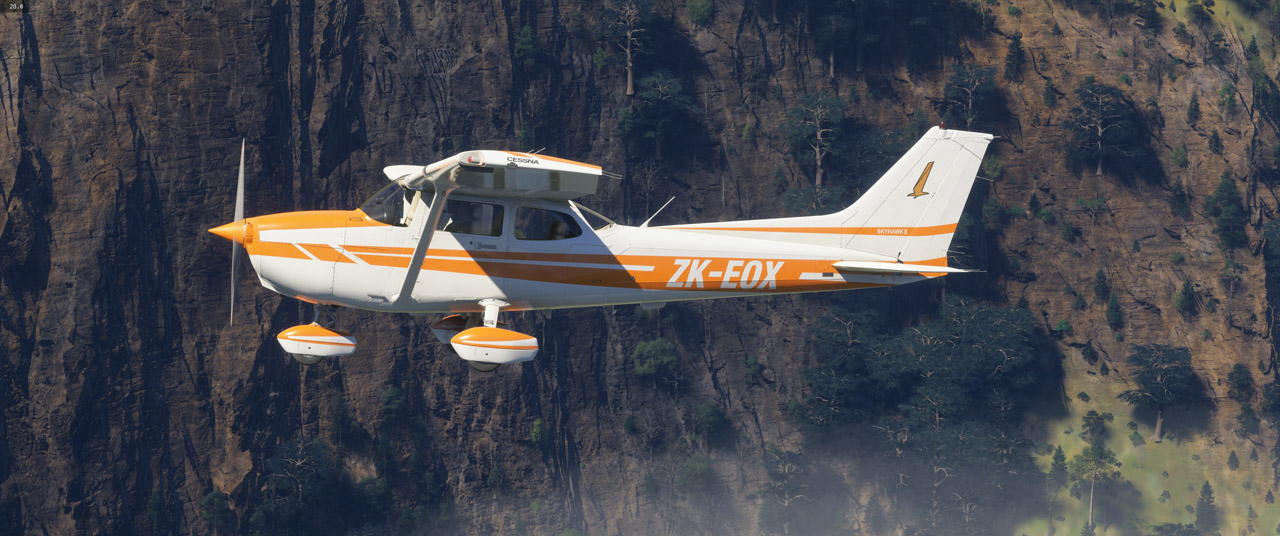
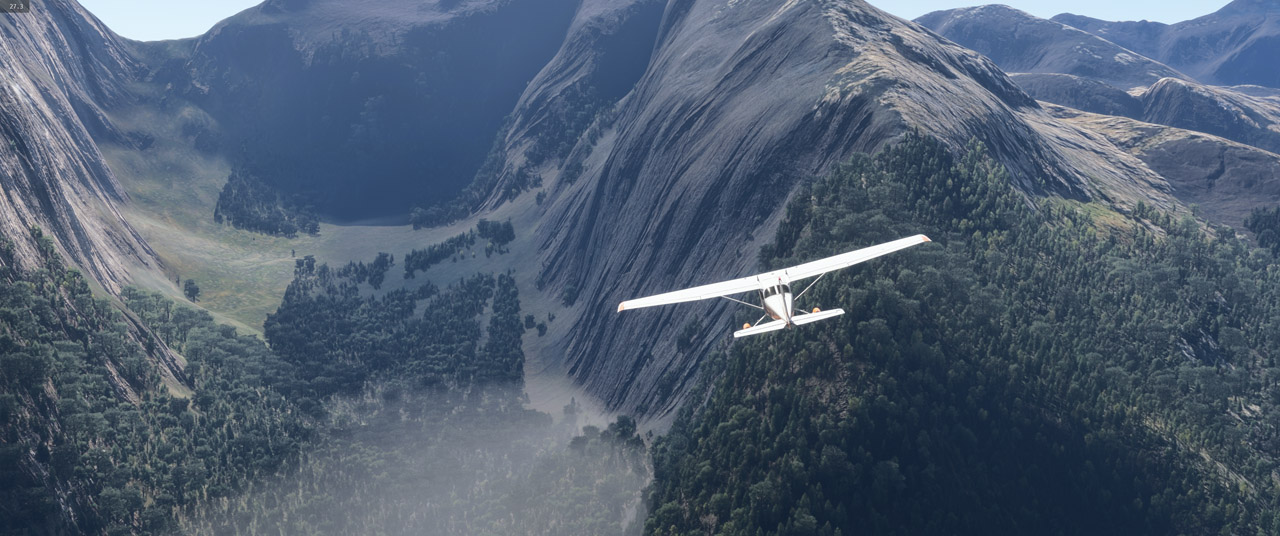
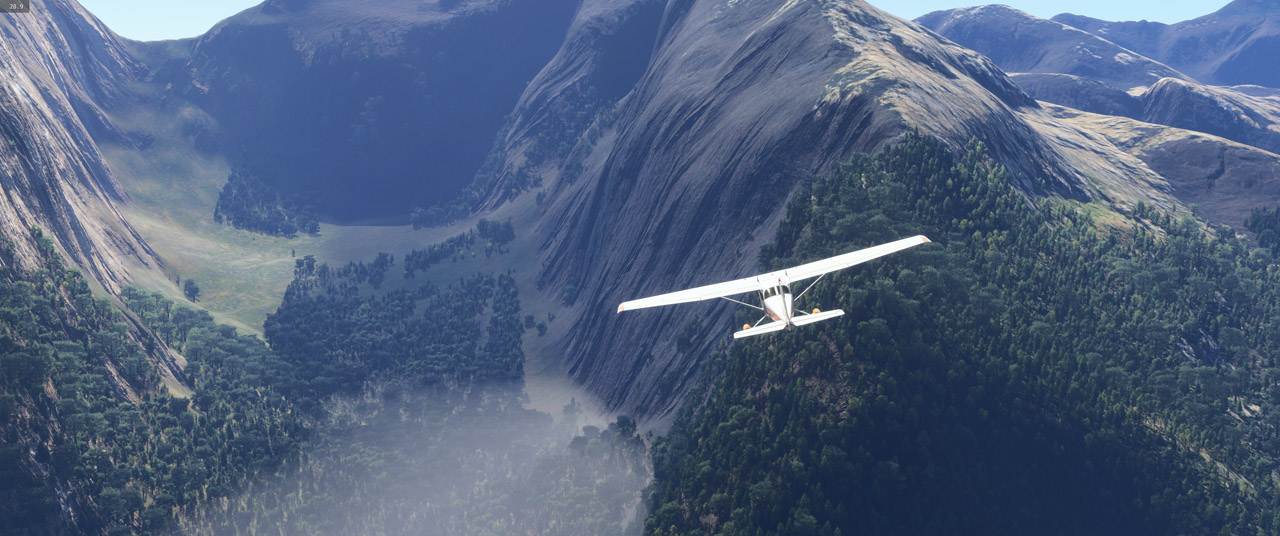
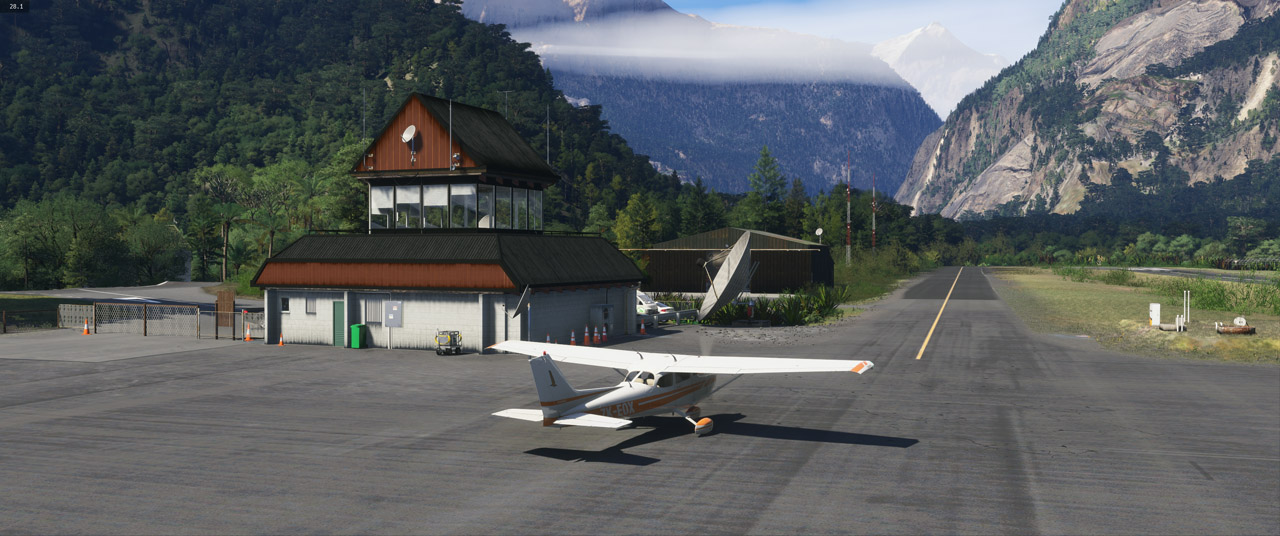
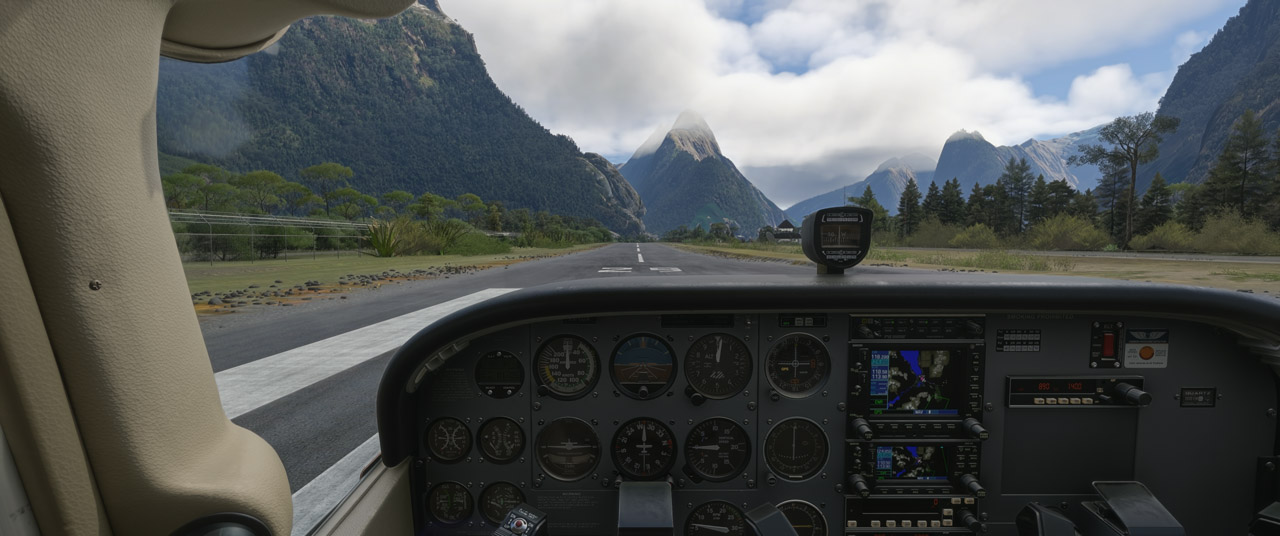
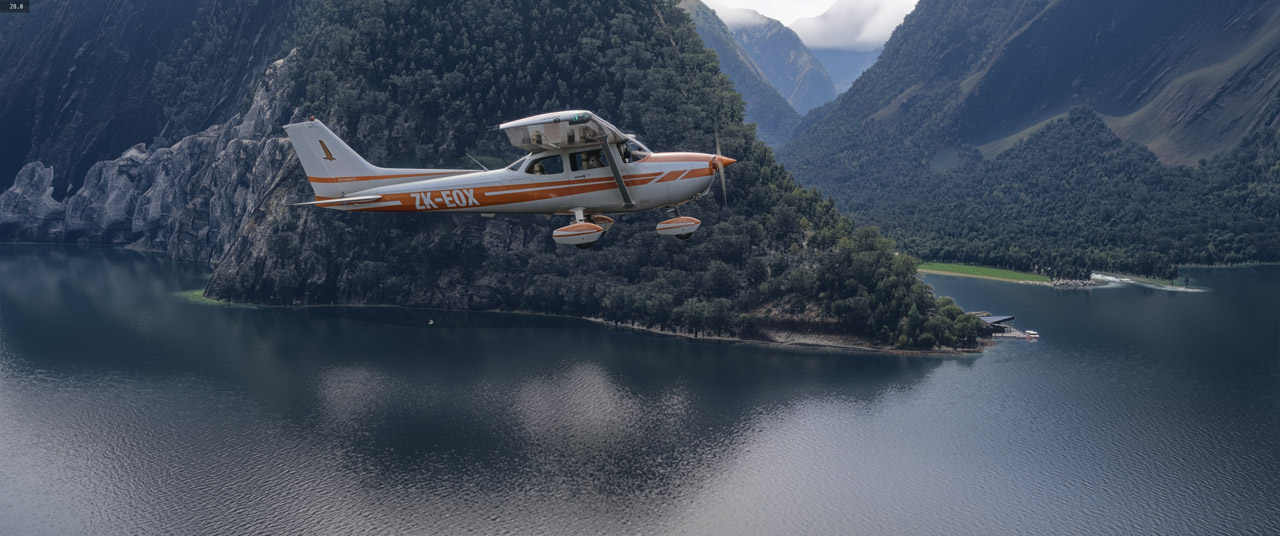
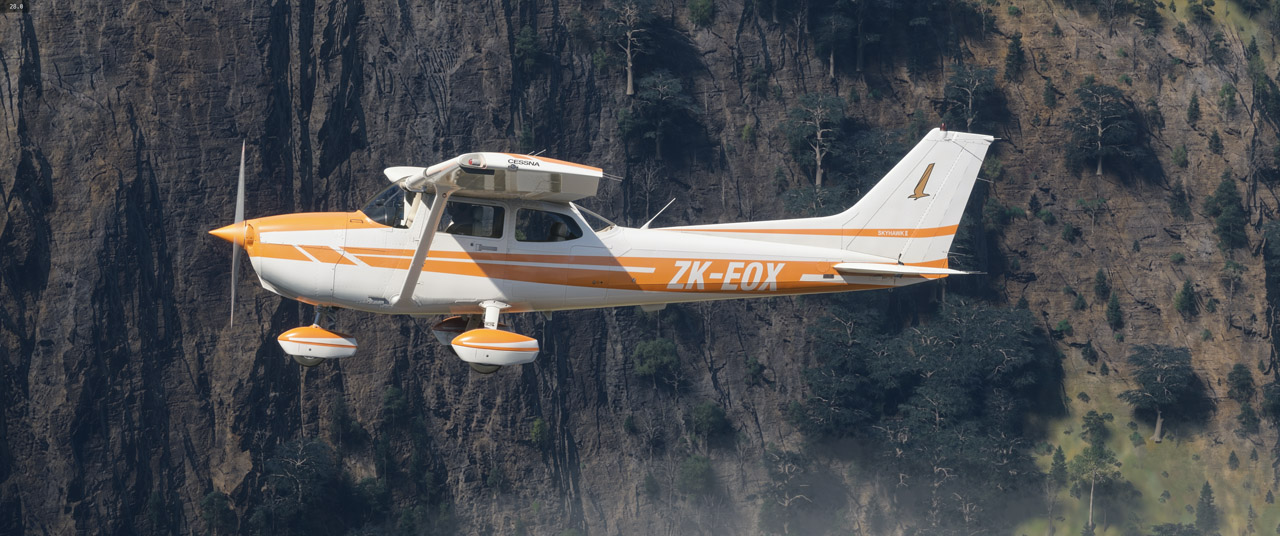
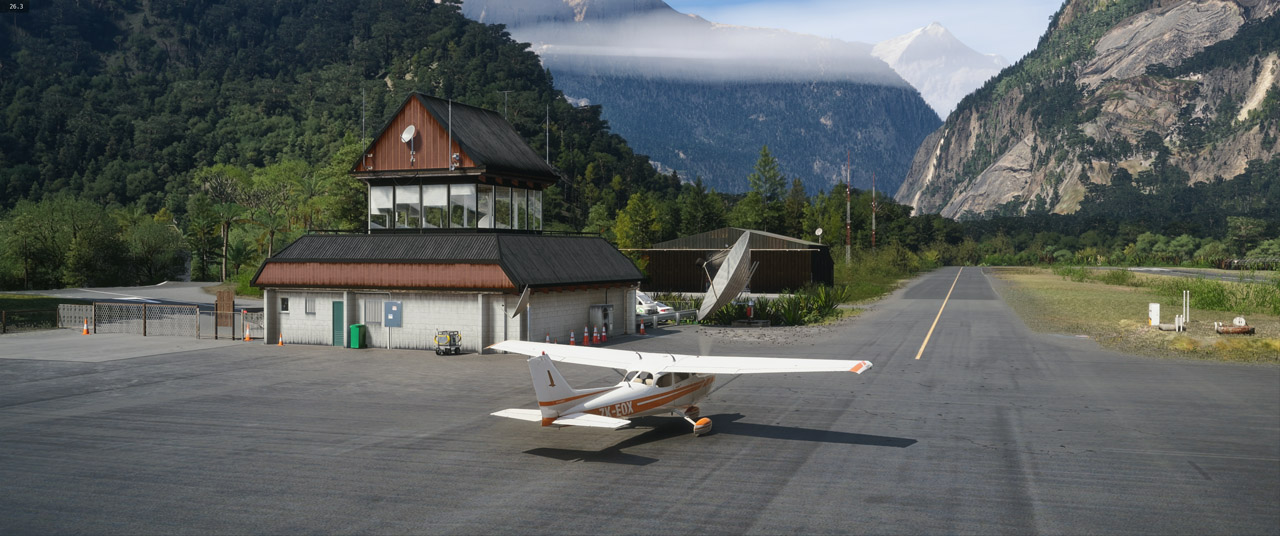
When in-sim, you can toggle DLSS5 on/off with a keybind, making it quite easy to see the changes being applied. Looking at the images here on NZFF, the differences are much harder to see. In the following pics, the DLSS5 image is always shown above the default.

The cockpit benefits the most, IMHO:
Image
Image

Terrain does reasonably well:
Image
Image

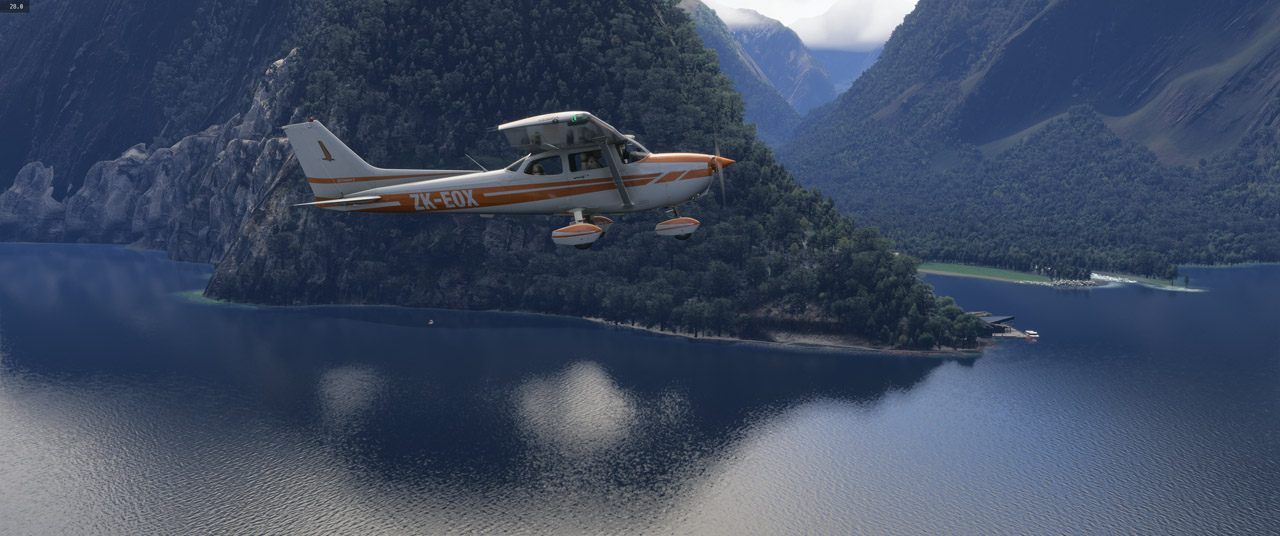
I had hoped DLSS5 would cure this terrible ghosting in water reflections, but no. It *does* seems to make slightly less obvious though:
Image
Image

Exterior lighting is a little more subtle:
Image
Image

Terrain gets a little more depth:
Image
Image

Works well for static scenery objects:
Image
Image

It looks like you can fine tune the effects for the aircraft and scenery separately - and tweak the overall intensity/colouring for each, but I haven't got my head around that yet.

My gut feeling is that if Asobo *do* add DLSS5, it might end up being a simple on/off toggle - and not give you the ability to tweak settings as in Optiscaler - much in the same way as Reshade allows you to do at the moment.
User avatar
Adamski
NZFF Pro
 
Topic author
Joined: Thu Nov 01, 2007 2:22 am
Posts: 5247
Location: Birkenhead, Auckland

Re: DLSS5 in MSFS 2024

Postby cowpatz » Fri Oct 16, 2026 9:26 am

Have you tried looking at the differences with respect to DLSS5 now That SU7 has DLSS4.5? I have used the VR glass cockpit smear mod with 4.5 and it looks very good. It doesn't need the Reshade system to run and as I'm not using VR it runs with Frame Gen without any other mod needed. The only issue is that it doesn't have the ability to toggle between DLSS settings.
I may look at going the RHI method (with DLSS5) so that I can get some reshade profiles going as well. I see that there is a mod out for Bloom and Lens flare. Have you tried that?
User avatar
cowpatz
NZFF Pro
 
Joined: Wed Mar 07, 2007 3:28 pm
Posts: 3902

Re: DLSS5 in MSFS 2024

Postby Adamski » Fri Oct 16, 2026 10:20 am

cowpatz wrote:Have you tried looking at the differences with respect to DLSS5 now That SU7 has DLSS4.5? I have used the VR glass cockpit smear mod with 4.5 and it looks very good. It doesn't need the Reshade system to run and as I'm not using VR it runs with Frame Gen without any other mod needed. The only issue is that it doesn't have the ability to toggle between DLSS settings.
I may look at going the RHI method (with DLSS5) so that I can get some reshade profiles going as well. I see that there is a mod out for Bloom and Lens flare. Have you tried that?

I get the impression that you still need an app of some kind to cure ghosting - even with DLSS4.5. Here's another one:
https://www.youtube.com/watch?v=8kHjr01cBH8
https://wesimglide.org/otherdata/tools/Standalone-DLSS-Glass-Cockpit-Refresh.html

I use Reshade to fix terrain colouring, so I'm happy to use whatever fixes out there that rely on a Reshade component. Also - with Reshade, you get lots of additional tweaks to the ghosting function.

I looked at that bloom/lens flare mod - but (I think) it's just a few Reshade filters. I'm reasonably happy with the bloom/flare as it is, so don't want to add unnecessary Reshade filters.
User avatar
Adamski
NZFF Pro
 
Topic author
Joined: Thu Nov 01, 2007 2:22 am
Posts: 5247
Location: Birkenhead, Auckland

Re: DLSS5 in MSFS 2024

Postby cowpatz » Fri Oct 16, 2026 10:29 am

Yes, that is the mod I'm using. Works well.
User avatar
cowpatz
NZFF Pro
 
Joined: Wed Mar 07, 2007 3:28 pm
Posts: 3902

Re: DLSS5 in MSFS 2024

Postby FlyingKiwi » Fri Oct 16, 2026 6:19 pm

The PC tech chat is above me but I like your choice of aeroplane, I put a few hours on EOX years ago. I believe it was the very first aeroplane Air Nelson owned.
User avatar
FlyingKiwi
Senior Member
 
Joined: Mon May 29, 2006 4:17 pm
Posts: 1697
Location: Auckland

Re: DLSS5 in MSFS 2024

Postby Adamski » Fri Oct 16, 2026 6:21 pm

FlyingKiwi wrote:The PC tech chat is above me but I like your choice of aeroplane, I put a few hours on EOX years ago. I believe it was the very first aeroplane Air Nelson owned.

It's a lovely livery. I may do some more sessions with it :)
User avatar
Adamski
NZFF Pro
 
Topic author
Joined: Thu Nov 01, 2007 2:22 am
Posts: 5247
Location: Birkenhead, Auckland


Return to Announcements

Who is online

Users browsing this forum: No registered users and 86 guests