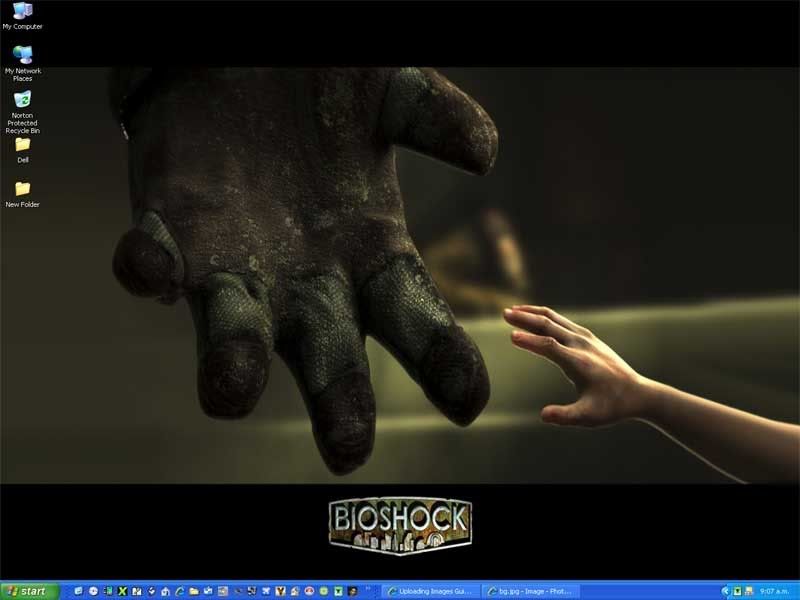
Post Your Desktop

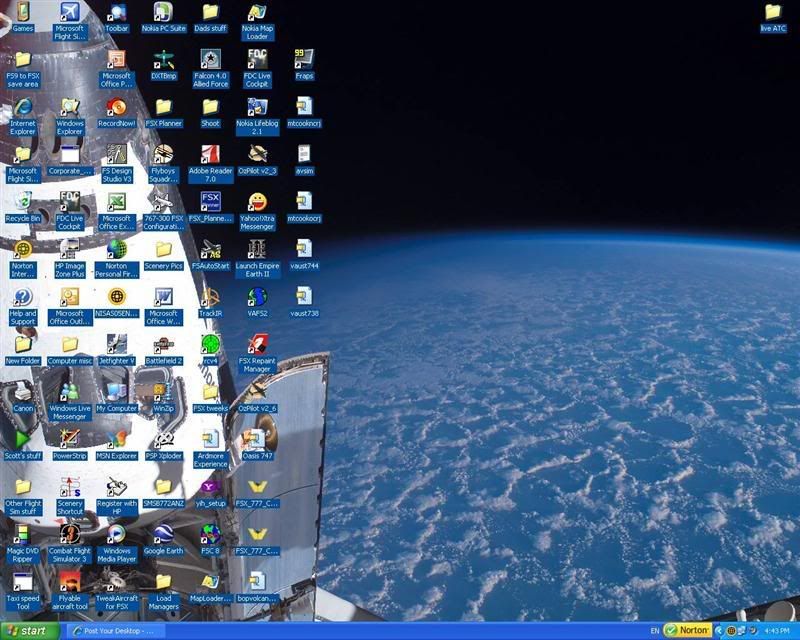
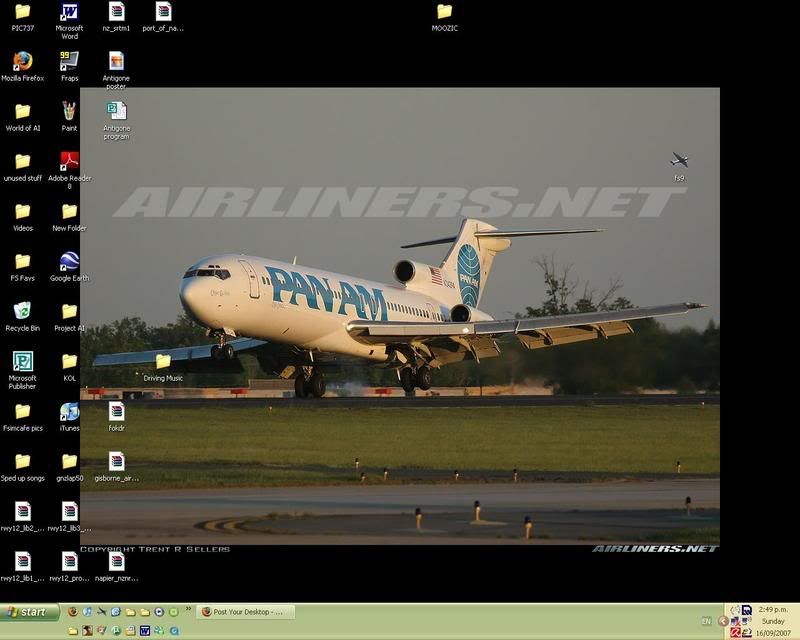

 by Kelburn » Sun Sep 16, 2007 3:24 pm
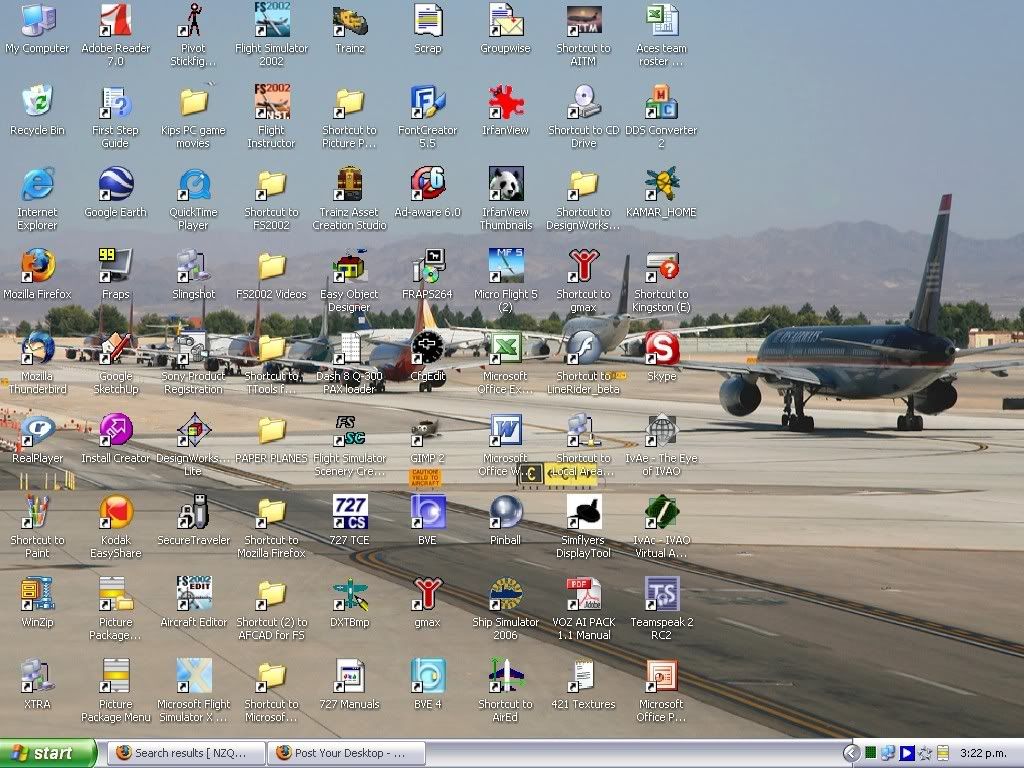
Yay!
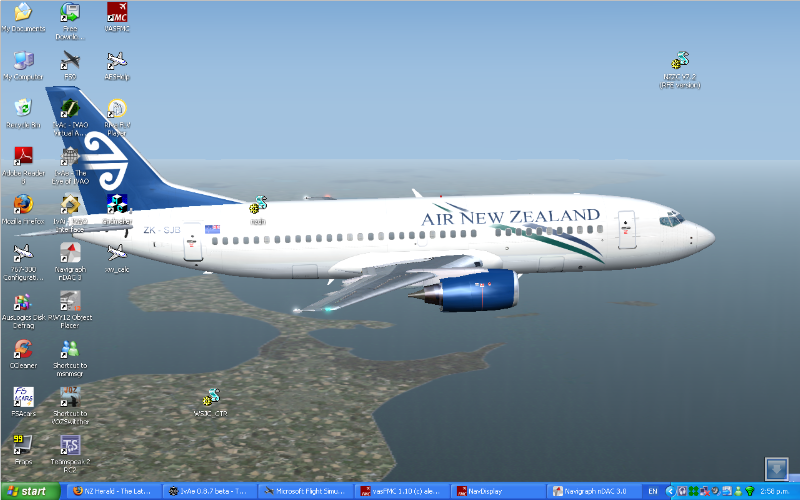
Mine changes every week (or sometimes day!)
Look now even more icons than before!!


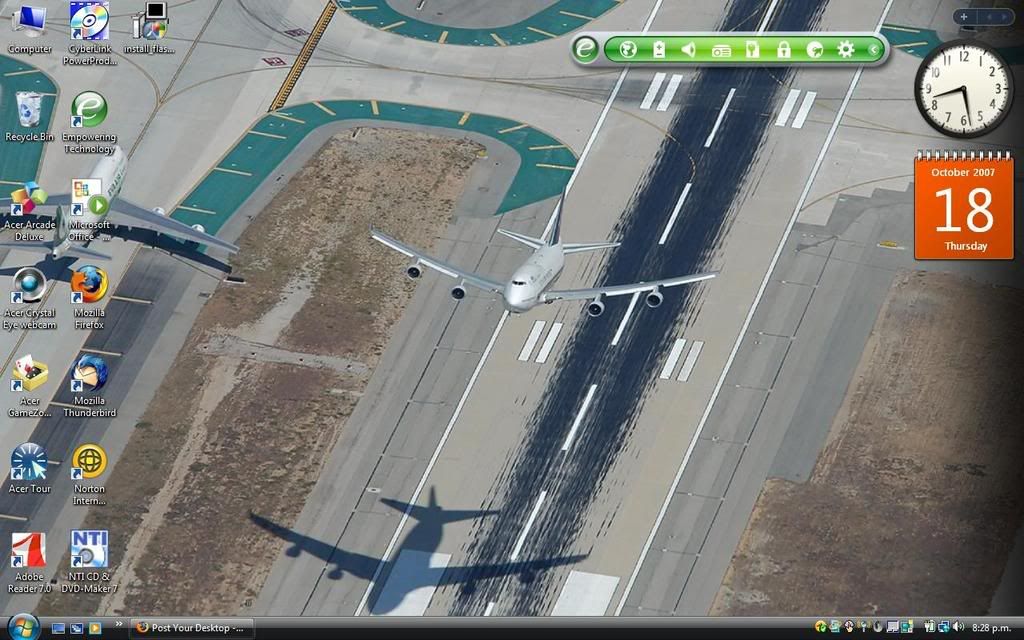
Isn't it evident?? Boeing are my favourite aircraft.
P.S. that's is my real birthday but I wish to keep my real age secret to keep you all pondering.
- Kelburn
- NZFF Pro
- Joined: Sat Oct 14, 2006 10:59 am
- Posts: 2193
- Location: On a reverse 'hole'






by ronindanbo » Mon Oct 22, 2007 7:00 pm
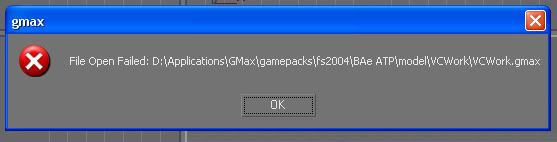
I friggen lost my ATP VC this weekend friggen GMax
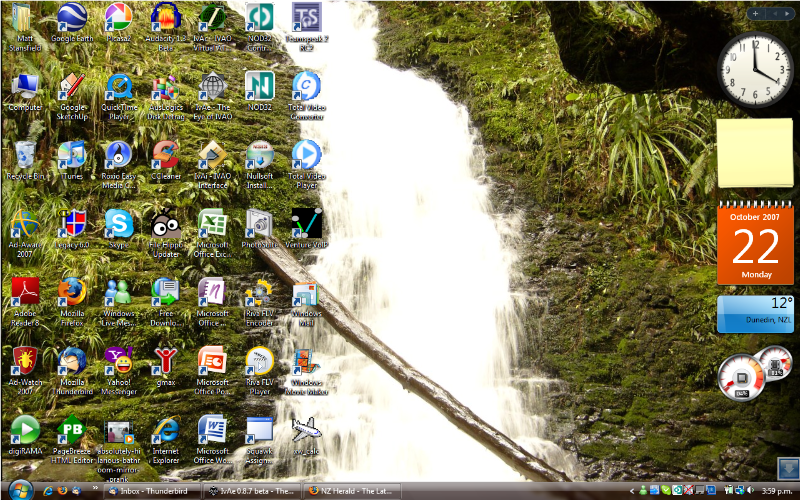
Anyway heres mine...
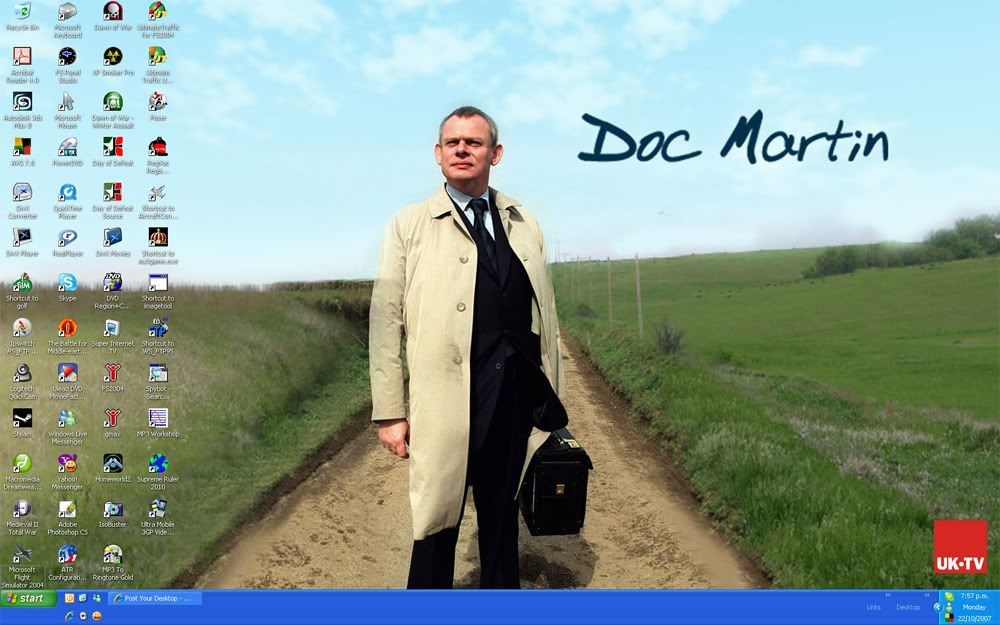
Anyway heres mine...

-

ronindanbo - Sim-holic
- Joined: Fri Jul 14, 2006 5:59 am
- Posts: 700
- Location: Wellington

by Charl » Tue Oct 23, 2007 9:46 pm
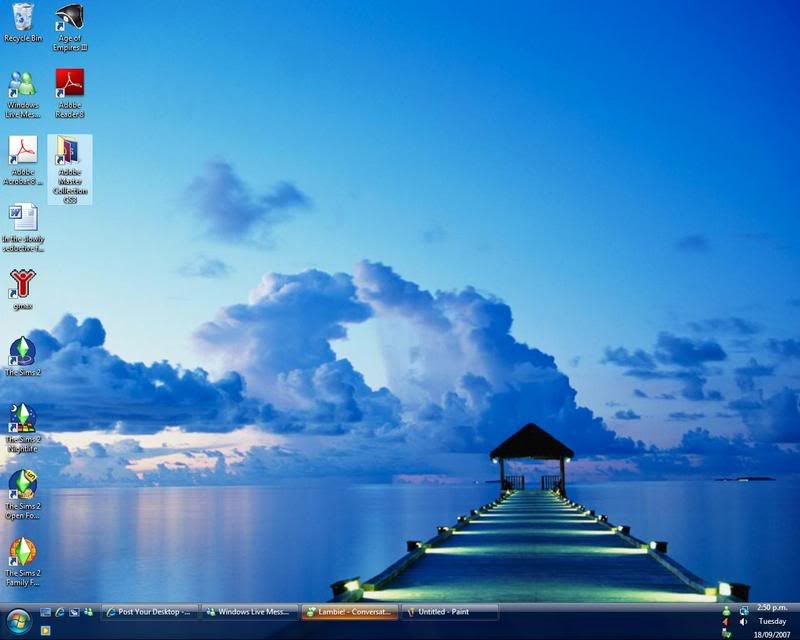
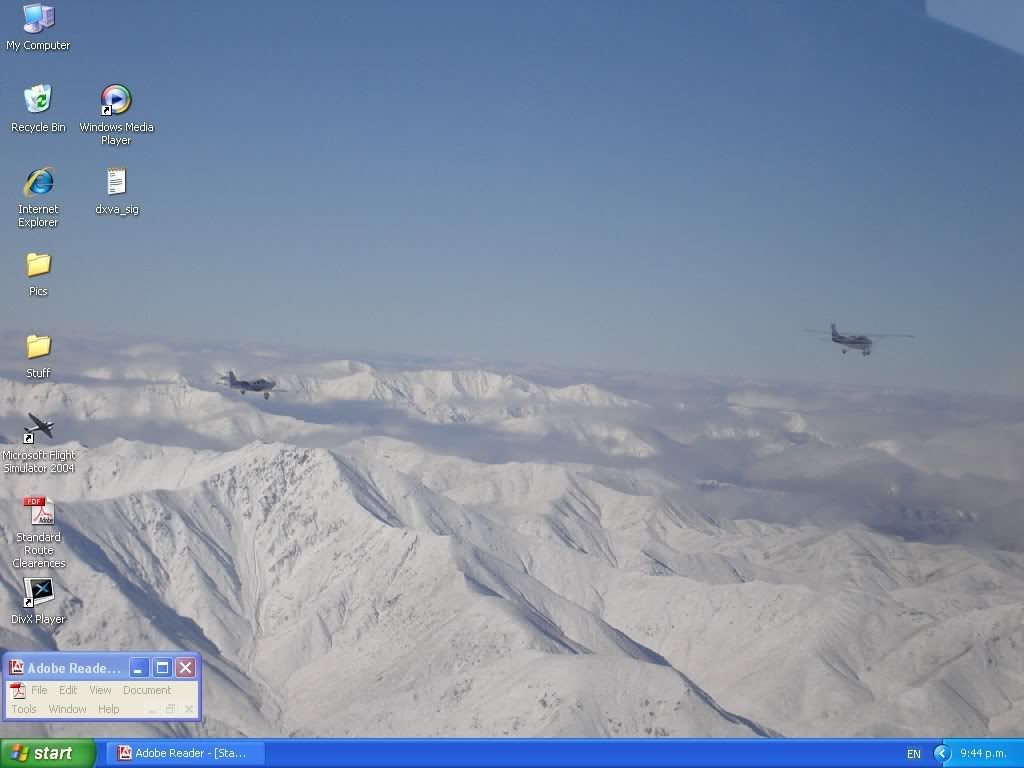
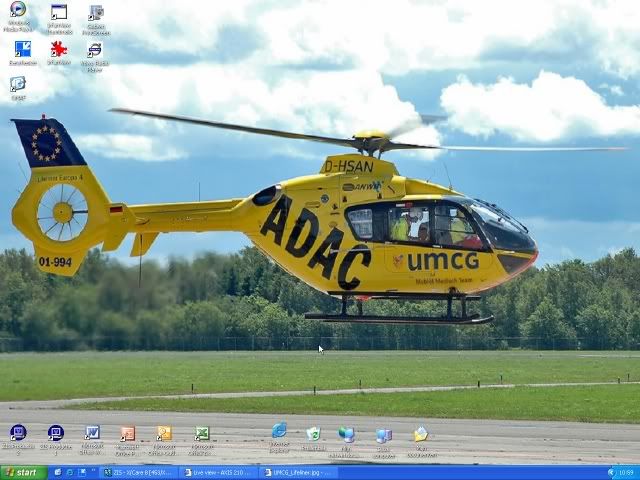
I think it's been mentioned before, but isn't it noteworthy that the desktops generally show the taskbar!
Y'know the one that has the button marked "Start" where you go when you want to turn the computer OFF??
Guys there is an option to Autohide the thing, this buys you 5% more screen real estate.
Please tell me that you don't use Flight Simulator in Windowed mode as well...
Y'know the one that has the button marked "Start" where you go when you want to turn the computer OFF??
Guys there is an option to Autohide the thing, this buys you 5% more screen real estate.
Please tell me that you don't use Flight Simulator in Windowed mode as well...
-

Charl - NZFF Pro
- Joined: Mon May 01, 2006 8:28 am
- Posts: 9746
- Location: Auckland
by ronindanbo » Wed Oct 24, 2007 8:47 am
charl did you know auto hide actually uses quite a noticable amount of graphics memory?
-
ronindanbo - Sim-holic
- Joined: Fri Jul 14, 2006 5:59 am
- Posts: 700
- Location: Wellington
by HardCorePawn » Wed Oct 24, 2007 10:48 am
Charl wrote:QUOTE (Charl @ Oct 23 2007, 10:46 PM) <{POST_SNAPBACK}>Please tell me that you don't use Flight Simulator in Windowed mode as well...
I was under the impression that I could not put VC on one monitor and 2d instruments on the other in fullscreen mode and that I needed to be in windowed mode
Also, window mode works better for me as I often have the webbrowser open as well and I like to be able to switch to it without FS9 minimising..."Son, we are about the break the surly bonds of gravity, and punch the face of God." -- Homer Simpson



-

HardCorePawn - Senior Member
- Joined: Fri Sep 01, 2006 4:18 pm
- Posts: 1277
- Location: 2500' above Godzone
-
ronindanbo - Sim-holic
- Joined: Fri Jul 14, 2006 5:59 am
- Posts: 700
- Location: Wellington
by toprob » Wed Oct 24, 2007 2:37 pm
ronindanbo wrote:QUOTE (ronindanbo @ Oct 24 2007, 09:47 AM) <{POST_SNAPBACK}>charl did you know auto hide actually uses quite a noticable amount of graphics memory?
I tend to compromise -- I turn off all XP-style Effects, such as shadows and visible window dragging, but use a big autohide taskbar. Hopefully it'd balance out in the end, but give me a handy alternative to the Start menu.
-


toprob - NZFF Pro
- Joined: Sat Apr 29, 2006 4:56 pm
- Posts: 6718
- Location: Upper Hutt
by ronindanbo » Wed Oct 24, 2007 3:05 pm
toprob wrote:QUOTE (toprob @ Oct 24 2007, 03:37 PM) <{POST_SNAPBACK}>I tend to compromise -- I turn off all XP-style Effects, such as shadows and visible window dragging, but use a big autohide taskbar. Hopefully it'd balance out in the end, but give me a handy alternative to the Start menu.
yeh good point I tend to leave everything on as I like eye candybut then I have a vid card capable of that, and now I have my quadcore,4GB ram and 640MB vidcarded system on order I wont worry bout any of that

-
ronindanbo - Sim-holic
- Joined: Fri Jul 14, 2006 5:59 am
- Posts: 700
- Location: Wellington
Who is online
Users browsing this forum: No registered users and 32 guests