Trolly wrote: Nice shots, CN- thanks for sharing.
.......
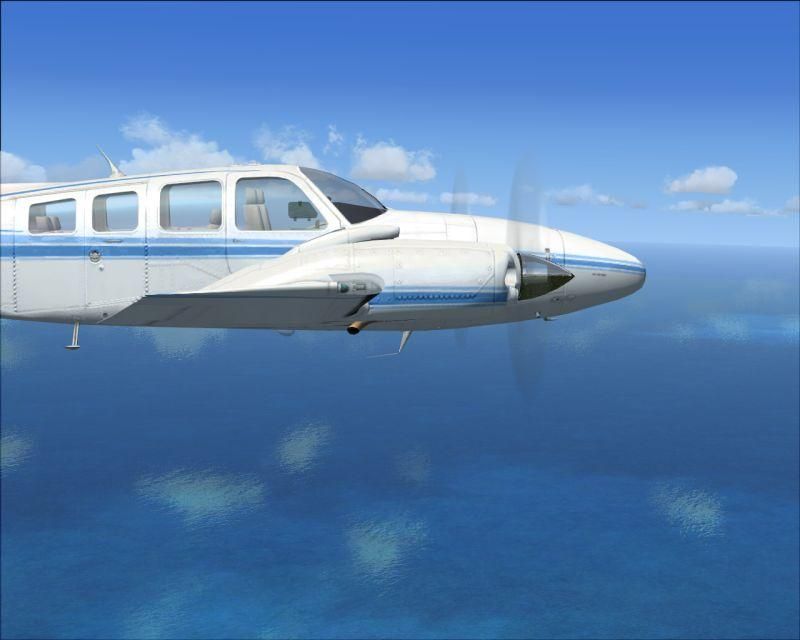
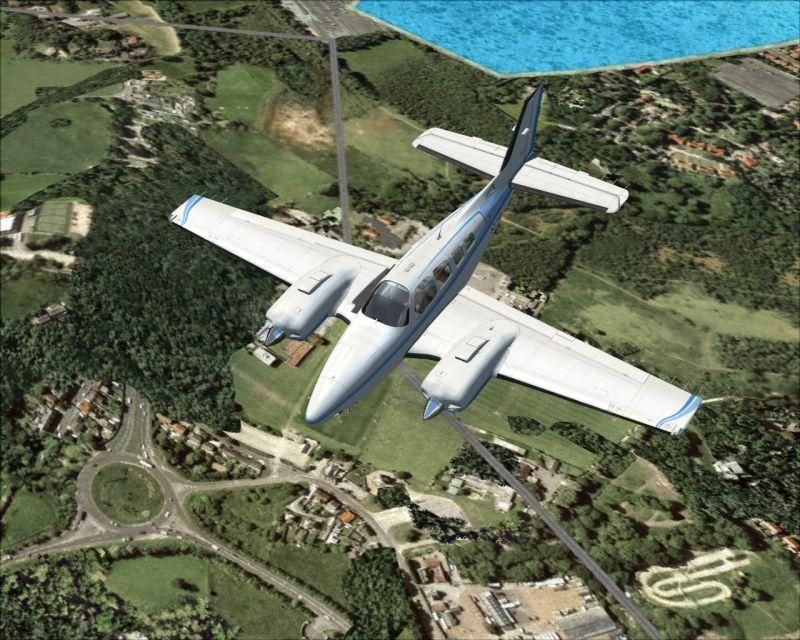
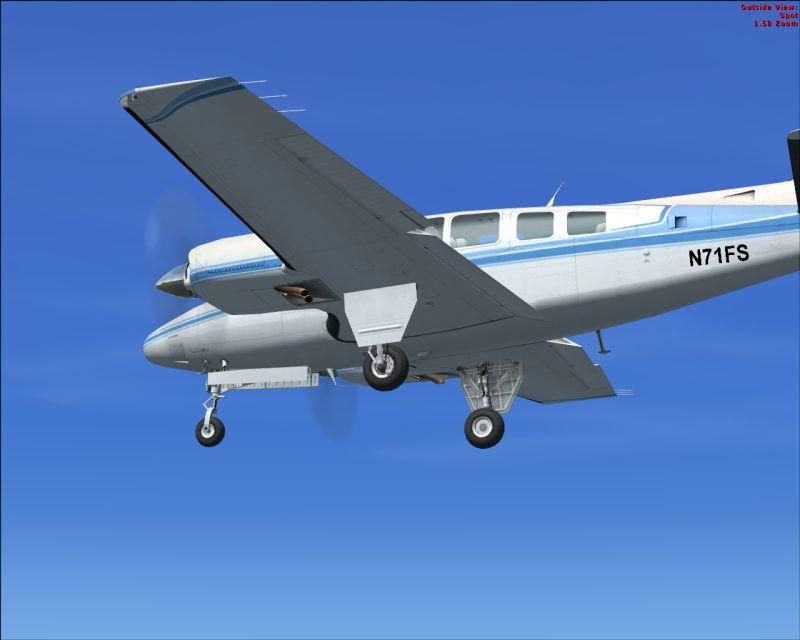
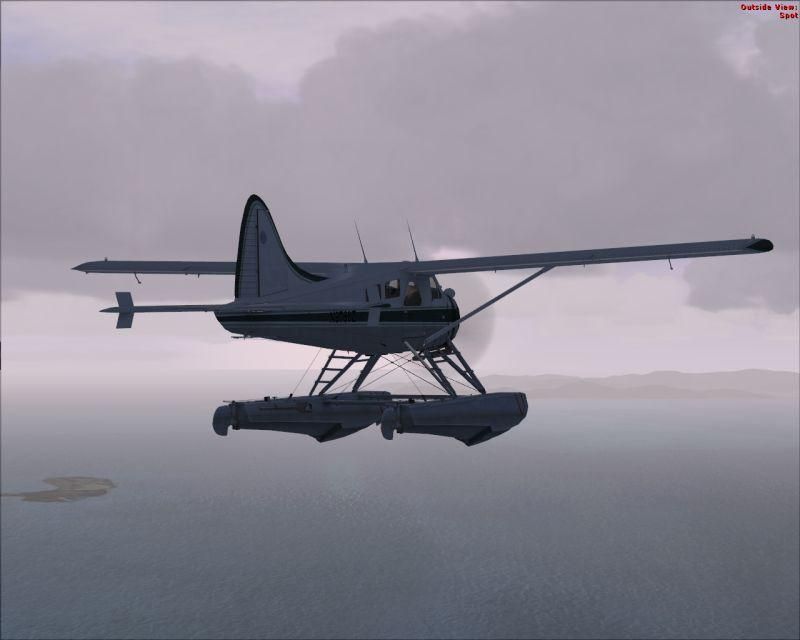
How did you get the Piper and Beaver into the game as well? I thought the demo only came with a jet and ultralight?
You can put most planes into the demo. What you do need to know is how the FS9 version installed, i.e. what files went where during the install and then copy these into the appropriate folders in the demo.
I say "most" but I have only tried a couple. It works easiest with freeware planes of course, because these mostly involve unzipping to the FS9 root folder. If you simply install / unzip to a dummy folder, you get to see the structure.
Payware and aircraft that use an installer are more difficult, you will have to do a "before and after" comparison - a lot of work, but not worth it really. Some payware's "park" files in the most unlikely of places.
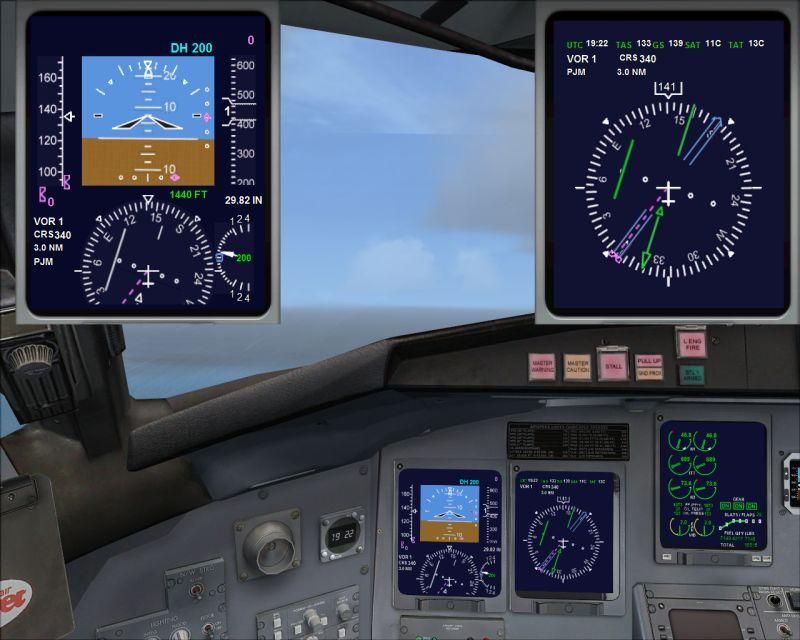
What does work - just copy the aircraft's folder into FSX - but then you don't get guages, sounds, whatever - but you can "fly" over the islands
If you háve too reflective textures on your FS9 models in the demo, there is a fix. MS forgot to include the file "envmap.bmp" in the demo. Simply go to your FS9 folder, locate the main "textures" folder and
copy the original "envmap.bmp" to the texture folder in the demo.
Have fun.
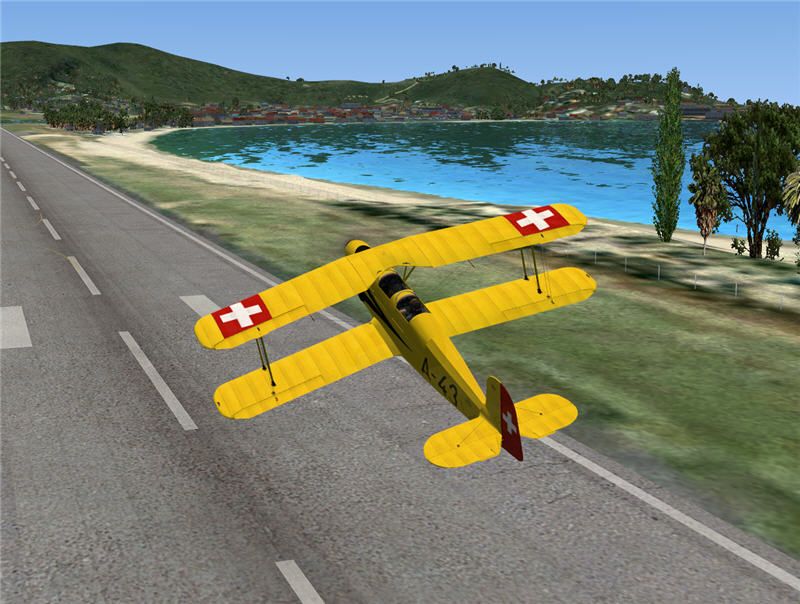
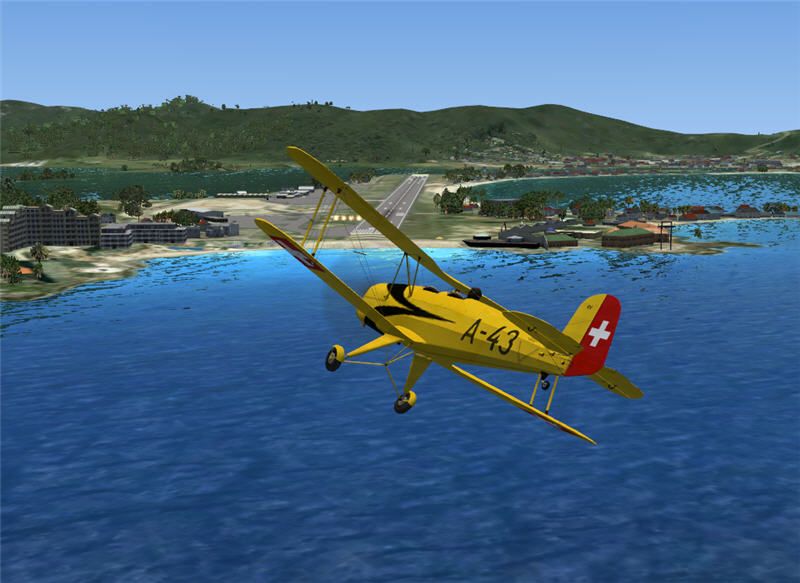
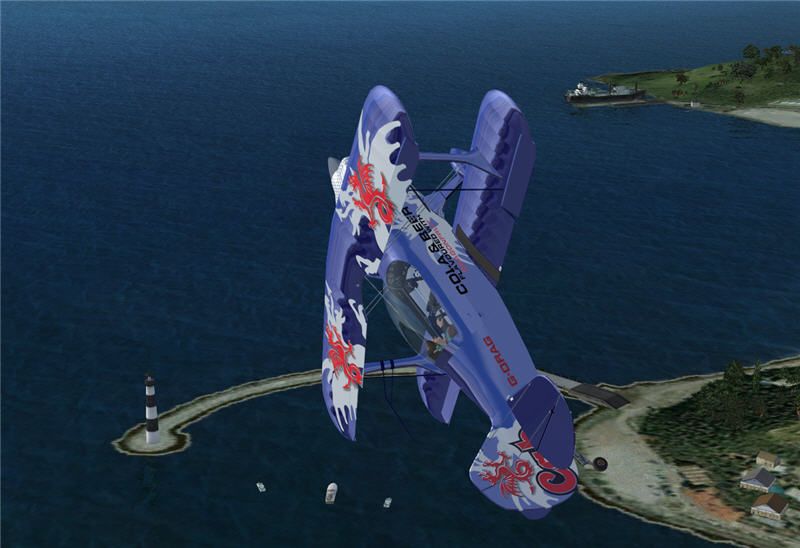
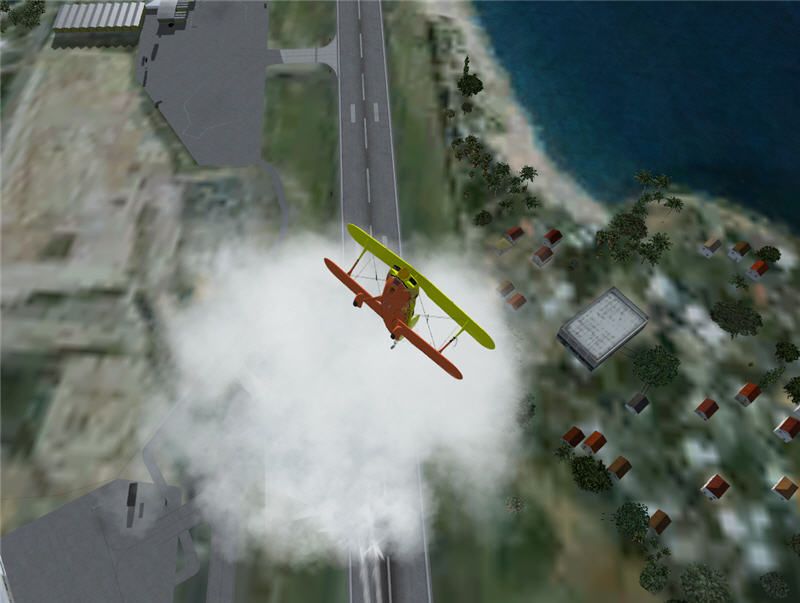
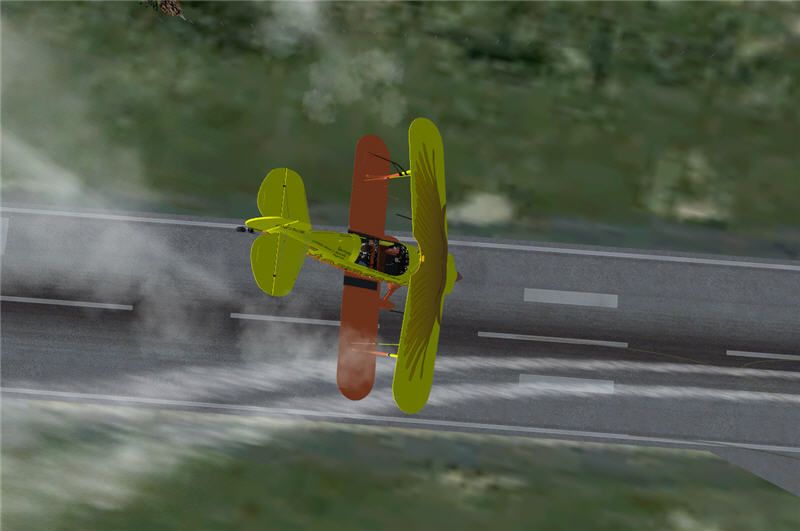
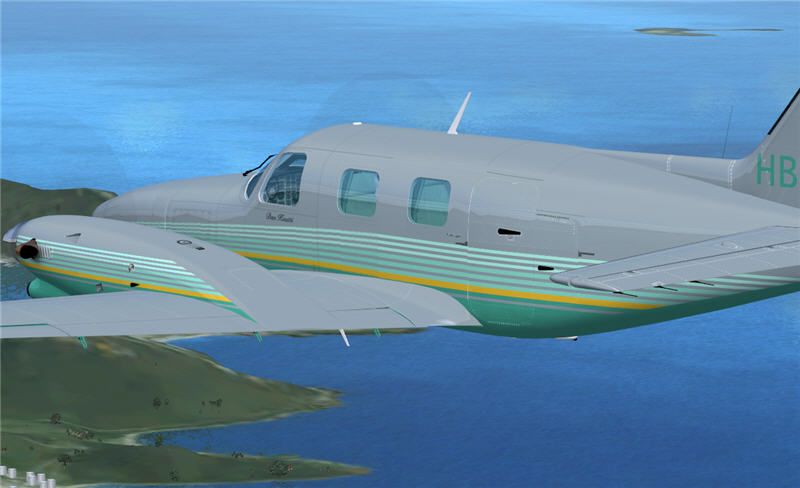
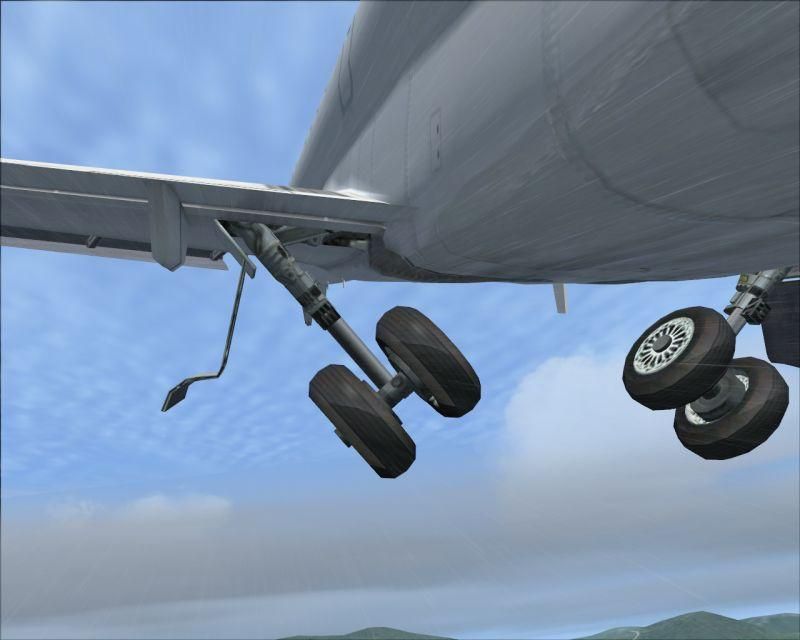
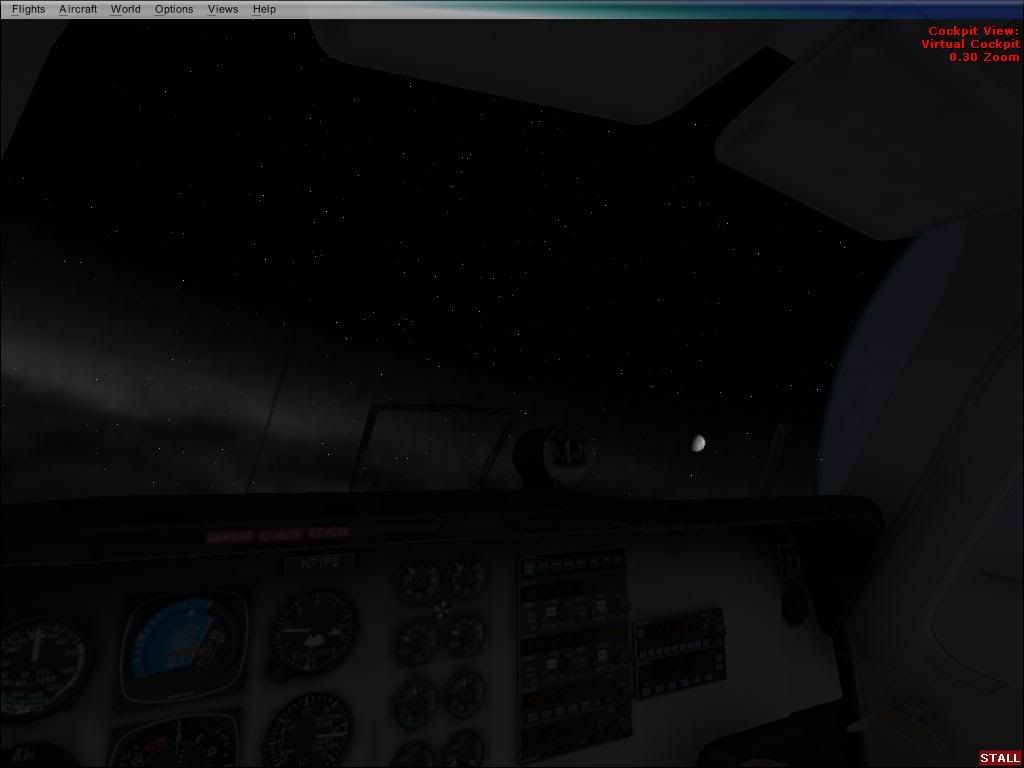
OK, the Cheyenne was an excercise in simply copying the "aircraft" folder - the cockpit panel was devoid of instruments.
 Posted: Sun Aug 13, 2006 4:32 pm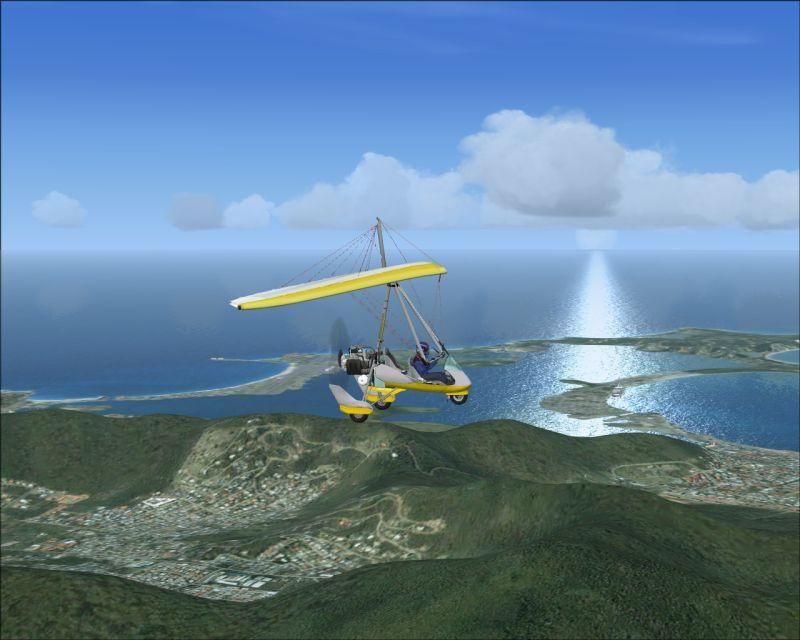


 )
)