MSFS 2020 First Steps
 Posted: Wed Feb 08, 2023 1:57 pm
I did a Steam install of MSFS and pretended to be a complete sim newbie.
WIN11/MSFS rejected my trusty Cyborg Evo joystick (as in: CTD) so I am using Thrustmaster stick/throttle. All new mappings, all new command set. No pretending required; this is the Ground Floor.
I am grinding through the command set and have arrived at the drone camera.
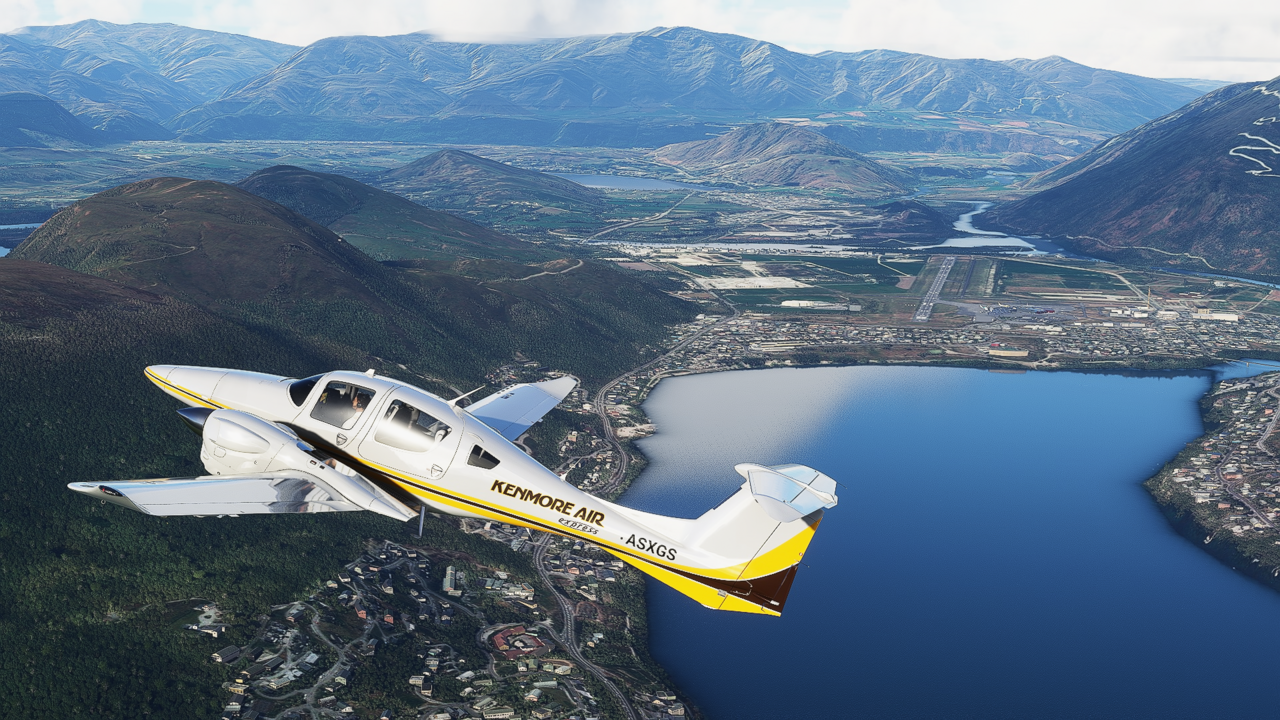
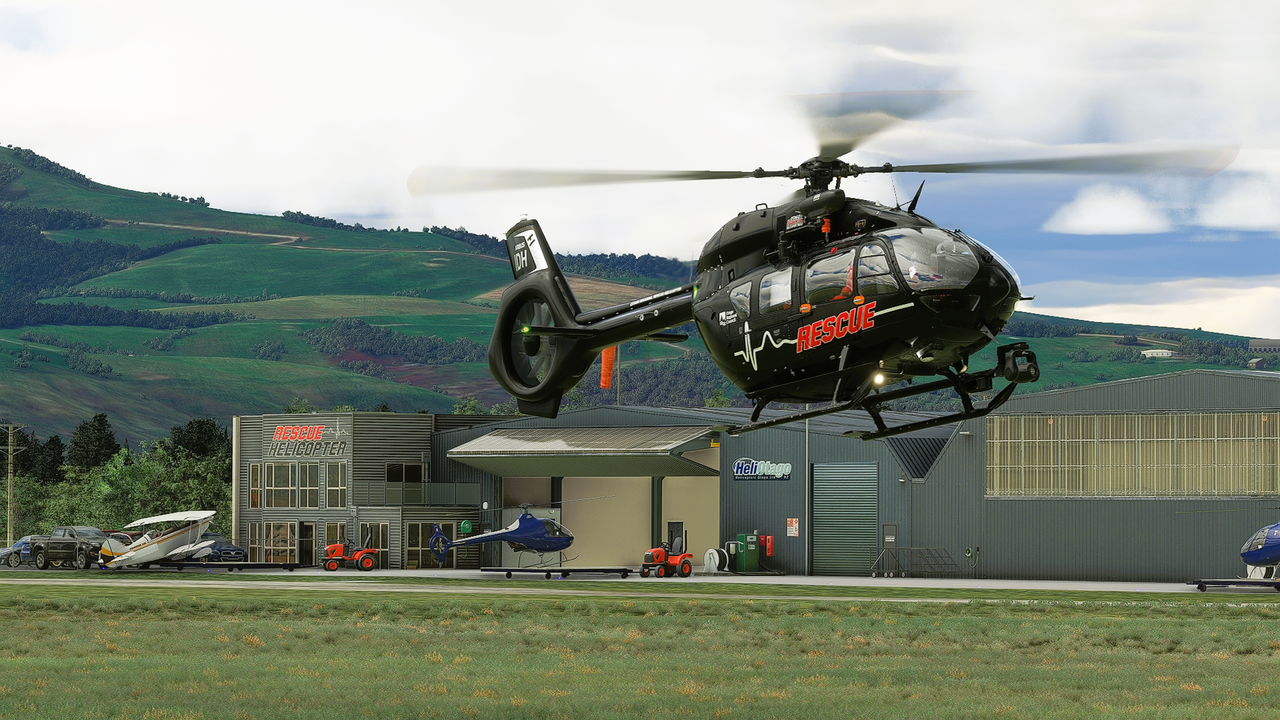
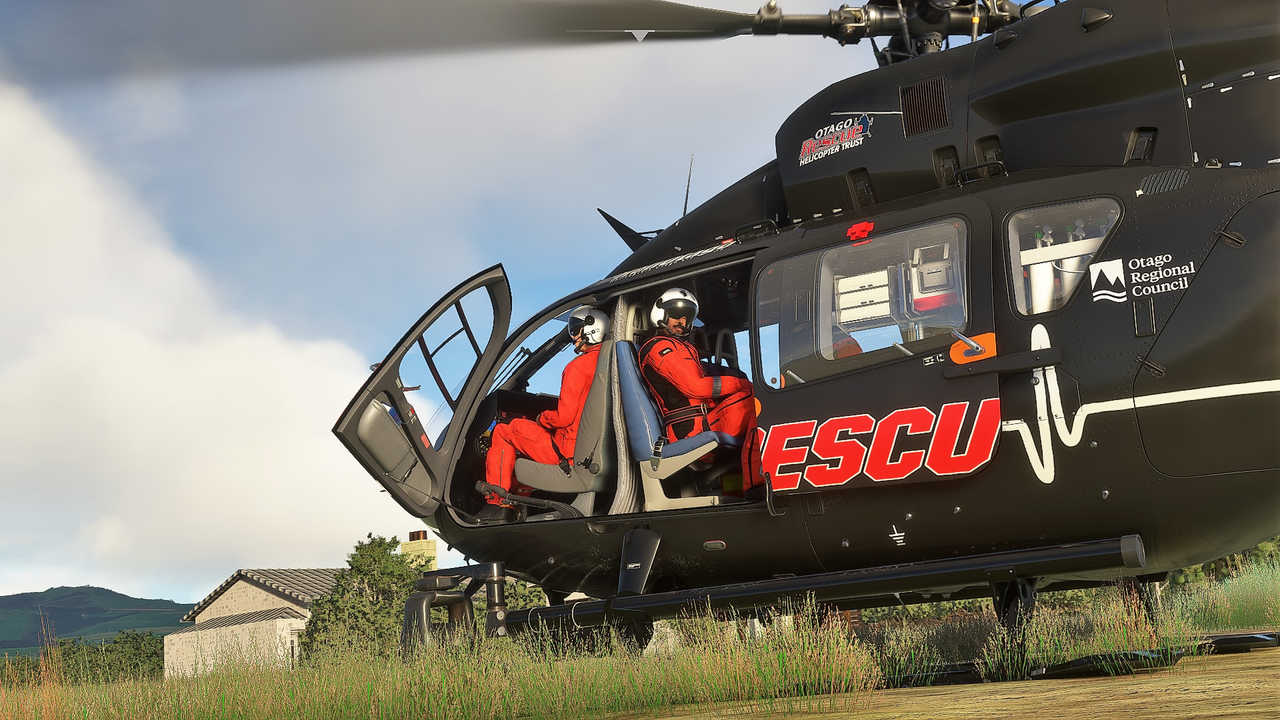
Hooray, (unlike e.g. AFS2) you can actually set up a decent camera shot in this sim.
As a VFR simmer, screenshots make up a lot of simtime for me.
What to shot, then?
Probably appropriate to wind the clock back, and find something from Godzone.
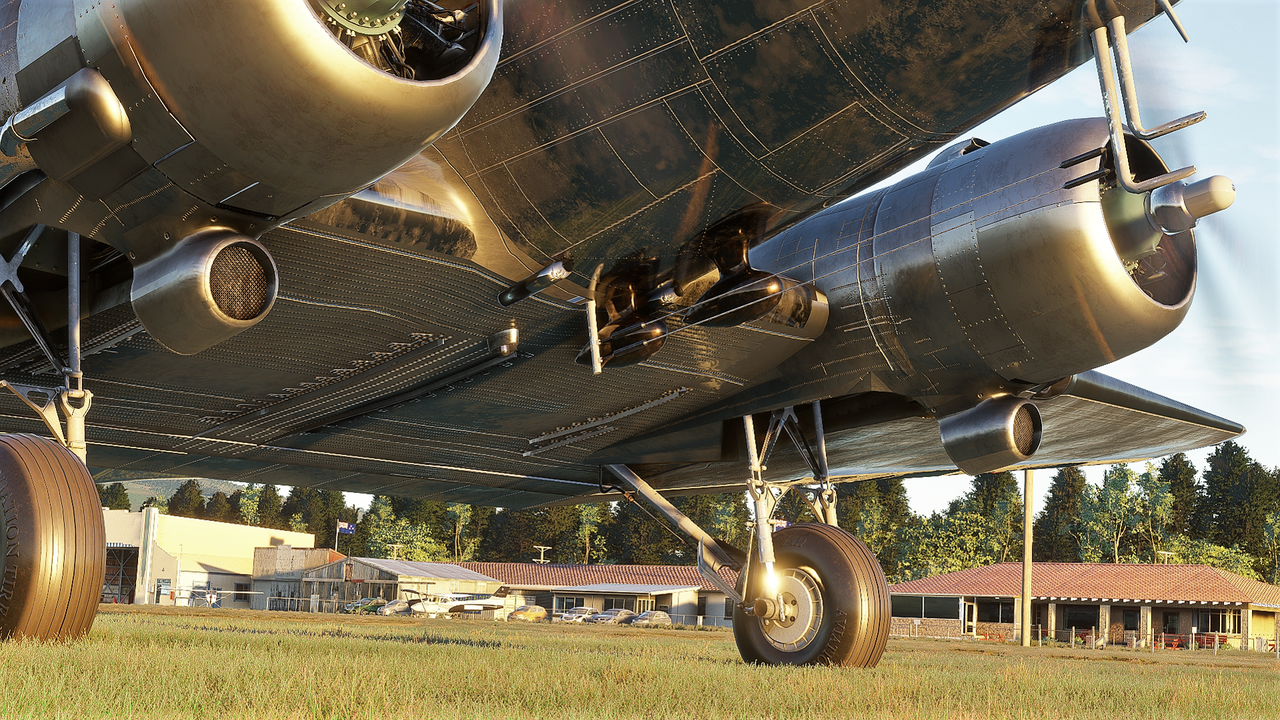
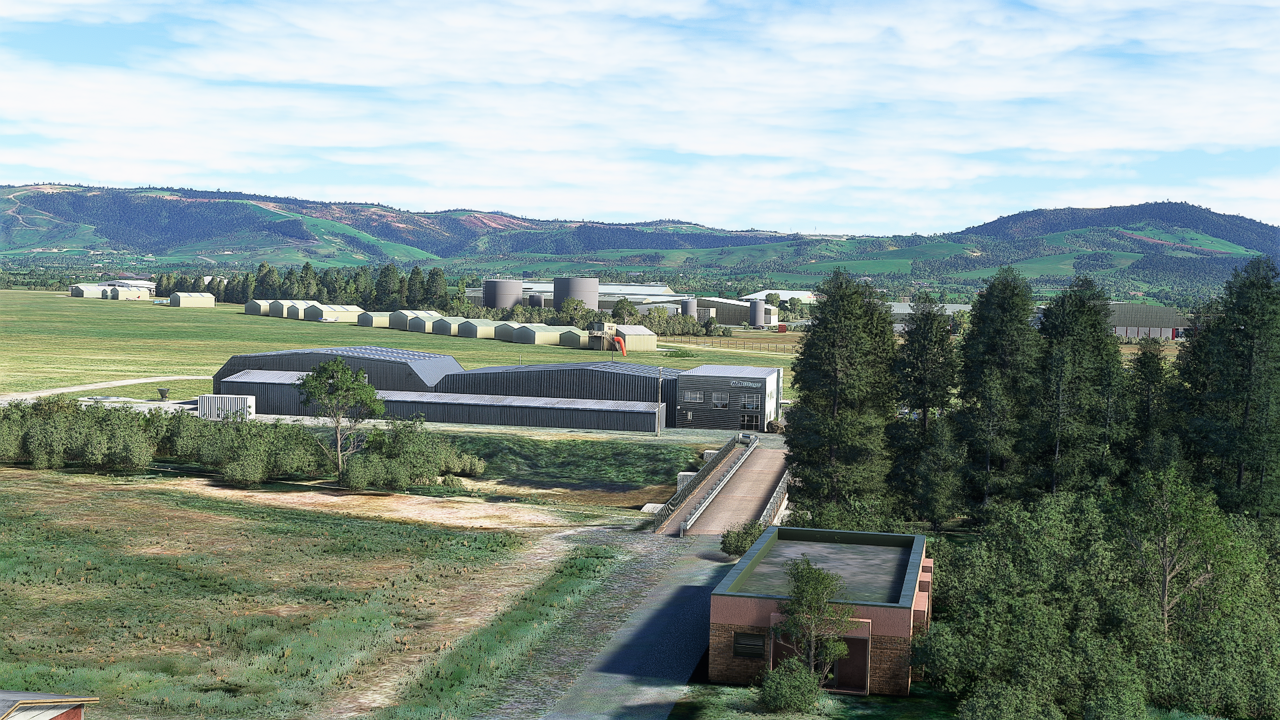
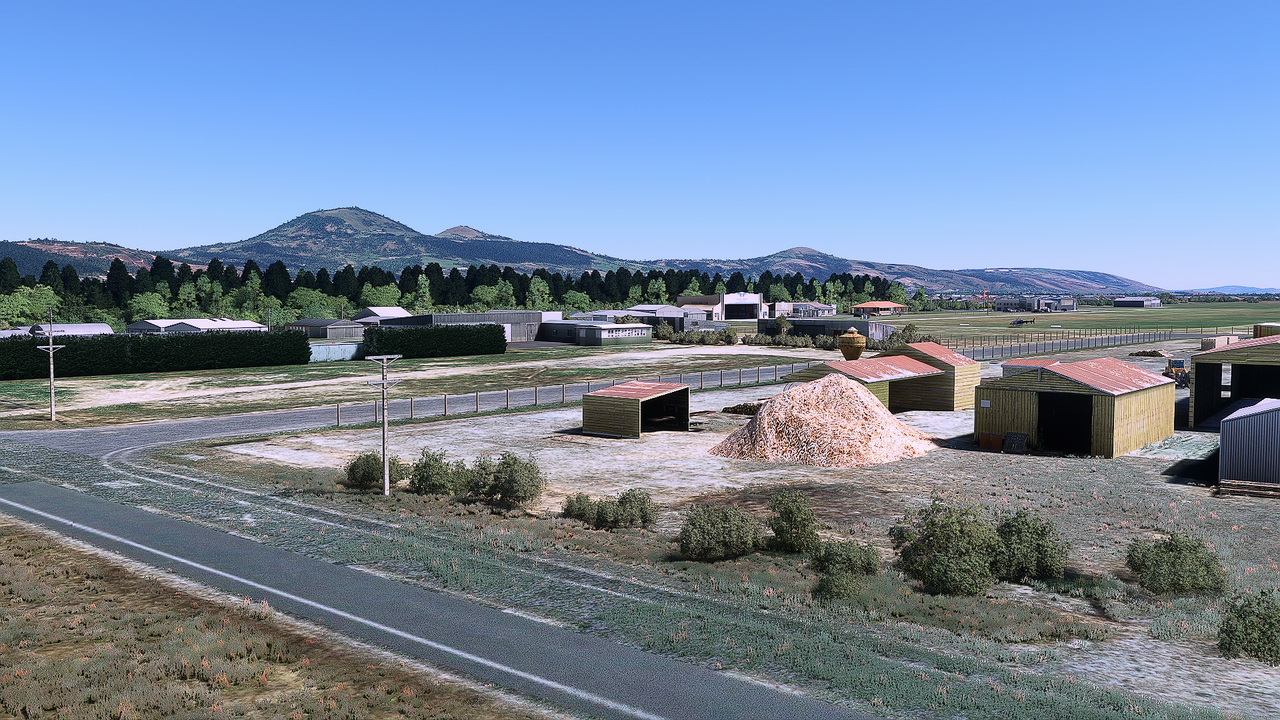
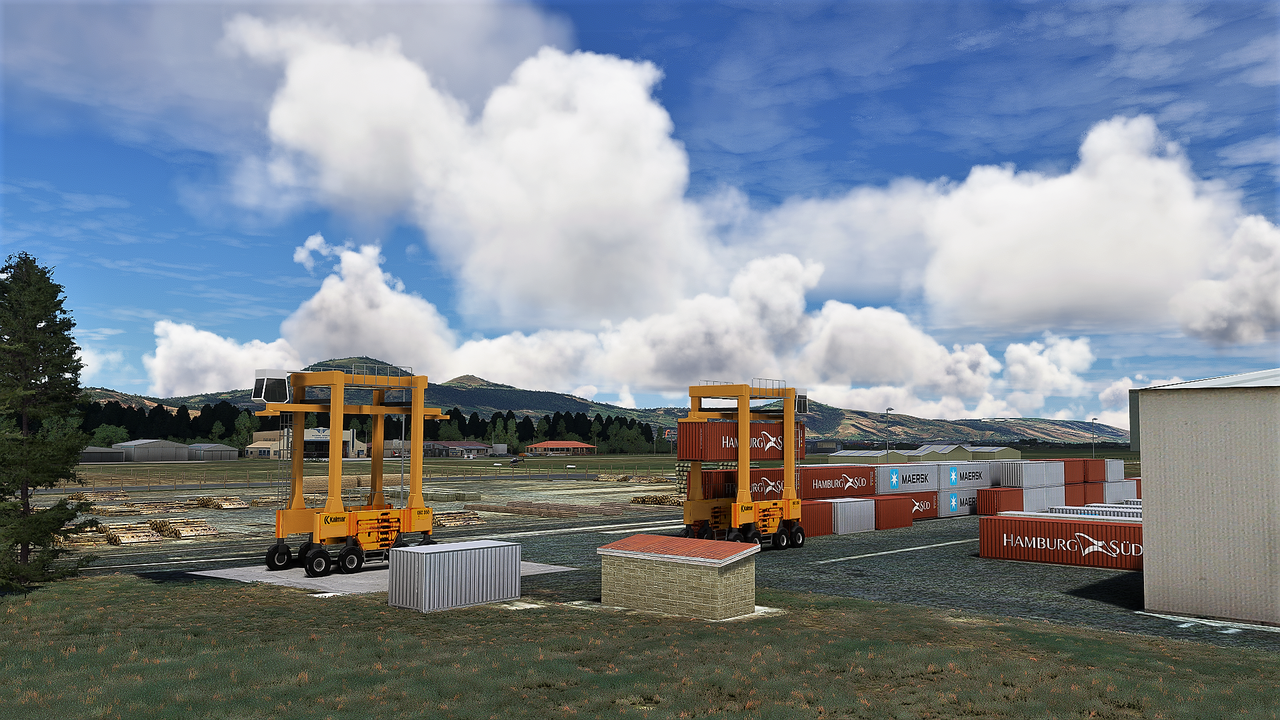
Robin does spend time on the detail and Taieri is a good introduction to the sim walkaround.
WIN11/MSFS rejected my trusty Cyborg Evo joystick (as in: CTD) so I am using Thrustmaster stick/throttle. All new mappings, all new command set. No pretending required; this is the Ground Floor.
I am grinding through the command set and have arrived at the drone camera.
Hooray, (unlike e.g. AFS2) you can actually set up a decent camera shot in this sim.
As a VFR simmer, screenshots make up a lot of simtime for me.
What to shot, then?
Probably appropriate to wind the clock back, and find something from Godzone.
Robin does spend time on the detail and Taieri is a good introduction to the sim walkaround.