Page 1 of 1

PostPosted: Tue Apr 03, 2007 5:31 pm
by ZK-Brock
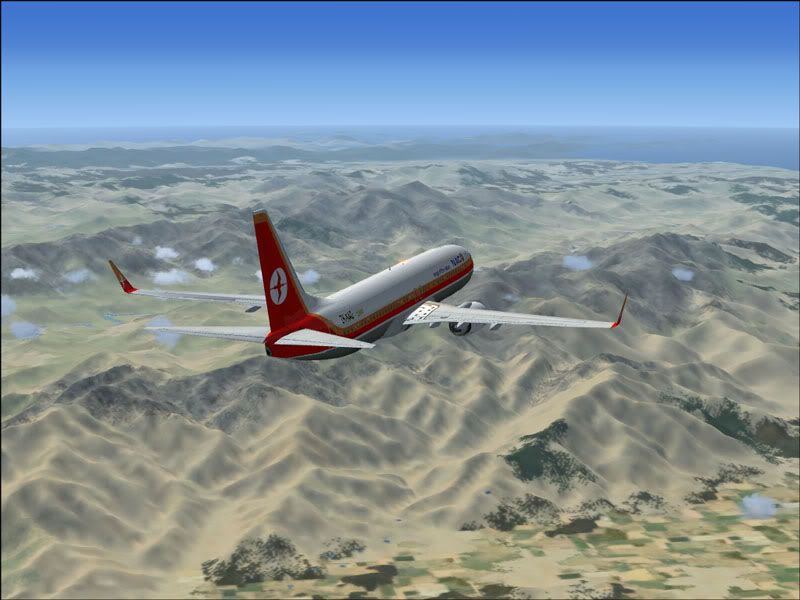
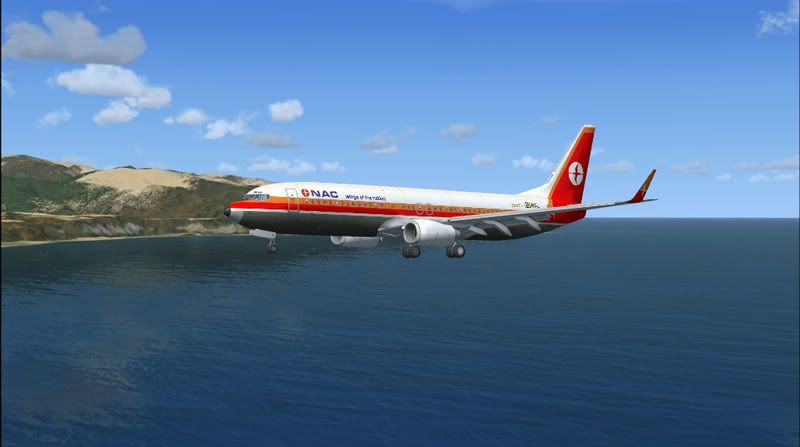
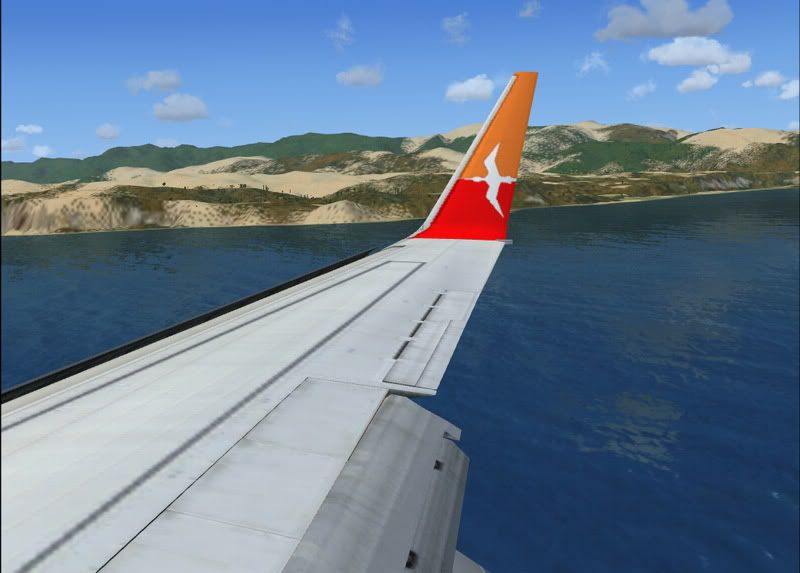
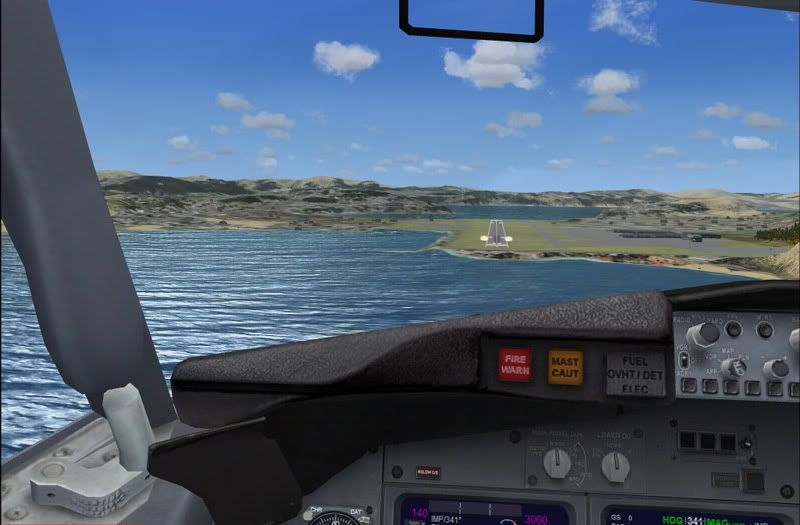
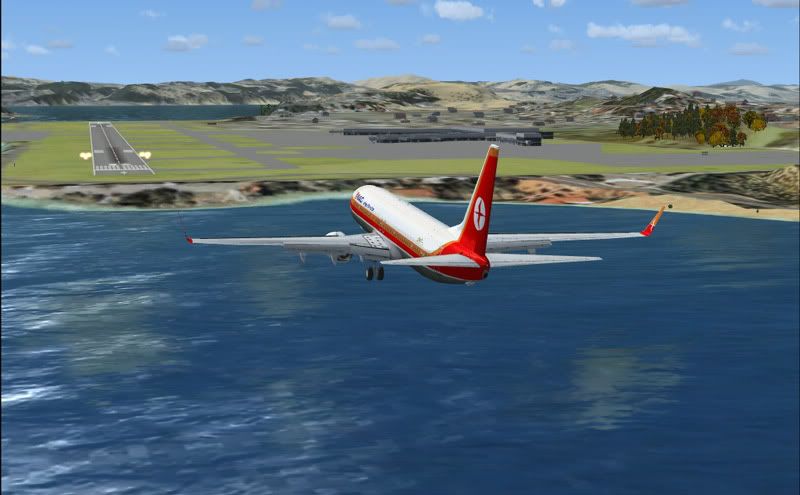
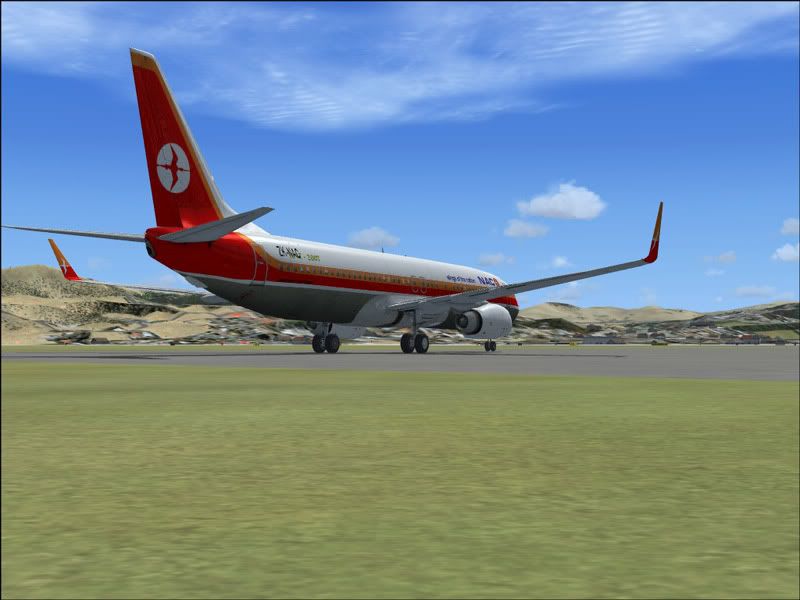
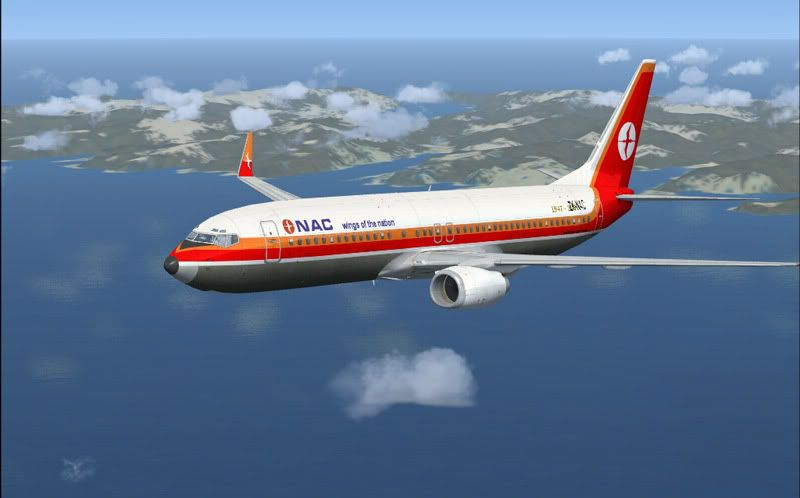
I did a flight yesterday in the FSX 737-800 (my 2nd favourite jet in FSX) with Jon's new NAC paint. Instead of commenting on every little one I'll let them speak for themselves.
user posted image

user posted image

user posted image

user posted image

user posted image

user posted image

user posted image

user posted image

user posted image

user posted image

Quality repaint Jon. The only thing that might spoil some of these is that ZK-NAC rego on the back bit of the fuselage - I couldn't be bothered removing it, everything takes so long in FSX!

PostPosted: Tue Apr 03, 2007 6:41 pm
by JonARNZ
Hmm, a simple fix really, just turn it off in your details for each aircraft

EDIT - And nice shots by the way, the words 'ohh' and 'ahhh' come to mind :P

PostPosted: Tue Apr 03, 2007 6:57 pm
by scon
:drool: :drool: that water

I can't have that on my FSX becuase my AI takes Priority

PostPosted: Tue Apr 03, 2007 7:03 pm
by ZK-TJL
monkeybdg wrote: everything takes so long in FSX!

Great shots Brock :) . What are the specs of the system you are running FSX on?

PostPosted: Tue Apr 03, 2007 7:51 pm
by ZK-Brock
Athlon 64 3000
512mb RAM
Radeon 9600xt Graphics card

Its basically the RAM that gets me down.

PostPosted: Tue Apr 03, 2007 7:59 pm
by scon
monkeybdg wrote: Athlon 64 3000
512mb RAM
Radeon 9600xt Graphics card

Its basically the RAM that gets me down.

What are your sliders and FPS

PostPosted: Tue Apr 03, 2007 8:10 pm
by ZK-Brock
Dunno about my sliders, but I like my water on max, and my resolution at 1024. I get between 10 and 15 fps which I find adequate.

PostPosted: Tue Apr 03, 2007 8:52 pm
by Jimmy
nice brock!

Wellington looks great in fsx, I think its alll the lovely water and the reflections that really do it justice :P

btw if your having trouble with the fsx menus tyou really shodul think about a RAM upgrade ;) It makes a marvolous differance with the fsx menus. and a gig of RAM is under a hundred dollars..

James