Mighty Grummans

Post and comment on screen captures from the beautiful game here. Home of the monthly screenshot competition

Postby Brennanx » Fri Feb 16, 2007 7:52 pm

user posted image
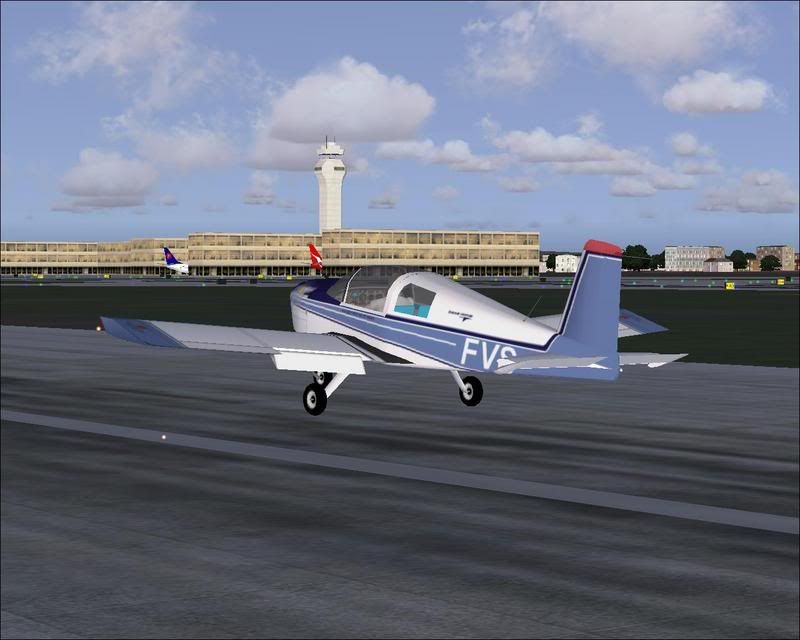
FVS parked at Auckland International wonder what its doing there?
user posted image
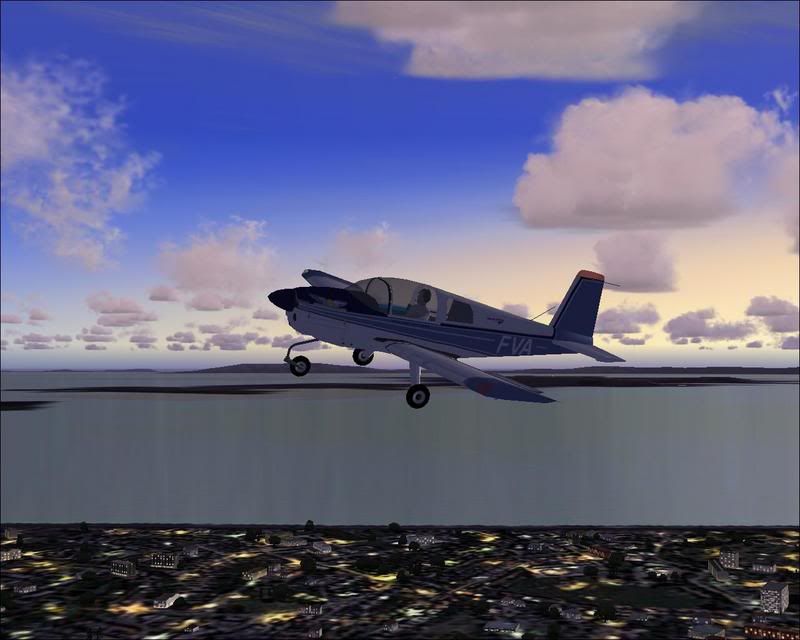
FVA flying around Bucklands Beach the mother land
user posted image
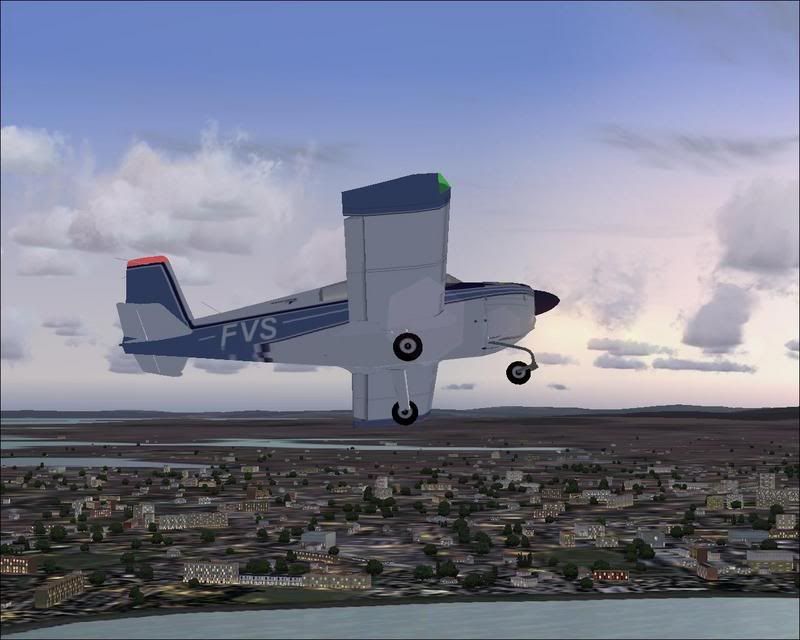
FVS playing around

user posted image
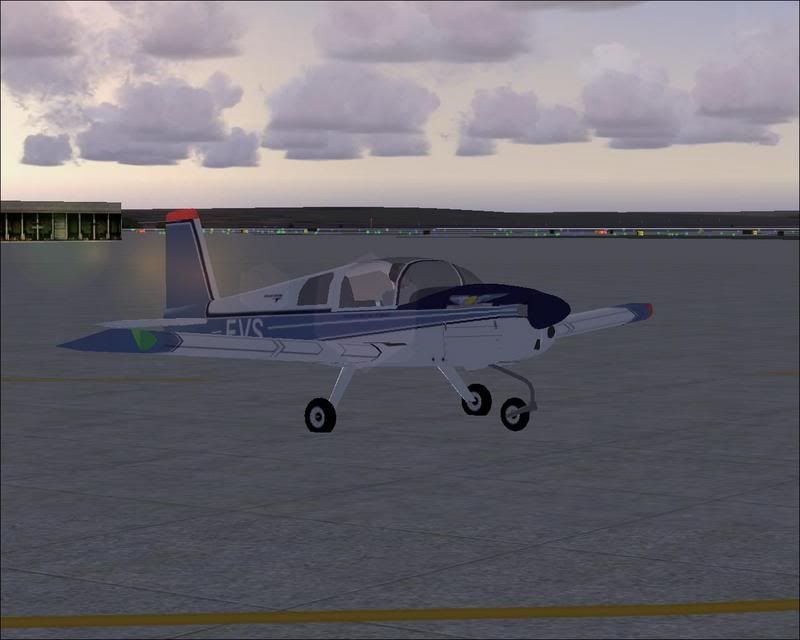
FVS going back to Auckland might be lost should be at ardmore


Not in any order just random photos i took
Brennanx
Sim-holic
 
Topic author
Joined: Thu Jan 25, 2007 6:47 pm
Posts: 795

Postby ardypilot » Fri Feb 16, 2007 8:15 pm

Cool photos man- where did you download that AAC aircraft?
User avatar
ardypilot
NZFF Pro
 
Joined: Wed Apr 26, 2006 10:01 am
Posts: 6802
Location: Auckland

Postby Brennanx » Fri Feb 16, 2007 8:23 pm

well they are for fs2002 and got them from http://www.surclaro.com/ they cant fly normaly on 2004 but when u turn thetemperature up they fly better than anything.

and yes people i changed the picture to auckland in screen shot contest i goten like 10 pms telling me :P :thumbup:
Brennanx
Sim-holic
 
Topic author
Joined: Thu Jan 25, 2007 6:47 pm
Posts: 795

Postby Brennanx » Fri Feb 16, 2007 8:38 pm

the package comes with

FVA
FVS
FPA
FVR
Last edited by Brennanx on Fri Feb 16, 2007 8:38 pm, edited 1 time in total.
Brennanx
Sim-holic
 
Topic author
Joined: Thu Jan 25, 2007 6:47 pm
Posts: 795

Postby ardypilot » Fri Feb 16, 2007 9:22 pm

Thanks Brennan, I found it on Suclaro, downloaded and installed it, but when I turned on FS9, I selected it from the aircraft menu and got a message saying something like 'some elements of this aircraft are not compatbale with fs2004, would you like to disable them' ... I clicked 'yes' and proceeded to click 'fly' to start my flight but it wont get to 100% loading of the flight before freezing up and giving me an error message saying FS9 has needed to close :(

Any tips on how you got it to work?
User avatar
ardypilot
NZFF Pro
 
Joined: Wed Apr 26, 2006 10:01 am
Posts: 6802
Location: Auckland

Postby Brennanx » Fri Feb 16, 2007 9:28 pm

hmm nope i would have no idea sorry mate
Brennanx
Sim-holic
 
Topic author
Joined: Thu Jan 25, 2007 6:47 pm
Posts: 795

Postby scon » Fri Feb 16, 2007 9:41 pm

I got the same problem I think some one needs to do a new model

Those are great little aircraft :thumbup: :thumbup:
scon
Sim-holic
 
Joined: Mon Oct 16, 2006 7:16 pm
Posts: 963
Location: NZ

Postby Brennanx » Fri Feb 16, 2007 10:22 pm

hmmmmmmmmmmmmmmmm I have no idea why it's happening to you be because I had no trouble getting them on to fs9
Brennanx
Sim-holic
 
Topic author
Joined: Thu Jan 25, 2007 6:47 pm
Posts: 795

Postby ardypilot » Sat Feb 17, 2007 10:03 am

Scon, is your sim running ok now?

I compleatly removed all the Grumman AA-1 files from my FS folder, but now I am unable to start a flight! The loading bar gets about half way then the Blue Screen of Death comes up and I have to restart my computer :o
User avatar
ardypilot
NZFF Pro
 
Joined: Wed Apr 26, 2006 10:01 am
Posts: 6802
Location: Auckland

Postby Brennanx » Sat Feb 17, 2007 10:43 am

if my files screwed up your flight sim sorry :/ worked fine with me
Brennanx
Sim-holic
 
Topic author
Joined: Thu Jan 25, 2007 6:47 pm
Posts: 795


Return to Screenshots

Who is online

Users browsing this forum: No registered users and 19 guests