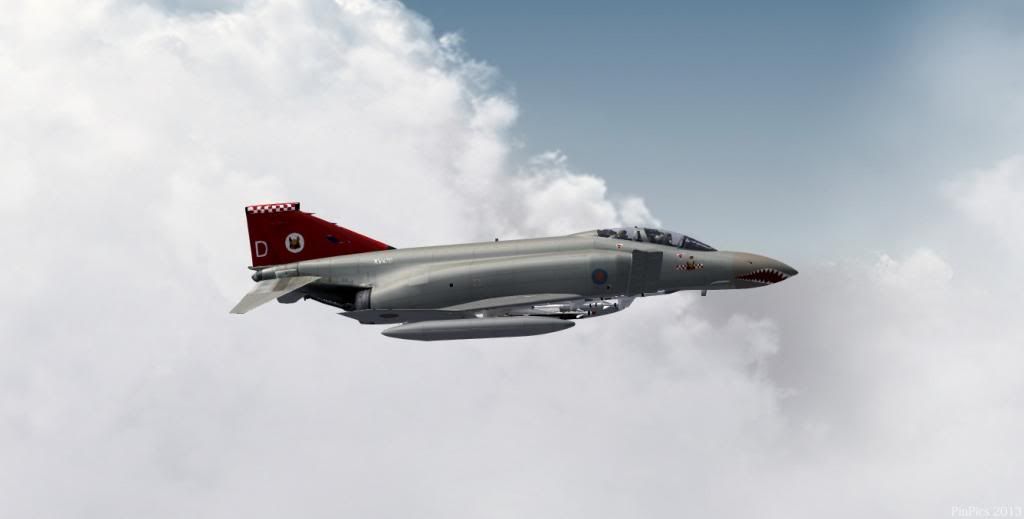
Ive just moved over to the "new" photobucket ....just wanted to make sure it works.
100% ad-free
 by Splitpin » Thu Feb 28, 2013 8:05 pm
Ian Warren wrote:QUOTE (Ian Warren @ Feb 28 2013,8:12 PM) <{POST_SNAPBACK}>Your reduced to the 1024 width as well ?
seem like it ....jeez, there must be a better place to go now.

by Ian Warren » Thu Feb 28, 2013 8:21 pm


by Fozzer » Thu Feb 28, 2013 9:12 pm
Ian Warren wrote:QUOTE (Ian Warren @ Feb 28 2013,7:12 AM) <{POST_SNAPBACK}>Your reduced to the 1024 width as well ?
I would imagine that a MAX width of 1024 pixels for pictures included on their Forum Browser which also includes text, suits a number of of Users, including me!
Most of the Flight Sim Sites I visit, stipulate in the Screen Shot Rules, that the maximum width of screen shots is limited to 1024 pixels, to avoid having to scroll the screen from side to side to view the whole picture, including any text!
(I often set my screen shots to 900 pixels max wide to avoid scrolling annoyances!).
Paul...with an "ordinary" 17" LCD Computer Monitor.......!
Paul Fosbery.
Windows 11. HP Vitus 15L Ryzen Desktop Gaming Computer + BenQ 24-inch Gaming Monitor. Thrustmaster T Flight Stick X.
A few tasty Motorbikes!

by dbcunnz » Thu Feb 28, 2013 9:40 pm
Fozzer wrote:QUOTE (Fozzer @ Feb 28 2013,10:12 PM) <{POST_SNAPBACK}>I would imagine that a MAX width of 1024 pixels for pictures included on their Forum Browser which also includes text, suits a number of of Users, including me!
Most of the Flight Sim Sites I visit, stipulate in the Screen Shot Rules, that the maximum width of screen shots is limited to 1024 pixels, to avoid having to scroll the screen from side to side to view the whole picture, including any text!
(I often set my screen shots to 900 pixels max wide to avoid scrolling annoyances!).
Paul...with an "ordinary" 17" LCD Computer Monitor....
My problem is doing the monthly screenshot competition for the banner it is done at 1200px wide and to bring it down to 1024 is like putting a postage stamp on the side of a building maybe that's exaggerating a bit but you can see what I mean also most PCs now have a 22inch or larger monitor these days but if you use a laptop then it may be to big and you have to scroll and you can't do a screenshot or banner for each different size monitor.
Photo bucket was working fine it didn't need fixing but they decided it did and have now stuffed it up maybe they will get it fixed again but in the meantime life still goes on and you just can't stop and wait.

by Fozzer » Thu Feb 28, 2013 10:58 pm
 ...! .....
  ...!
...! ...!
...! ...).
...).by Yob » Thu Feb 28, 2013 11:00 pm
 and u can't find a another image hosting site i am sure that all of the web designers and network engineers among us could help. I would stick my hand up to help.
by Ian Warren » Fri Mar 01, 2013 9:48 am
Users browsing this forum: No registered users and 31 guests
