Page 1 of 1

PostPosted: Tue Sep 23, 2008 3:53 pm
by NZ255
Hi, I'm having trouble with Gmax, when ever I click on something my work and the display's go all funny looking:
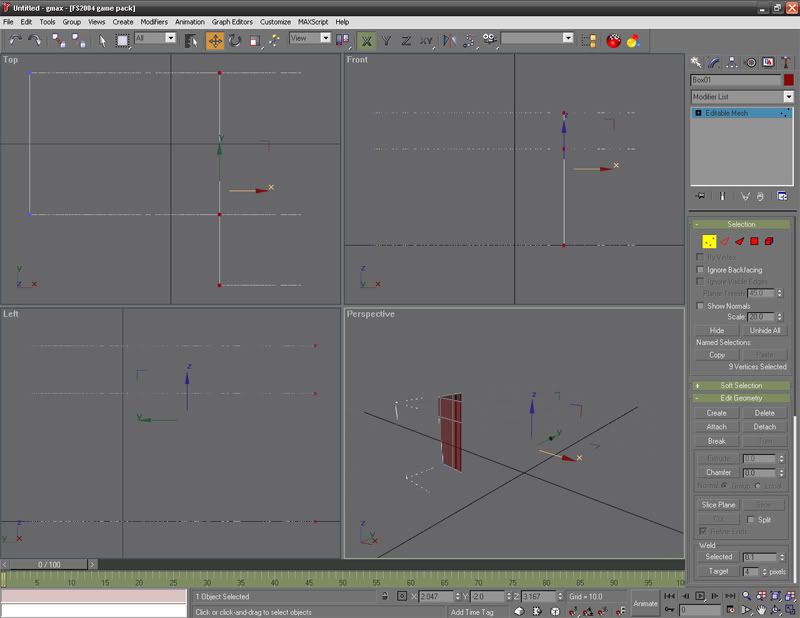

When I click on "Zoom Extents" it goes back to normal, but I have to press this everytime I click on something:
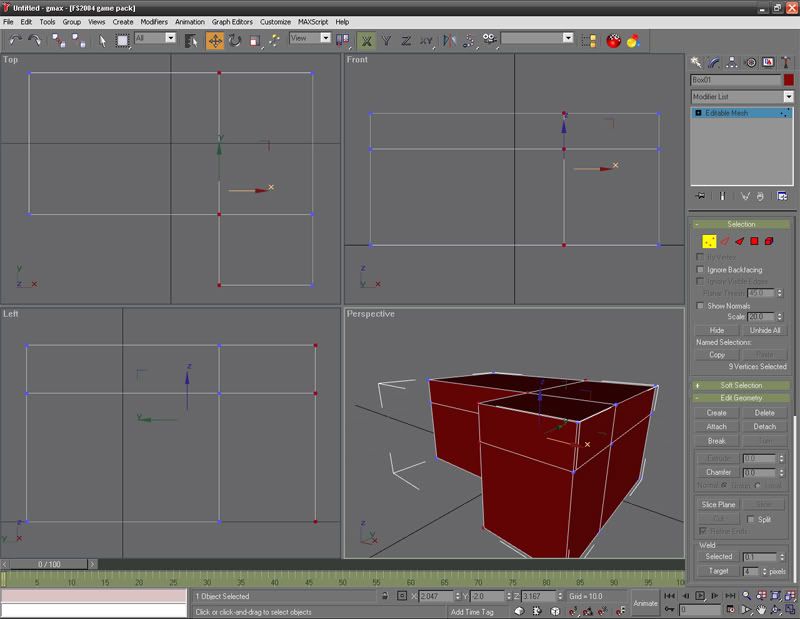

Thanks, Nick

PostPosted: Tue Sep 23, 2008 4:38 pm
by creator2003
Gmax is click click click but see in the customize settings /pref what drivers you are running Gmax in also somewhere you would pick GL mode or 3D mode option ,sorry cant really remember where those setting are ..
http://img87.imageshack.us/my.php?image=gmaxzm3.jpg

PostPosted: Tue Sep 23, 2008 4:41 pm
by toprob
I think you might just be zoomed in too close -- try reducing the angle of view using the Field of View tool, and then you might be able to zoom in a little closer.

PostPosted: Tue Sep 23, 2008 6:05 pm
by NZ255
Thanks Creator......changed it from OpenGl to Direct3D, and works great now.

Thanks a lot,

Nick