Page 1 of 1

PostPosted: Thu Sep 07, 2006 12:08 pm
by ardypilot
user posted image

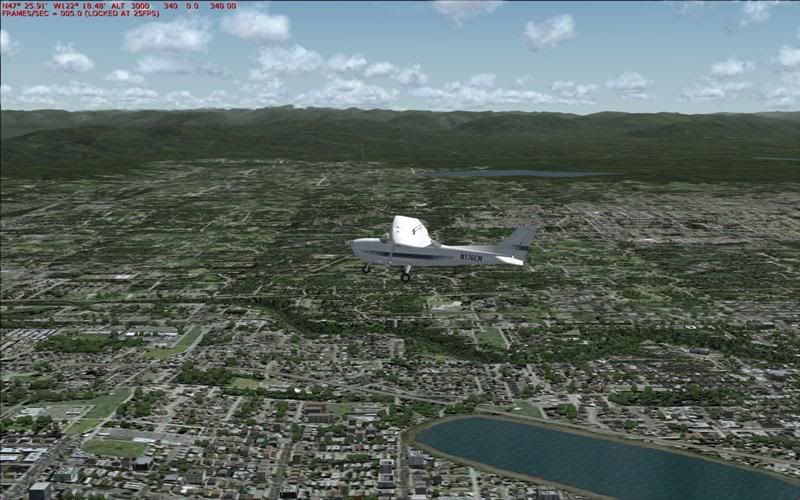
Taken at 3000 feet above Tecoma International (Seatlle), with default aircraft, default weather and default scenery.

Looks pretty crap huh? As are the framerates...

Could anyone else post the same shot, looking west from this view, so I can compare mine to yours?

Cheers.

PostPosted: Thu Sep 07, 2006 12:50 pm
by Charl
Not quite sure where your shot was taken.
Whatever, this is at 3,000ft over the numbers 34R, 10:00AM today (local).
Your framerate certainly is disappointing.
Hope you get a fix sooner rather than later.
You holding out for the Big Upgrade, come FSX? ;)

user posted image

EDIT: I just glanced at the framerate counter on my shot, says 5!
It runs at 24.8 as set, usually.... :o

PostPosted: Thu Sep 07, 2006 1:02 pm
by ZK-MAT
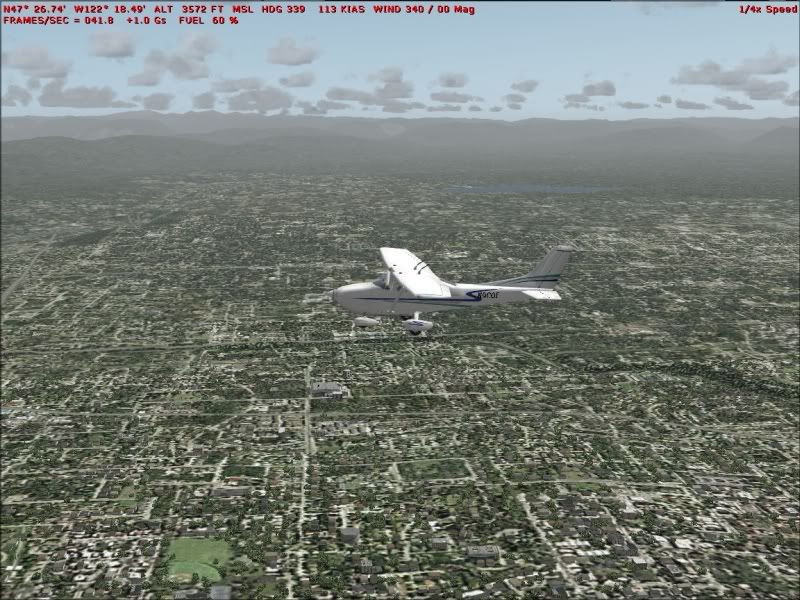
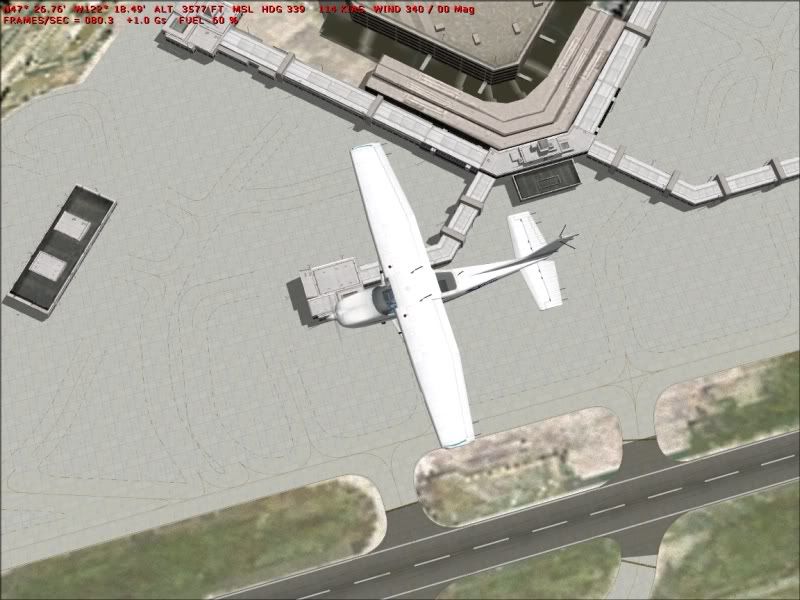
I just took 2 shots, looking towards the hills and looking from above (note, no AI planes) and set my frames to unlimited. These pics have been resized from 1152 x864 to 800 x 600 and saved as jpg's at 95% quality with IrfanView, but not edited at all as far as sharpness or colour goes. I also flew at 1/4 speed to try and line up with your shot lol.

The sky theme is default though Activesky sets the sky colour set so that's why it's lighter. Probably also worth mentioning my vis is set at 30 miles so the hills aren't sharp.

user posted image


user posted image

PostPosted: Thu Sep 07, 2006 2:04 pm
by ardypilot
Thanks for taking the time to capture those screenies guys.

I had 30% AI traffic, and when I moved my viewpoint anywhere towards the terminal, I got 4-5fps... <_<

We all seem to have the same lake in the background, although on mine it appears just to be a grey smear.

Do you know why my textures loose their sharpness in the distance and yours do not?

PostPosted: Thu Sep 07, 2006 5:32 pm
by ZK-MAT
Ummm, check your mip-mapping settings on Display / Hardware maybe. Mine's only on 4, if I turn it up higher I get brilliant sharp distant textures, but it shimmers too much. I can get rid of the shimmers using higher AA and AF on my card (not in FS), at the expense of FPS, so I have the view distance lower with the ActiveSky haze also set low and get ok frames when looking under and immediately around me.

Although AA is off on FS, try experimenting with Bilinear and Trilinear filtering within FS. I find with FS saying Bilinear (even with the box for AA left unchecked) is best for me.

I also only have hardware rendered lights at 6.

Ensure Extended Terrain Textures on Display/Scenery is set of course.

PostPosted: Thu Sep 07, 2006 7:10 pm
by Zöltuger
would a full windows reformat and re-install help? or have we acertainted for certain that Trolly's problems are hardware related?

PostPosted: Thu Sep 07, 2006 8:36 pm
by creator2003
it is hardware wrong card running in wrong computer with wrong drivers ,, trolly has a 4x out agp still unknown mother board and this is what id expect from that sort of setup ,,sadly there is nothing to do about this apart from 1.discredit the seller of the new card ,(me) and 2 the shop that put it in , :blink:
i do think this is far enough id be pretty upset too ,but knowing computers like i do there are many varables to these problems and it cant always be an easy road to go down ,i would like to give a refund ,like i wanted to help you out ,but i cant as i cant be sure 100% that the card wasent damaged on the way or by people who have touched it or installed in the right system and i cant be sure all the things that have been done have been ,i still think that it is hardware other than the card doing theses things as it is still working ,exsample i was down at wellington last night i got 0 frames at one point ,i have 256mb asus pci overclocked card that runs like the wind fast and smooth ,i dont have an answer for this as anywhere else it works fine ,i also have clean power big power pack in new puter with enough of everything ?
i very sorry for all your problems andrew :( truelly
mike

PostPosted: Fri Sep 08, 2006 2:28 pm
by ardypilot
I have taken theNX6600 out of my PC and put it in my Dads, where it works fine, giving 30fps above Seattle Airport, as show in the screenie above. He has a 2.8ghz pent. 4 with 512mb ram.

I put his FX5600 (128mb) back into my computer, and although the FPS are still fairly bad (hopefully I can tweak the cfg to change this), I am no longer getting the bad blurry textures that I was before:
user posted image

So now I am back where I started a few weeks ago, minus $200 and about 10fps... oh well, at least I can continue the tour from now on.

PostPosted: Fri Sep 08, 2006 6:21 pm
by creator2003
well im glad you have worked it all out now andrew,, what a road to go down i take it from above posting that it was not the dud card at all,, id be going back to nfc and asking for your money back,, as they need a lesson in computers and bad advice <_<
in future pbtech id say are one of the best computer shops up here :)
all the best mike

PostPosted: Sun Jan 28, 2007 5:47 pm
by ardypilot
Hmmm, I havn't played FS for a good two weeks but today while flying around Taranki, it seems my textures look a little blurry in the distance.

Now all I can remember is that I have updated my video card driver about 3 weeks ago, but my anti alias and antiscoptric filtering settings are still both the same on my gfx card (4x) and I havn't changed any settings inside fs2004- any idea what might be causing this issue and how I can fix it?

Here is a screenie taken over Seattle which gives you can idea of how blurry it is compared to before, there isn't that much of a difference at a quick glance but while you are flying along it is quite noticable:
user posted image

Cheers.

PostPosted: Mon Jan 29, 2007 8:39 pm
by Jimmy
hmm that doesn't look to bad, looking at the first screenie you posted its not actuly that bad eathier, in that situation on my sim I got about 5frames steady, even with out autogen or traffic....

what are you display settings in fs set too?

PostPosted: Mon Jan 29, 2007 9:35 pm
by brownbox
Thats exactly as mine looks all the time!

PostPosted: Thu Feb 01, 2007 3:01 pm
by ardypilot
I fixed it by changing these lines in my fs9.cfg:
TERRAIN_DEFAULT_RADIUS=9.000000
TERRAIN_EXTENDED_RADIUS=9.900000
TERRAIN_EXTENDED_LEVELS=4

(I had changed them before, but they got 'un changed' some how)

I also made sure Extended Terrain Textures was turned 'on' and that the 'land detail' slider was put all the way up to the right :D