Page 1 of 1

PostPosted: Wed Apr 30, 2008 9:43 am
by Alex
Hi guys,

I've got a wee problem it seems. No matter what my settings are on my video card (GeForce 7950GT) FS9 won't anti-aliase. I've tried rolling back my drivers to the previous version, but no joy... My 'fs9.cfg' seems to recognise what my graphics card is (it has it listed correctly).

I'm not really sure where the problem is, other games (FSX etc) work fine with anti-aliasing, so I wouldn't think that the graphics card is the problem - but I'm not sure.
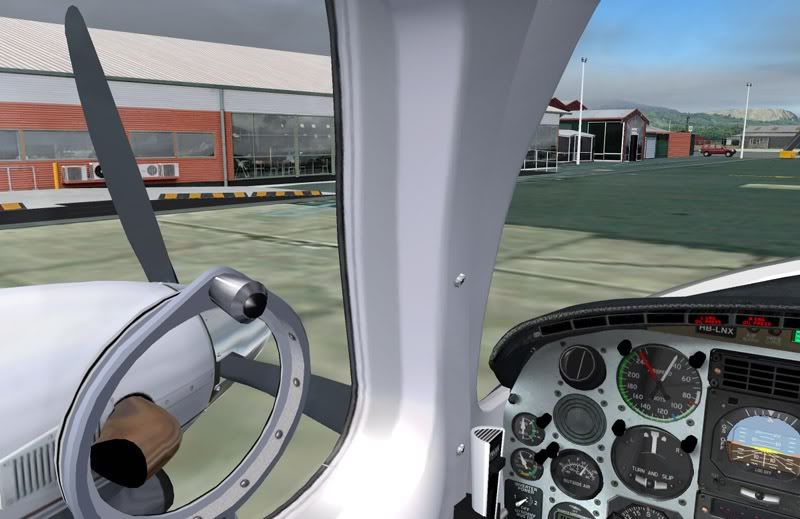
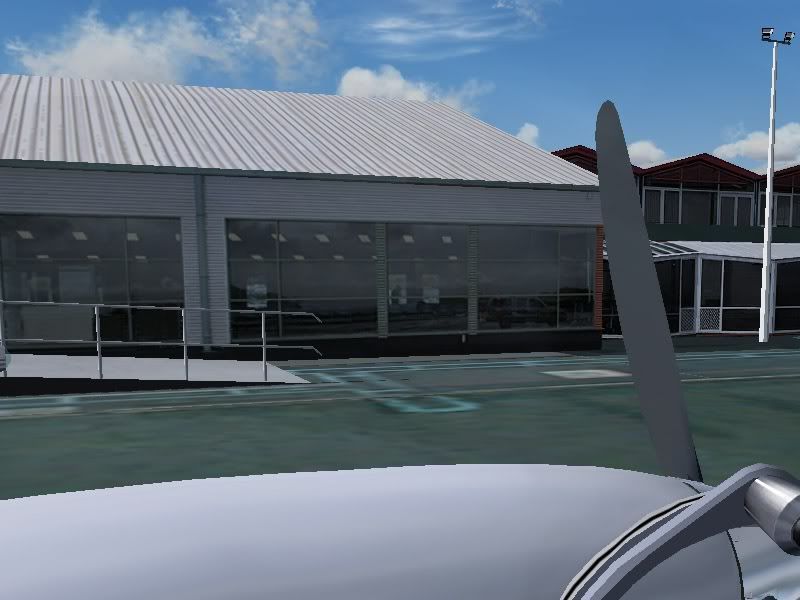
You probably don't need a picture showing this, but I'll put one in anyway. :D


Alex

PostPosted: Wed Apr 30, 2008 10:14 am
by Charl
OK obvious one first - for a 7-series card you should have AA OFF in the sim, and do it from the card. (8-series for some reason is the other way round!)
Try renaming fs9.cfg to fs9.bak, let the sim build a new one, see if it corrects.
Are you using nHancer? Might be time to delete the fs9 profile and do a new one...

PostPosted: Wed Apr 30, 2008 10:34 am
by AlisterC
Alex I am using the exact same video card (7950GT) so I can let you know my driver number when I get home from work if you like. No problems at my end. I don't use nhancer. :)

PostPosted: Wed Apr 30, 2008 10:46 am
by Alex
Hmm, no luck there Charl...

First one: Yep, thats done... :)
Second one: Just tried that, but no luck.. :(

I'm not sure what the deal is with nHancer, but I'm pretty sure I'm not using it. :)

Thanks for the help though. :)

Alex

Edit: Oh cool, thanks Alister - that would be great. :D

PostPosted: Wed Apr 30, 2008 3:45 pm
by gojozoom
Hi Alex,

Sorry, maybe it's a dumb question but is the anti-aliase turned off in FS menu? It has to be prior to let the graphic card solve it.

PostPosted: Wed Apr 30, 2008 3:46 pm
by Alex
Thanks for the idea gojozoom, but yea, I have made sure that I've ticked the anti-aliasing off in the sim. :)

Alex

PostPosted: Wed Apr 30, 2008 5:33 pm
by ZK-MAT
Alex wrote:
QUOTE (Alex @ Apr 30 2008, 03:46 PM) <{POST_SNAPBACK}>
Thanks for the idea gojozoom, but yea, I have made sure that I've ticked the anti-aliasing off in the sim. :)

Alex


I aren't anywhere near my FS PC, but don't you have to also select an AA option (Bilineal, trilinea or something like that) in FS even though you have it turned off? Just a thought :)

PostPosted: Wed Apr 30, 2008 5:44 pm
by Alex
Hmm, thanks for the tip Matt, but I have that set in the sim as well...

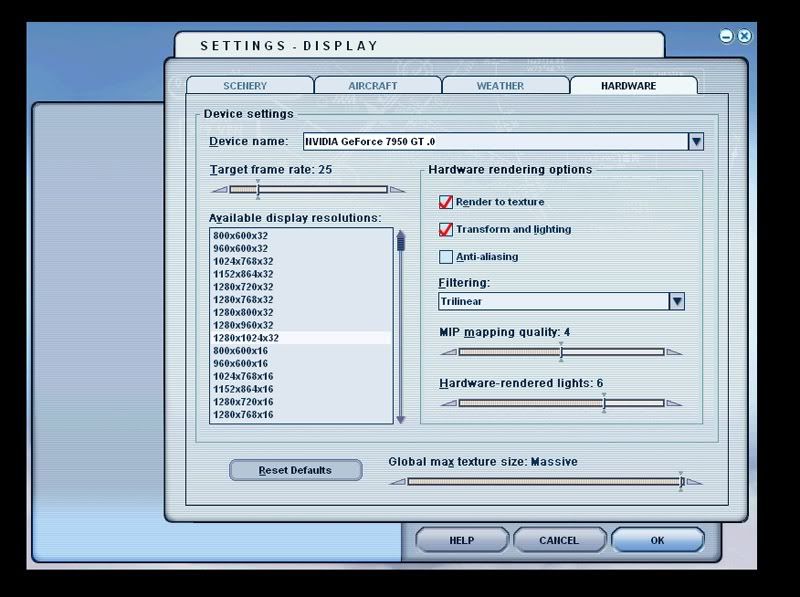
Here is a pic of my Display Hardware Settings:


Alex

PostPosted: Wed Apr 30, 2008 5:50 pm
by ZK-MAT
oh well, sorry mate :(

PostPosted: Wed Apr 30, 2008 5:51 pm
by Alex
No worries Matt, thanks for the suggestion. :thumbup:

Alex

PostPosted: Wed Apr 30, 2008 6:06 pm
by AlisterC
Hi again Alex, I am using this driver for the gfx card:

6.14.11.6921

dated: 5/12/07

PostPosted: Wed Apr 30, 2008 6:56 pm
by Alex
Hah, how weird. I'm using exactly the same driver... :blink: :rolleyes:

Alex

PostPosted: Wed Apr 30, 2008 10:29 pm
by Alex
Yeehaa - Fixed! :D :D

What I did was find an old version of the Forceware (91.47), because...

I found a post on the Nvidia support forums about people who had fixed this using nHancer, so I downloaded nHancer (it seems the problem was in my latest set of drivers, which were set to only enhance in-game AA - which in FS9 is non-existent), but found that I couldn't remove the profile for FS2004.

So... once the old forceware was in, I removed the old profile, set up a new profile and vóila! Nice smooth sleek lines. B-)


Thanks for all the help guys. :clap:

Alex

PostPosted: Thu May 01, 2008 10:09 am
by ardypilot
Looking smooth Alex- glad you got it sorted mate :thumbup:

PostPosted: Fri May 16, 2008 5:03 pm
by RPN
Hi Alister,
I am using the same Graffics card and drivers as you are and would be interested in your "Manage 3d settings." in the Nvidia control panel.
I am having an antialiasing problem but have no other issues with the card.
Nhancer is installed but I do not use this program.
Regards Richard