 Posted: Thu Aug 09, 2007 9:00 pm
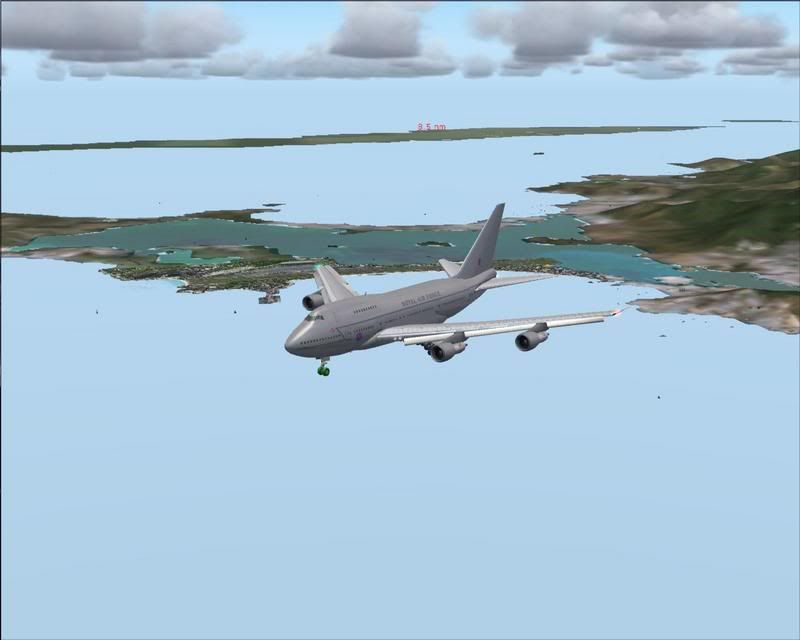
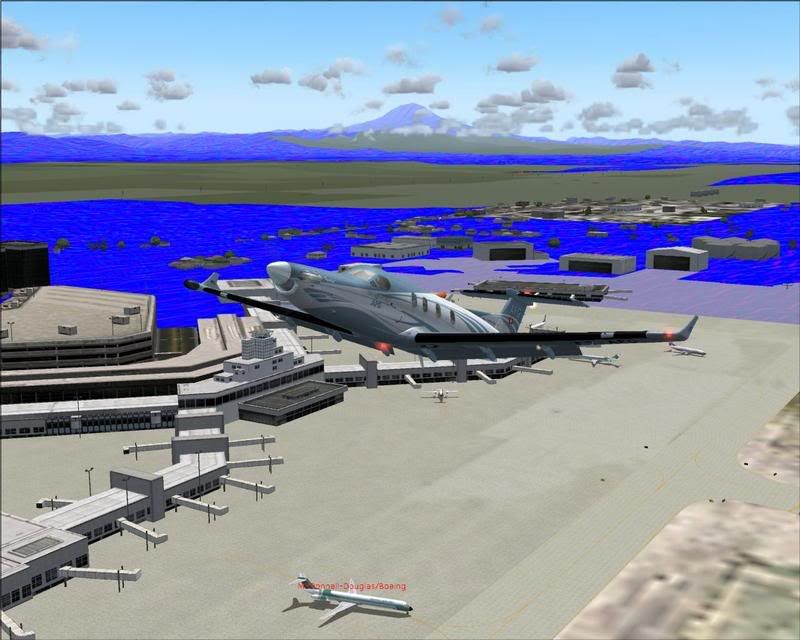
I've just done a fresh install of FS9, with only the Flytampa TNCM scenery and the Aeroworx Kingair (I finally got dad into fs so I might see some more payware  ) and I have stupid blue textures everywhere at dusk, then during the day I can't tell the difference between the sky and the sea.. . Well at least at NZWN and TNCM , which are the two places I've tried. Anyone know what's wrong? Screenies below.
Argh Photobucket is down so screens to follow.
) and I have stupid blue textures everywhere at dusk, then during the day I can't tell the difference between the sky and the sea.. . Well at least at NZWN and TNCM , which are the two places I've tried. Anyone know what's wrong? Screenies below.Argh Photobucket is down so screens to follow.


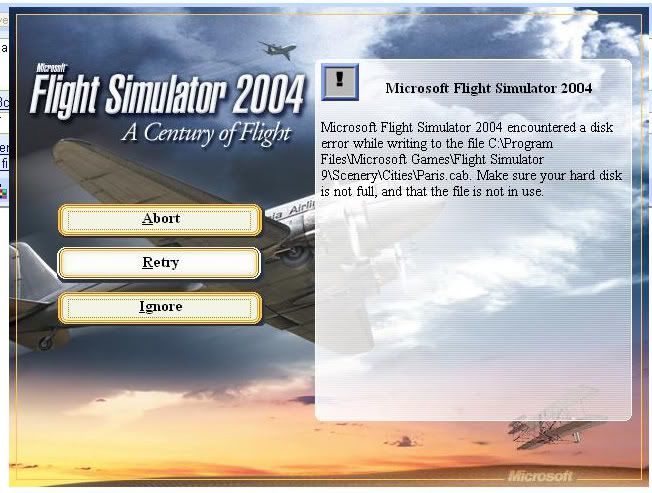
 right click C:, select properties


 )
)