Page 1 of 1

PostPosted: Thu Feb 06, 2014 9:35 pm
by ScottyB
Hi all,

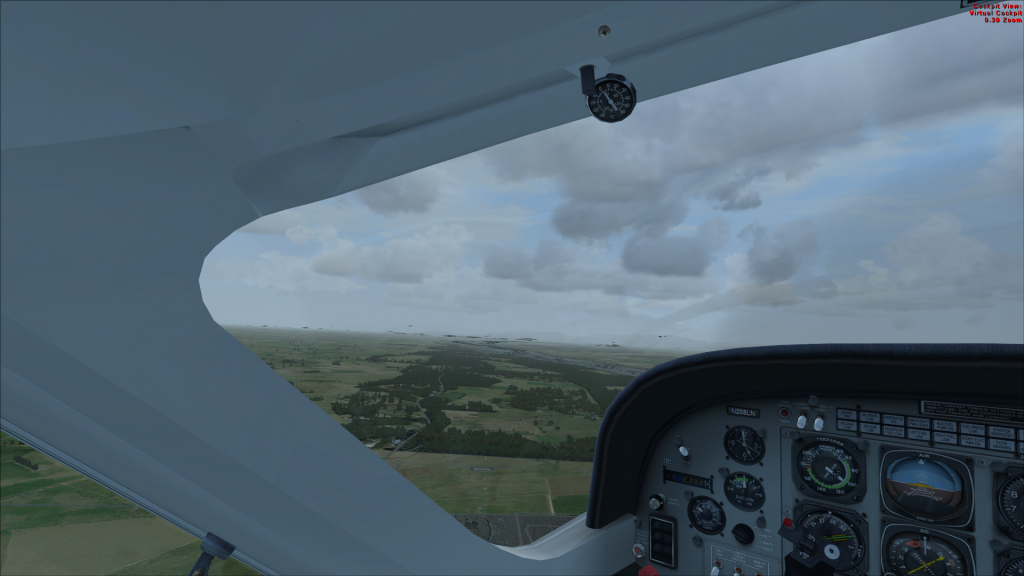
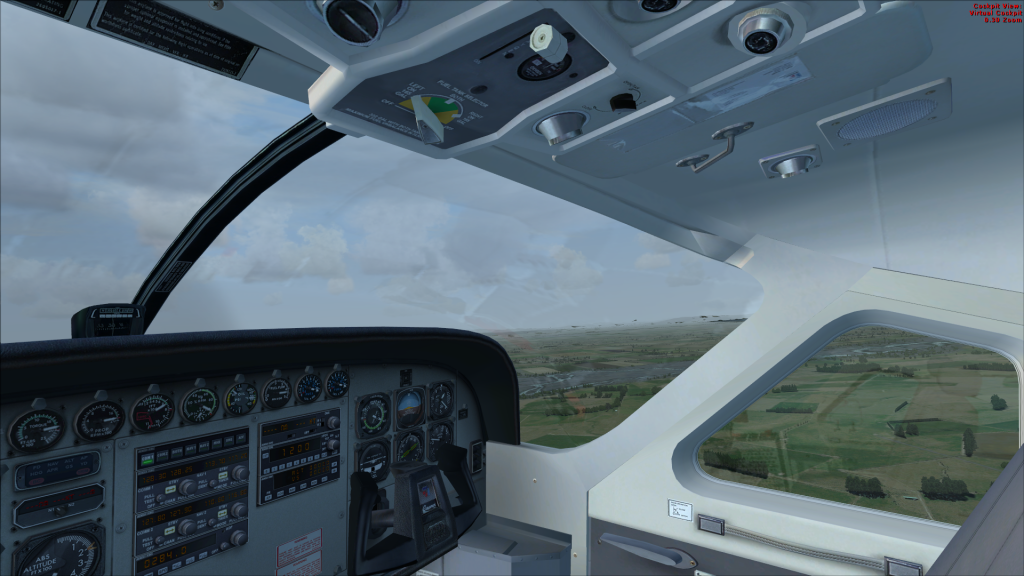
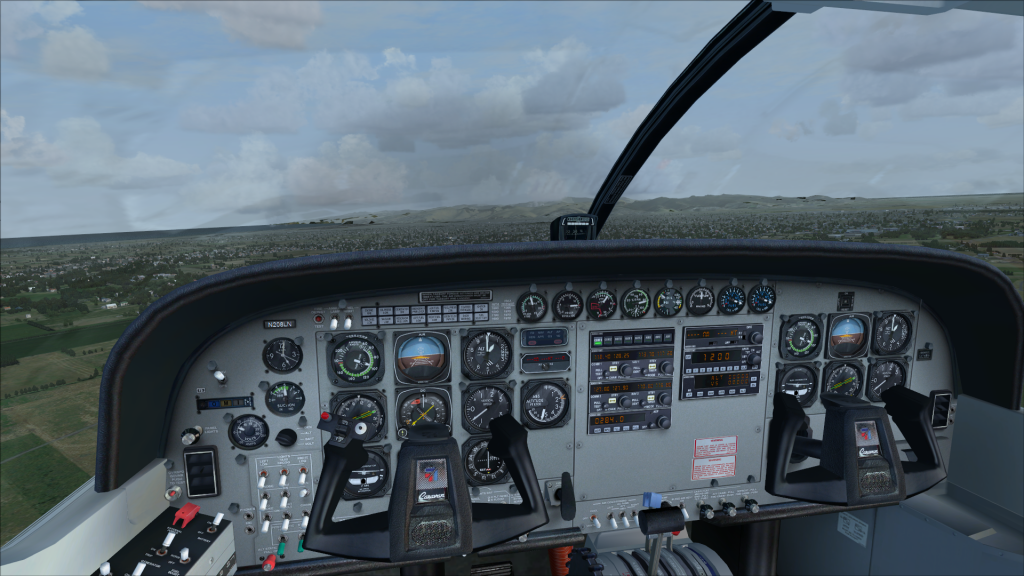
Recently did a clean install of FSX and added Orbx NZ SI and REX Essentials. I am getting these strange "gaps" in haze etc in the distance. Could anybody tell me what is the root cause of this (and a fix if possible!)

Thanks
Scotty


PostPosted: Fri Feb 07, 2014 7:56 am
by ScottyB
Help! These are infuriating! angry.gif

PostPosted: Fri Feb 07, 2014 8:02 am
by Ian Warren
Tho they are both installed have you tried re-install over the top, its a typical thing with ORBX .... or is it the REX causing the problem - for a start turn the weather off simply have a clear day .

PostPosted: Fri Feb 07, 2014 9:17 am
by scaber
They look like windscreen internal reflections and windscreen smears to me. Try a default aircraft and see if they still show up.

PostPosted: Fri Feb 07, 2014 10:40 am
by ScottyB
scaber wrote:
QUOTE (scaber @ Feb 7 2014,10:17 AM) <{POST_SNAPBACK}>
They look like windscreen internal reflections and windscreen smears to me. Try a default aircraft and see if they still show up.


Hi Scaber, nope not window reflections - they are scenery textures in the distance (they also appear when in spot/external views). Plus, this is actually the default Cessna Caravan smile.gif


I jut flew to Nelson IFR and the haze/cloud was only around the land - as I flew in to Nelson the haze literally stopped at the coastline as the sea textures etc were clear as anything.

Not REX causing the issues either after testing sad.gif