Page 1 of 1

PostPosted: Mon Mar 21, 2011 5:30 pm
by Timmo
Hi Guys -
Ive been working on re-releasing a few of my older airports with tweaks to ensure they work with VLC as well as a few extras such as proper installers and objects from VLC object library to enhance my rather rudimentary modelling skills smile.gif

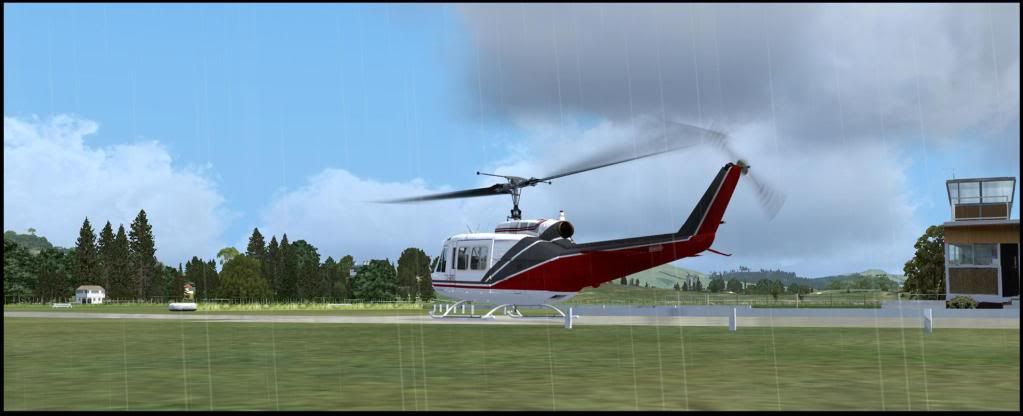
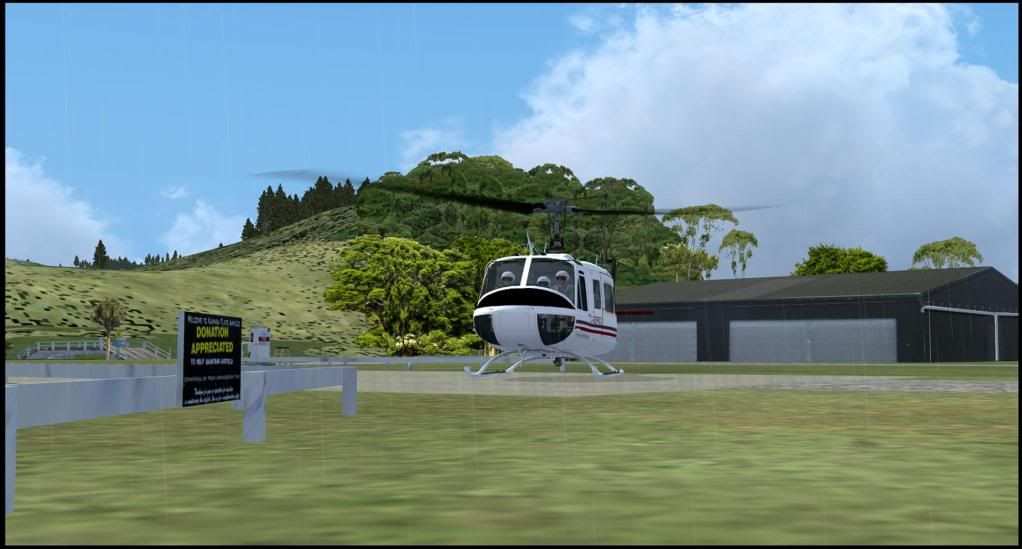
Kaipara Flats for VLC has now been released on the website so check it out!

You will need a VLC install + the object library for this to work smile.gif You will also need to manually remove any previous versions of Kaipara Flats.
PostPosted: Mon Mar 21, 2011 7:02 pm
by kcgb
Works fine on my system, cheers for the new Version of Kaipara flats. smile.gif

PostPosted: Mon Mar 21, 2011 7:07 pm
by Ian Warren
A simple removal off anything related (old files) , clicked install and ........ Superb! cool.gif

PostPosted: Mon Mar 21, 2011 7:16 pm
by toprob
Looking good, Tim -- a knock-out area to fly in VLC. I don't know that area at all, I've haven't been much further afield than the South Island lately, so it was great to see how well it all works up that way. The coast from the river mouth is just looking superb.

PostPosted: Mon Mar 21, 2011 7:57 pm
by deeknow
Looks great Tim, nice little airport, tricky little sucker to spot from the air.
Are the two large chicken/pig looking barns I see to the East part of this tweak of yours?

PostPosted: Mon Mar 21, 2011 8:38 pm
by deaneb
Yes - working well on my system and looks great Tim.

PostPosted: Mon Mar 21, 2011 11:45 pm
by AdrianPetford
All working well here Tim, no problems with the installer.

You might remember that I had an elevation problem at Kaipara Flats with the old version under VLC, around the buildings. That's now gone, everything looks good and as it should be.

The VLC library objects really add a lot. You've made an already excellent release even better.

Great work! clapping.gif


Ade

PostPosted: Tue Mar 22, 2011 12:26 am
by dbcunnz
Thanks Tim no problems here with Kaipara Flat just deleted old Kaipara flat and installed VLC version looks brilliant

PostPosted: Tue Mar 22, 2011 4:06 am
by Timmo
Cool good to hear it works properly smile.gif
One thing I forgot to add to the zip was the readme which states that the previous version needs to be removed first.
Naki: this may be what is causing the issue? Was the old version removed? There are strips of grass representing a small ditch that run between the taxiways but there should be gaps for the taxiways?

PostPosted: Tue Mar 22, 2011 4:13 am
by Timmo
deeknow wrote:
QUOTE (deeknow @ Mar 21 2011,8:57 PM) <{POST_SNAPBACK}>
Looks great Tim, nice little airport, tricky little sucker to spot from the air.
Are the two large chicken/pig looking barns I see to the East part of this tweak of yours?


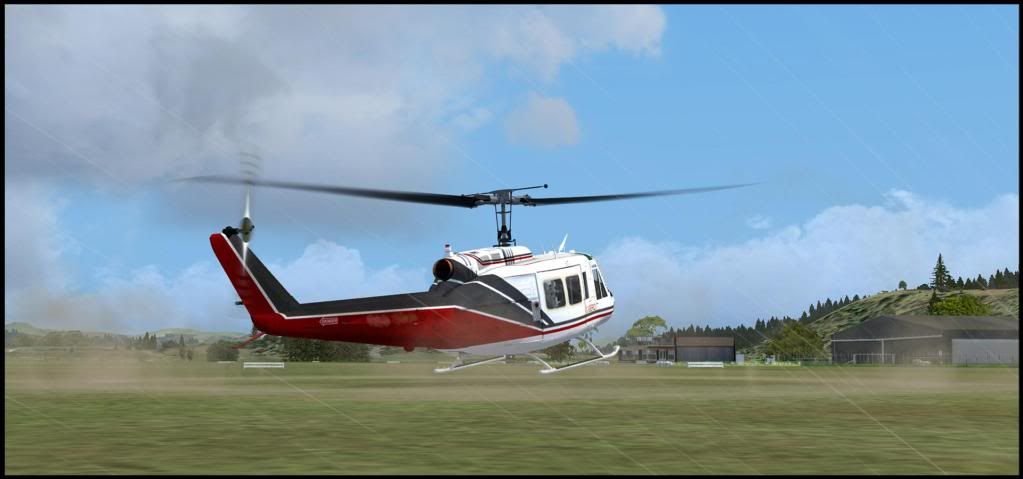
They were there in the original release and are large greenhouses I think. Apparently they are a great way of spotting the airfield from a distance.
there are some new smaller buildings added near the airfield which may look a bit odd since they don't match the underlying texture- it would be good to hear all the testers thoughts on whether they should stay or go for the final release?

PostPosted: Tue Mar 22, 2011 9:17 am
by rayclyde
Timmo wrote:
QUOTE (Timmo @ Mar 26 2011,6:30 AM) <{POST_SNAPBACK}>
Hi Guys -
Ive been working on re-releasing a few of my older airports with tweaks to ensure they work with VLC as well as a few extras such as proper installers and objects from VLC object library to enhance my rather rudimentary modelling skills smile.gif

Kaipara flats is almost ready to go (although I should tidy up a few more things on the actual model). I just wanted to ensure that the installer will work as advertised on peoples machines and that the instructions are clear enough. The installer script was written by Robin and works on my machine but need to check that my tweaks haven't broken anything!

You will need a VLC install + the object library for this to work smile.gif

Let me know how you get on smile.gif


No problems. A wonderful job. Thank you

Clyde Williams
Levin

PostPosted: Tue Mar 22, 2011 10:39 am
by bobby48w
Timmo wrote:
QUOTE (Timmo @ Mar 21 2011,6:30 PM) <{POST_SNAPBACK}>
Hi Guys -
Ive been working on re-releasing a few of my older airports with tweaks to ensure they work with VLC as well as a few extras such as proper installers and objects from VLC object library to enhance my rather rudimentary modelling skills smile.gif Let me know how you get on smile.gif


Hi Tim, no installation problems for me. It looks great. Love the long grass under the fence line. Could do with a line trimmer job eh!!! Very realistic. Bob

PostPosted: Tue Mar 22, 2011 3:16 pm
by Timmo
Naki wrote:
QUOTE (Naki @ Mar 22 2011,7:55 AM) <{POST_SNAPBACK}>
Readme whoops icon_redface.gif ...no I didnt read it...installed it in a rush of anticipation...will deinstall old version
No it really was my bad- It should be included to read before you actually have to install it. If you can just confirm that this was causing the issue, that would be good smile.gif

PostPosted: Tue Mar 22, 2011 3:28 pm
by scaber
Thanks Tim, it's looking good here. Install was straight forward,the weather's good so I'm off for a site see in the cub. biggrin.gif

PostPosted: Wed Mar 23, 2011 6:59 pm
by Timmo
Thanks guys- Need to keep moving so this has been released and is available via the vectorlandclass website

For those that have downloaded the test file, please un-install it and re-install the new version.

PostPosted: Wed Mar 23, 2011 7:48 pm
by Naki
BTW my Kaipara Flats is all good now

PostPosted: Sat Mar 26, 2011 5:56 pm
by Ian Warren
Without asking to much , i need a B/W photo of the town smile.gif

Tim , works superb

Damn weather up around here tho , but get it sorted smile.gif

Gumboot time tongue.gif
New_Zealand_etc.gif

PostPosted: Sun Mar 27, 2011 11:57 am
by mfahey
Hi I guess this is a silly question (but I'm a Aussie so please excuse me!) where do I download the scenery from? Timmo says its on the website - but where? Cheers, Mark
PS I love VLC and have been purchasing NZ scenery since the Godzone Magazine days, I had lived in NZ for a few years and visit as often as I can!

Message Edit - Duhh I found the files a few minutes after I posted the question! On the VLC website!

PostPosted: Sun Mar 27, 2011 12:17 pm
by Ian Warren
Hi ya Mark , Aussie /New Zealand whats the diff , Welcome to VLC and to NZFF thumbup1.gif

PostPosted: Sun Mar 27, 2011 12:49 pm
by Timmo
mfahey wrote:
QUOTE (mfahey @ Mar 27 2011,12:57 PM) <{POST_SNAPBACK}>
Hi I guess this is a silly question (but I'm a Aussie so please excuse me!) where do I download the scenery from? Timmo says its on the website - but where? Cheers, Mark
PS I love VLC and have been purchasing NZ scenery since the Godzone Magazine days, I had lived in NZ for a few years and visit as often as I can!

Message Edit - Duhh I found the files a few minutes after I posted the question! On the VLC website!

Nope not a silly question at all- The downloads aren't the easiest to get to on the website......I've been thinking of a better way of giving access to them so can hopefully get that up and running tomorrow smile.gif Presumably when you went to the website you were expecting a 'download' menu or similar?
Glad you got it sorted though