 Posted: Tue Dec 05, 2006 10:47 am
I had finaly got around to changing my password after trolly had to log in to test my PM folders error, I entered my old on enad my new one twice and when I tried to change it I got this message:
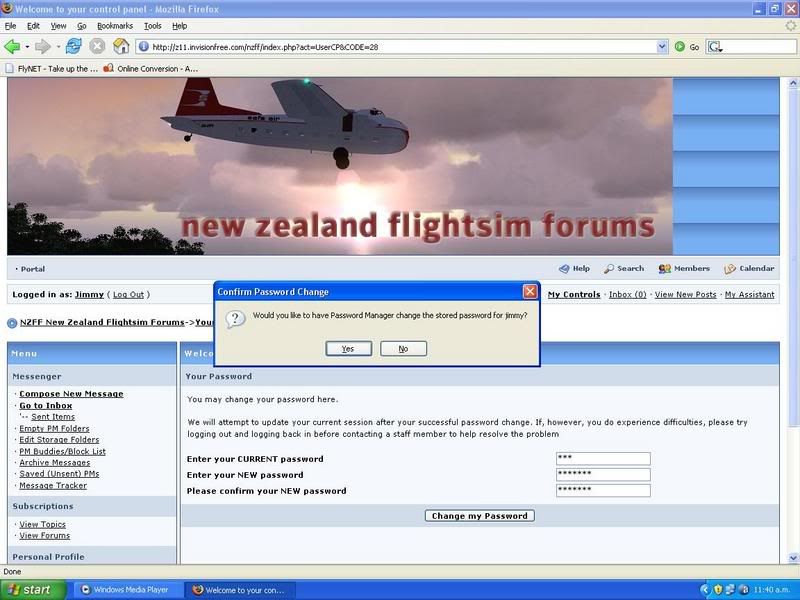
I really don't like the sound of a password manager storing all my passwords somewere! I have read in the pctools mag about a program that will store all your passwords for you Sounds very unsecure
Does any one know what this is? A firefox tool or something, I have never installed anything like this.
Thanks
James
I really don't like the sound of a password manager storing all my passwords somewere! I have read in the pctools mag about a program that will store all your passwords for you
Sounds very unsecureDoes any one know what this is? A firefox tool or something, I have never installed anything like this.
Thanks
James
