LMerraine wrote:I've installed it, and having problems with being underground, yet the runway is actually level with the terrain.
I've copied the AF2_NZDN.bgl to the base scenery folder.
Tried playing around with the order of scenery files, and still no joy.
In the default cessna, it says I'm at 7.7feet - which is about right, but I'm underground.
Here is the current order of my scenery.
1. NZ Dunedin
2. Dunedin_NZDN
3. Red Baron Topo
4. EZ Object Library
5. Static Objects Library
I've tried various orders, but just can't seem to sort it out.
Help?
#1 The COPY of the AFCAD should be in FS9 / Scenery / World / Scenery,.......... NOT in FS9 / Scenery / BASE / Scenery as you have said you have done.
#2 When im sitting in the default C172 on the runway, it says 28.7ft , not 7.7.
#3 I see you have 2 object libraries......... i named Static Objects, the other named EZ Objects.
I have ALL in the ONE library named Static Objects Library,.........Rwy-12, EZ Scenery, Custom stuff, all in the one library.
Not that it really matters, but i just find it much tidier, and less chance of doubling up on the same object and texture sets which can cause the sim to start "hunting" trying to decide which one of 2 identical texture names its going to display,.......... this can cause slower texture loading times, micro-stutters, and grey untextured buildings.
#4 Going by your list, i would have it this way..................
1 Static Objects Library
2 EZ Objects
3 Dunedin_NZDN ( my Scenery)
4 NZ Dunedin (Ian's Photoreal)
5 RBE Topo
6 RBE 20m mesh
I would also check in FS9 / Addon Scenery / Scenery folder, and make sure there is NOT another AFCAD for NZDN in there.
If there is,............ REMOVE it. If your at 7.7 feet, it can only be caused by another stray AFCAD, because thats not the elevation level of my scenery or AFCAD.
Lawrie.


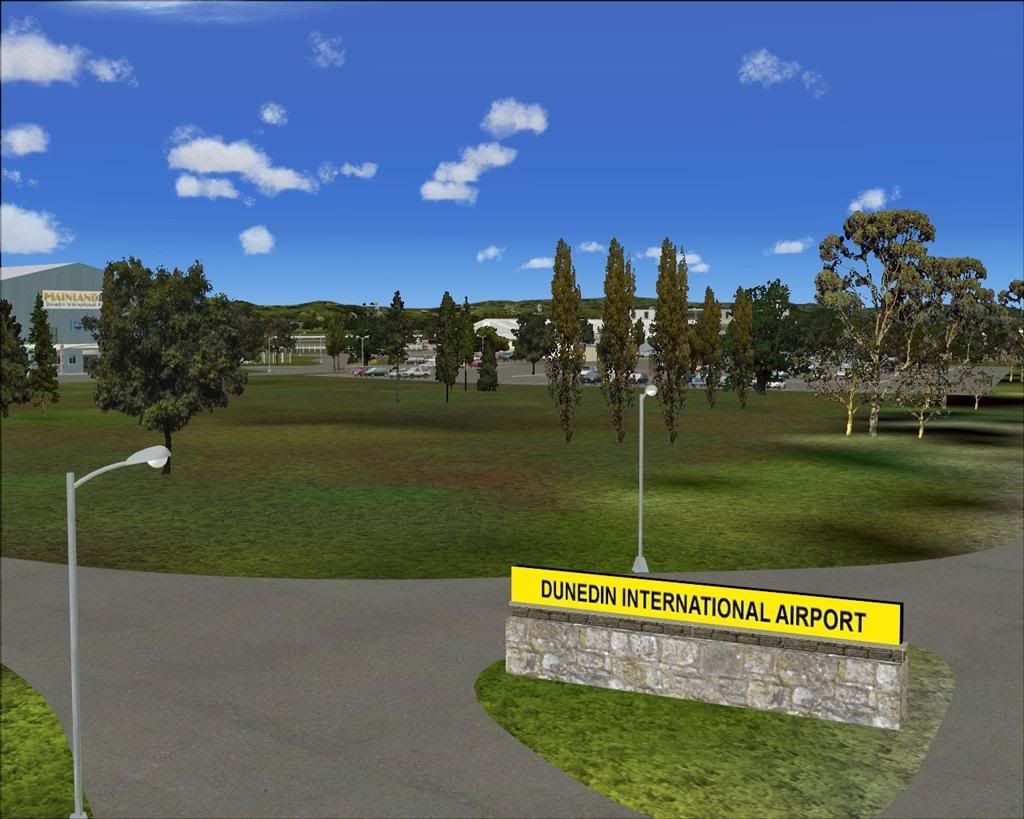
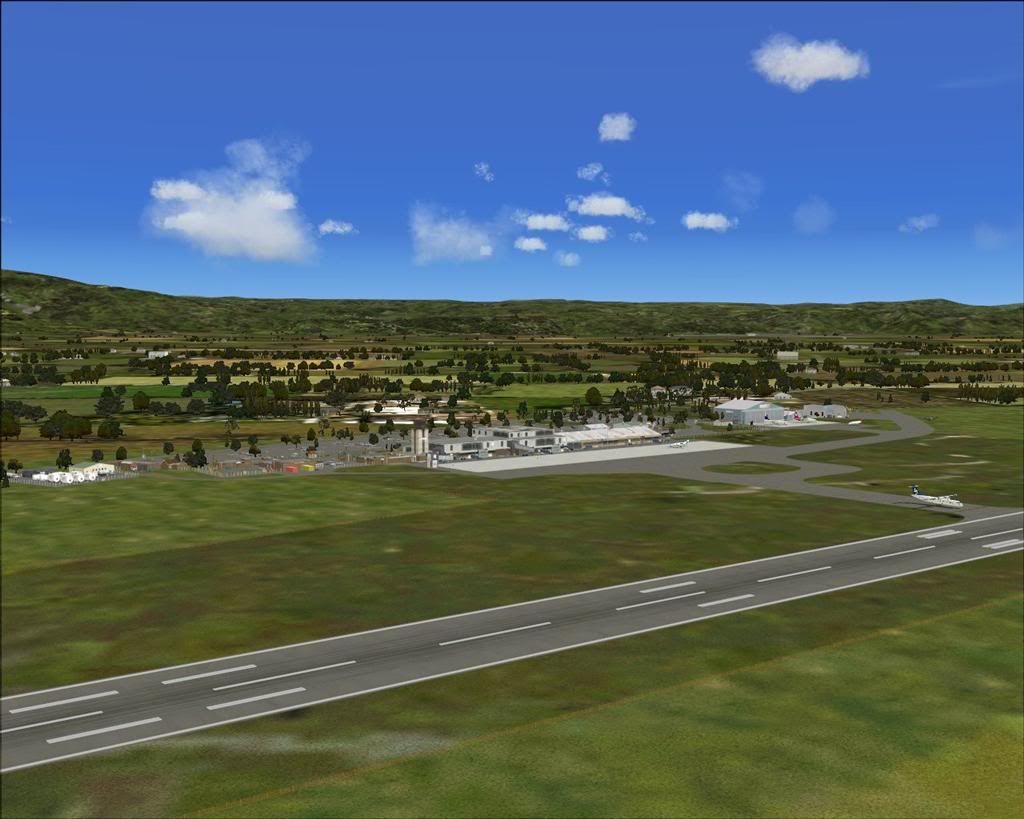
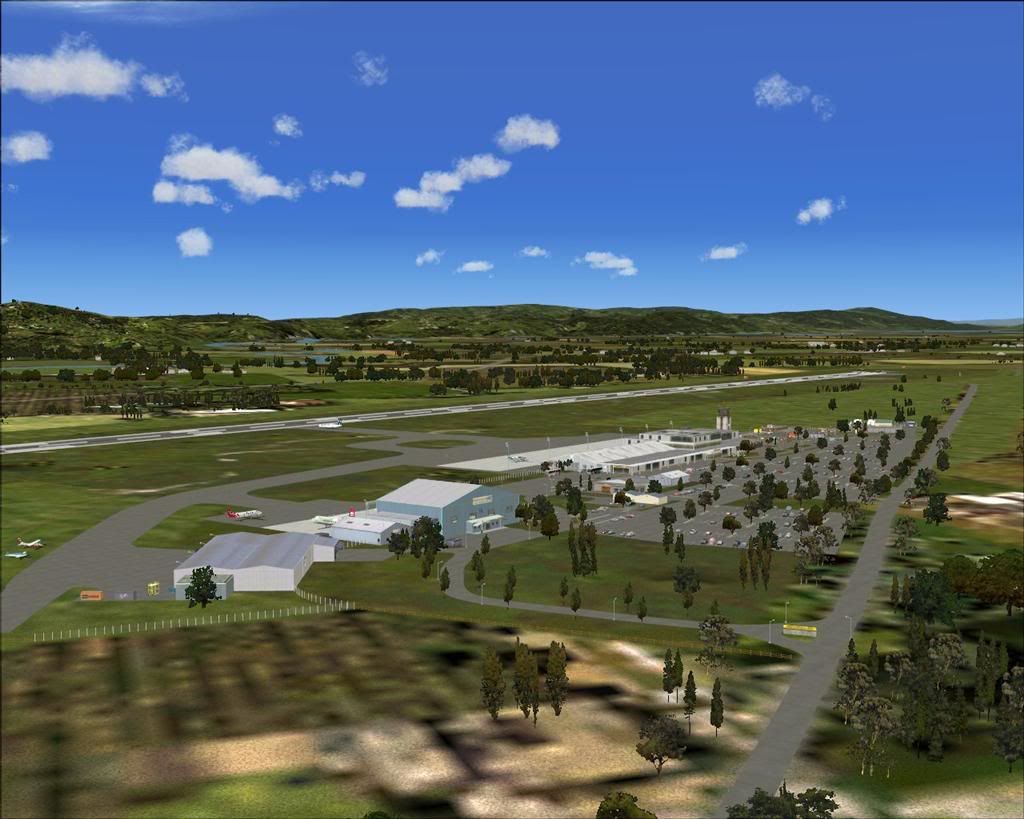
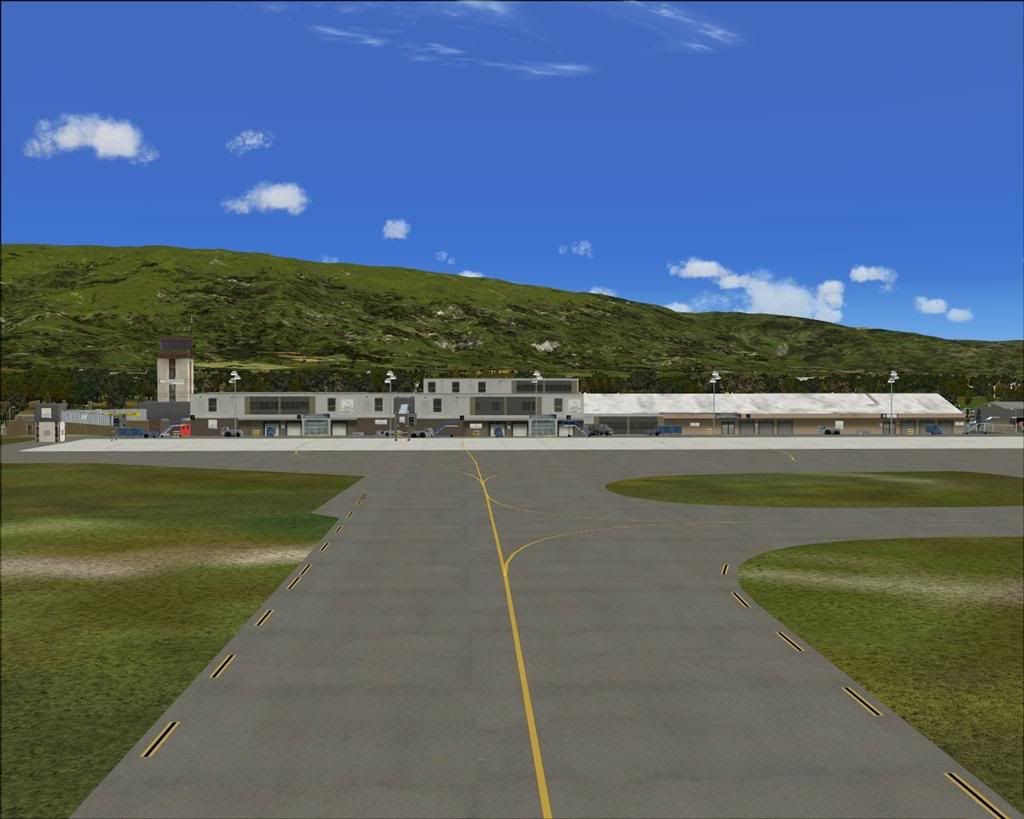
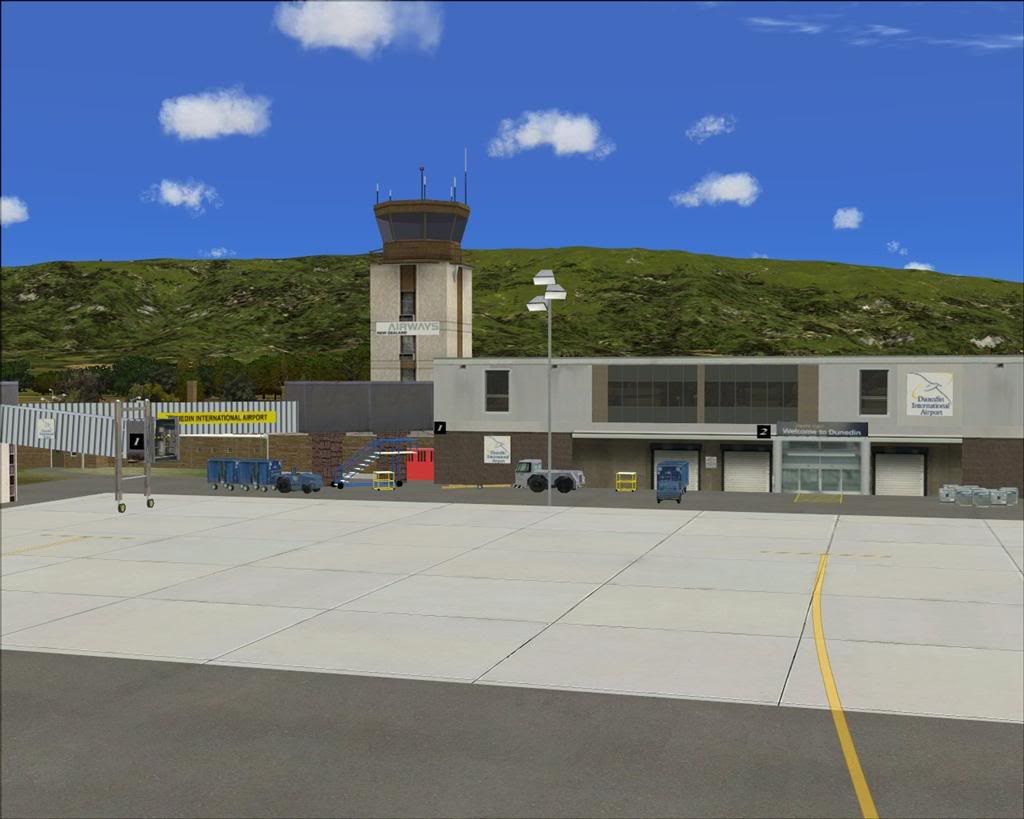
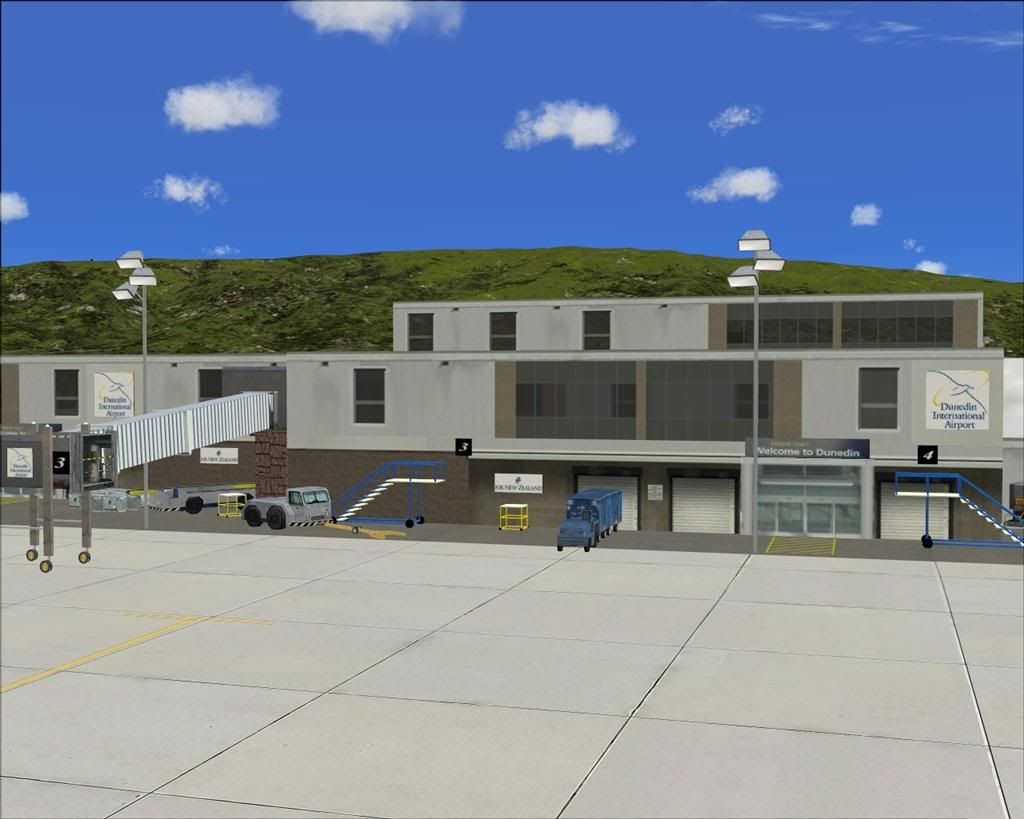
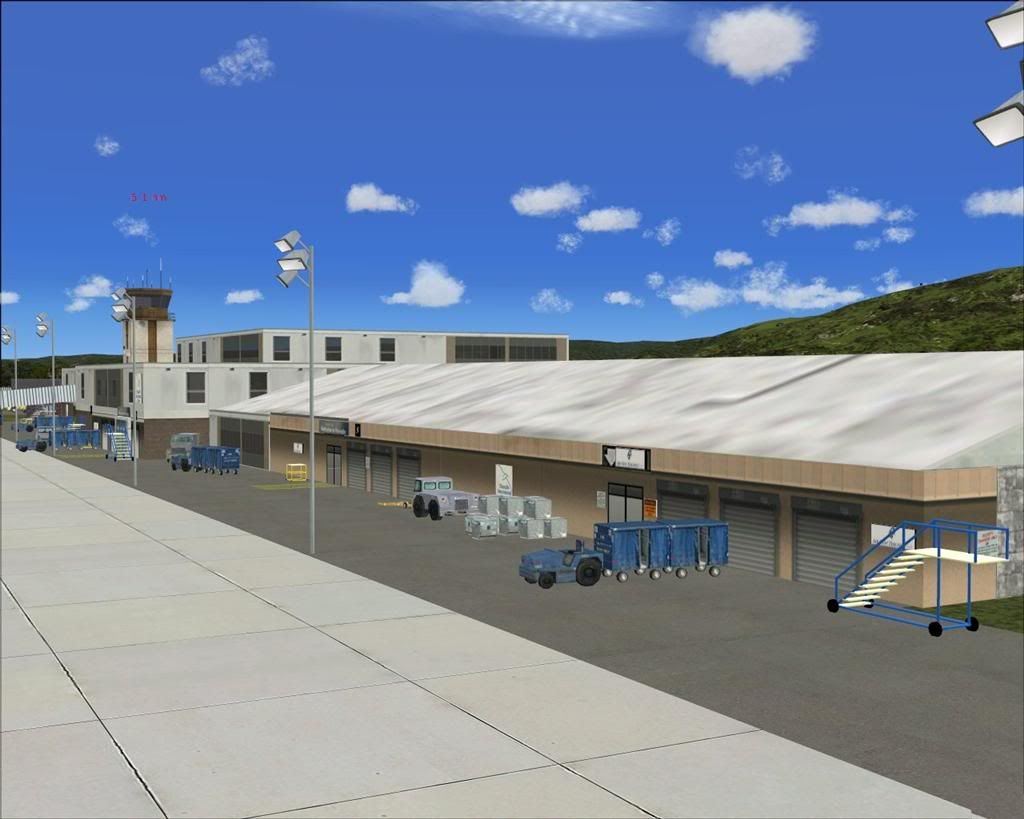
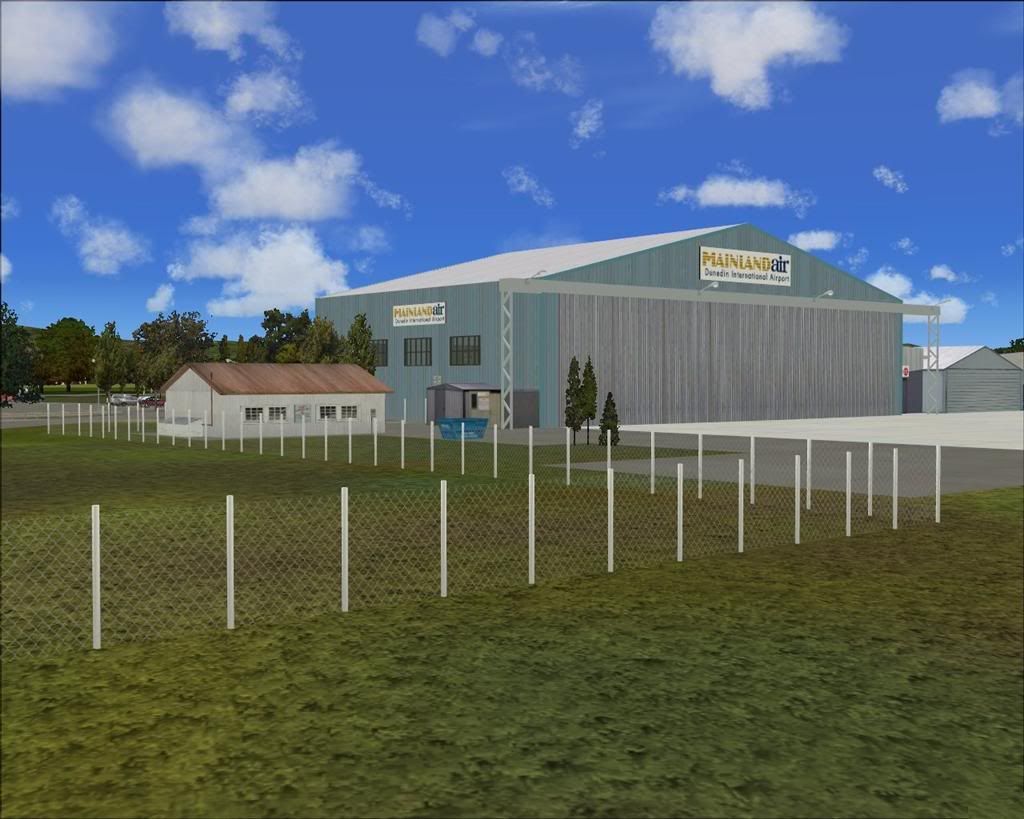
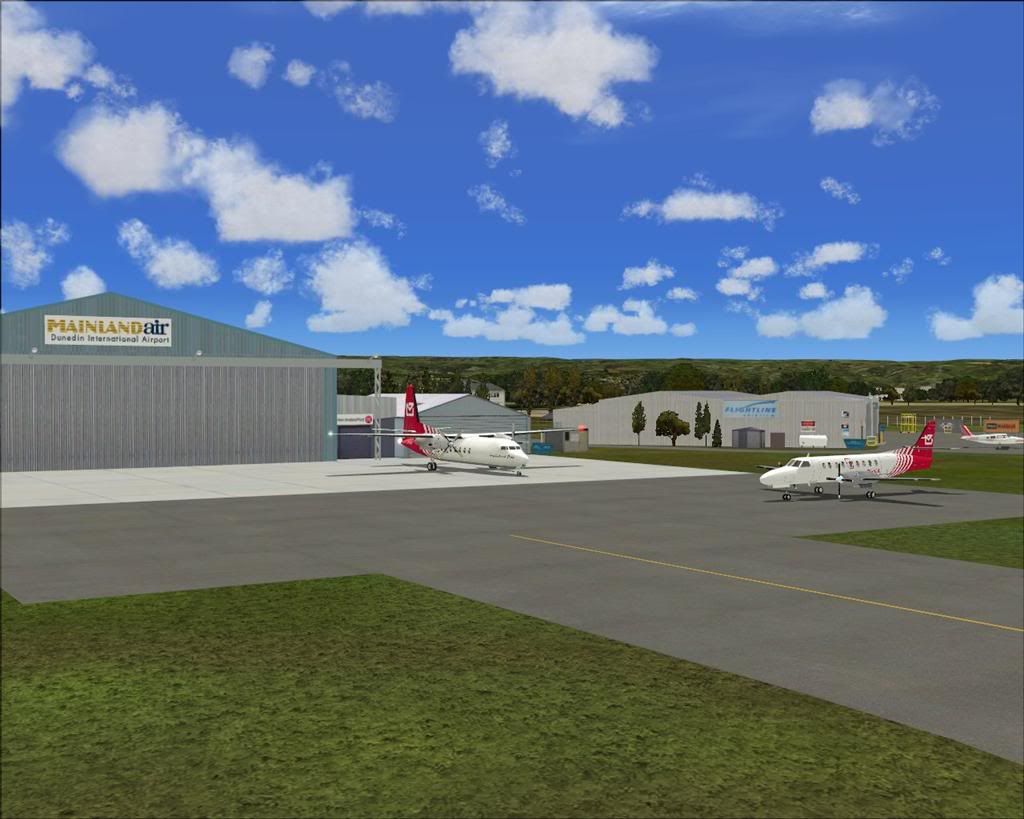
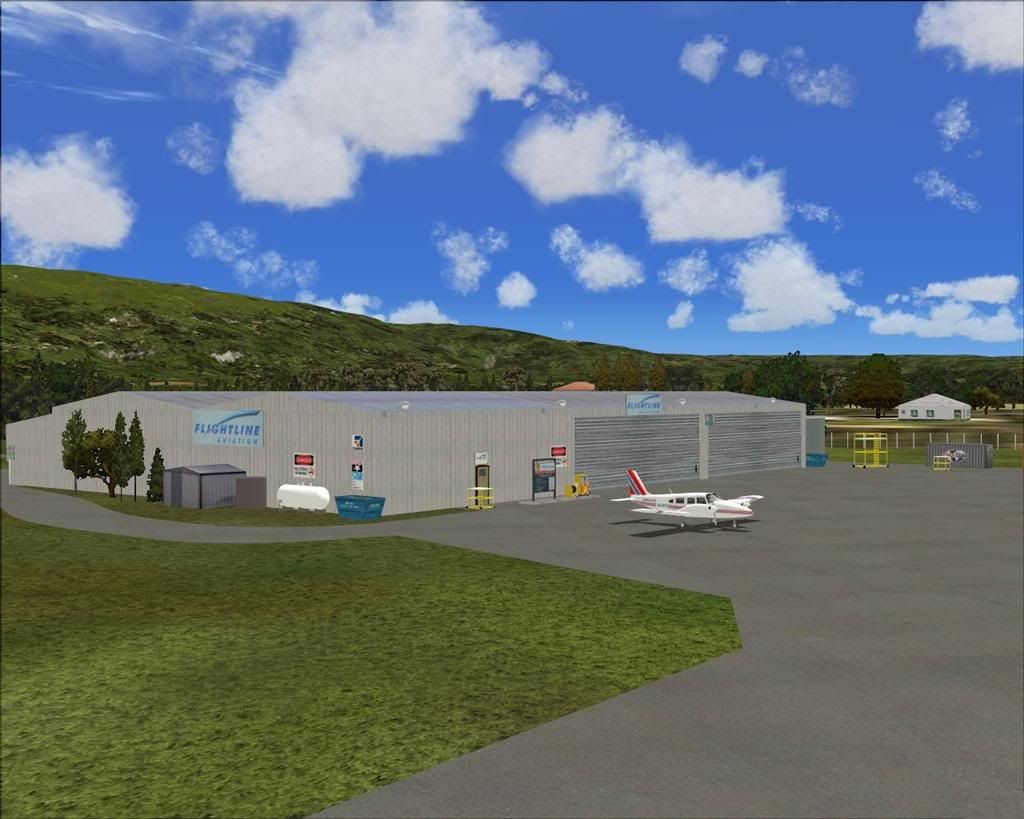
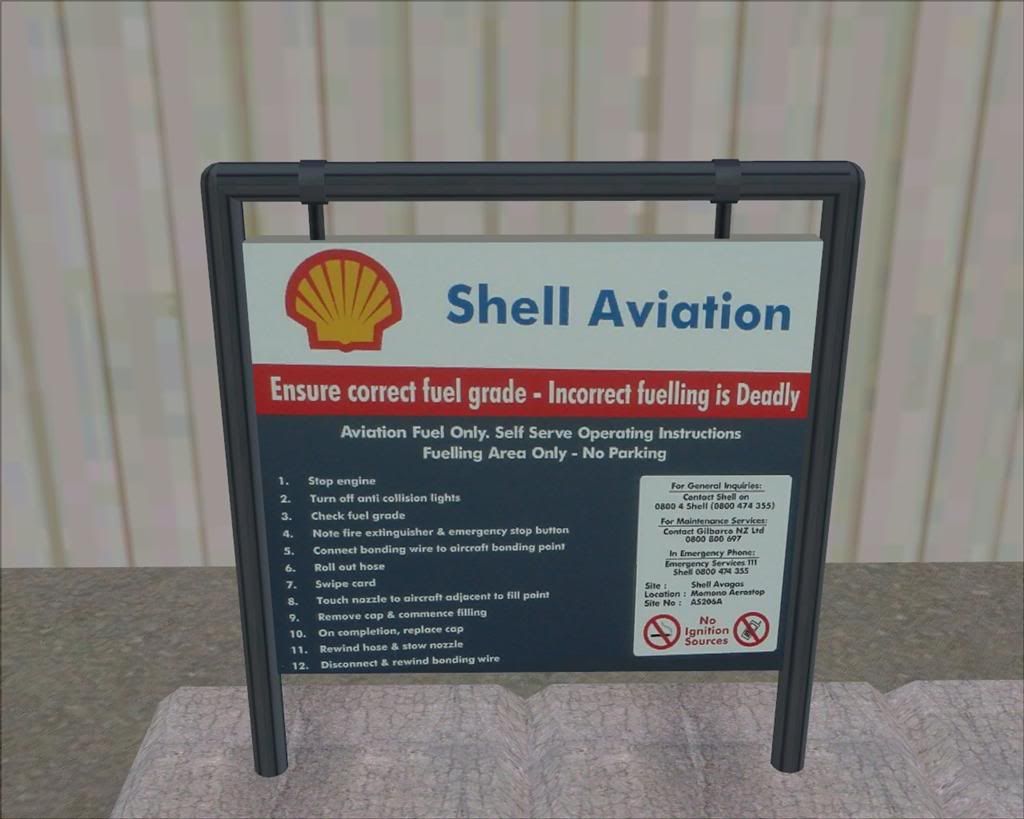
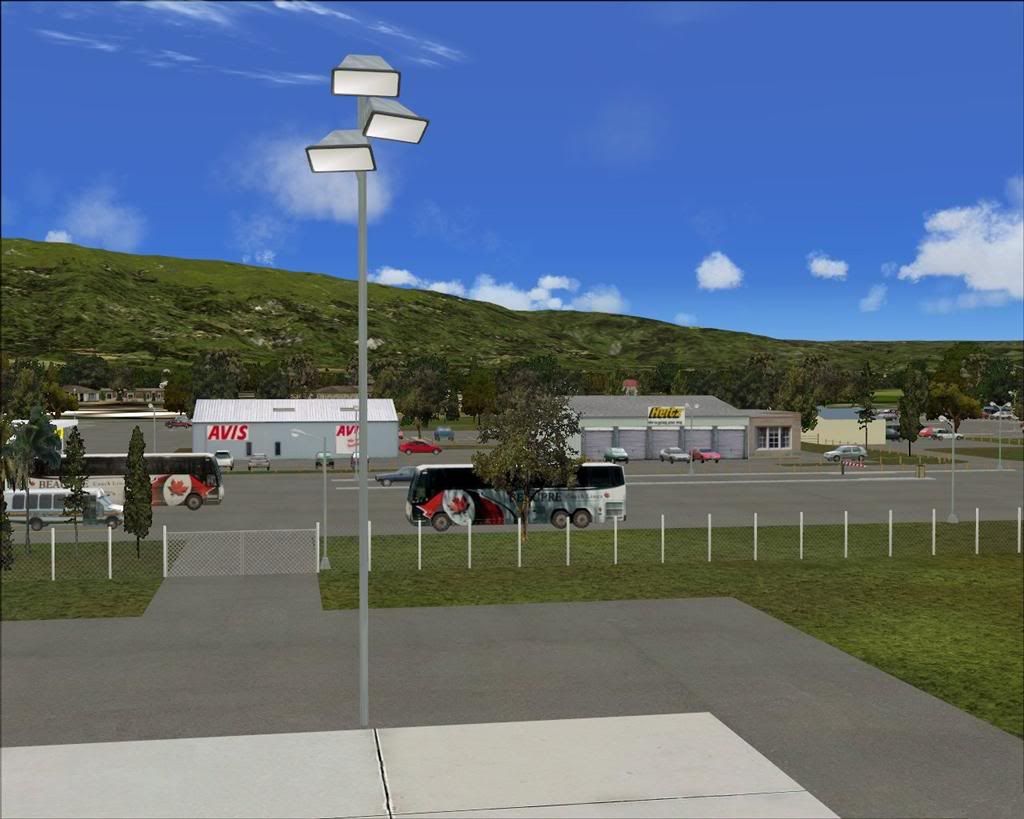
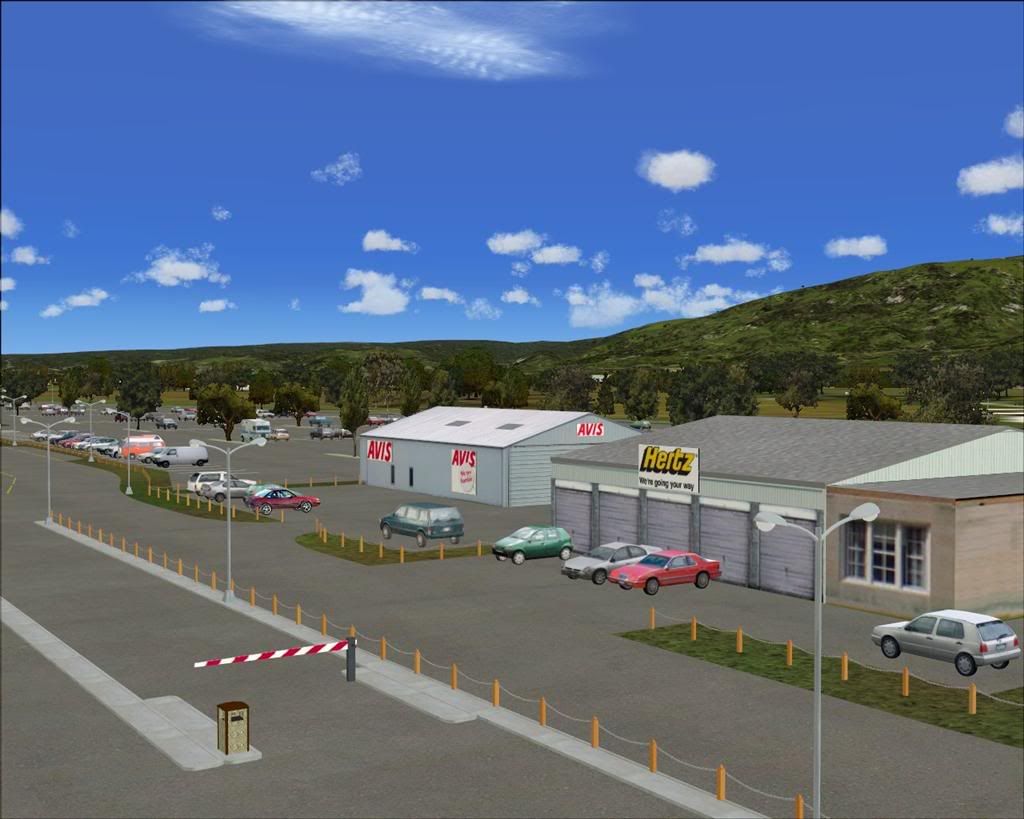
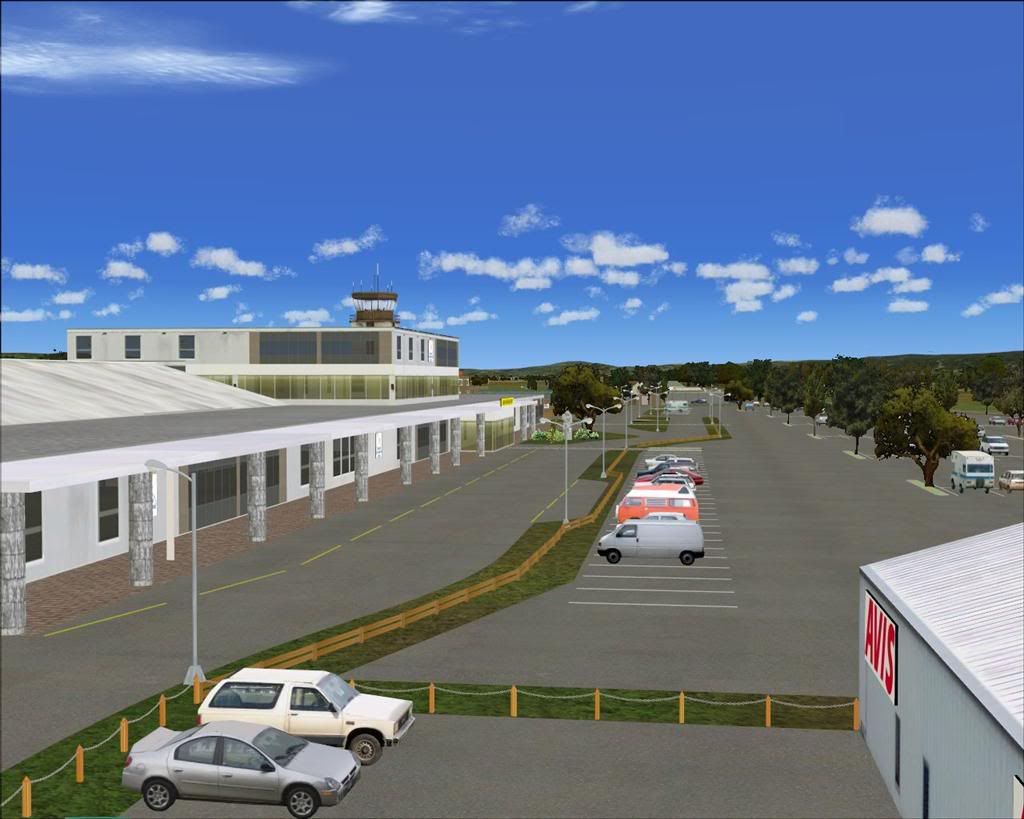
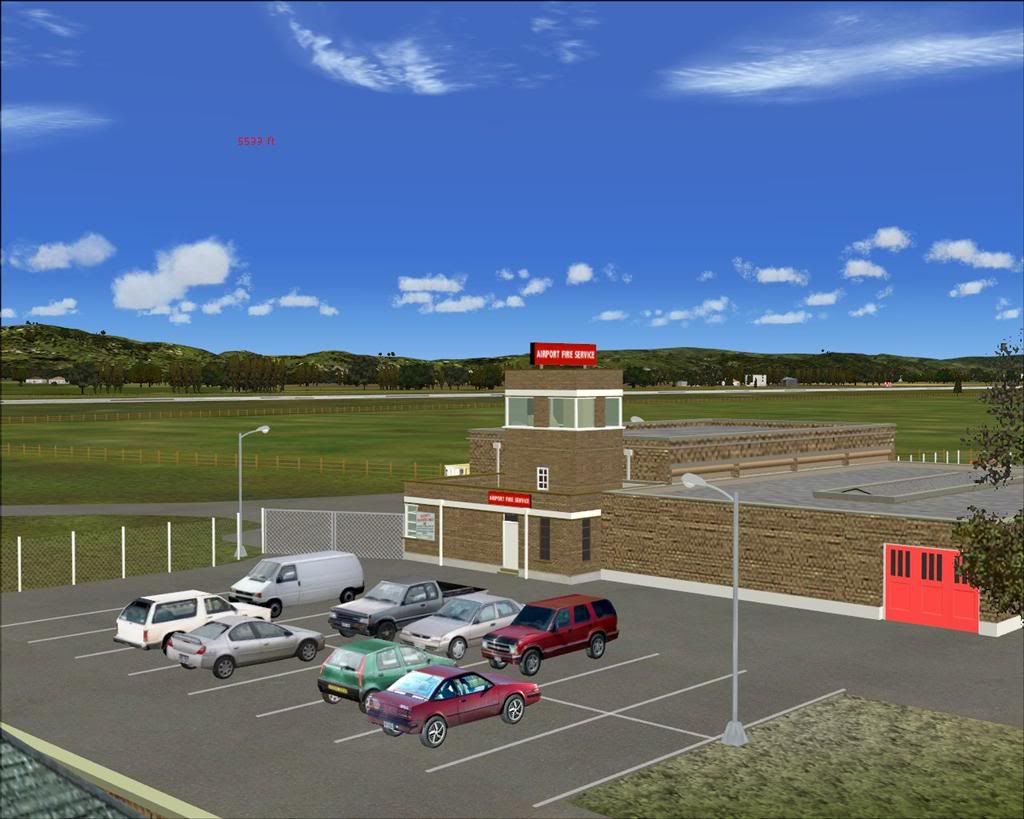
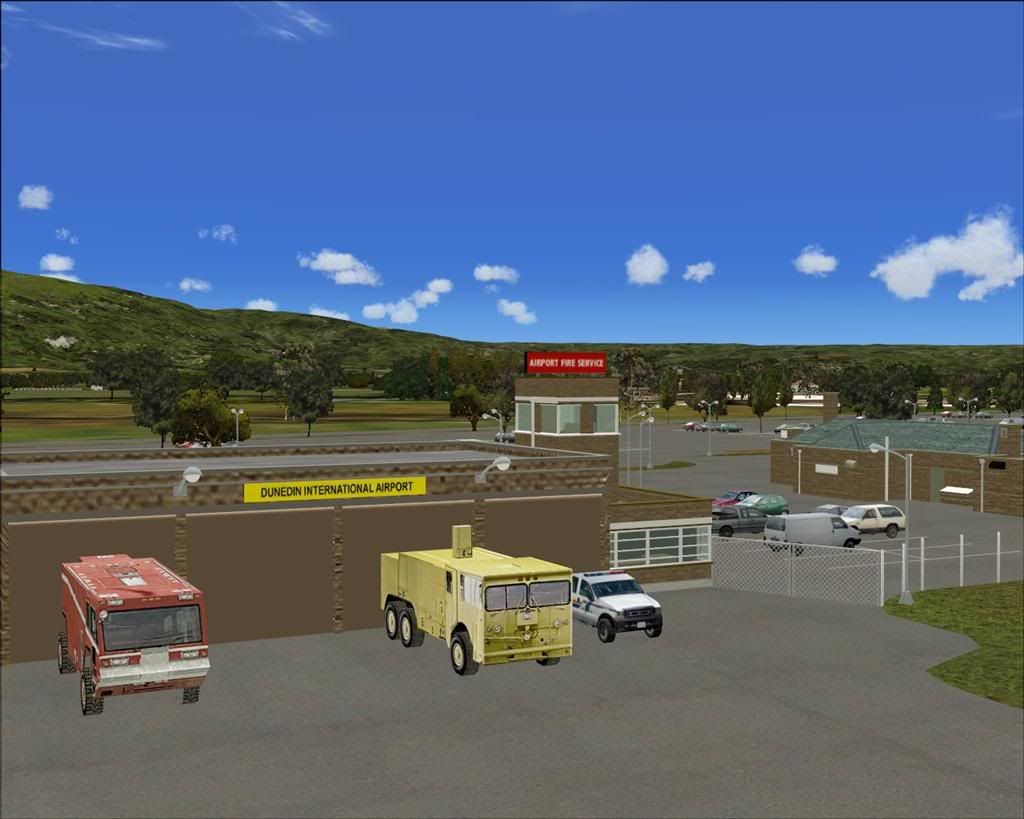
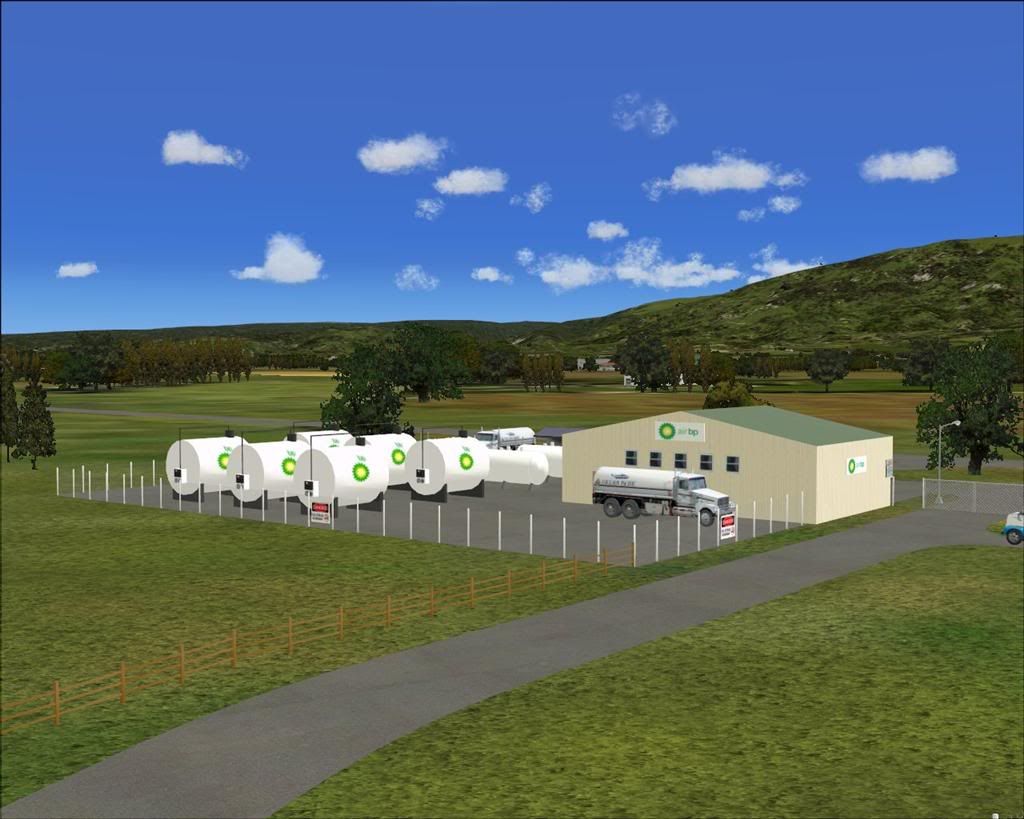
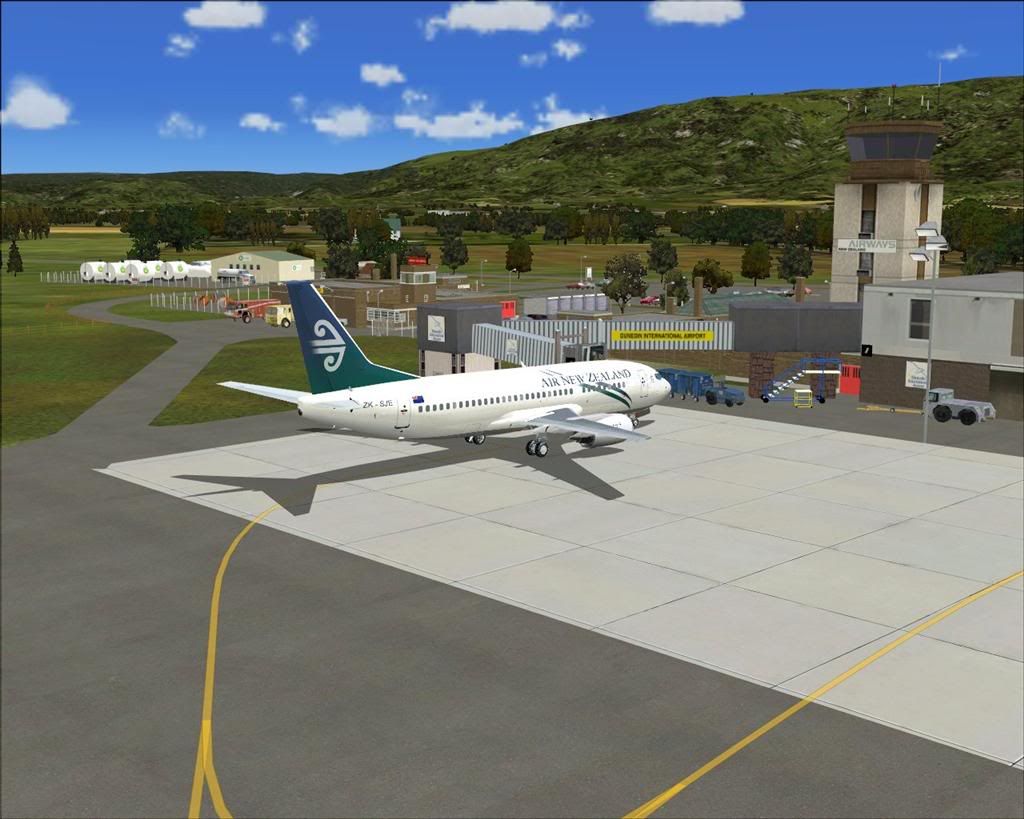
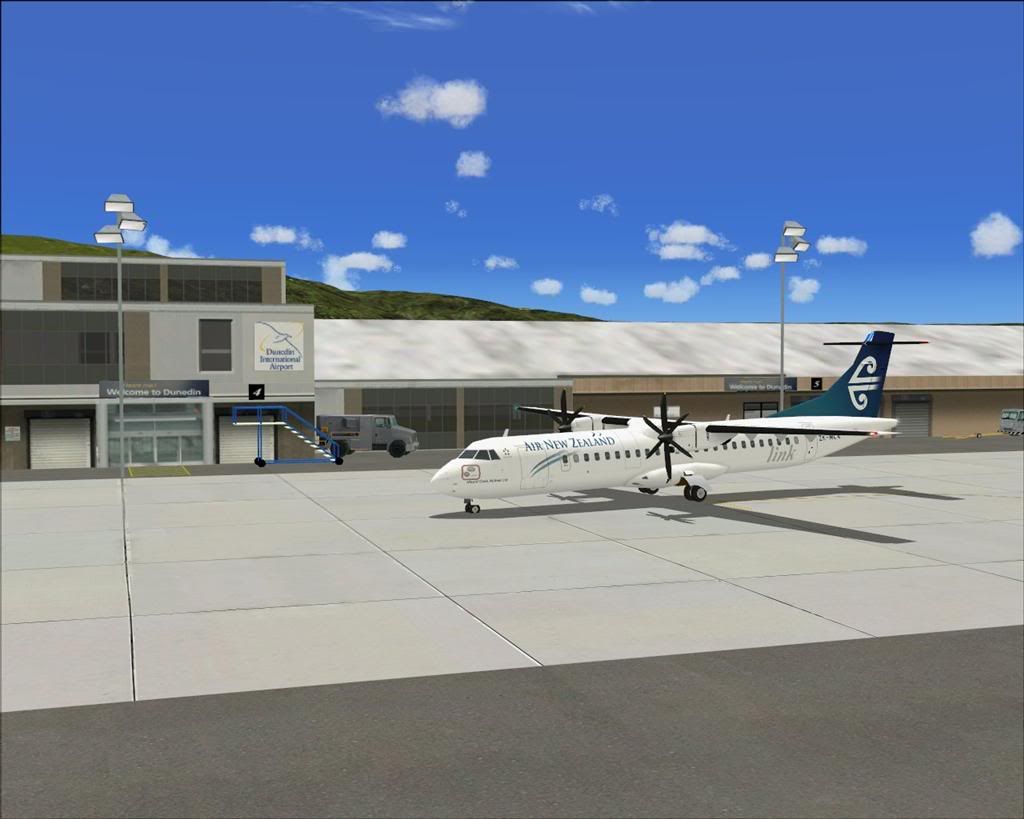
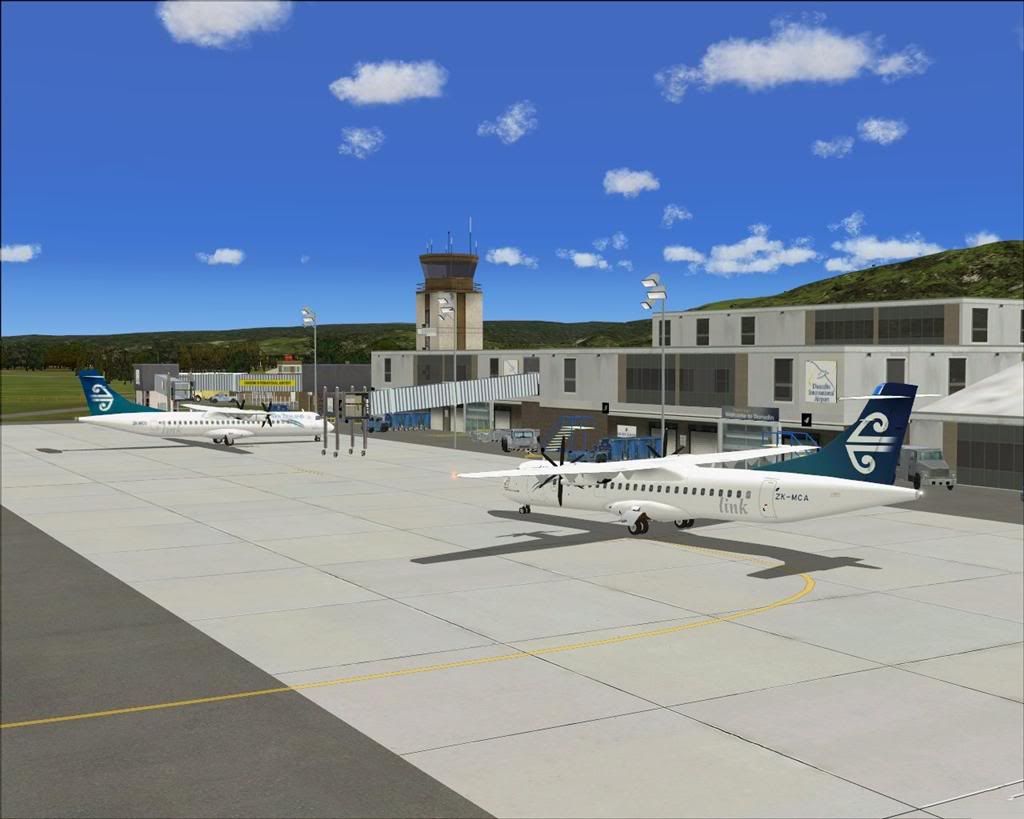
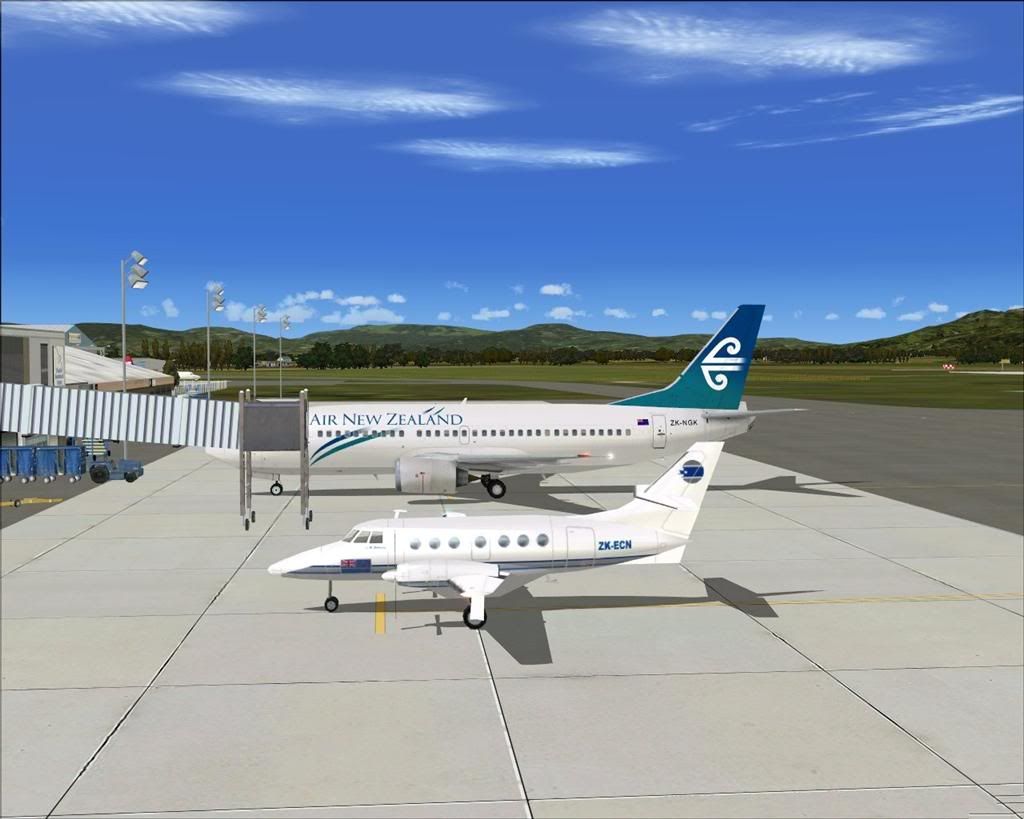
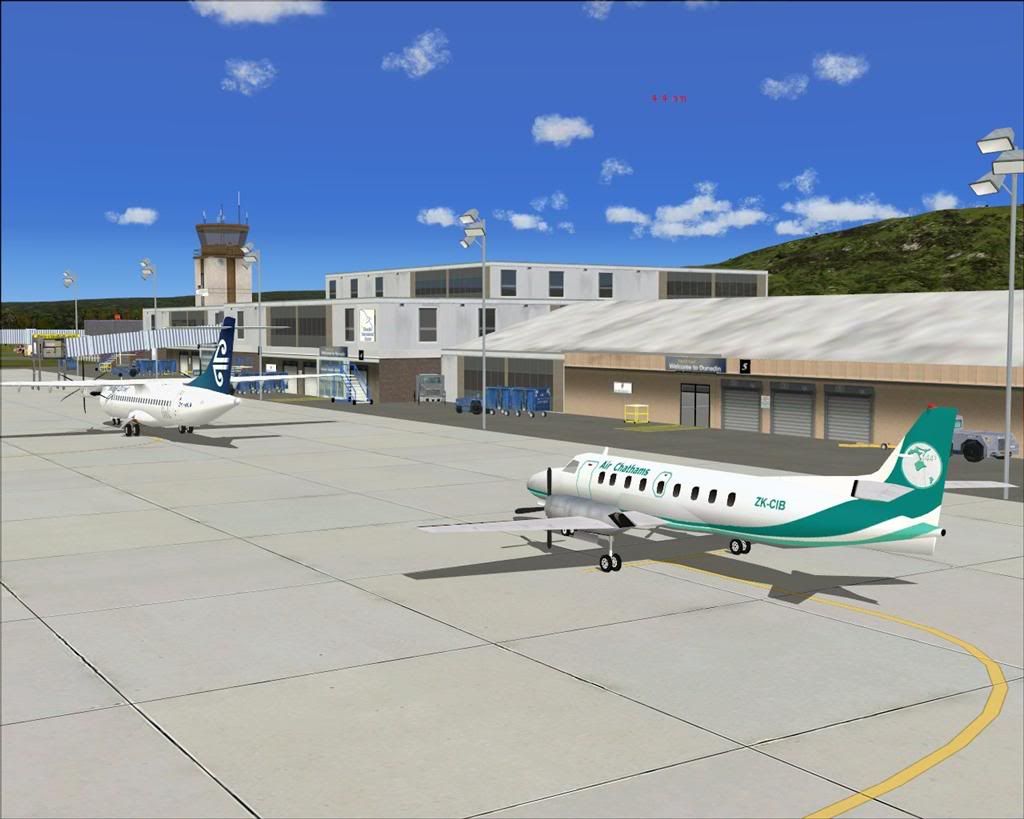
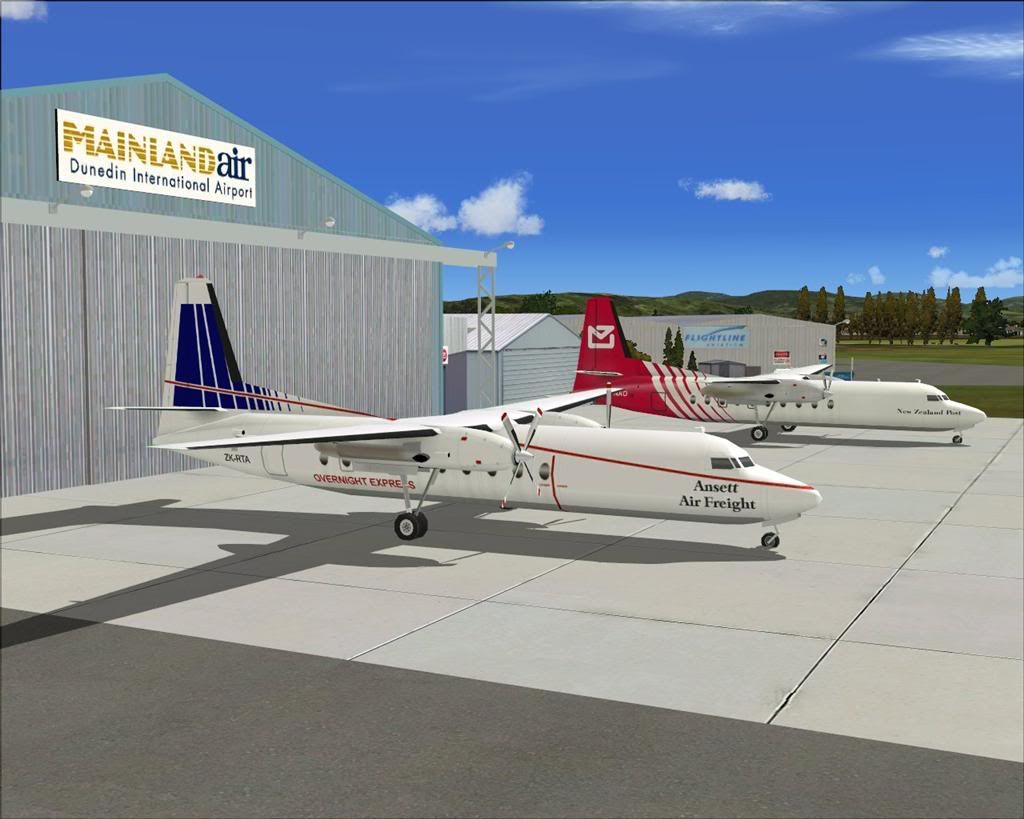



 Well worth the wait, you have given NZDN an awesome representation!! Can't wait to download and try it out!

 . Just beats any out the box Dunedin or addon by 200 miles !





 While I understand the reasons you have done this, (lack of statue choice) I suggest that if you go to Dunedin
 Alls well now. Now to rest so I can sit long enough to fly this arvo.