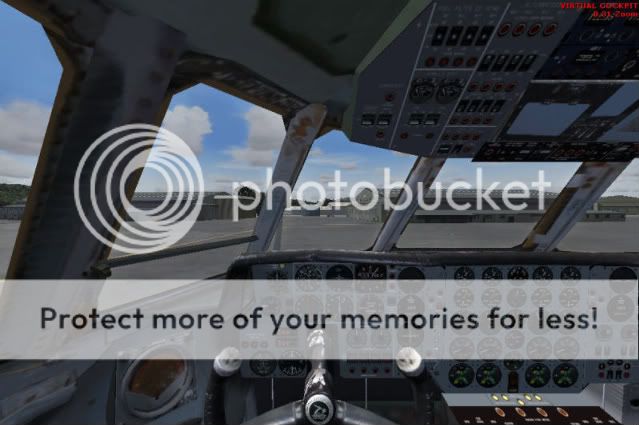
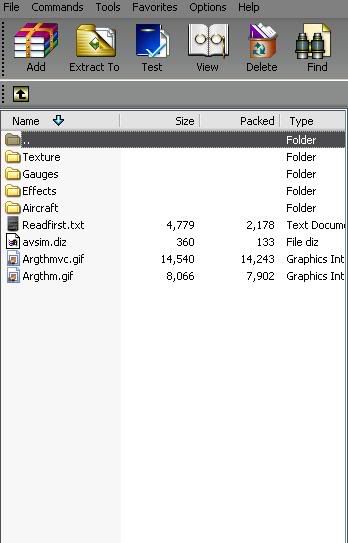
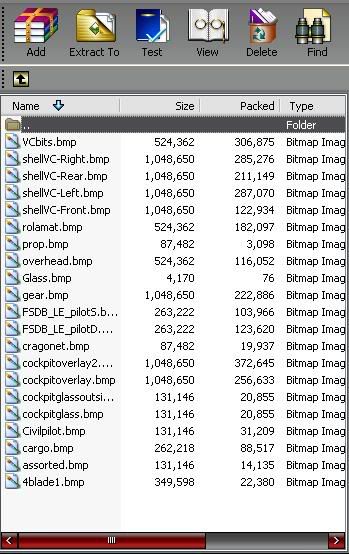
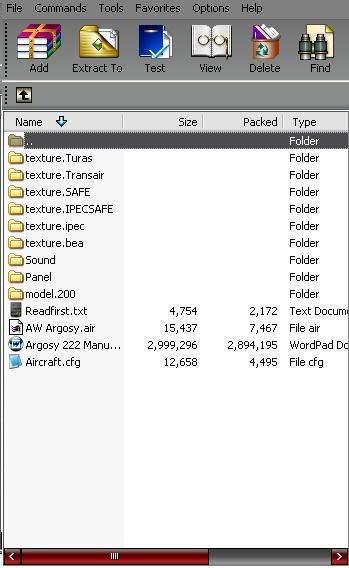
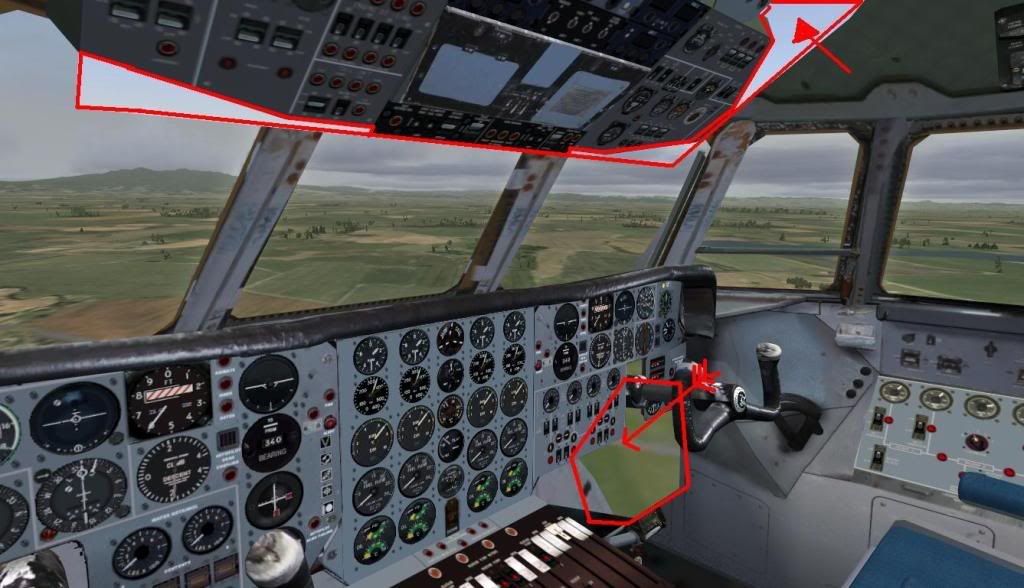
What i do that is pretty simple ,go to the panel folder of the aircraft you are modding [C:\Program Files\Microsoft Games\Microsoft Flight Simulator X\SimObjects\Airplanes\C172\panel] open up the panel cfg with note pad ..
// Panel Configuration file
// Cessna 172sp
// Copyright © 2001-2003 Microsoft Corporation. All rights reserved.
[Window Titles]
Window00=Main Panel
Window01=Radio Stack
Window02=GPS
Window03=IFR Panel
Window04=Landing View
Window05=Mini Panel
[Window00]
file_1024=cessna_172_background.bmp
file_1024_night=cessna_172_background_night.bmp
size_mm=640
position=7
visible=1
no_luminous=1
ident=MAIN_PANEL
zorder=0
windowsize_ratio=1.000
window_pos=0.0,0.0
window_size=1.000,1.000
view_window_rect=0,0,8192,4000
gauge00=Cessna!Altimeter, 346,167, 79, 79
gauge01=Cessna!Annunciator, 517,159, 62, 15
gauge02=Cessna!Avionics Switch, 288,426, 37, 47
gauge03=Cessna!Flaps, 467,415, 48, 64
gauge04=Cessna!Fuel_Selector, 556,415, 82, 62
gauge05=Cessna!Heading_Indicator, 264,247, 81, 81
gauge06=Cessna!Master_Alt_Bat, 121,425, 40, 45
gauge07=Cessna!Nav_GPS_Annunciator, 582,162, 12, 11
gauge08=Cessna!Nav GPS Switch, 594,162, 12, 11
gauge09=Cessna!OMI_Lights, 609,158
gauge10=Cessna!Pitch_Trim, 528,416, 21, 36
gauge11=Cessna!Starter, 71,422, 47, 52
gauge12=Cessna!Turn_Indicator, 185,247, 78, 78
gauge13=Cessna!Vertical_Speed, 346,247, 79, 79
gauge14=Cessna!Vacuum_Ampermeter, 122,334, 58, 58
gauge15=Cessna172!Airspeed, 185,167, 78, 78
gauge16=Cessna172!Alt_Static_Air, 339,453, 37, 27
gauge17=Cessna172!Clock, 122,193, 58, 58
gauge18=Cessna172!EGT_Fuel_Flow, 122,271, 58, 58
gauge19=Cessna172!Fuel, 61,270, 58, 58
gauge20=Cessna172!Fuel_Shutoff, 517,453, 36, 28
gauge21=Cessna172!Panel_Lights_Switch, 342,418, 30, 34
gauge22=Cessna172!Tachometer, 347,329, 78, 78
gauge23=Cessna172!Thrust_Controls, 375,425, 81, 55
gauge24=Cessna182s!Oil_Press_Temp, 62,334, 58, 58
gauge25=Cessna182s!Switches, 163,440,121, 41
gauge26=CessnaWAlpha!ADF_Alpha, 431,329, 79, 79
gauge27=CessnaWAlpha!Attitude_Alpha, 266,167, 78, 78
gauge28=CessnaWAlpha!VOR2_Alpha, 431,247, 79, 79
gauge29=CessnaWAlpha!VOR1_Alpha, 431,167, 79, 79
gauge30=CessnaWAlpha!Whiskey_Compass_Alpha, 499, 98, 35, 23
gauge41=SimIcons!Kneeboard Icon, 66,255
gauge42=SimIcons!ATC Icon, 78,255
gauge43=SimIcons!Map Icon, 90,255
gauge44=SimIcons!GPS Icon, 102,255
gauge45=SimIcons1024!IFR Icon, 114,255, 12, 12
gauge46=SimIcons1024!Landing Icon, 126,255, 12, 12
gauge47=Bendix_King_Radio!Bendix-King Radio Audio, 519,177,120, 24
gauge48=Bendix_King_Radio!Bendix-King Radio Nav-Comm 1, 519,200,120, 41
gauge49=Bendix_King_Radio!Bendix-King Radio Nav-Comm 2, 519,240,120, 42
gauge50=Bendix_King_Radio!Bendix-King Radio ADF, 519,281,120, 32
gauge51=Bendix_King_Radio!Bendix-King Radio DME, 519,313,120, 30
gauge52=Bendix_King_Radio!Bendix-King Radio Xpndr, 519,343,120, 34
gauge53=Bendix_King_Radio!Bendix-King Radio AP, 519,377,121, 34
gauge54=n_number_plaque!n_number_plaque, 175,380,75,21
//--------------------------------------------------------
[Window03]
file_1024=cessna_172_ifr_background.bmp
file_1024_night=cessna_172_ifr_background_night.bmp
size_mm=640
position=7
visible=0
ident=MAIN_PANEL_ALT1
no_luminous=1
zorder=1
view_window_rect=0,0,8192,1200
gauge00=Cessna!Altimeter, 279, 91,100, 99
gauge01=Cessna!Annunciator, 493, 81, 79, 20
gauge02=Cessna!Avionics Switch, 210,411, 40, 59
gauge03=Cessna!Flaps, 430,399, 61, 78
gauge04=Cessna!Fuel_Selector, 540,400, 98, 79
gauge05=Cessna!Heading_Indicator, 179,191,100, 99
gauge06=Cessna!Master_Alt_Bat, 2,414, 45, 55
gauge07=Cessna!Nav_GPS_Annunciator, 574, 84, 16, 15
gauge08=Cessna!Nav GPS Switch, 589, 86, 13, 11
gauge09=Cessna!OMI_Lights, 609, 83, 31, 15
gauge10=Cessna!Pitch_Trim, 504,400, 24, 46
gauge11=Cessna!Turn_Indicator, 78,189,100,100
gauge12=Cessna!Vertical_Speed, 280,191,100,100
gauge13=Cessna!Vacuum_Ampermeter, 158,298, 73, 75
gauge14=Cessna172!Airspeed, 79, 90, 98, 97
gauge15=Cessna172!Alt_Static_Air, 271,449, 44, 30
gauge16=Cessna172!Clock, 1,122, 73, 72
gauge17=Cessna172!EGT_Fuel_Flow, 1,299, 73, 73
gauge18=Cessna172!Fuel, 1,220, 74, 72
gauge19=Cessna172!Fuel_Shutoff, 494,445, 43, 34
gauge20=Cessna172!Tachometer, 282,293, 98, 95
gauge21=Cessna172!Thrust_Controls, 321,414,102, 64
gauge22=Cessna172!Panel_Lights_Switch, 273,402, 38, 41
gauge23=Cessna182s!Oil_Press_Temp, 80,300, 73, 72
gauge24=Cessna182s!Switches, 51,429,151, 51
gauge25=CessnaWAlpha!ADF_Alpha, 387,292,100,100
gauge26=CessnaWAlpha!Attitude_Alpha, 179, 90,100, 99
gauge27=CessnaWAlpha!VOR1_Alpha, 385, 91,100,100
gauge28=CessnaWAlpha!VOR2_Alpha, 385,190,100,100
gauge29=CessnaWAlpha!Whiskey_Compass_Alpha, 471, 3, 43, 30
gauge30=SimIcons!Kneeboard Icon, 37,379, 12, 12
gauge31=SimIcons!ATC Icon, 51,379, 12, 12
gauge32=SimIcons!Map Icon, 65,379, 12, 12
gauge33=SimIcons!GPS Icon, 79,379, 12, 12
gauge34=SimIcons1024!VFR Icon, 93,379, 12, 12
gauge35=SimIcons1024!Landing Icon, 107,379, 12, 12
gauge36=Bendix_King_Radio!Bendix-King Radio Audio, 496,102,143,27
gauge37=Bendix_King_Radio!Bendix-King Radio Nav-Comm 1, 496,129,143,52
gauge38=Bendix_King_Radio!Bendix-King Radio Nav-Comm 2, 496,181,143,56
gauge39=Bendix_King_Radio!Bendix-King Radio ADF, 496,236,143,35
gauge40=Bendix_King_Radio!Bendix-King Radio DME, 496,271,143,37
gauge41=Bendix_King_Radio!Bendix-King Radio Xpndr, 496,308,143,43
gauge42=Bendix_King_Radio!Bendix-King Radio AP, 496,351,143,43
[Window04]
file_1024=cessna_172_landing_background.bmp
file_1024_night=cessna_172_landing_background_night.bmp
size_mm=640
visible=0
no_luminous=1
ident=MAIN_PANEL_ALT2
windowsize_ratio=1.000
position=7
zorder=2
view_window_rect=0,0,8192,4900
gauge00=Cessna!Altimeter, 346,167, 79, 79
gauge01=Cessna!Annunciator, 517,159, 62, 15
gauge02=Cessna!Avionics Switch, 288,426, 37, 47
gauge03=Cessna!Flaps, 467,415, 48, 64
gauge04=Cessna!Fuel_Selector, 556,415, 82, 62
gauge05=Cessna!Heading_Indicator, 264,247, 81, 81
gauge06=Cessna!Master_Alt_Bat, 121,425, 40, 45
gauge07=Cessna!Nav_GPS_Annunciator, 582,162, 12, 11
gauge08=Cessna!Nav GPS Switch, 595,162, 10, 10
gauge09=Cessna!OMI_Lights, 609,158
gauge10=Cessna!Pitch_Trim, 528,416, 21, 36
gauge11=Cessna!Starter, 71,422, 47, 52
gauge12=Cessna!Turn_Indicator, 185,247, 78, 78
gauge13=Cessna!Vertical_Speed, 346,247, 79, 79
gauge14=Cessna!Vacuum_Ampermeter, 122,334, 58, 58
gauge15=Cessna172!Airspeed, 185,167, 78, 78
gauge16=Cessna172!Alt_Static_Air, 339,453, 37, 27
gauge17=Cessna172!Clock, 122,193, 58, 58
gauge18=Cessna172!EGT_Fuel_Flow, 122,271, 58, 58
gauge19=Cessna172!Fuel, 61,270, 58, 58
gauge20=Cessna172!Fuel_Shutoff, 517,453, 36, 28
gauge21=Cessna172!Panel_Lights_Switch, 342,418, 30, 34
gauge22=Cessna172!Tachometer, 347,329, 78, 78
gauge23=Cessna172!Thrust_Controls, 375,425, 81, 55
gauge24=Cessna182s!Oil_Press_Temp, 62,334, 58, 58
gauge25=Cessna182s!Switches, 163,440,121, 41
gauge26=CessnaWAlpha!ADF_Alpha, 431,329, 79, 79
gauge27=CessnaWAlpha!Attitude_Alpha, 266,167, 78, 78
gauge28=CessnaWAlpha!VOR1_Alpha, 431,167, 79, 79
gauge29=CessnaWAlpha!VOR2_Alpha, 431,247, 79, 79
gauge30=CessnaWAlpha!Whiskey_Compass_Alpha, 499, 98, 35, 24
gauge31=SimIcons!Kneeboard Icon, 66,255
gauge32=SimIcons!ATC Icon, 78,255
gauge33=SimIcons!Map Icon, 90,255
gauge34=SimIcons!GPS Icon, 102,255
gauge35=SimIcons1024!VFR Icon, 114,255, 12, 12
gauge36=SimIcons1024!IFR Icon, 126,255, 12, 12
gauge37=Bendix_King_Radio!Bendix-King Radio Audio, 519,177,120, 24
gauge38=Bendix_King_Radio!Bendix-King Radio Nav-Comm 1, 519,200,120, 41
gauge39=Bendix_King_Radio!Bendix-King Radio Nav-Comm 2, 519,240,120, 42
gauge40=Bendix_King_Radio!Bendix-King Radio ADF, 519,281,120, 32
gauge41=Bendix_King_Radio!Bendix-King Radio DME, 519,313,120, 30
gauge42=Bendix_King_Radio!Bendix-King Radio Xpndr, 519,343,120, 34
gauge43=Bendix_King_Radio!Bendix-King Radio AP, 519,377,121, 34
[Window01]
BACKGROUND_COLOR=2,2,2
size_mm=156,308
position=8
visible=0
ident=RADIO_STACK_PANEL
zorder=3
gauge00=Bendix_King_Radio!Bendix-King Radio Audio, 0, 0,156,31
gauge01=Bendix_King_Radio!Bendix-King Radio Nav-Comm 1, 0, 29,156,59
gauge02=Bendix_King_Radio!Bendix-King Radio Nav-Comm 2, 0, 86,156,59
gauge03=Bendix_King_Radio!Bendix-King Radio ADF, 0,142,156,41
gauge04=Bendix_King_Radio!Bendix-King Radio DME, 0,180,156,41
gauge05=Bendix_King_Radio!Bendix-King Radio Xpndr, 0,217,156,49
gauge06=Bendix_King_Radio!Bendix-King Radio AP, 0,262,156,48
windowsize_ratio=1.000
window_pos=0.756,0.358
window_size=0.243,0.641
[Window02]
size_mm=456,378
window_size=0.5
position=8
BACKGROUND_COLOR=0,0,0
VISIBLE=0
ident=GPS_PANEL
zorder=4
gauge00=fs9gps!gps_500, 0,0
[Window05]
position=7
size_mm=631,100
child_3d=1
background_color=0,0,0
no_luminous=1
ident=MINIPANEL
gauge00=Cessna172!Airspeed, 0, 1
gauge01=Cessna!Turn_Indicator, 102, 0
gauge02=CessnaWAlpha!Attitude_Alpha, 207, 0
gauge03=Cessna!Heading_Indicator, 312, 0
gauge04=Cessna!Altimeter, 417, 0
gauge05=Cessna!Vertical_Speed, 531, 0
[VCockpit01]
size_mm=512,512
pixel_size=512,512
texture=$C172s_1
background_color=0,0,0
gauge00=Cessna!Nav_GPS_Annunciator, 69,457, 20, 19
gauge01=Cessna!VOR1, 259, 1,140,140
gauge02=Cessna!Nav GPS Switch, 45,456, 20, 21
gauge03=Cessna!ADF, 259,283,145,145
gauge04=Cessna172!EGT_Fuel_Flow, 400,109,107,107
gauge05=Cessna172!Fuel, 400, 1,107,107
gauge06=Cessna182s!Oil_Press_Temp, 405,325,107,107
gauge07=Cessna!OMI_Lights, 0,456, 44, 24
gauge08=Cessna!Vacuum_Ampermeter, 405,217,107,107
gauge09=Cessna!Annunciator, 0,481, 99, 25
gauge10=Cessna172!Whiskey_Compass, 100,456, 56, 39
gauge11=Cessna182s!VOR2, 259,142,140,140
gauge12=Bendix_King_Radio!Bendix-King Radio Audio, 0, 0, 258, 50
gauge13=Bendix_King_Radio!Bendix-King Radio Nav-Comm 1, 0, 51,258, 95
gauge14=Bendix_King_Radio!Bendix-King Radio Nav-Comm 2, 0,147,258, 95
gauge15=Bendix_King_Radio!Bendix-King Radio ADF, 0,243,258, 66
gauge16=Bendix_King_Radio!Bendix-King Radio DME, 0,310,258, 66
gauge17=Bendix_King_Radio!Bendix-King Radio Xpndr, 0,377,258, 78
gauge18=n_number_plaque!n_number_plaque, 188,468,89,25
[VCockpit02]
size_mm=512,512
pixel_size=512,512
texture=$C172s_2
background_color=0,0,0
gauge00=Cessna!Heading_Indicator, 0, 0,163,162
gauge01=Cessna!Turn_Indicator, 164, 0,158,158
gauge02=Bell_206B!Attitude, 323, 0,158,158
gauge03=Cessna!Altimeter, 0,163,158,156
gauge04=Cessna172!Airspeed, 164,159,155,155
gauge05=Cessna!Vertical_Speed, 323,159,156,157
gauge06=Bendix_King_Radio!Bendix-King Radio AP, 0,321,258, 77
gauge07=Cessna172!Tachometer, 260,318,143,143
gauge08=Cessna172!Clock, 0,400, 86, 86
gauge09=Cessna!Flaps, 88,400, 78,105
[Views]
VIEW_FORWARD_DIR= 8.0, 0.0, 0.0
[Color]
Day=255,255,255
Night=255,255,255
Luminous=201,64,64[/quote]
you go find this part of the cfg
QUOTE
[VCockpit01]
size_mm=512,512
pixel_size=512,512
texture=$C172s_1
background_color=0,0,0
gauge00=Cessna!Nav_GPS_Annunciator, 69,457, 20, 19
gauge01=Cessna!VOR1, 259, 1,140,140
gauge02=Cessna!Nav GPS Switch, 45,456, 20, 21
gauge03=Cessna!ADF, 259,283,145,145
gauge04=Cessna172!EGT_Fuel_Flow, 400,109,107,107
gauge05=Cessna172!Fuel, 400, 1,107,107
gauge06=Cessna182s!Oil_Press_Temp, 405,325,107,107
gauge07=Cessna!OMI_Lights, 0,456, 44, 24
gauge08=Cessna!Vacuum_Ampermeter, 405,217,107,107
gauge09=Cessna!Annunciator, 0,481, 99, 25
gauge10=Cessna172!Whiskey_Compass, 100,456, 56, 39
gauge11=Cessna182s!VOR2, 259,142,140,140
gauge12=Bendix_King_Radio!Bendix-King Radio Audio, 0, 0, 258, 50
gauge13=Bendix_King_Radio!Bendix-King Radio Nav-Comm 1, 0, 51,258, 95
gauge14=Bendix_King_Radio!Bendix-King Radio Nav-Comm 2, 0,147,258, 95
gauge15=Bendix_King_Radio!Bendix-King Radio ADF, 0,243,258, 66
gauge16=Bendix_King_Radio!Bendix-King Radio DME, 0,310,258, 66
gauge17=Bendix_King_Radio!Bendix-King Radio Xpndr, 0,377,258, 78
gauge18=n_number_plaque!n_number_plaque, 188,468,89,25
[VCockpit02]
size_mm=512,512
pixel_size=512,512
texture=$C172s_2
background_color=0,0,0
gauge00=Cessna!Heading_Indicator, 0, 0,163,162
gauge01=Cessna!Turn_Indicator, 164, 0,158,158
gauge02=Bell_206B!Attitude, 323, 0,158,158
gauge03=Cessna!Altimeter, 0,163,158,156
gauge04=Cessna172!Airspeed, 164,159,155,155
gauge05=Cessna!Vertical_Speed, 323,159,156,157
gauge06=Bendix_King_Radio!Bendix-King Radio AP, 0,321,258, 77
gauge07=Cessna172!Tachometer, 260,318,143,143
gauge08=Cessna172!Clock, 0,400, 86, 86
gauge09=Cessna!Flaps, 88,400, 78,105[/quote]
now you just go through the other panel folders of other aircraft that you like and change gauge lines apart from the numbers [=Cessna!Heading_Indicator,]or [Cessna172!EGT_Fuel_Flow]etc for the ones that you have in the aircraft you are modding ,,it is best to use default fsx aircraft replacement if you where to share the mod you have done otherwise you can use your payware ones but keeping in mind they are copyrighted to that company etc ..
just save your changes with notepad and check out the vc ,,the numbers are just the placement of the gauge on the panel ...
the textures in this folder also can be played around with using photoshop or gimp maybe
the 2D panel works the same way..
as for modding the 3d modeling of a VC is a no go unless from what i remember X aircraft made with the X SDK come in two parts VC and Plane fuse so you could build a new VC for a plane if you knew how ...
i hope ive given you enough to understand sort of and you can make a start
mike
ps :always backup and save somewhere else before you start so you can always go back if it doesnt work out
 Posted: Sat Dec 13, 2008 8:21 pm