Page 1 of 1

PostPosted: Sun Sep 23, 2007 5:59 pm
by Kelburn
Please,
Anyone that models FS Aircraft in GMAX, could they direct me to any tutorials or the tutorial that got them started on modeling aircraft.
It would be helpful if the tutorials relate to creating aircraft with a step by step guide from start to finish.
PostPosted: Sun Sep 23, 2007 6:23 pm
by Kelburn
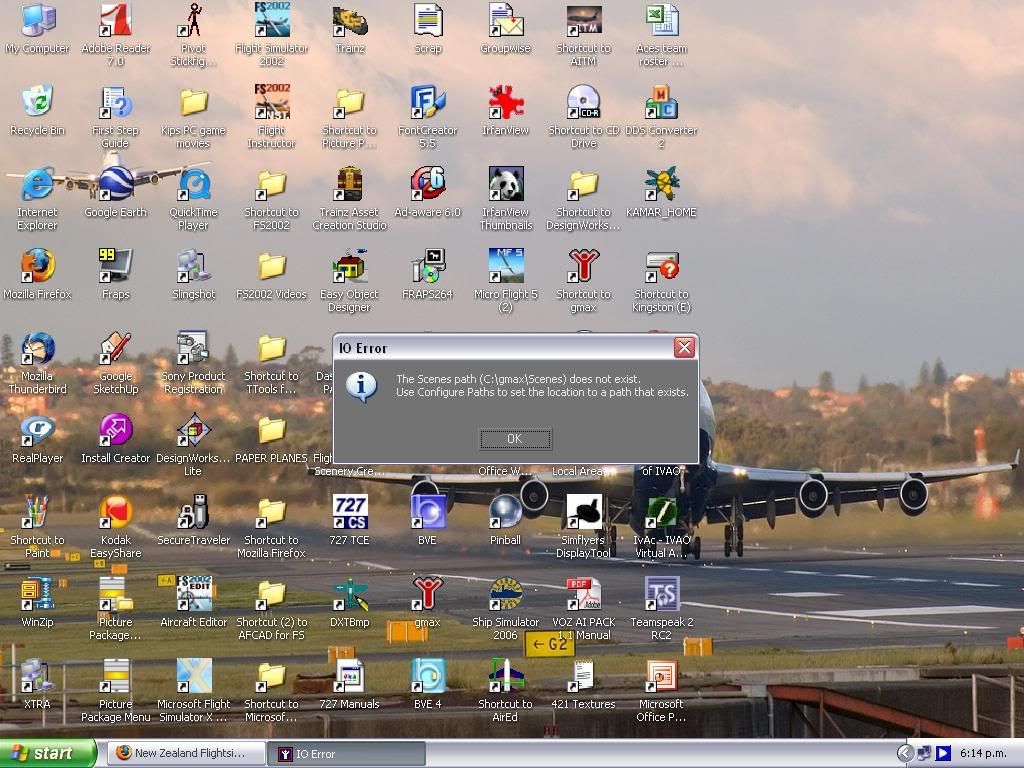
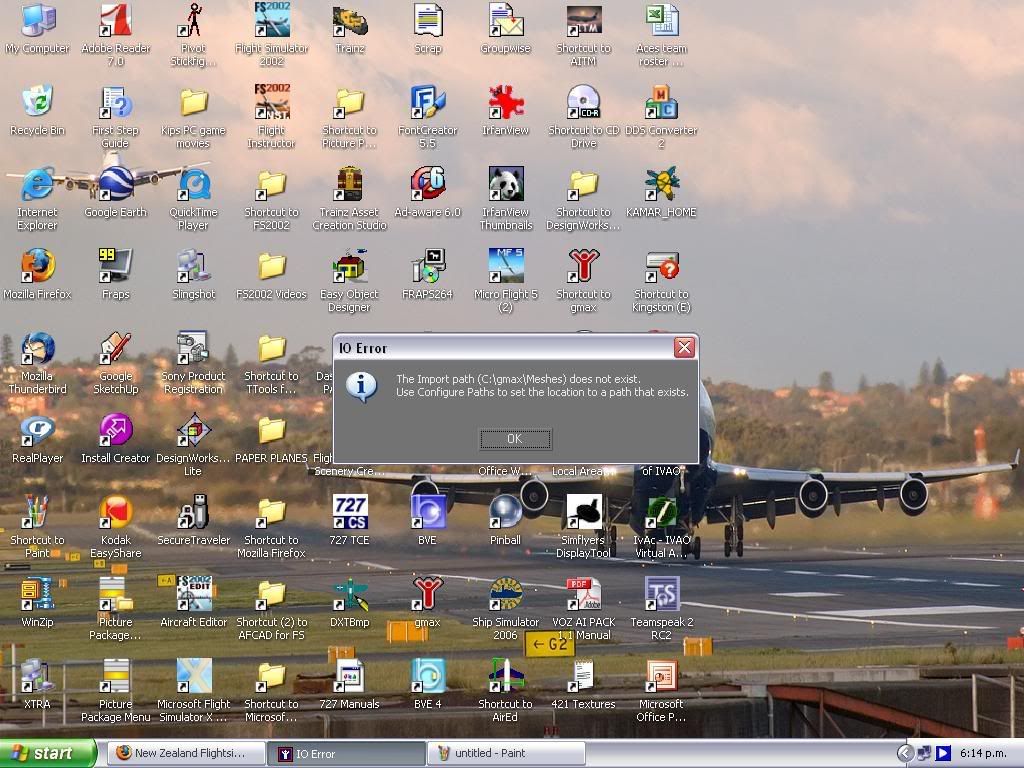
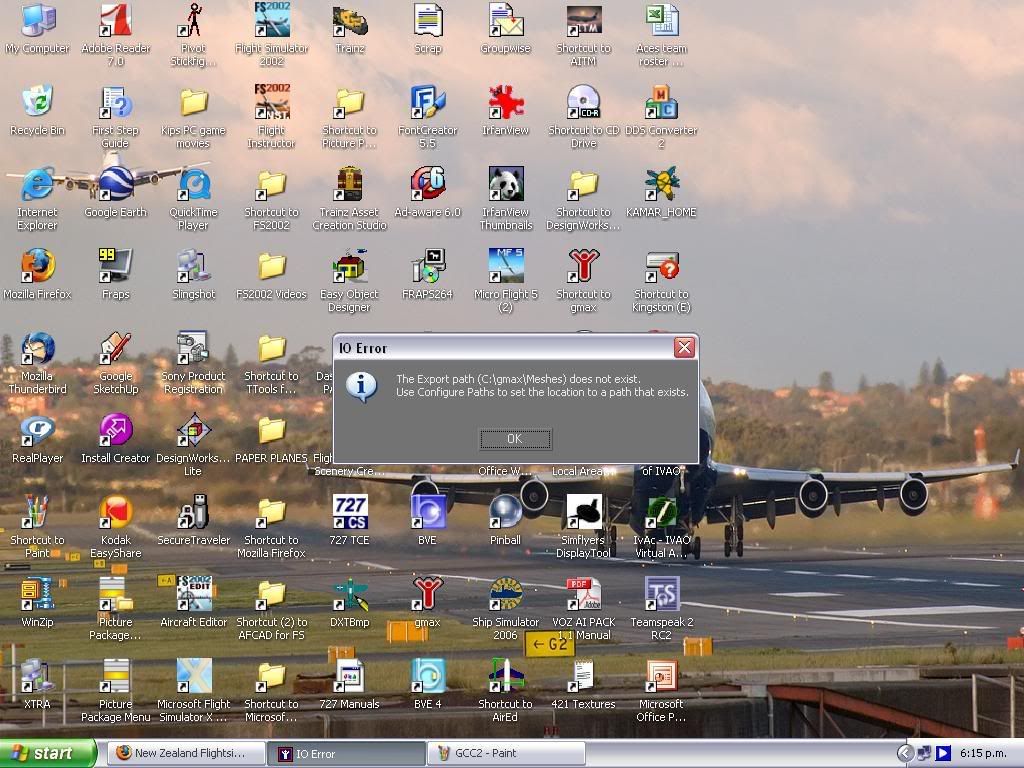
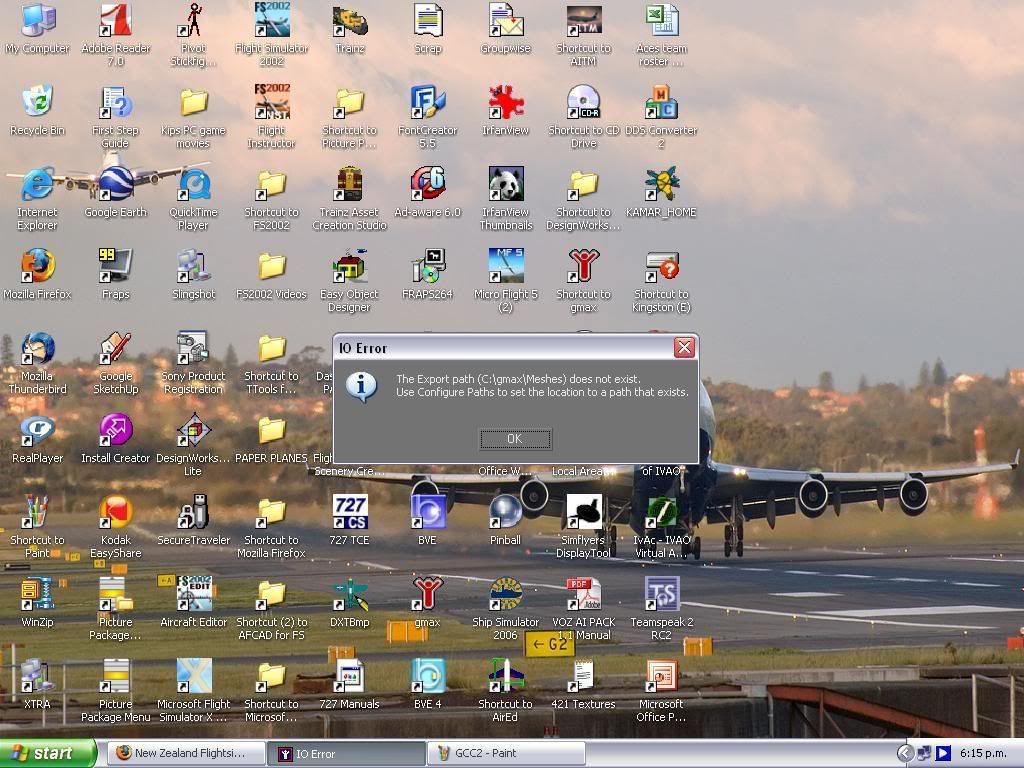
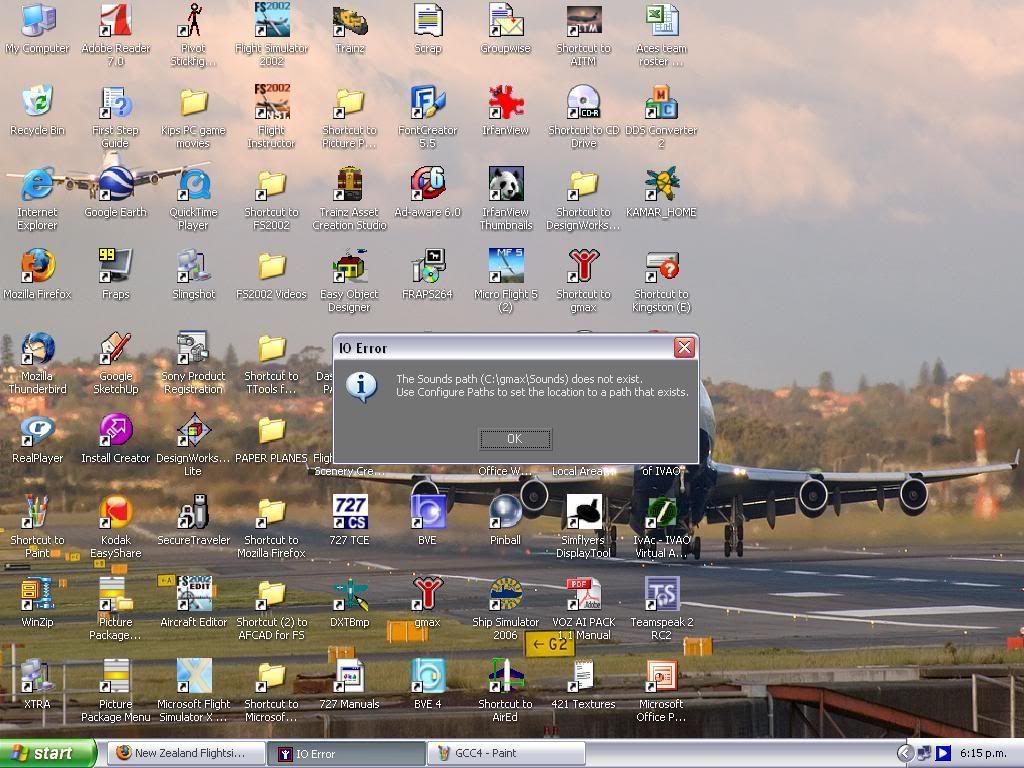
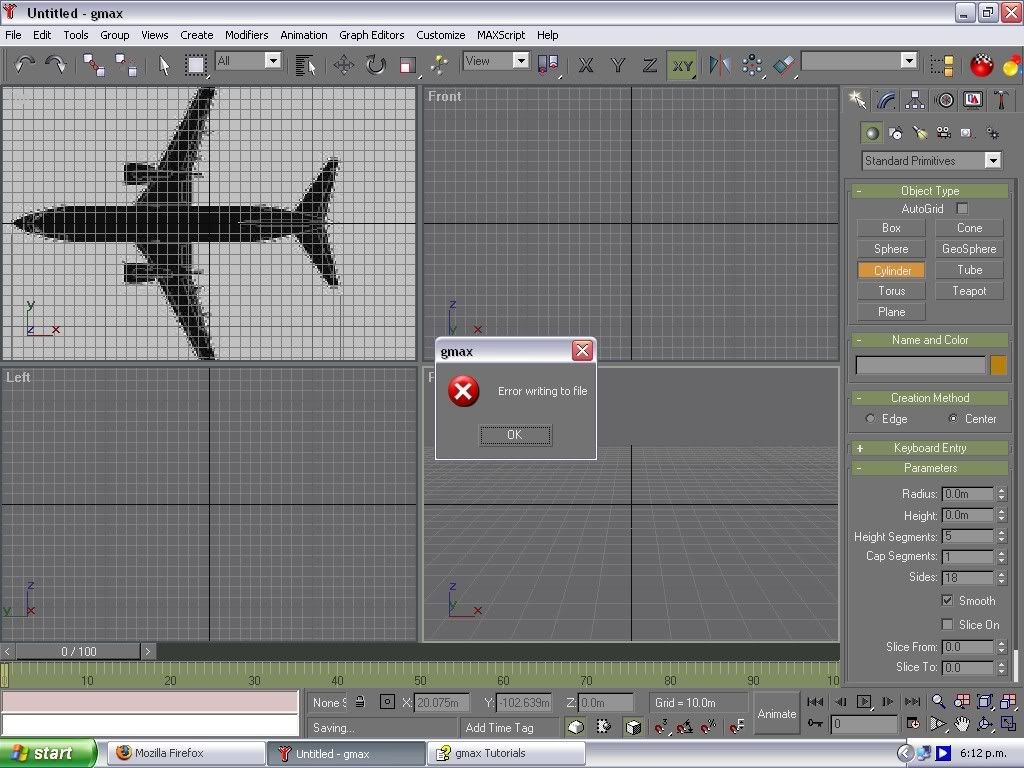
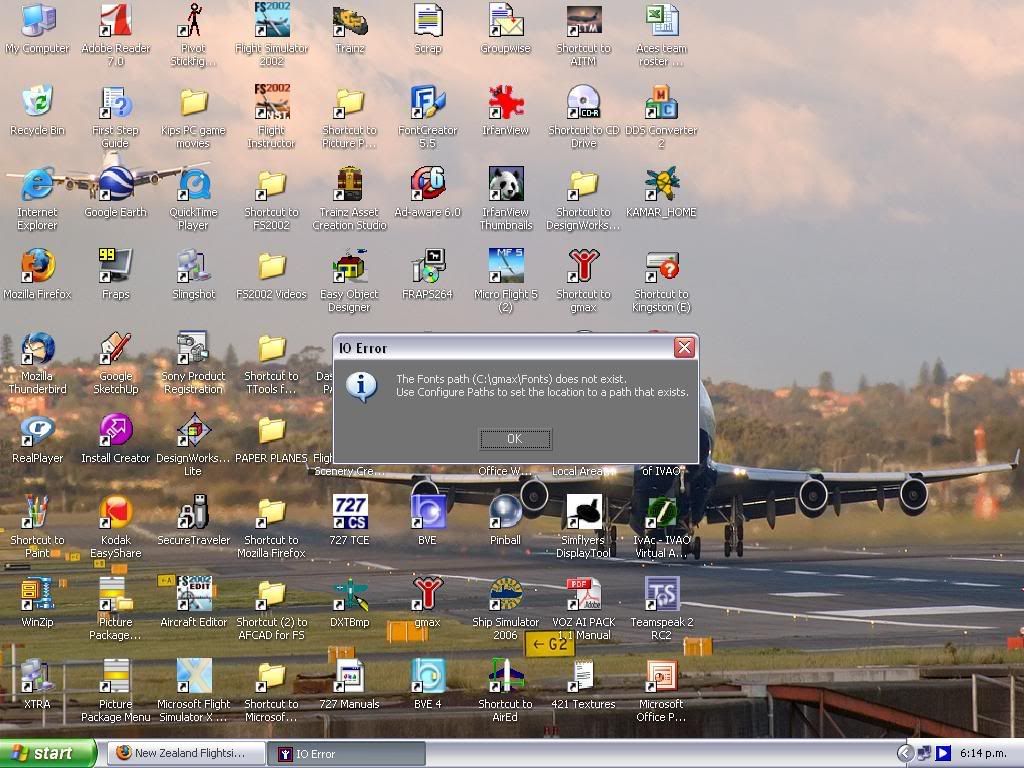
Does anyone know how to fix this:


PostPosted: Sun Sep 23, 2007 9:01 pm
by Alex
I'm no GMAX expert, but a place to start might be finding out whether those directories exist... winkyy.gif

Alex

PostPosted: Sun Sep 23, 2007 9:09 pm
by Kelburn
nah, they don't exist so I don't know what I need to do.

PostPosted: Sun Sep 23, 2007 9:13 pm
by Alex
I don't know how GMAX works, but if you install it - just install it to 'C:\GMAX\', or extract it there, or whatever it is that GMAX does - its probably better that someone who knows about it gives you an answer though. laugh.gif

Alex

PostPosted: Mon Sep 24, 2007 8:36 am
by HardCorePawn
lots of good stuff here...

as for your errors, it would appear that gmax did not install correctly or you moved it after installation or you installed it to a different location to the default...

by default, I think it wants c:\gmax, if you put it somewhere else, the config file may not be automatically adjusted to reflect the correct paths... if you look in the configuration menu... (I am not in front of my gmax machine at the minute, so I'm not sure the exact menu path), but there is a section that allows you to setup the paths to things... just make sure that they reflect the path structure you have used to install gmax...

ps. while your desktop is nice, next time you might just want to crop the screenshot down to the dialog box! I think I wore my mousewheel out scrolling down! winkyy.gif

PostPosted: Mon Sep 24, 2007 8:58 am
by Timmo
alternatively, use Alt + PrintScreen to just get a screen shot of the window that is in focus (i.e the error dialogue box)

PostPosted: Mon Sep 24, 2007 9:34 am
by Kelburn
sorry about the size.
I was in a hurry and didn't have enough time to resize.