 Posted: Thu Dec 14, 2006 6:53 pm
Hi Guys
Since I received by Captain Sim C130 Hercules yesterday, I realised that it couldnt be flown to its full potential without a printed manual. Switching between FS2004 and the 3 PDF's that came with it simply wasn't good enough, especially for multiplayer flying. So I set about getting myself a fully printed Pilots Operating Handbook (POH).
This morning I went down to Speedyprint in town, to get my 200-odd pages printed out. Colour Copying would've been very expensive (over $100!!! ) so I went for black and white, costing me just under $20. I went away for a while, went and visited the Grandparents for a while etc, and came back.
Now with my printouts in hand, I cruised over to Warehouse Stationery to get me a Ringbinder. I chose an Impact model, featuring 200-leaf capacity, 38mm Rings and a 2-ring design. Cost me $10. With my equipment now acquired, I came home to start the construction process.
I punched holes in all 200 pages, then had lunch. After lunch I jumped on Photoshop and designed the covers for my handbook, featuring pictures from Airliners.net. The covers were made to separate the different sections of the manual (Systems, Normal Procedures and Flight Data(containing some VERY complicated graphs ).
).
Once printed to my satisfaction, I cut up some old scrapbook covers to use as backing for 3 of my 4 covers (The main cover went in a pocket on the front of the ringbinder, the rest went inside and were strengthened by said scrapbook covers).
After this, I slowly mounted all the pages onto the ringbinder, and made the yellow easy-find tabs.
And look at the result! I'm very proud of myself, I think it was certainly worth the $30 spent to make this beauty!
Sorry about some of the image quality, I had to use no flash for some of these shots.
5 Pictures, 1.67 mb:
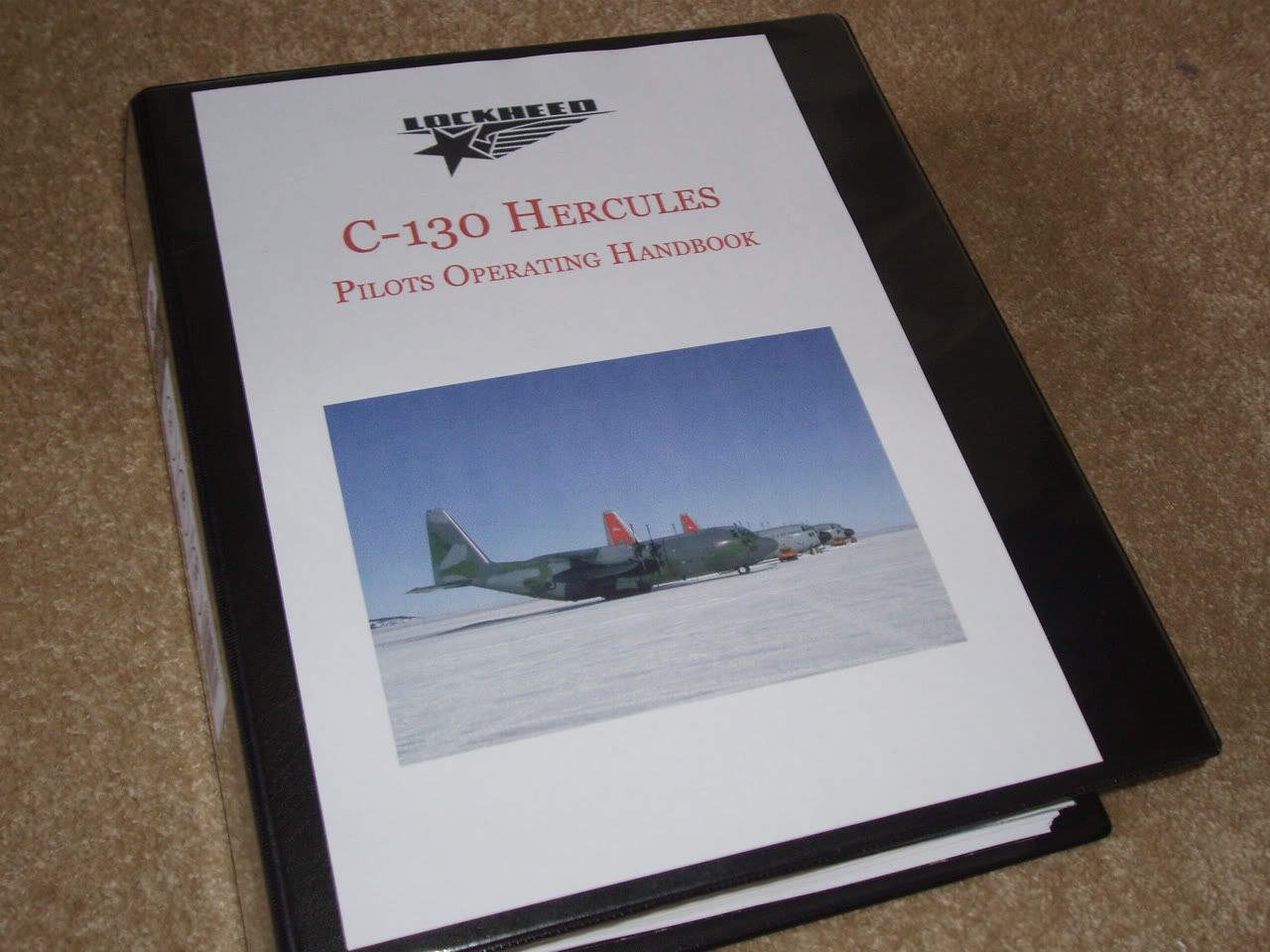
The Front Cover, featuring 3 Hercs (1 RNZAF and 2 USAF).
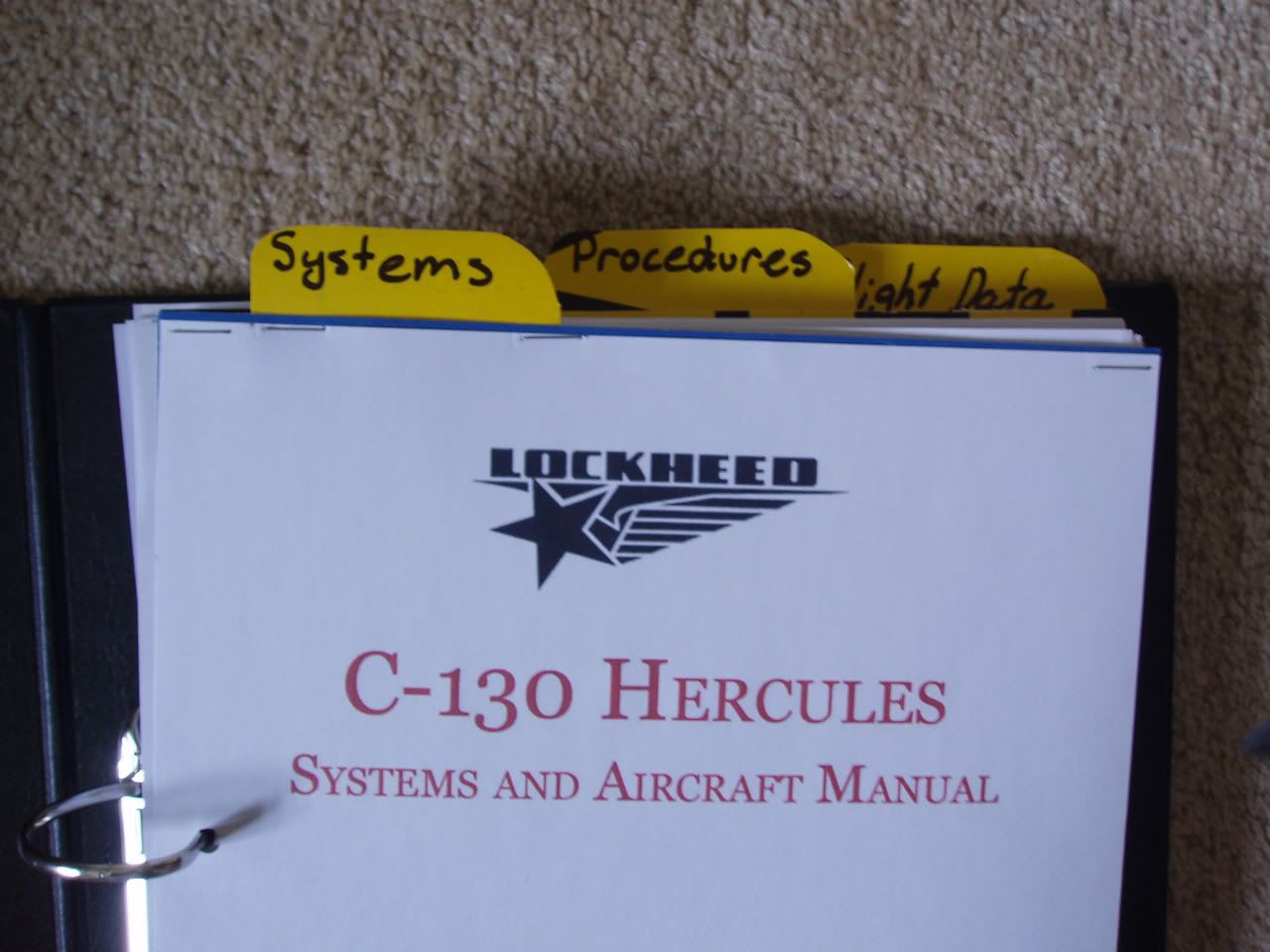
The yellow easy-find reference tabs, made from surplus scrapbook cover
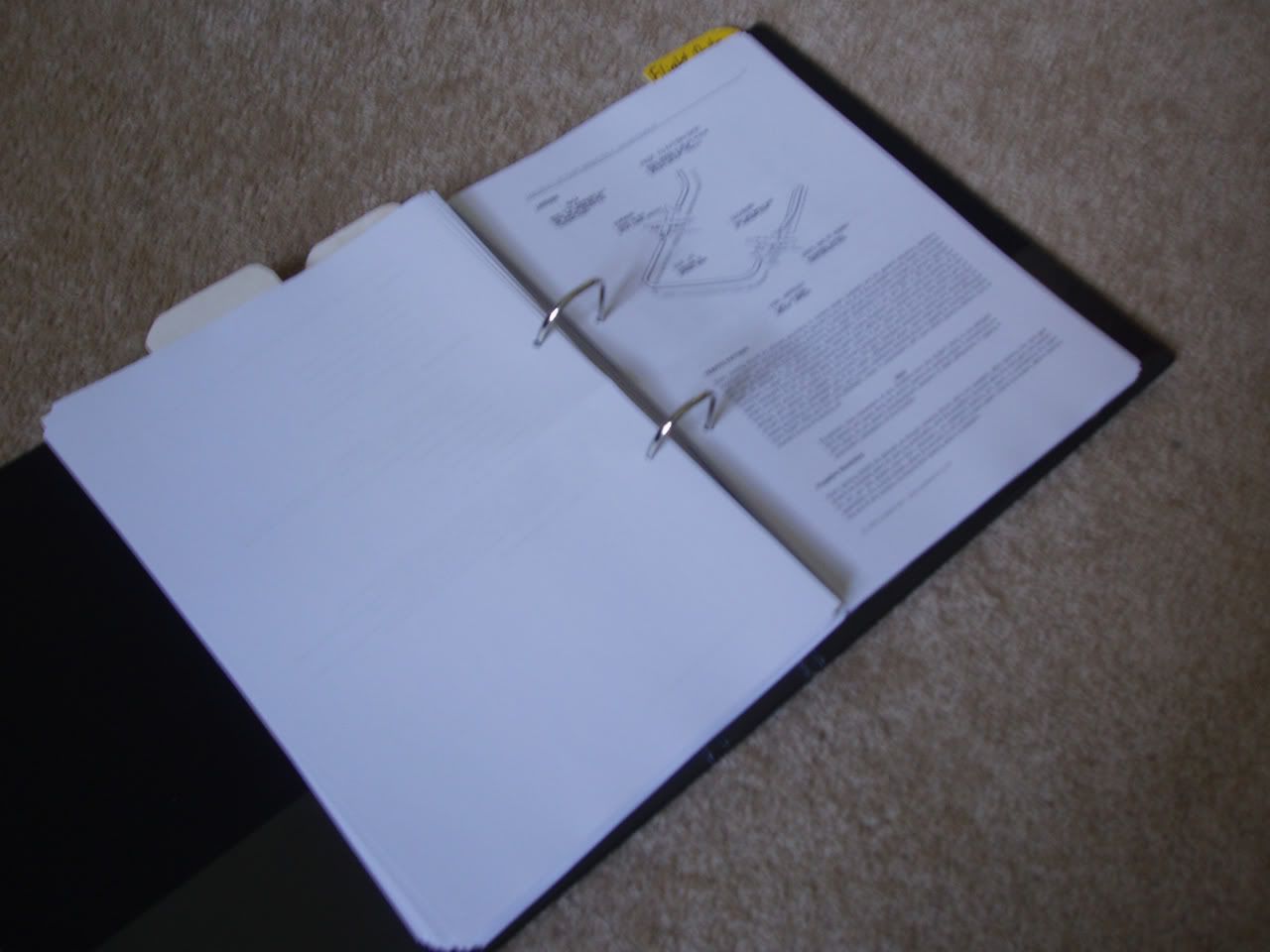
The book opened up, showing a page of Landing procedures (one of many)
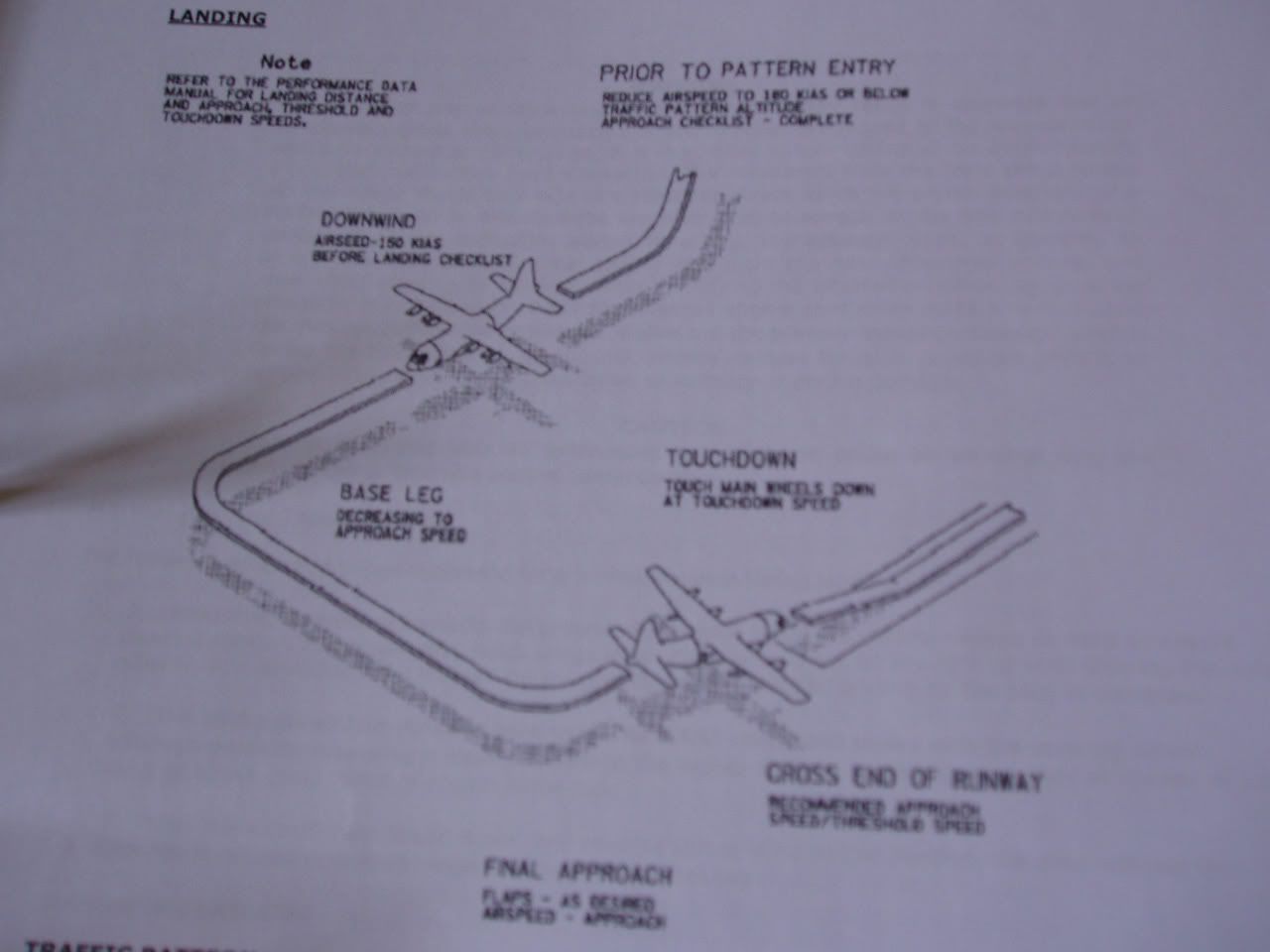
The traffic pattern landing procedures
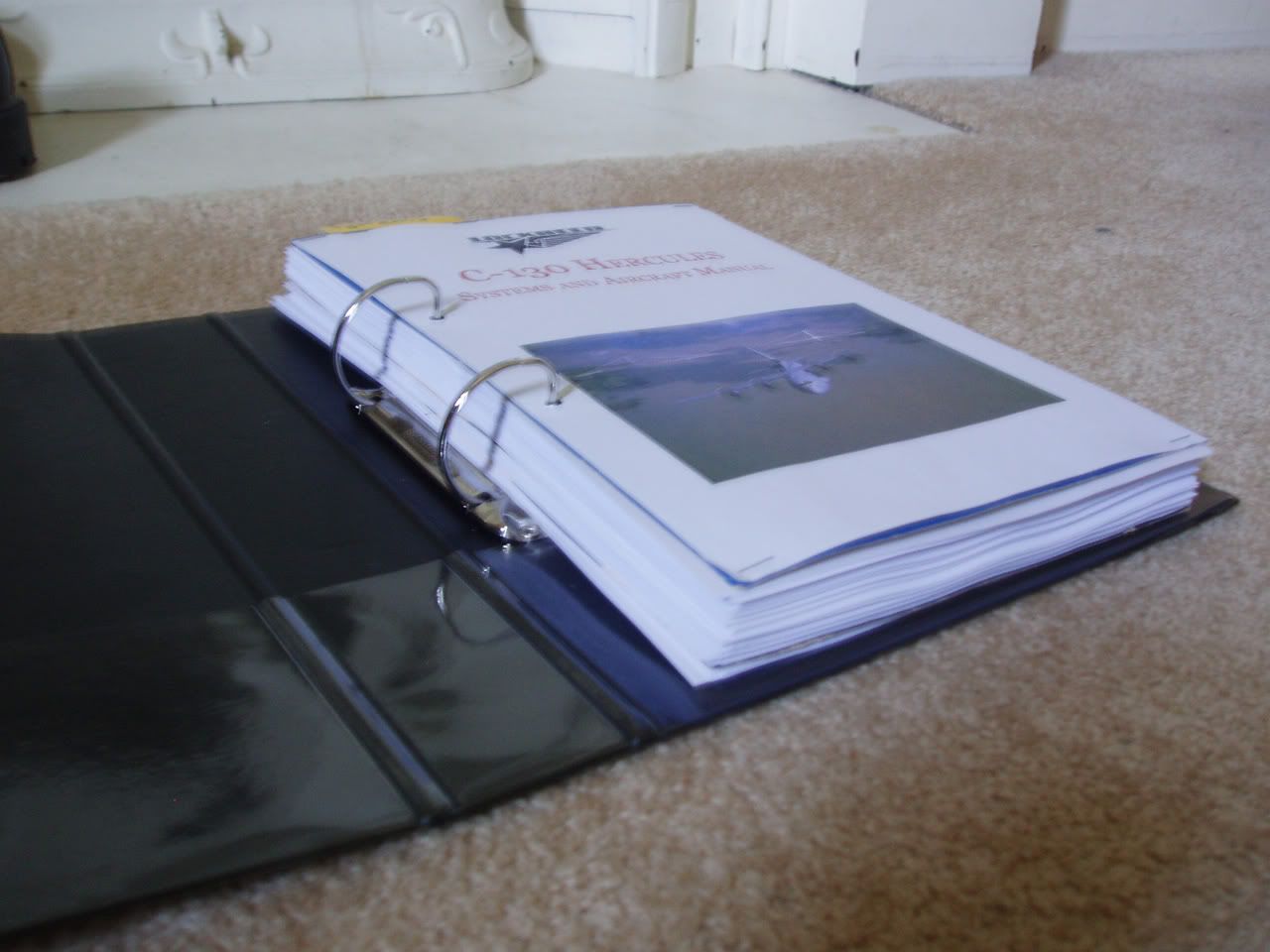
Look how thick this thing is!
Now I'm off to fly!
Since I received by Captain Sim C130 Hercules yesterday, I realised that it couldnt be flown to its full potential without a printed manual. Switching between FS2004 and the 3 PDF's that came with it simply wasn't good enough, especially for multiplayer flying. So I set about getting myself a fully printed Pilots Operating Handbook (POH).
This morning I went down to Speedyprint in town, to get my 200-odd pages printed out. Colour Copying would've been very expensive (over $100!!!
) so I went for black and white, costing me just under $20. I went away for a while, went and visited the Grandparents for a while etc, and came back.Now with my printouts in hand, I cruised over to Warehouse Stationery to get me a Ringbinder. I chose an Impact model, featuring 200-leaf capacity, 38mm Rings and a 2-ring design. Cost me $10. With my equipment now acquired, I came home to start the construction process.
I punched holes in all 200 pages, then had lunch. After lunch I jumped on Photoshop and designed the covers for my handbook, featuring pictures from Airliners.net. The covers were made to separate the different sections of the manual (Systems, Normal Procedures and Flight Data(containing some VERY complicated graphs
).Once printed to my satisfaction, I cut up some old scrapbook covers to use as backing for 3 of my 4 covers (The main cover went in a pocket on the front of the ringbinder, the rest went inside and were strengthened by said scrapbook covers).
After this, I slowly mounted all the pages onto the ringbinder, and made the yellow easy-find tabs.
And look at the result! I'm very proud of myself, I think it was certainly worth the $30 spent to make this beauty!
Sorry about some of the image quality, I had to use no flash for some of these shots.
5 Pictures, 1.67 mb:
The Front Cover, featuring 3 Hercs (1 RNZAF and 2 USAF).
The yellow easy-find reference tabs, made from surplus scrapbook cover
The book opened up, showing a page of Landing procedures (one of many)
The traffic pattern landing procedures
Look how thick this thing is!
Now I'm off to fly!


 Great work Brock!