Page 1 of 1

PostPosted: Fri May 14, 2010 10:30 am
by Chairman
I just had an OMG moment ...

In FS9 when I tried helicopters I never managed to do anything better than choose which continent to crash on and that was only because I could choose which continent to take off from.

Last night just before I shut the beast and myself down for the night on a whim I jumped into the default jetranger. The end result was still crash and burn but before that I managed to take off and fly to where I wanted and the crash and burn was on the helipad at the airport I was aiming for, and the combination of a (mostly) controllable helicopter and TrackIR was awesome, and I want more !!!

So yes, what's a good helichopper for FSX ?

Thanks
Gary

PostPosted: Fri May 14, 2010 10:59 am
by h290master
HC bell412

PostPosted: Fri May 14, 2010 11:00 am
by Ian Warren
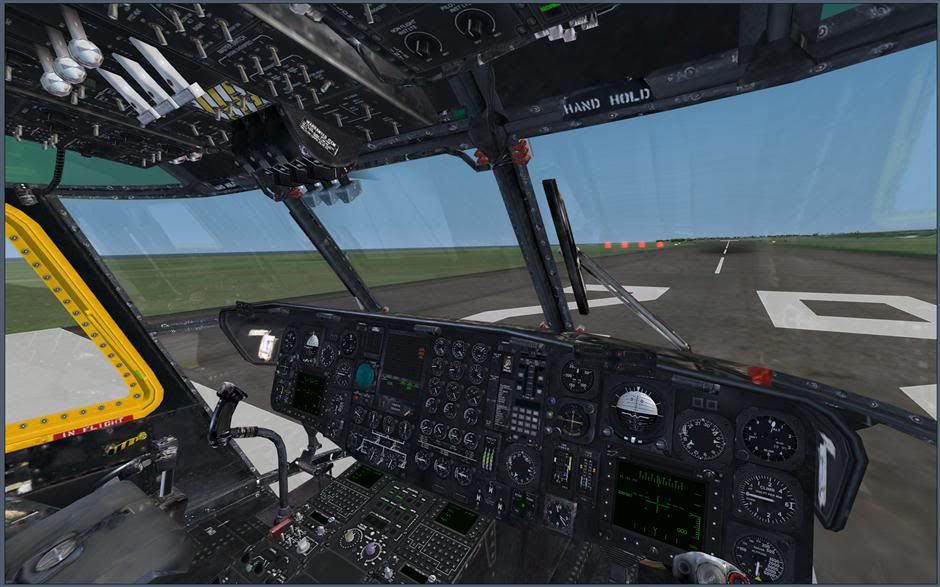
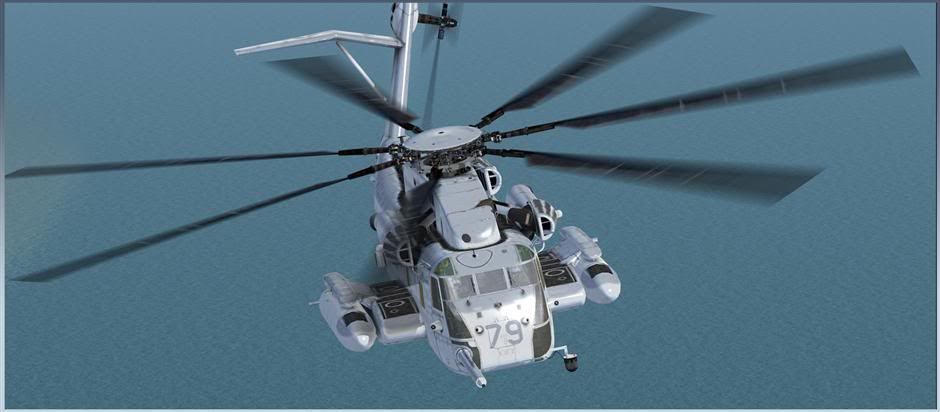
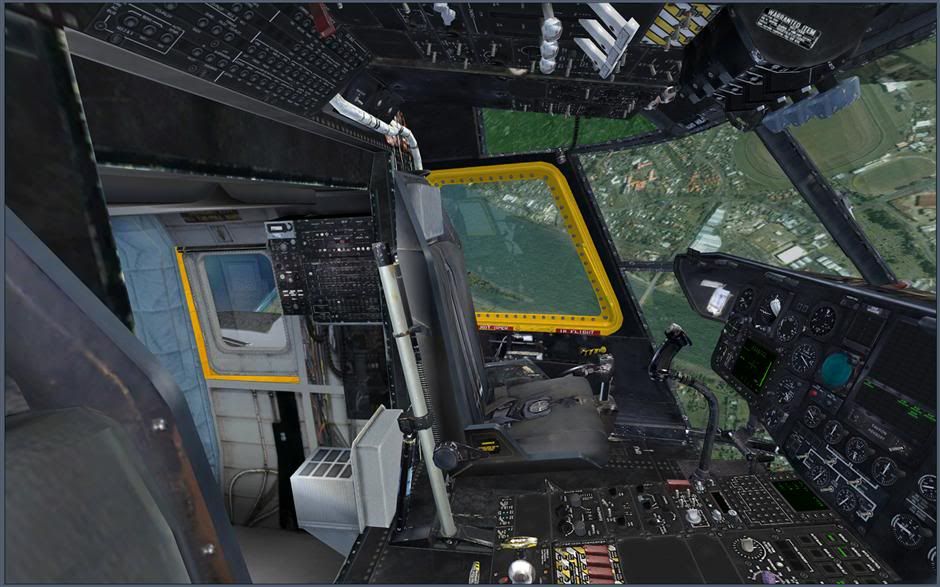
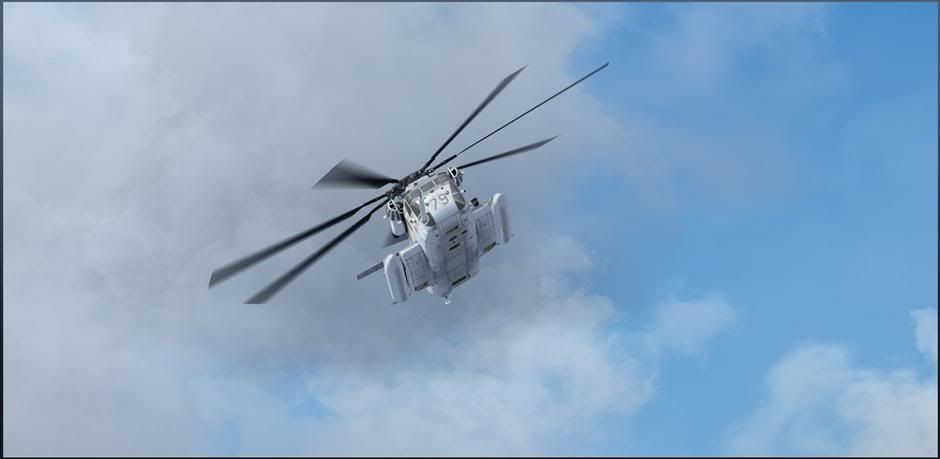
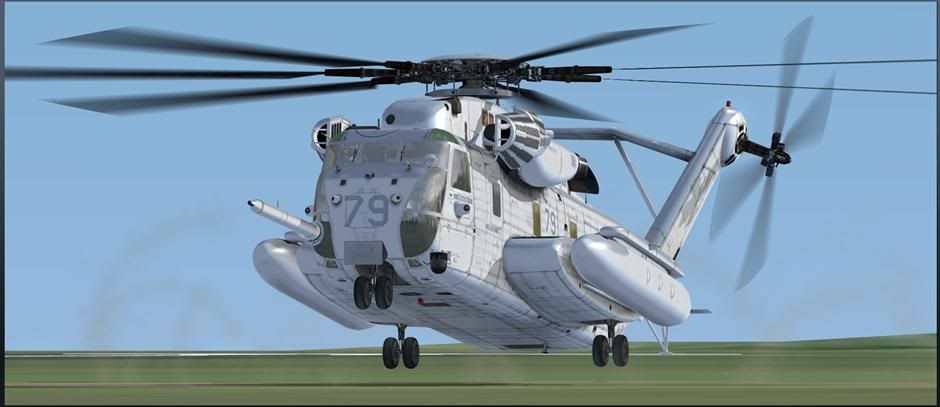
My absolute fave is the Nemeth CH-53 , no cheat start on it tho , its big , the other end off the scale again from Nemeth the little MD-500 , the Milviz Huey would probally suit you for its NZ connection .

PostPosted: Fri May 14, 2010 11:07 am
by creator2003
There is so many to choose from ,of course payware you get the best of the best ,Cerabell 212 412 are the best of all ive had , freeware Jordon HC bell 412 found http://hovercontrol.com/..

PostPosted: Fri May 14, 2010 2:34 pm
by nzav8tor
Dodosim Bell 206 Jetranger is hands down the most sophisticated chopper every made for flight sim. Procedures, engine management, flight dynamics, its the real deal.

PostPosted: Mon May 17, 2010 9:22 am
by s0cks
I think you might have a toruble with an accurately modelled heli, if you can't keep the default one in the air. They are far too easy to fly in my opinion. On the bright side it'll be one hell of an adventure! thumbup1.gif

PostPosted: Mon May 17, 2010 9:45 am
by Chairman
Keeping it (the default helicopter) in the air and making it go where I wanted wasn't a problem, the hard part was when I tried to stop keeping it in the air smile.gif

Actually that was pretty easy too, as they say 'any aircraft will autoland itself eventually - once ...'

PostPosted: Mon May 17, 2010 9:57 am
by s0cks
LOL! Nice quote. I always find visibility a problem when landing. I guess with TrackIR though, it is a lot easier!

PostPosted: Tue May 18, 2010 2:15 am
by Chairman
Yes, very much easier. It might have been more crash than landing but I could see exactly where it was going to happen tongue.gif

PostPosted: Tue May 18, 2010 9:51 am
by Chairman
I've been watching videos on youtube of the dodo 206 and the nemeth 500 and huey. None of the Nemeth users ever use spot view for their exteriors, always tower view, which means I have no idea what their 500 sounds like. Their Huey apparently sounds exactly like Fortunate Son by CCR which I'm more than happy with biggrin.gif , what does the 500 sound like ?

The Dodo 206 looks awesome in every way, and also like one heck of a learning curve.

How important is prop pitch control when flying a helicopter ? I only have one slider on my joystick and I'd rather not try to fly a chopper with a yoke ...

Cheers
Gary

PostPosted: Tue May 18, 2010 11:10 am
by BK-117
The dodosim heli is the way to go if you want realism. They are also in the process of producing a Huey to the same quality if not better than their 206.
Nemeth helis are good and same with the cera. As has been pointed out hovercontrol is the best place to look for freeware choppers.

On a helicopter the prop pitch is control by the collective. So as you chance the collective or 'throttle' in flightsim it is infact changing the angle of the blades.
In flightsim though prop pitch will chance the rotor and engine rpm. I have the prop axis assigned to a rotating button on my joystick so I can chance the rpm on start up and shut down. So with regards to your question about how importaint is it, because it controls the rpm you will generally only need to change it during start up and shut down. Hope this helps.

edit.

and one other thing stick with it, they arn't easy to get a hang of to start with but when you do get the hang of they are great fun!

PostPosted: Tue May 18, 2010 11:47 am
by Chairman
That helps a lot ! Sounds as though for simming purposes my joystick with one throttle lever plus the pedals will be adequate for control, I was thinking I'd need the levers on the TQ as well.

I think I'm going to bite the bullet and get the dodo 206. It just looks so good !

Now to learn about FSUIPC's "profiles" and see how to connect the joystick so that the helichoppers can only see it and the pedals, and the planes can see everything except the joystick ... This follows on from yesterdays lesson in "joynames", is there anything fsuipc can't do (apart from land the helicopter for me) ?

smile.gif
Gary

PostPosted: Tue May 18, 2010 7:37 pm
by CoochB
Chairman wrote:
QUOTE (Chairman @ May 18 2010, 11:47 AM) <{POST_SNAPBACK}>
That helps a lot ! Sounds as though for simming purposes my joystick with one throttle lever plus the pedals will be adequate for control, I was thinking I'd need the levers on the TQ as well.

I think I'm going to bite the bullet and get the dodo 206. It just looks so good !

Now to learn about FSUIPC's "profiles" and see how to connect the joystick so that the helichoppers can only see it and the pedals, and the planes can see everything except the joystick ... This follows on from yesterdays lesson in "joynames", is there anything fsuipc can't do (apart from land the helicopter for me) ?

smile.gif
Gary


The Dodo sim is awesome and comes with the highest recomendations. It may be harder initially but because it handles so much like the real thing but ultimatly you will have far more control over it. However it will spoil you for any others.

With the FSUIPC just make sure that your joystick's functions and axis are deleted from the FSX control setting menu. Then there will be no default settings and the Joystick will only work with the aircraft you have specified. I have spent a few hours trying to figure out why FSUIPC won't configure a particular switch or control function properly only to discover that it was already doing something else on the FSX menu.

The settings I use for all my helicopters is a slope of about +4 for the elevator and aileron axis and have the rudder direct on zero with the null values on zero. I use a positive slope so it slows the controls down just a little around the central position. When controlling helicopters less is more, you should be aiming for a stable hover using very very small control inputs.

PostPosted: Tue May 18, 2010 8:56 pm
by Bandit
Dodo sets a very high standard. I haven't tried it but the reviews everywhere are praising it as the one to beat.

But anything with the Nemeth name on it is usually a safe bet from my FS9 point of view and I imagine their FSX stuff would be no different. Jordans 412 is a beauty for freeware.

PostPosted: Tue May 18, 2010 11:57 pm
by Chairman
CoochB wrote:
QUOTE (CoochB @ May 18 2010, 07:37 PM) <{POST_SNAPBACK}>
With the FSUIPC just make sure that your joystick's functions and axis are deleted from the FSX control setting menu. Then there will be no default settings and the Joystick will only work with the aircraft you have specified. I have spent a few hours trying to figure out why FSUIPC won't configure a particular switch or control function properly only to discover that it was already doing something else on the FSX menu.

One of the first things I did when I got the sim up and running was disable the controllers altogether in FSX, that means the only way a button or switch can get assigned to anything now is through fsuipc. Troubleshooting is a lot easier if you *know* that anything that happens will be listed as an action in fsuipc.ini and with joynames giving meaningful letters to the controllers it gets even easier to see what is doing what.

Sorry to keep banging on about joynames but it's so wonderful, it has pulled me back to sanity in the last couple of days. For those that haven't discovered it yet ...

Before : Windows assigns your usb controllers numbers, and fsuipc assigns actions to the axes of those numbers. So the Z axis on controller 2 (2Z) might be the elevator control on your yoke. All good until something happens (eg you unplug and switch usb ports) that makes the yoke controller 1 and your pedals controller 2 - now when you use your pedals fsuipc will say Aha, here is axis 2Z, and move the elevators, and you'll eventually find that random levers on your throttle quadrant control the elevators and ailerons. Yay.

After : Joynames is a way of assigning letters to the GUID (serial number) of each USB controller you have after which fsuipc assigns the controls to the controllers by letter not by number, the whole thing takes about 30 seconds to do from start to finish. Once you've done it if you assigned Y to your yoke and P to your pedals then the yoke will always be controller Y and the pedals will always be controller P no matter where they are plugged in or what numbers windows has given them, and once you've assigned something to a control on the yoke it will stay on the yoke.

It's yummy. Do it.

smile.gif
Gary

PostPosted: Sun Jun 20, 2010 7:25 am
by Chairman
A followup question for those that have the Dodosim 206 and another lesser helicopter ...

I'm quite enjoying the Nemeth MD500 and still thinking about the Dodosim 206. Would the Dodosim being more accurately modelled make it harder (because it's more accurately done) or easier (because you have better control) to fly ?

Cheers
Gary

PostPosted: Sun Jun 20, 2010 2:28 pm
by BK-117
The dodo will be a bit harder to fly to start with becasue it has the closest aerodynamics out of all helicopters in fsx. I have copied a list below from their website.

Me personally after getting the dodo haven't really flowen anything else since. I brought the cera 412 which is a fantastic model but becasue it handles no way near as realisticaly as the dodo I just don't fly it.
It depends what you want out of flightsim. If you want something that is realistic and most similar to how real helicopters handle the go for the dodo. If your happy just flying helicopters and not as fussed then the Nemeths 500 is also great.
Don't worry that it is a little harder to fly becasue you will pick it up in no time.

Hope this helps a little.


Here is a full list of its aerodynamic features iv copied from their website.

More authentic handling:
The helicopter exhibits a pendulum tendency at low airspeeds due to the interaction of the fuselage and rotor system and a slight instability in the hover means that the pilot must constantly work with the controls to hold a steady position.

Torque-Induced Yaw:
The pilot must counter the tendency of the transmission to turn the aircraft in opposition to the rotors at low airspeeds using the anti-torque, (rudder), pedals.

flight dynamics Transverse Flow Effect:
The pilot must counter the tendency of the helicopter to pitch up and to the right as it accelerates from the hover into forward, (or any directional), flight.

Flap Back: :
the pilot must counter the tendency of the nose to try and pitch up as forward airspeed increases.

Translating Tendency:
The pilot needs to oppose the helicopter’s tendency to try and slide right in the hover with a left cyclic input.

Dissymmetry of Lift::
The pilot must counter the greater lift generated by the advancing blade in forward flight with right cyclic, (stick), control.

Induced Flow Rotor RPM modulation:
The pilot must use collective pitch and helicopter attitude to manage the rotor RPM, which can rise or fall depending on the angle and strength of the airflow through it.

Rotor Droop:
The pilot must make smooth and careful collective pitch changes to avoid overloading the engine output and loosing rotor RPM.

Vortex Ring State:
The pilot must ensure that descents are performed that do not allow the helicopter to recycle its own down-wash and accelerate its descent uncontrollably.

Loss of Tail Rotor Effectiveness:
The pilot must manage low speed turns carefully in windy conditions where the vortices from the main rotor or wind strength alone can reduce the ability of the tail rotor to maintain the heading or perform a turn. Extra care is needed to prevent violent “weather-vaningâ€￾ in a strong tail wind.

Retreating Blade Stall:
Exceeding maximum speed, (dependent on gross weight and altitude), will cause the helicopter to pitch and roll as lift is lost from the retreating blade.

Tail wind effect on Horizontal Stabiliser:
tail winds at very low speeds or hover may lift the tail’s horizontal stabiliser, requiring forward cyclic input to compensate.

PostPosted: Mon Jun 21, 2010 1:39 am
by Ian Warren
Its Big , the closet i have seen was the Fire Fighten 'ELVIS' , this now is quite an old model but still gets my attention

It can be started up in the 3D cockpit .. just don,t try with TrackIR ,.. i was all over the place

It s got the range , stable and speed

only trouble is we dont see these in the NZ


plane.gif

PostPosted: Mon Jun 21, 2010 3:33 pm
by BK-117
Nice pics Ian, I still haven't got around to getting this one yet. You'll be waiting out for the Skycrane wont ya?

PostPosted: Mon Jun 21, 2010 4:00 pm
by Ian Warren
BK-117 wrote:
QUOTE (BK-117 @ Jun 21 2010, 04:33 PM) <{POST_SNAPBACK}>
waiting out for the Skycrane wont ya?

Yes , With seeing 'Elvis ' display yes indeed have that here hours after it release , very impressive display , to walk under nether the thing .. be good to compare the handling