 Posted: Fri Jan 26, 2007 11:30 am
There I was descending in my 733 for nzch from the north, and out my left window I noticed a light (it was dusk) I zoomed the view and my to my surprise it was an oild rig!
Its located around the airways H159 and V306. I went for a flight to go and see it up close. heres some screenshots of me landing on the heli pad.
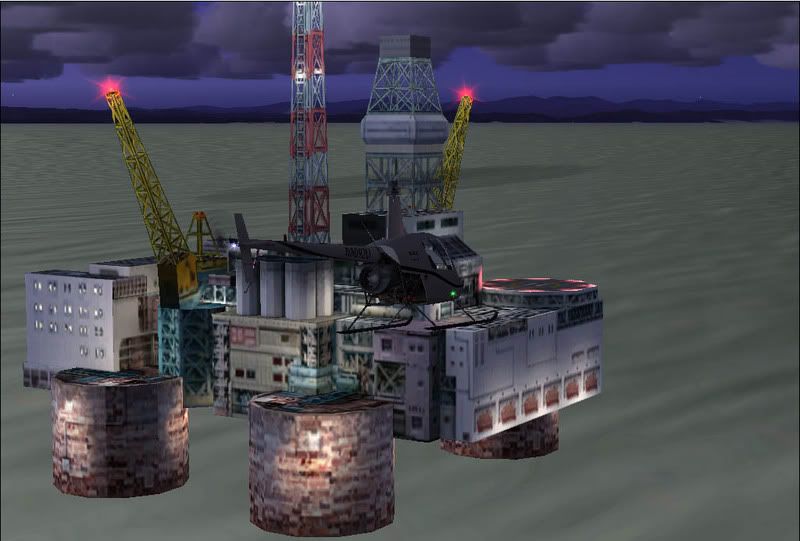
Approaching, I set sunset time so I could spot the oil rigs light, otherwise itd be very hard to find.
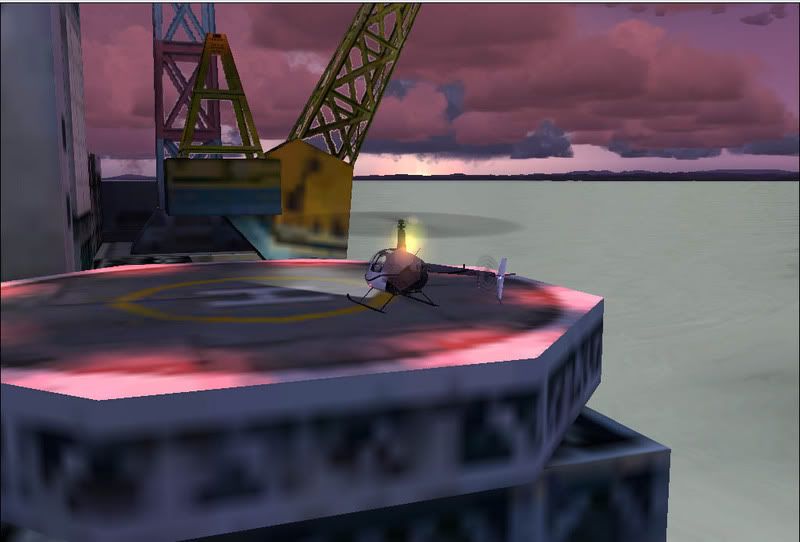
Landed sucsefuly on the second attempt! I was rather pleased

The only scenery I have installed is the RBE 75m mesh and landclass and heaths canturbury.
Just woundering why its there, I certainly don't want it removed thow, its great fun to land on!
Its located around the airways H159 and V306. I went for a flight to go and see it up close. heres some screenshots of me landing on the heli pad.
Approaching, I set sunset time so I could spot the oil rigs light, otherwise itd be very hard to find.
Landed sucsefuly on the second attempt! I was rather pleased
The only scenery I have installed is the RBE 75m mesh and landclass and heaths canturbury.
Just woundering why its there, I certainly don't want it removed thow, its great fun to land on!


