 Posted: Sat Oct 23, 2010 10:49 pm
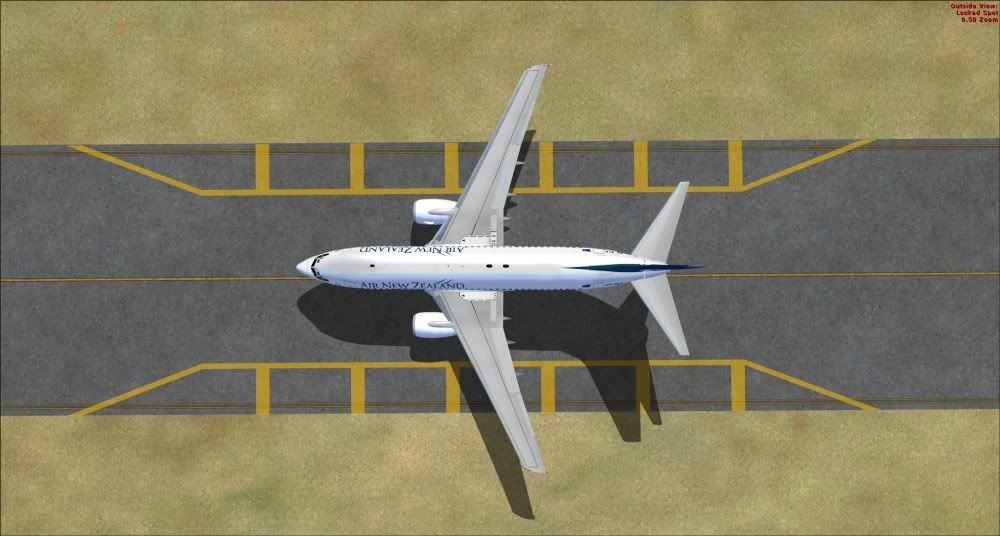
An easy way of ground poly? Im not sure but it's a start. Made with Sketchup 8.
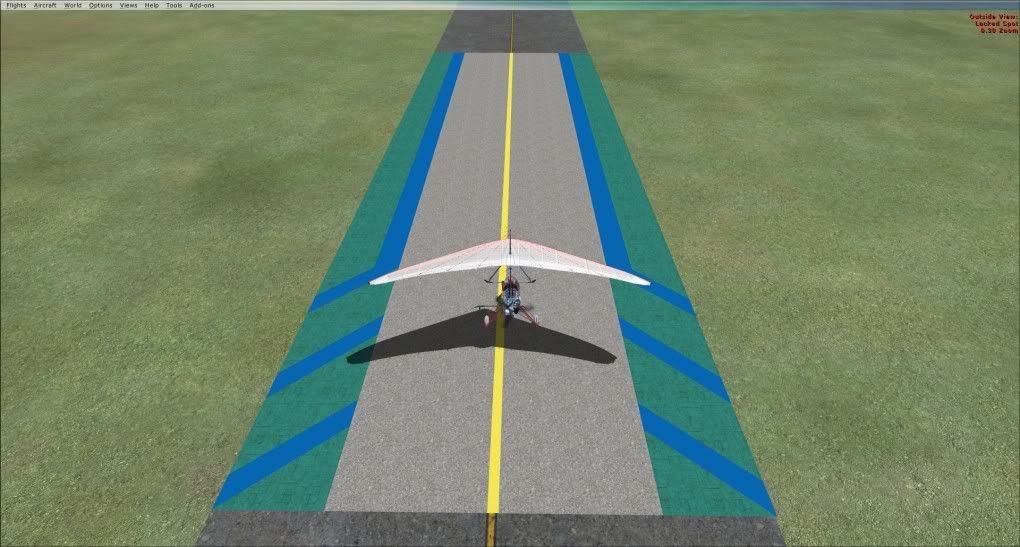
Posted: Sat Oct 23, 2010 10:49 pmPosted: Sat Oct 23, 2010 11:56 pmNzeddy wrote:QUOTE (Nzeddy @ Oct 23 2010, 10:49 PM) <{POST_SNAPBACK}>An easy way of ground poly? Im not sure but it's a start. Made with Sketchup 8.
More info please!
Posted: Sun Oct 24, 2010 9:17 amAdamski wrote:QUOTE (Adamski @ Oct 24 2010, 12:56 AM) <{POST_SNAPBACK}>More info please!
About what? How I placed it? What I did? Or just everything I did to make that.
Posted: Sun Oct 24, 2010 12:17 pmNzeddy wrote:QUOTE (Nzeddy @ Oct 24 2010, 09:17 AM) <{POST_SNAPBACK}>Or just everything I did to make that.
Yep!... is it an easy way to make/replace ground textures?
Posted: Mon Oct 25, 2010 8:58 am 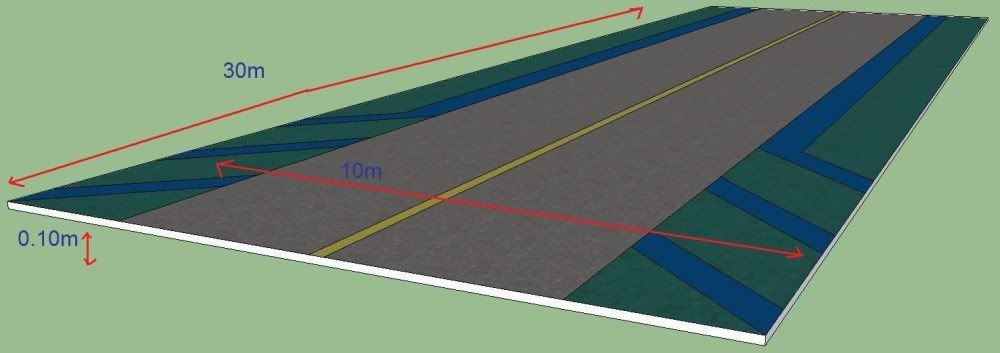 Posted: Mon Oct 25, 2010 8:42 pm
 Posted: Mon Oct 25, 2010 9:13 pmPosted: Mon Oct 25, 2010 9:30 pm
