 by toprob » Fri Oct 09, 2020 11:26 am
Cheers, Jack. First, I will need to say that the way I do this is ass-about, and certainly not recommended for PBR workflow, in case anyone is interested in getting started. A normal PBR workflow might mean building a 3D model, painting it, then creating a texture from the painted model. There are tools to help with painting, but the texture creation is normally automatic, once everything else is finished.
I still plan to build my textures first, as I always start with photographs, and don't start modelling until I've already figured out the texturing. I will try a proper PBR workflow at some stage, just to see if it could work for me. However I don't think I'm artistic enough to work this way, I'm really a technician with a good camera.
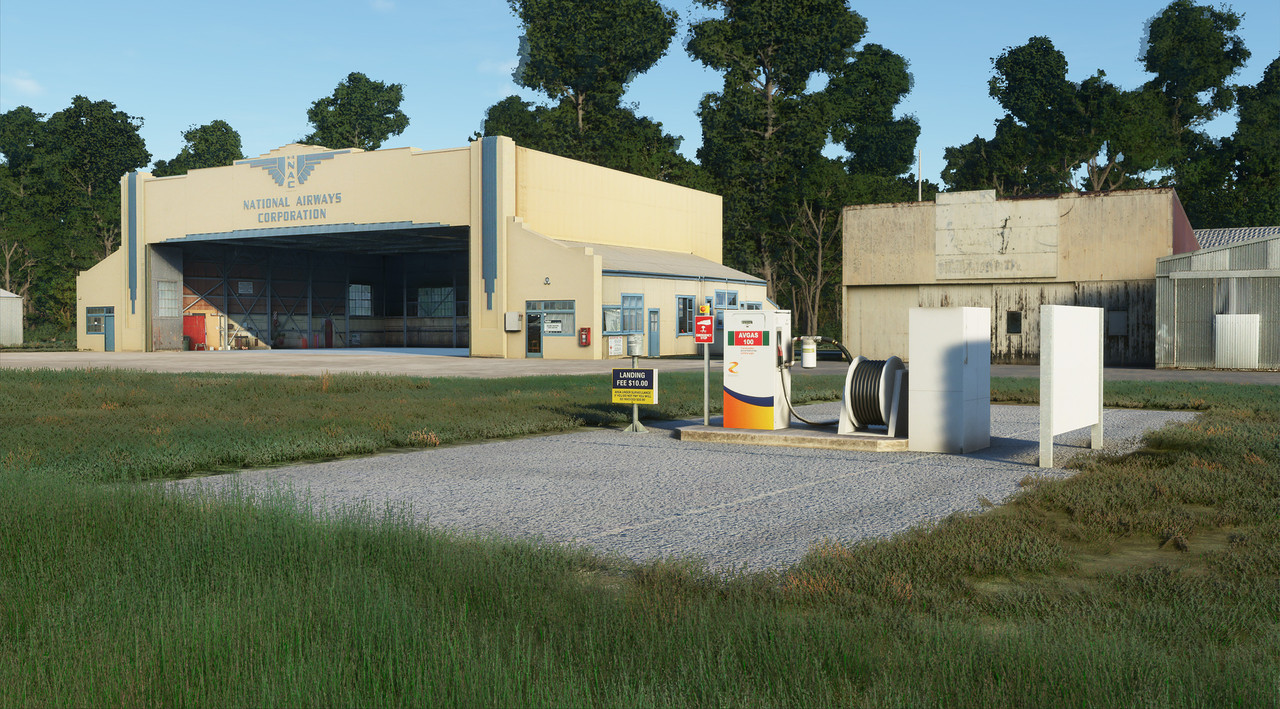
Here I've reused the Prepar3d models, although most are tweaked a little. In the past, I might have left a photo of a drainpipe on a hangar, for instance, whereas now I'd be inclined to model it in 3D. I have doubled the resolution of the textures, although this is an ongoing process. This means I need to reprocess all the original photos, and pop them in the right place on the texture sheet, but I can retain the UVW mapping.
The PBR elements are added using Materialize, as I already had experience with this and it's free. However I would love to try Substance Painter, I just need to wait until my finances are under control. I've spent a lot on the business lately, but didn't budget for a new washing machine, when the old one caught fire a couple of weeks ago....
Materialize is good for the Normal map, and handles metalness well, but not ideal for Roughness -- it uses Smoothness, for a start, so this channel needs to be inverted, but also it's not as clever with this channel. So normally I make several versions of all the maps, and cut/paste bits from these different versions to make the final version. Also as a freeware tool it isn't quite polished yet, it lacks things like adjusting the tool text etc for the resolution -- on my 4K monitor the file list for instance is so tiny I get frustrated even with my progressive lenses and putting my nose against the monitor....
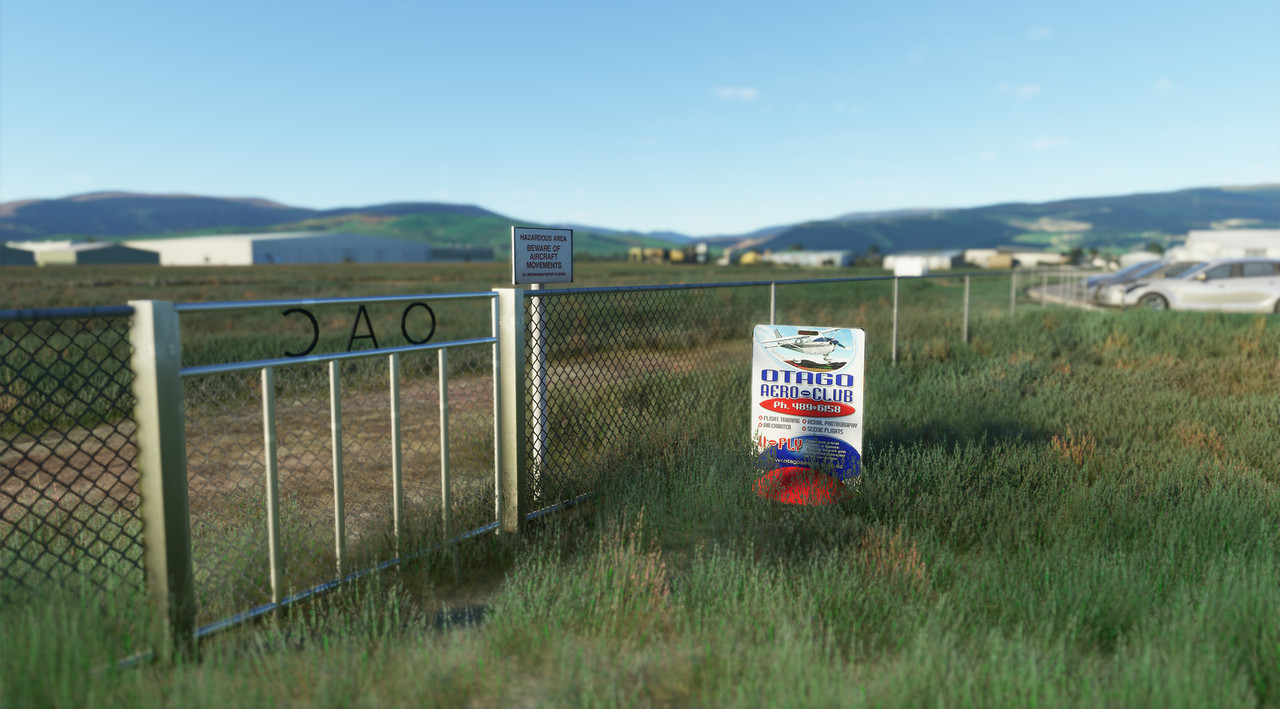
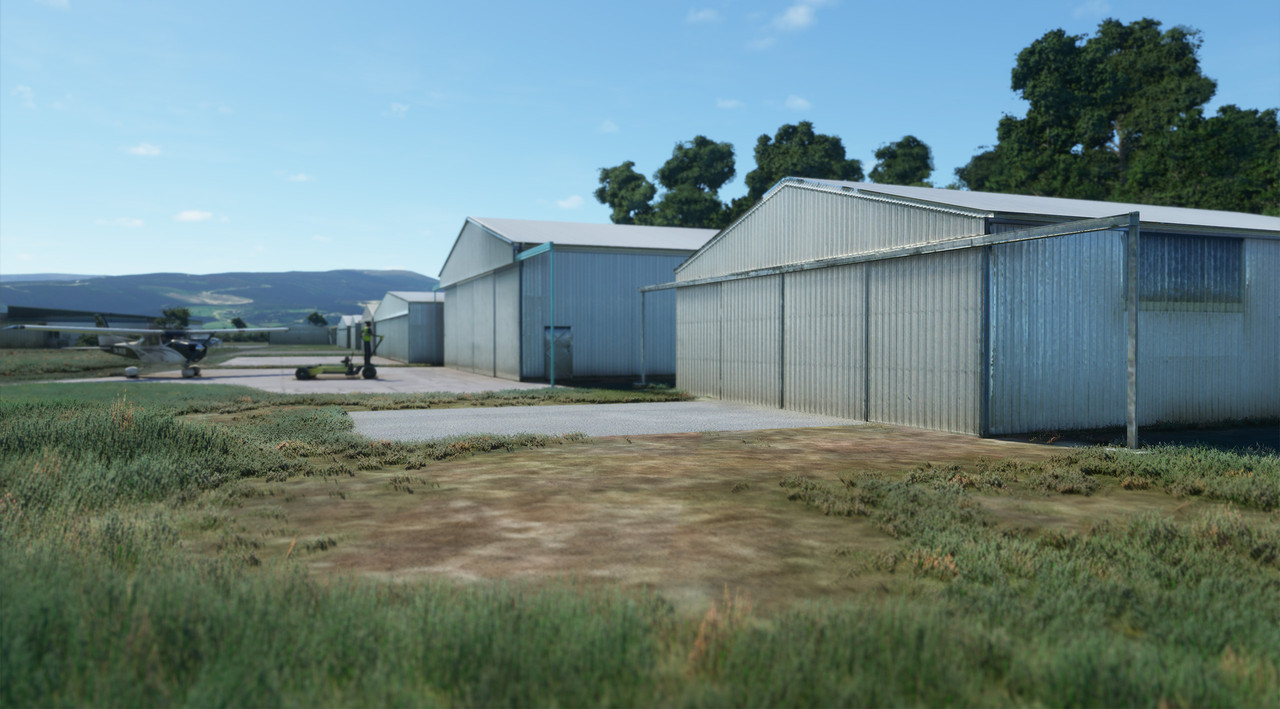
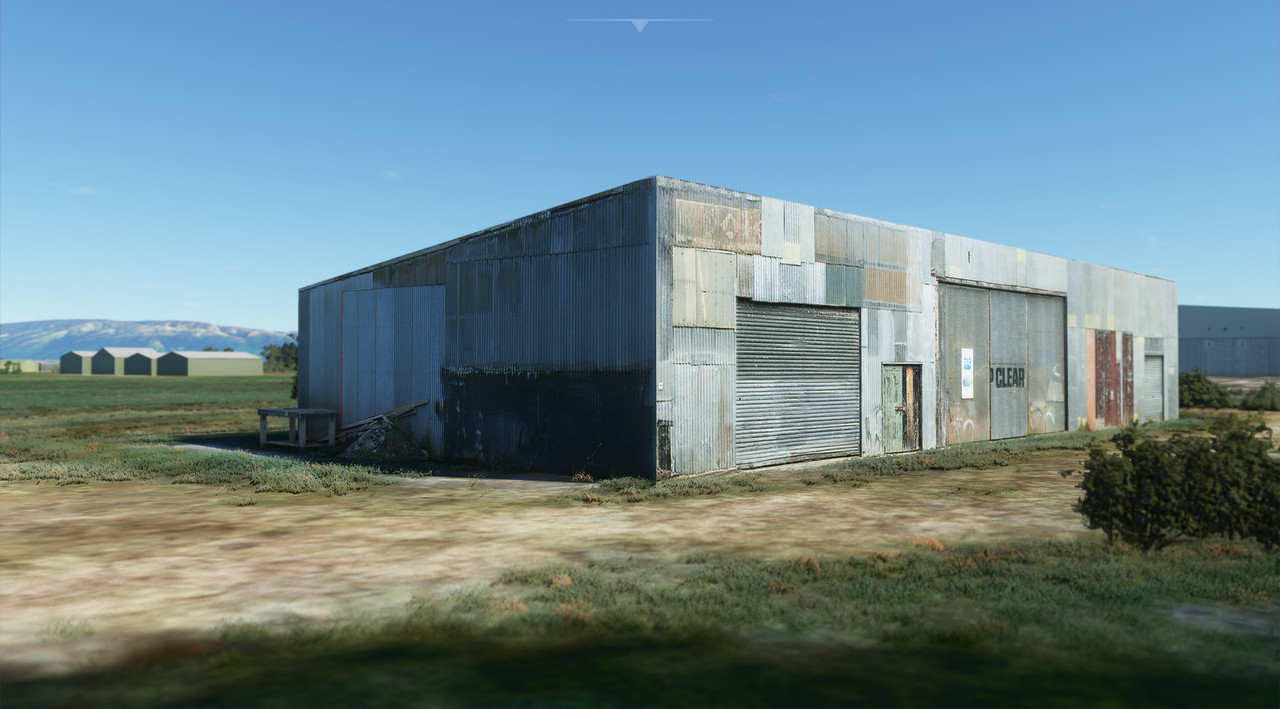
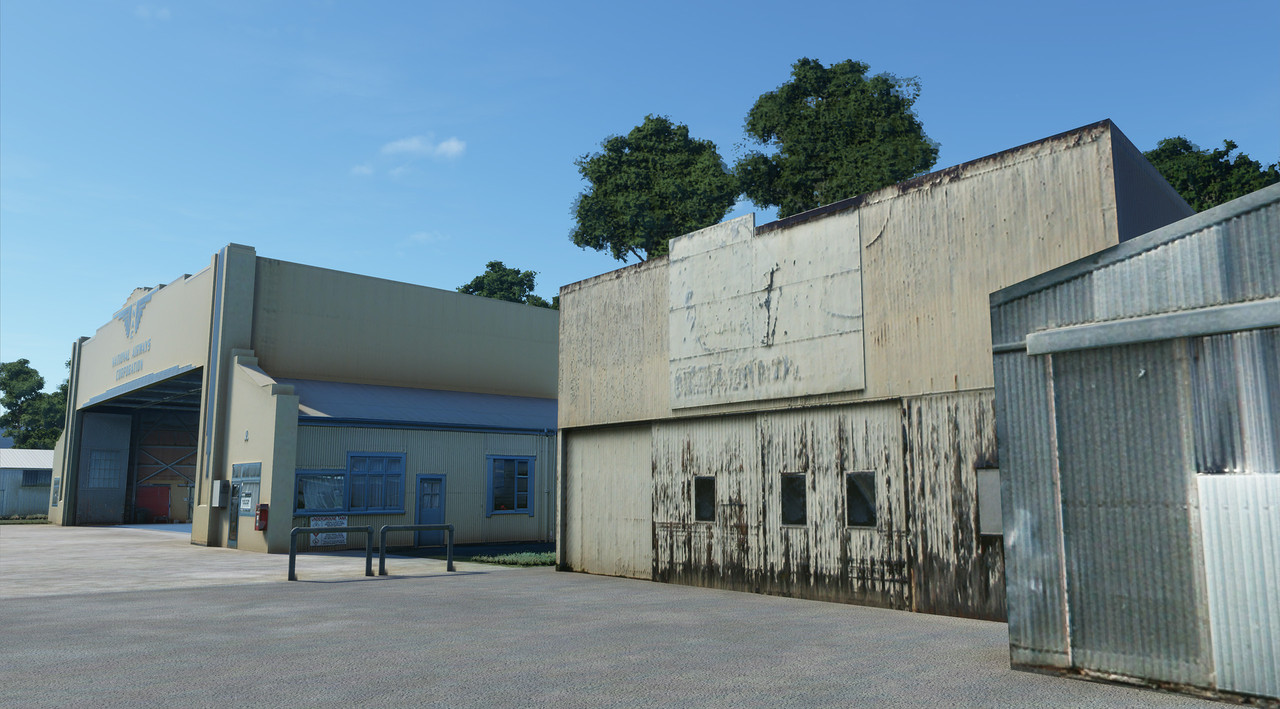
Most of the Taieri models have been placed, but some are yet to be finished. My initial attempts at PBR weren't great, so I'm adjusting as I learn. One thing I'll say is that it is a lot of fun, and the results always exceed my expectations, unlike FSX/Prepar3d development.
I would think that texturing the Tower would benefit from a proper PBR workflow -- figure out what the materials actually are, and then reproduce them using their PBR components. How shiny are they? Are they metal? What's the base (albedo) colour? See, sounds fun already.




 )
)


