Ok, you manage to raise a lot of good points there.
There is no manual install option for VLC, as you've discovered it is all automatic. There is, however, a choice to have the installer automatically add the VLC entries to the scenery library after it is installed. This is explained in the manual -- some people like to keep complete control over their scenery.cfg file, so they like a choice. That's the bit which says 'activate library' which is what it does if you select it. If you leave it unselected, you need to follow the instructions to activate the scenery within FSX.
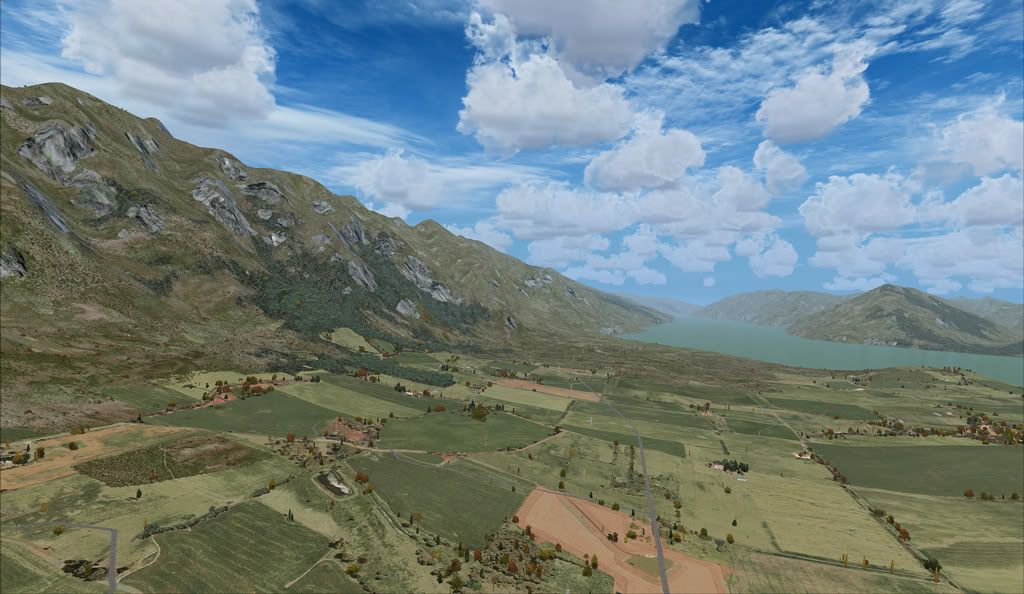
I think the issue you have with the appearance related entirely to your installed textures. You have addon textures, which are non-default, non-standard and not at all designed for use with VLC. If you revert to the default textures then I think you will get a better result.
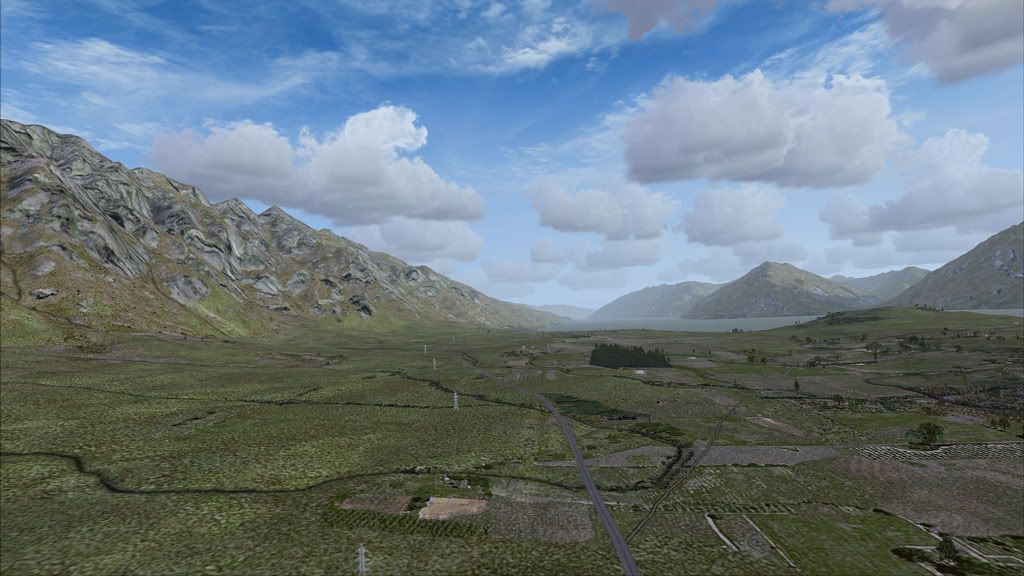
I think you are assuming that your first pic shows pure VLC, and the second is purely default, but neither is the case.
I've posted a shot from my install.
I did want to include a matching shot from Google Earth, but the GE images for this area are very dark. If you have Google Earth, it would be worthwhile looking at this area -- it clearly shows the stream, tracks and plantation which are in the VLC screenshot, but missing from the default.






 Was that reply from Rotordude the longest ever reply on NZFF!!!!!!!