Woah! So much name calling (I think there was reference to a fairy back there Splat). hahaha
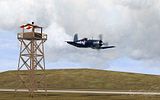
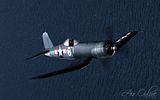
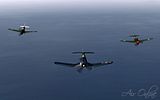
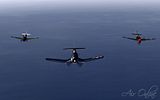
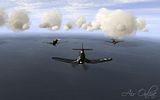
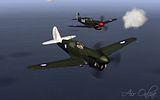
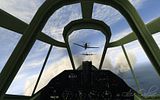
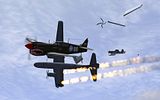
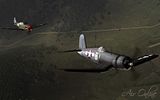
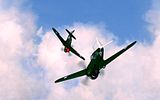
Thanks guys, as the guys have explained above the sexiness is largely down to mods, and also after-market sharpening and colour tweaking.
As far as my conf.ini:
- Code: Select all
[Render_OpenGL]
TexQual=3
TexMipFilter=3
TexCompress=0
TexFlags.UseDither=1
TexFlags.UseAlpha=0
TexFlags.UseIndex=0
TexFlags.PolygonStipple=1
TexFlags.UseClampedSprites=0
TexFlags.DrawLandByTriangles=1
TexFlags.UseVertexArrays=1
TexFlags.DisableAPIExtensions=0
TexFlags.ARBMultitextureExt=1
TexFlags.TexEnvCombineExt=1
TexFlags.SecondaryColorExt=1
TexFlags.VertexArrayExt=1
TexFlags.ClipHintExt=1
TexFlags.UsePaletteExt=1
TexFlags.TexAnisotropicExt=1
TexFlags.TexCompressARBExt=1
TexFlags.TexEnvCombine4NV=1
TexFlags.TexEnvCombineDot3=1
TexFlags.DepthClampNV=1
TexFlags.SeparateSpecular=1
TexFlags.TextureShaderNV=1
HardwareShaders=1
Shadows=2
Specular=2
SpecularLight=2
DiffuseLight=2
DynamicalLights=1
MeshDetail=2
VisibilityDistance=3
TypeClouds=1
Sky=2
Forest=3
Water=4
Effects=2
LandShading=3
LandDetails=2
LandGeom=2
TexLarge=1
TexLandQual=3
TexLandLarge=1
VideoSetupId=17
ForceShaders1x=0
PolygonOffsetFactor=-0.15
PolygonOffsetUnits=-3.0
I think Splatman was asking about the 'fancy trees', which is forest=3. You also need to use the new 409 .dlls (google if you need to find them) to enable most of the new graphic enhancements.
Btw look closely at the pilots guys, you might see some funny faces

 Posted: Sun May 24, 2009 1:04 pm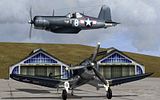
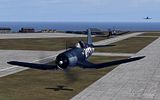
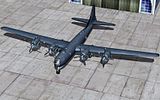
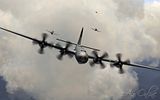
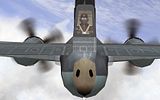
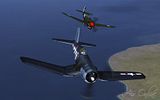
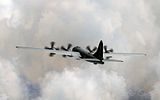
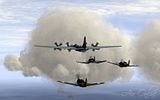
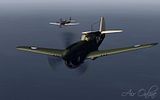
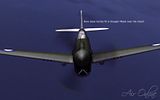
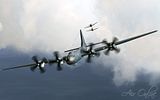
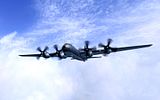


 , that superfort looked a little out of its element , must have been onr off those Russian copies