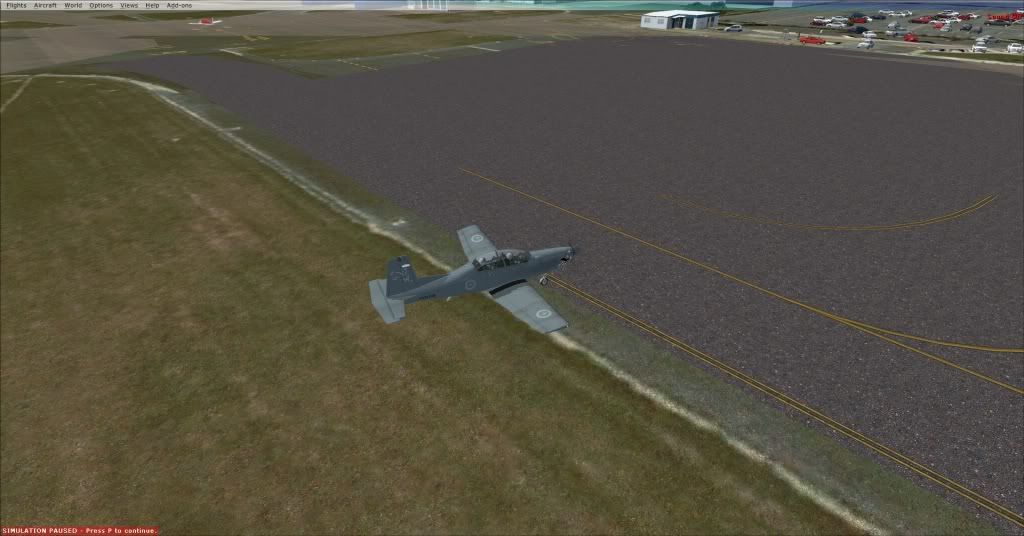
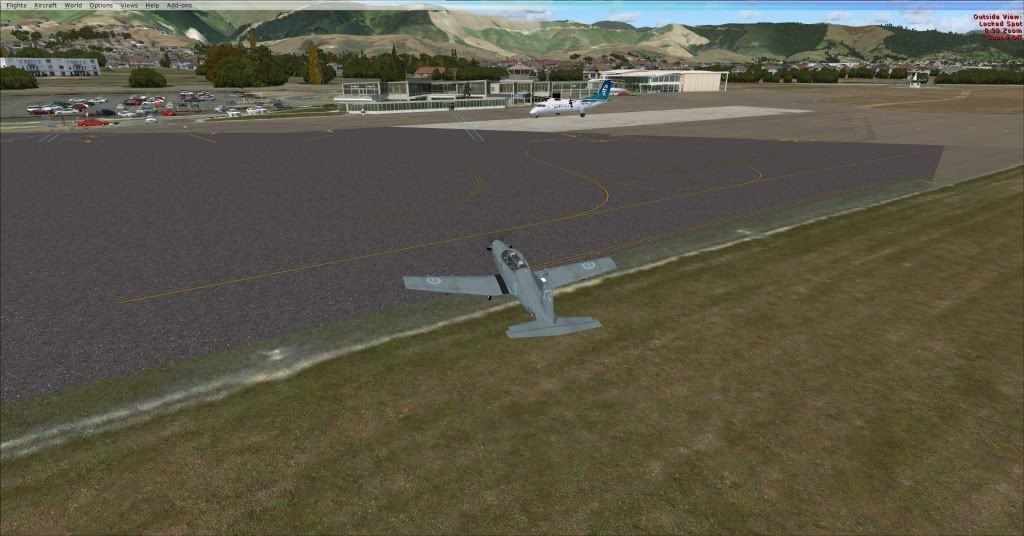
matthw wrote:I did everything in the manual when I installed the patch. I'm using a 10m resolution but I've tried it at 5 as well with no better result. I've got all FSX Service Packs installed.
When I set both to default, the Nelson scenery works perfectly, but I lose my FTX South Island, which is obviously less than ideal...
Yes, turning off NZSI was just a way to make sure that there was no other Nelson scenery interfering.
Sorry about the delay, I wanted to see if I could reproduce this first. Did I ask if you have the Orbx FTX NZSI patch installed?
I guess that now is the time to actually make sure that all the elevation files are present and correct. The simplest way to do this is in Windows Explorer. There are a number of different files which affect elevation.
First, there's the Orbx files themselves, which should all be deactivated. if you open the Orbx folder in Explorer, and type 'nzns' into the search box at the top, you should get a list of Nelson files -- they should all have .bak extensions except one.
If that's fine, go to the FSX Scenery folder -- this is the Scenery folder located directed in your FSX folder. Type 'nzns' into the search box.
You should get two files. One should be called NZNS_ADEX_ALT.bgl, and one should be called ADE_FTX_NZSI_NZNS_elevation_adjustment.bak.
If correct, open the RealNZnelson folder, and type 'adex' into the search box. You should get two files, one has 'GVF' in the filename, and should be deactivated with a .off extension, and the other should have 'ALT' in the filename, and have a .bgl extension.
Let me know the results.
-Robin
 Posted: Mon Jan 23, 2012 1:07 pm
 and not a GABLED ROOF Building in site , not a lumpa dirt on the end off Rwy20
  Yaaaaaa , Good on ya Rob