 Posted: Thu Mar 22, 2012 11:05 pm
See, desktop computers are so… 1980.
The future is mobile computing, but how do you cart your TrackIR, yoke, pedals and other paraphernalia around?
The answer is: you don’t.
Once you’ve done all the interesting stuff at the departure airport, and started the autopilot on its climb and cruise profile, you’re faced with an hours-long real-time transit, and you definitely have better things to do.
(No real simmer would run at 32x speed… would you?)
Here’s an App that can be had for a few dollars:
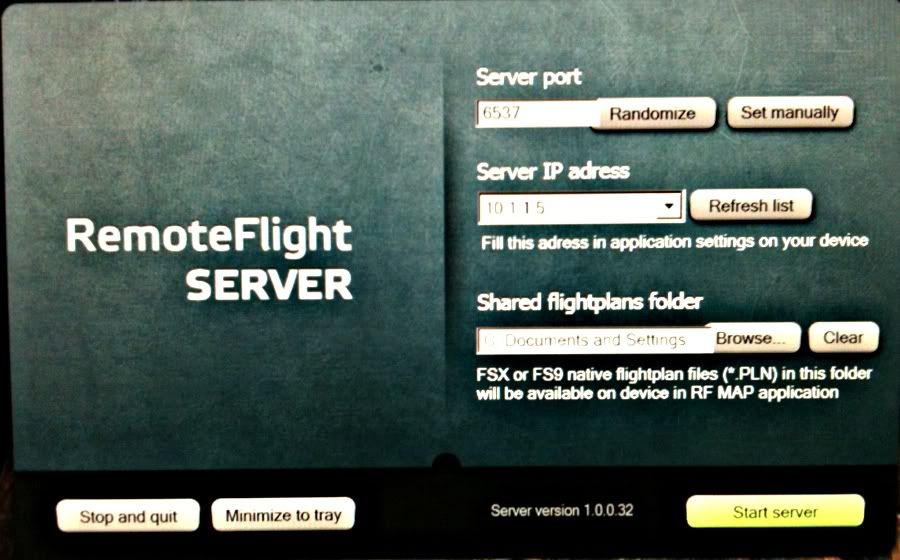
You start up RFS on your computer and wander off with iPhone to the NZ Herald or breakfast, whatever.
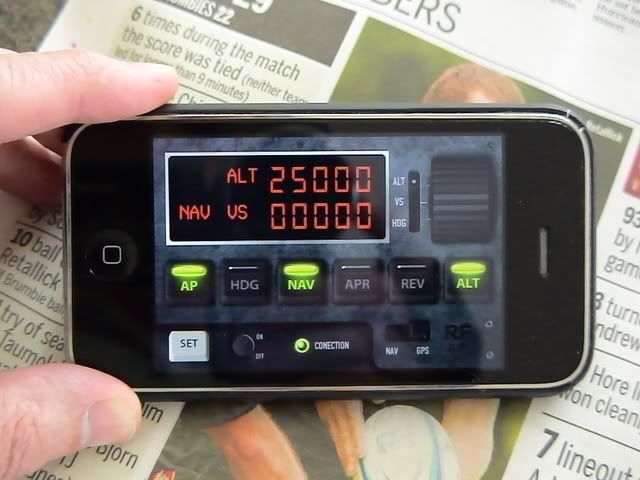
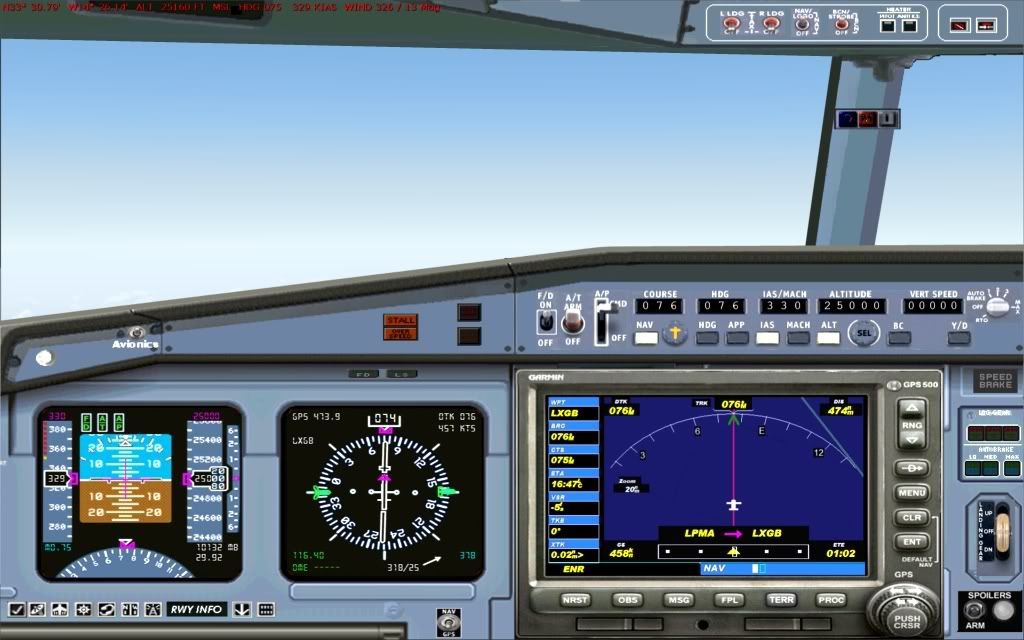
Sure enough, your trusty tubeliner has settled in to the cruise at the preselected altitude, and locked on to NAV settings
You can switch to flight tracking mode, all you need to do is start the descent at 3xaltitude (in nm) from destination.
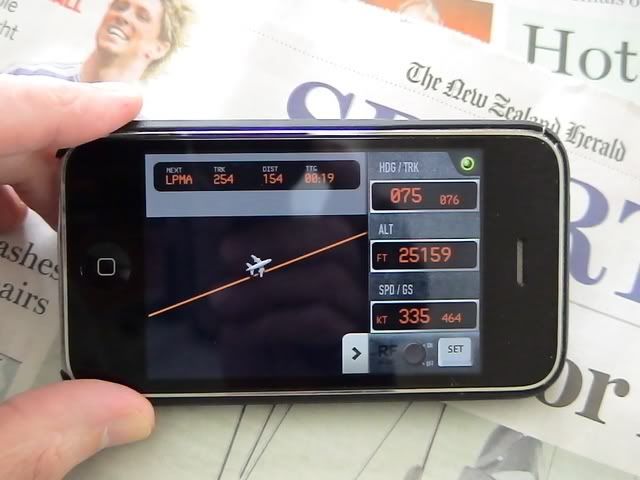
The phone has a timer, so if you are forgetful or just plain nerdy, you can set an alarm to remind you to stop browsing the Sport pages and go land your plane.
How relevant is this to the art of flightsimming?
It’s a bit silly I suppose but shows what you can do – the sim could be running on a computer in Kathmandu!
Fun too… can’t think why but it gave me a kick to adjust heading on the phone, and watch the sim obediently bank the plane.
If all this is too much for you, you can get a flightsim app to put on your smartphone and forever break the bonds of your desktop:
http://itunes.apple.com/us/app/infinite-fl...1?ls=1&mt=8
The future is mobile computing, but how do you cart your TrackIR, yoke, pedals and other paraphernalia around?
The answer is: you don’t.
Once you’ve done all the interesting stuff at the departure airport, and started the autopilot on its climb and cruise profile, you’re faced with an hours-long real-time transit, and you definitely have better things to do.
(No real simmer would run at 32x speed… would you?)
Here’s an App that can be had for a few dollars:
You start up RFS on your computer and wander off with iPhone to the NZ Herald or breakfast, whatever.
Sure enough, your trusty tubeliner has settled in to the cruise at the preselected altitude, and locked on to NAV settings
You can switch to flight tracking mode, all you need to do is start the descent at 3xaltitude (in nm) from destination.
The phone has a timer, so if you are forgetful or just plain nerdy, you can set an alarm to remind you to stop browsing the Sport pages and go land your plane.
How relevant is this to the art of flightsimming?
It’s a bit silly I suppose but shows what you can do – the sim could be running on a computer in Kathmandu!
Fun too… can’t think why but it gave me a kick to adjust heading on the phone, and watch the sim obediently bank the plane.
If all this is too much for you, you can get a flightsim app to put on your smartphone and forever break the bonds of your desktop:
http://itunes.apple.com/us/app/infinite-fl...1?ls=1&mt=8
 ... its going to happen were you wear your computer on your face ... fact is that has already started .. weird thing is stepping on to a bus/train have all these people wriggle around because they cant see the real world outside them
  ... its to desktop to give the real back to feel or ya be walking around like a banana in jelly 24/7.
 and their all over the place....with those little blue glowing things in their ears. What a world we live in now...amazing.
 Ohooops
  ...... SLAP