Posted:
Wed Jan 25, 2012 8:57 pmby Sombrero
Hi Jay,
As Husker says Plan-G is fantastic and will do what you're after. I run it on a laptop over a wireless network and it's very handy for picking VOR and ILS frequencies as well as other traffic. Basically gives you TCAS on every plane you fly if you want it

There's two options for connection back to the main FSX computer using either FSUIPC or Simconnect.
Troy
Posted:
Thu Jan 26, 2012 7:39 amby Ian Warren
Thank s for the HU Jay and Husker pointing the direction for setting this up , this could be fun .
Posted:
Thu Jan 26, 2012 9:50 amby husker
I have also used this:
http://www.wideview.it/fsearth/Also works well and is based on Google Earth so you can use the 'tilt' mode for a 3D view
Posted:
Thu Jan 26, 2012 11:02 amby Triford
freaknout wrote:Hi all
I think this is possible but need to be pointed in the right direction.
Am keen to get a google map like view on another computer of my current in progress flight. Can anyone let me know how I can get such a system set up?
Thanks
Jay
plan g from
http://www.tasoftware.co.uk/ FSUIPC4 4.70 from
http://www.schiratti.com/dowson.html all you need works great
Posted:
Thu Jan 26, 2012 12:01 pmby husker
For FSX is recommended to use SimConnect for Plan-G so FSUIPC not needed...
Posted:
Thu Jan 26, 2012 8:27 pmby husker
Found another one - this is also a freebee and works through Google Earth - works entirely through SimConnect so no install required on the FSX machine
http://www.juergentreml.de/programming/fsx...e-earth-tracker
Posted:
Thu Jan 26, 2012 10:46 pmby freaknout
Well I have FSXGET working on the single computer but networking may be a little tricky as the other PC is an iMac!
Posted:
Fri Jan 27, 2012 10:02 amby AdrianPetford
Another one here for Plan-G. I run it on a netbook beside my main FSX monitor so always have a live map visible in flight. It communicates wirelessly across the network with the FSX PC using SimConnect.
Absolutely brilliant software, I'd highly recommend it - in fact I'd go so far as to say Plan-G has totally revolutionised my simming experience.
Cheers,
Ade
Posted:
Sun Jan 29, 2012 5:05 pmby AlisterC
As an aside.. I have an app for my Android phone which will connect to FSX and I can follow my progress via phone on my home wireless network. You can find it in the App store.
Posted:
Sun Feb 05, 2012 9:02 pmby vatsim-aholic
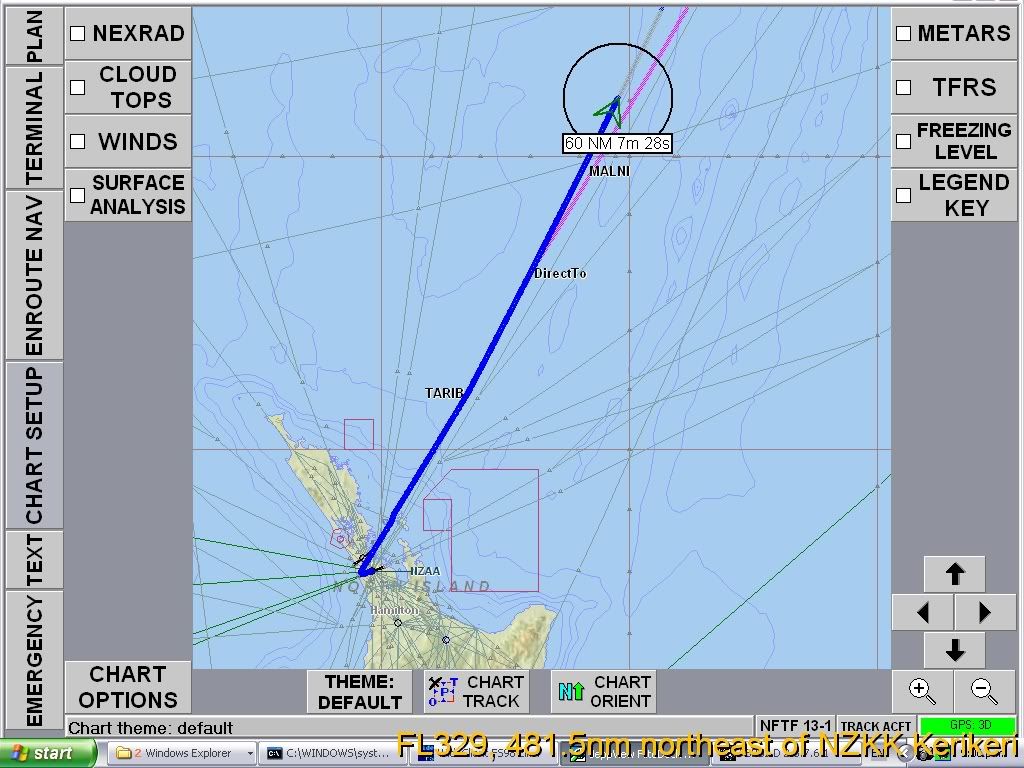
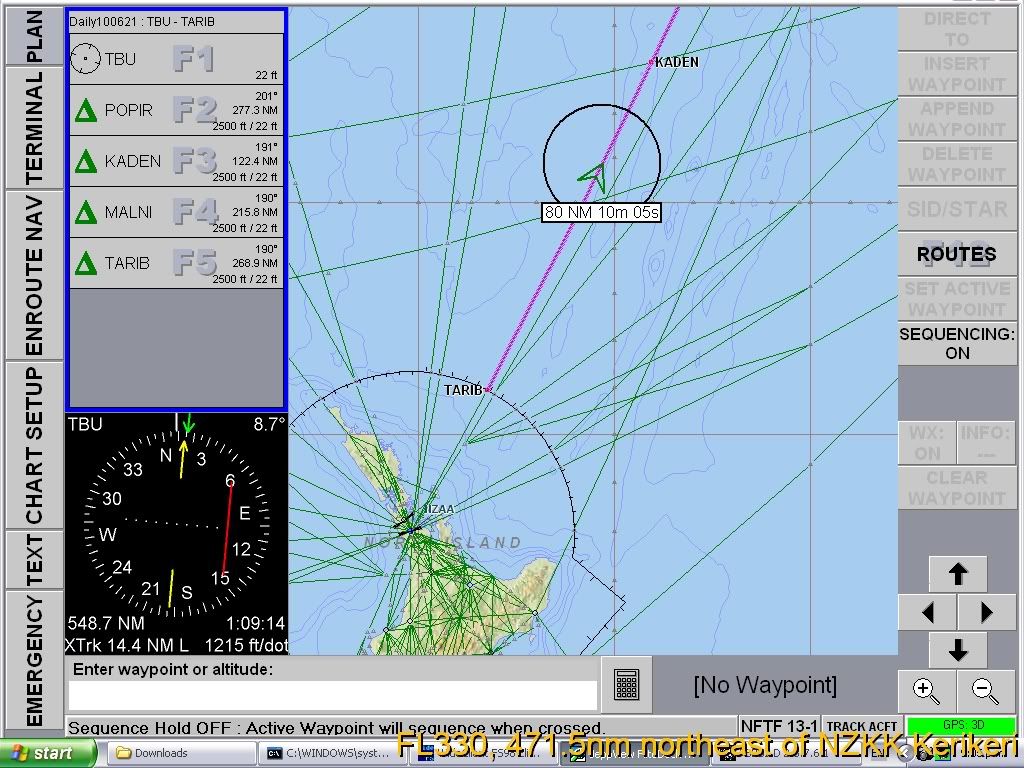
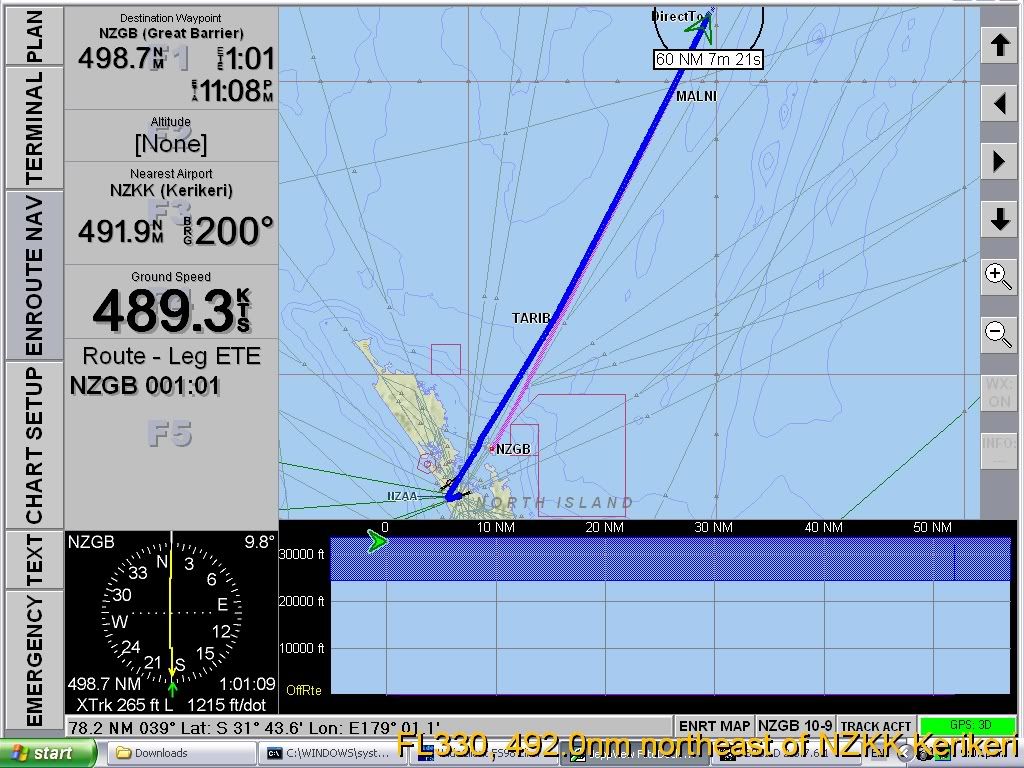
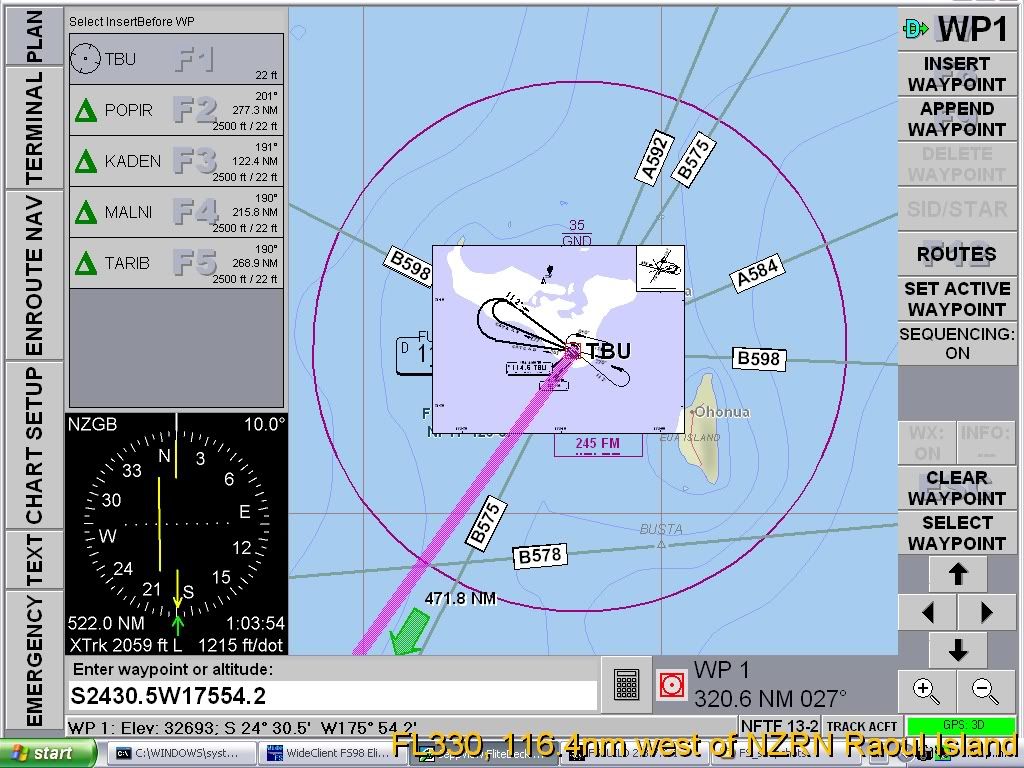
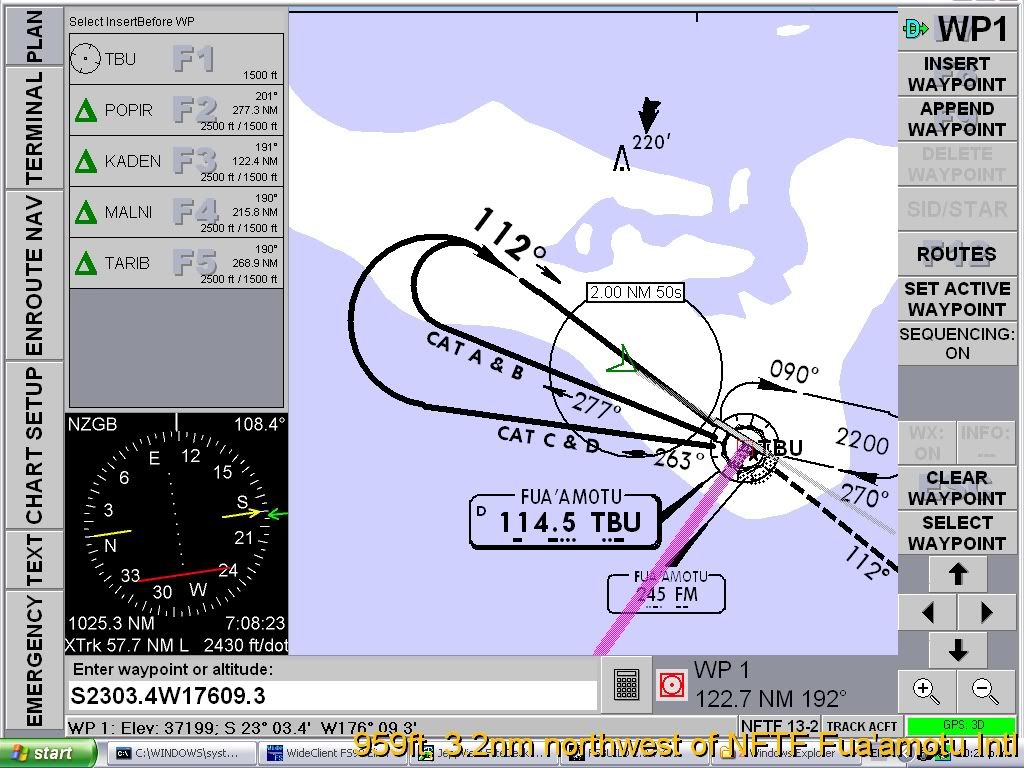
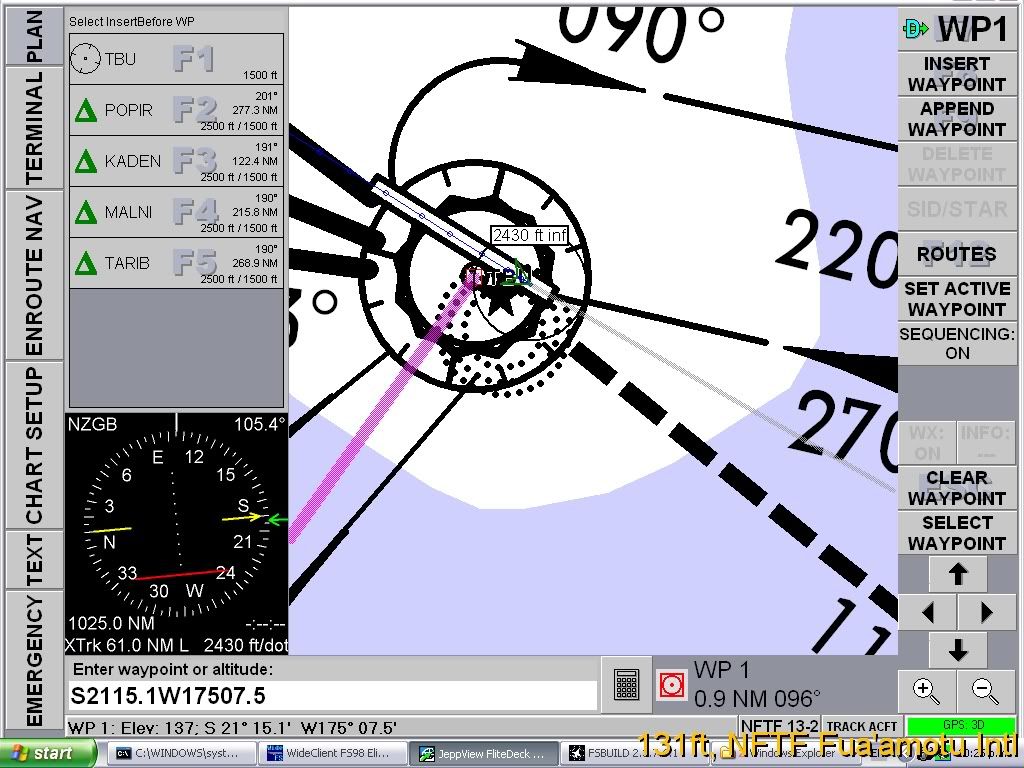
Just noticed this thread, you can use virtual serial ports (to send the GPS signal)with GPSout and Widefs. I use JeppView flitedeck on another PC, works fine.
Also have it working with FSX / W7 64bit
See here
Posted:
Sun Feb 05, 2012 9:26 pmby vatsim-aholic
Fixed the link to our forum above, seemed to be a permission problem. So now you can see the images.
[Edit] Not Fixed... see images below
Posted:
Mon Feb 06, 2012 8:08 amby vatsim-aholic
Posted:
Mon Feb 06, 2012 9:09 amby Ian Warren
That really dose look handy